Domain SearchInstantly check and register your preferred domain name
 Web Hosting
 cPanel HostingHosting powered by cPanel (Most user friendly)
 WordPress HostingHost your WordPress website with fast, secure, and affordable WordPress hosting in Kenya.
 KE Domains
 Reseller HostingStart your own hosting business without tech hustles
 Windows HostingOptimized for Windows-based applications and sites.
 Free Domain
 Affiliate ProgramEarn commissions by referring customers to our platforms
 Free HostingTest our SSD Hosting for free, for life (1GB storage)
 Domain TransferMove your domain to us with zero downtime and full control
 All DomainsBrowse and register domain extensions from around the world
 .Com Domain
 WhoisLook up domain ownership, expiry dates, and registrar information
 VPS Hosting
 Managed VPSNon techy? Opt for fully managed VPS server
 Dedicated ServersEnjoy unmatched power and control with your own physical server.
 Website Builder
 Online Store BuilderLaunch a professional e-commerce store without writing code.
 Web Design ServiceGet a custom-designed website tailored to your brand and goals. From just KES 15,600
 BlogRead our guides on web hosting, online business, digital marketing, and more
 SupportOur support guides cover everything you need to know about our services
 ContactContact us via chat or email
You want to manage your own server, but don’t want to pay for cPanel or Plesk. Free control panels can save you a lot of money, but not all are the same.
Some are simple and perfect for beginners. Others require you to know your way around the command line.
Pick the wrong panel, and you will spend hours fixing problems instead of running your websites.
Not to mention, security can become a nightmare if the panel lacks adequate firewalls or fails to automatically update SSL certificates.
This article compares five free options. You will learn what each one does well, where it falls short, and which panel best fits your technical skills and hosting needs.
But before then, have a quick look at our options:
| Control Panel | Best Feature |
| CyberPanel | OpenLiteSpeed speed + LSCache |
| HestiaCP | Ease of use for beginners |
| FastPanel | Unlimited everything |
| ISPConfig | Multi-server management |
| BrainyCP | Flexible PHP configuration |
5 Free Hosting Control Panel Options
Now, let’s look at the features for each in detail.
a) Cyberpanel
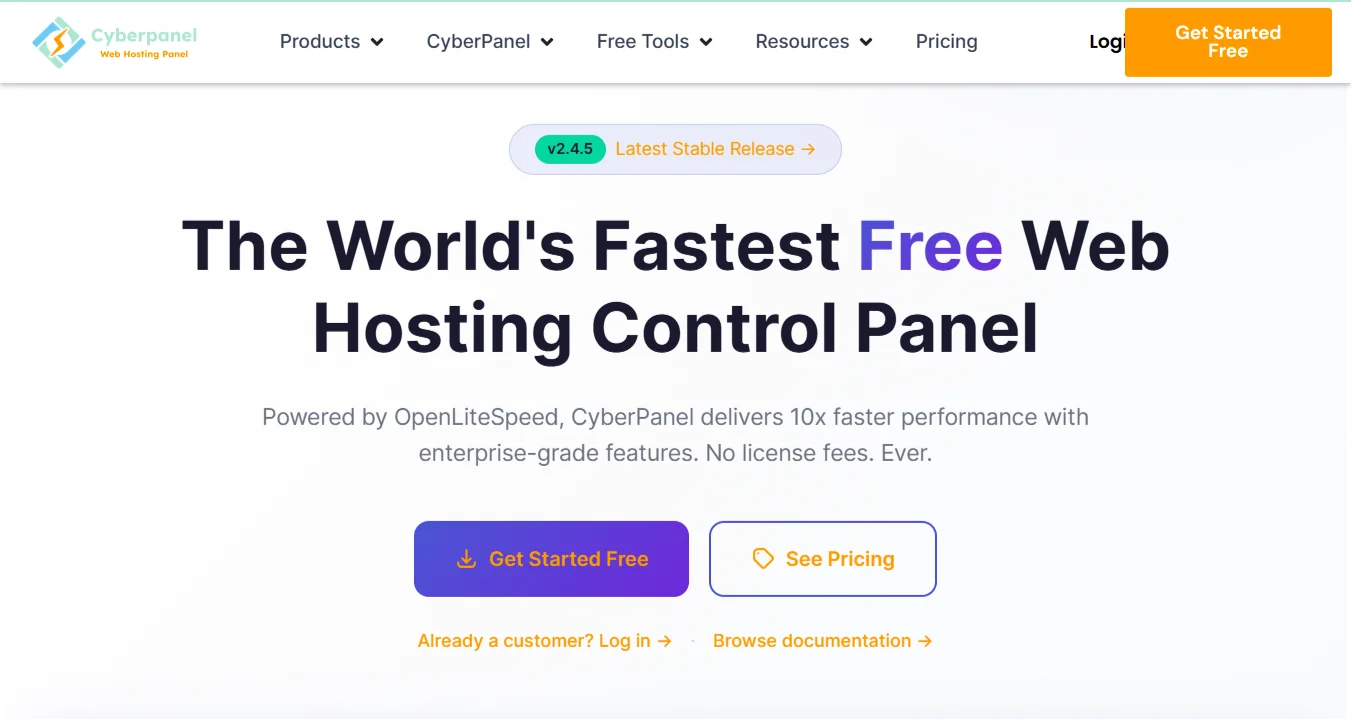
CyberPanel runs on OpenLiteSpeed, which benchmarks show is about ten times faster than Apache for serving static content. The performance difference is real.
You get HTTP/3 and QUIC support built right in. Your site loads over modern protocols that significantly reduce latency.
The LiteSpeed Cache for WordPress works out of the box, and you don’t need extra plugins to configure.
The panel lets you create unlimited websites. Each site gets free SSL certificates from Let’s Encrypt with one click.
Furthermore, renewals happen automatically, so you never have to worry about expired certificates.
For emails, Postfix and Dovecot handle the mail server. Rspamd filters spam. You can also configure DKIM, SPF, and DMARC through the interface.
That means your emails go to inboxes instead of spam folders.
Database management includes MySQL and MariaDB. PhpMyAdmin is there when you need it.
You can set up remote access, take one-click backups, and run performance optimization from the same screen. The Docker manager is a standout feature.
You can deploy n8n, Redis, MongoDB, and over twenty other applications with one click. That turns your server into an automation hub without complicated setups.
In addition, security tools come pre-installed. ModSecurity WAF protects against common attacks. CSF Firewall and fail2ban block brute force attempts.
All of this works without you having to manually configure it.
Cyberpanel backups are stored locally, on remote SFTP servers, in Amazon S3, or on Google Drive. You schedule them flexibly and restore everything with one click.
So, who should use CyberPanel?
- Anyone running WordPress sites who wants maximum speed.
- Developers who need Docker.
- Agencies managing multiple client websites.
b) HestiaCP
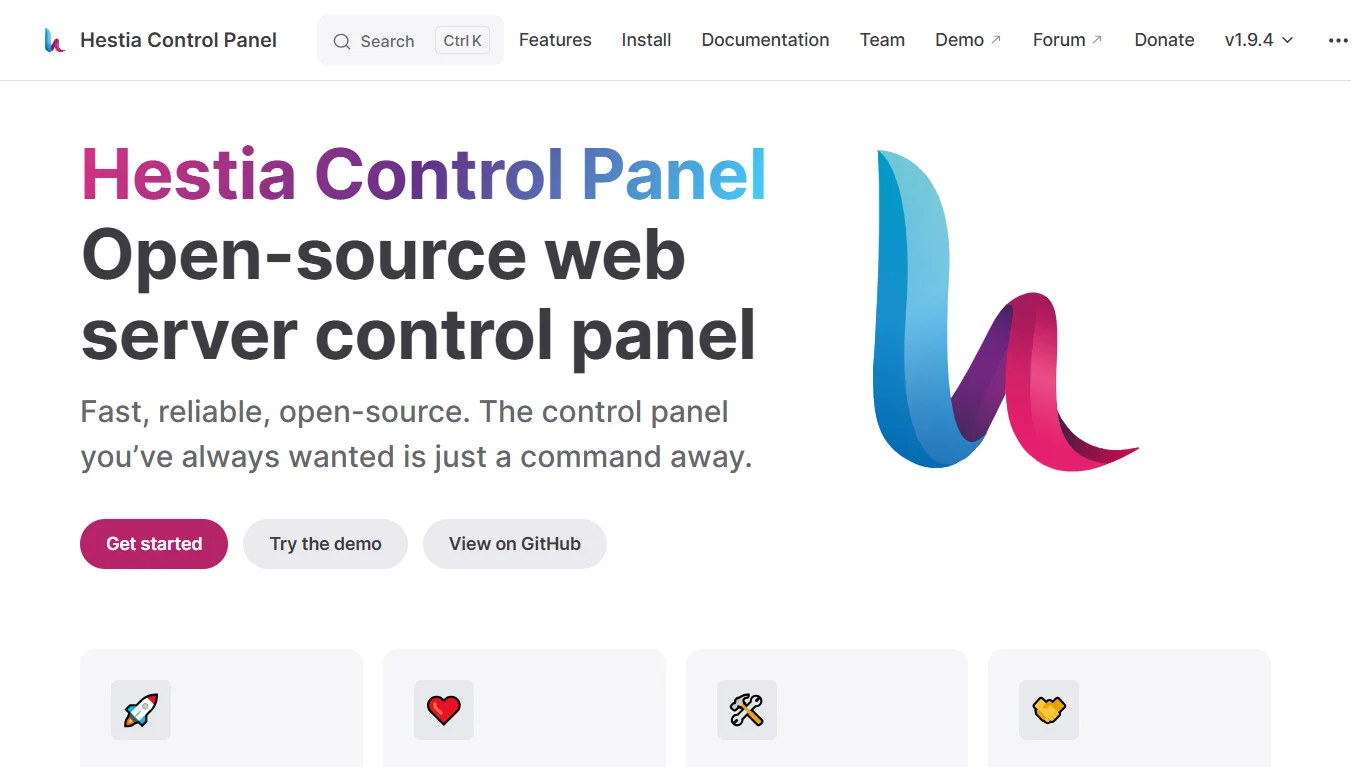
HestiaCP started as a fork of VestaCP after VestaCP faced security issues. The community rebuilt it properly.
Now it is one of the most reliable free panels available.
The interface is simple, and creating a user takes a few clicks. You can add a website by simply filling out a couple of fields.
Also, advanced features hide until you need them, keeping the dashboard clean.
The development team builds this panel with transparency. The code is open source and reviewed by multiple people. Anyone can contribute.
That means bugs get fixed faster than with commercial panels that hide their code.
You can extend HestiaCP through its API.
You can also build your own themes, create web templates for specific site setups, add quick-install applications, and have third-party software interact with the panel programmatically.
Also, the community support is strong. The forum has active members who answer questions quickly.
HestiaCP is perfect for beginners who want something simple, people coming from shared hosting who have never managed a server before, and anyone who values community support over corporate documentation.
c) FastPanel
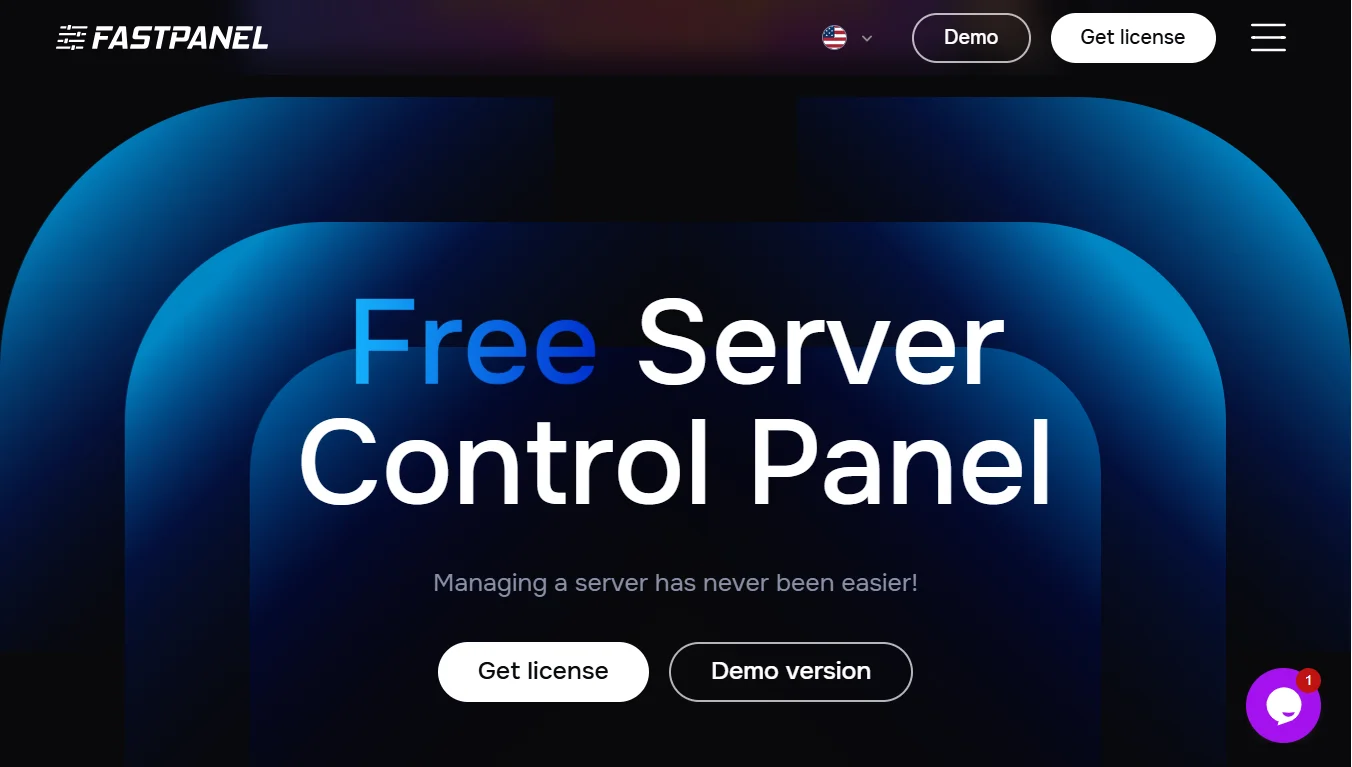
FastPanel features a clean and modern interface. You can create websites, domains, and accounts without limits.
They offer 24/7 customer support, making it easy for new users to navigate. Most free options give you community forums or GitHub issues.
If you have an issue, FastPanel has a team that responds to tickets around the clock.
Also, you can migrate away whenever you want. The panel runs on most popular operating systems with minimal system requirements.
So, if your hardware is not modern, it can handle FastPanel.
It also includes backup tools, a mail server, a file manager, SSL certificates, a firewall, databases, multiple PHP versions, and a job scheduler, all accessible from a single interface.
If you manage servers for clients who speak different languages, FastPanel supports English, Estonian, Spanish, Chinese, French, German, Ukrainian, Turkish, Serbian, and Italian.
Furthermore, real-time server load stats show you exactly what is happening with CPU, memory, and disk usage, so no need to run command-line tools to check performance.
It is a good control panel for people who want unlimited everything without hitting artificial limits, and for users who need professional support but cannot afford cPanel, and teams working across multiple languages.
d) ISPConfig
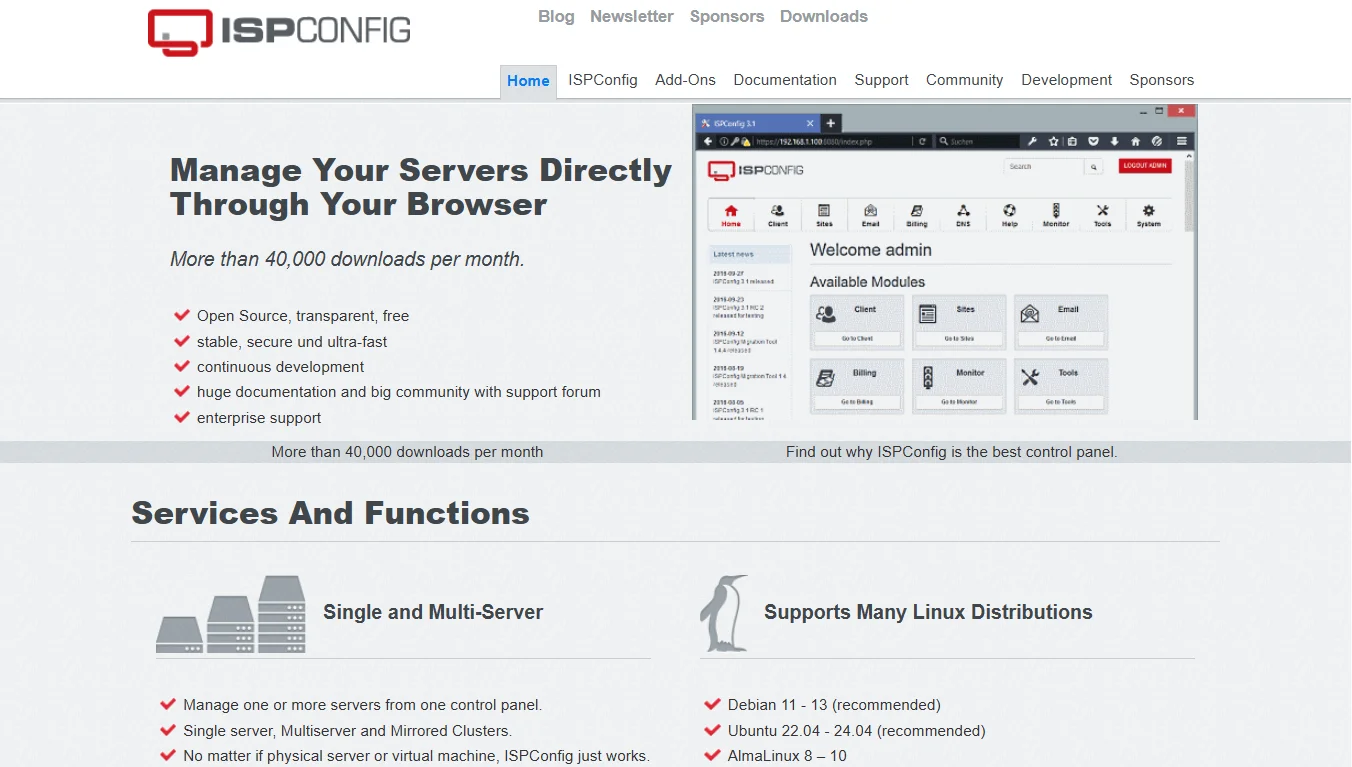
If you are looking for a free, stable, and well-tested control panel, ISPConfig is for you.
ISPConfig is great for hosting companies to manage multiple servers, developers who need clustering capabilities, and anyone running OpenVZ virtualization who wants a control panel.
The main selling point is multi-server management.
You can control web servers, mail servers, DNS servers, and even virtualization nodes from one panel. Apache and nginx both work. BIND and PowerDNS handle DNS. OpenVZ manages containers.
The access system has three levels: Administrators control everything, resellers manage their own client base, and clients only see their own websites and email accounts. This structure works perfectly for hosting companies.
Configuration mirroring and clusters keep multiple servers in sync. If one server goes down, another takes over. Your sites stay online even during hardware failures.
The BSD license means you can use ISPConfig commercially without restrictions. Modify the code, redistribute it, build a business around it.
System requirements are flexible: Debian 11 through 13, Ubuntu 22.04 through 24.04, AlmaLinux 8 through 10, Rocky Linux 8 through 10, and CentOS 8 all work.
If your operating system meets those requirements, ISPConfig will run on it.
e) BrainyCP
BrainyCP is for advanced users who need specific PHP configurations, people running legacy applications on older PHP versions, and anyone who wants maximum control over their web server stack.
The web server setup lets you pick Apache, nginx, or Apache with nginx as a frontend proxy, a rarity among free panels.
Also, PHP support ranges from 5.2 to 8.2. You can switch extensions on and off. Change PHP versions on the fly without restarting the web server.
The connection types include mod_php, mod_ruid, suPHP, CGI, FastCGI for Apache, and php-fpm for nginx.
FTP options include PureFTPD or ProFTPD. The file manager uses Elfinder, which is more capable than the basic file managers in most free panels.
DNS clustering works with BIND. You can easily set up remote DNS servers. Backups are incremental rather than full copies every time. That saves storage space and speeds up the backup process.
In addition, service monitoring tracks everything you choose to monitor. Email notifications alert you to problems. Auto-reboot can bring failed services back online without manual intervention.
The panel uses Smarty templates, so you can customize the entire look and feel. Multi-language support lets you add as many languages as you like through the interface.
Database options include MySQL 5.5 through 8.0 and MariaDB 10.1 through 10.5. PhpMyAdmin stays up to date with the latest version. Email uses Exim with Dovecot. CLAMAV antivirus updates its database automatically.
With BrainyCP, the CSF firewall comes built in. The network interface lets you manage IPTABLES and IPv6 through a graphical interface rather than the command line.
Factors to Consider When Choosing One For Your Needs
Ease of Use: If you are new to servers, start with HestiaCP. The interface is simple, and the community has your back. If you already know your way around SSH and the command line, choose CyberPanel or BrainyCP.
Database Support: All five panels support MySQL and MariaDB. The difference comes down to extras. CyberPanel gives you performance tools. ISPConfig lets you cluster databases across multiple servers.
Security: CyberPanel comes with the most security features turned on by default. FastPanel has a support team keeping an eye on things. The other three are secure, but you will need to set up some of the protections yourself.
Operating System Support: ISPConfig works on the widest range of operating systems. CyberPanel, HestiaCP, and FastPanel run smoothly on the standard Linux distributions.
If you choose BrainyCP, check their documentation first to make sure your OS is supported.
Supported Web Servers: CyberPanel only runs on OpenLiteSpeed. That is great for speed, but you lose flexibility. ISPConfig and BrainyCP let you pick between Apache and nginx.
Backup: CyberPanel offers the most backup storage options, including S3, Google Drive, and SFTP. BrainyCP saves storage space with incremental backups.
Scalability: ISPConfig is ideal. You can start with one server and add more as you grow. CyberPanel scales by upgrading your existing server, which is a good option as well.
Get Free Hosting Control Panel with Truehost
Our CyberPanel VPS plans come with a free panel license. You only pay for the server resources.
What you get:
- Daily backups
- Full isolation between websites
- DDoS protection
- 100 percent uptime guarantee
- Root access plus friendly support
Our pricing starts at 698 Kenyan Shillings per month. The Cloud VPS 4 plan gives you 4 CPU cores, 8 GB of RAM, 75 GB of SSD storage, and 1 TB of transfer.
Why our CyberPanel hosting?
OpenLiteSpeed runs everything. HTTP/3 and QUIC are enabled. One-click installs for WordPress, Magento, Joomla, and Git. LSCache makes your site load fast.
You also get Docker management, security tools, email, auto-renewing SSL certificates, and DNS control.
If you are a developer, you will love Git deployment, WP-CLI, staging environments, and a terminal in your browser.
With our Cyberpanel, agencies manage multiple client sites easily, E-commerce stores handle traffic spikes, and bloggers get speed without paying extra.