Domain SearchInstantly check and register your preferred domain name
 Web Hosting
 cPanel HostingHosting powered by cPanel (Most user friendly)
 WordPress HostingHost your WordPress website with fast, secure, and affordable WordPress hosting in Kenya.
 KE Domains
 Reseller HostingStart your own hosting business without tech hustles
 Windows HostingOptimized for Windows-based applications and sites.
 Free Domain
 Affiliate ProgramEarn commissions by referring customers to our platforms
 Free HostingTest our SSD Hosting for free, for life (1GB storage)
 Domain TransferMove your domain to us with zero downtime and full control
 All DomainsBrowse and register domain extensions from around the world
 .Com Domain
 WhoisLook up domain ownership, expiry dates, and registrar information
 VPS Hosting
 Managed VPSNon techy? Opt for fully managed VPS server
 Dedicated ServersEnjoy unmatched power and control with your own physical server.
 Website Builder
 Online Store BuilderLaunch a professional e-commerce store without writing code.
 Web Design ServiceGet a custom-designed website tailored to your brand and goals. From just KES 15,600
 BlogRead our guides on web hosting, online business, digital marketing, and more
 SupportOur support guides cover everything you need to know about our services
 ContactContact us via chat or email
Are you a developer looking for free web hosting that actually works for real projects?
You’re not alone. Too many testing platforms feel slow, limited, or unreliable, and paying for full hosting when you only need a simple test environment never feels worth it.
You want a space where you can spin up ideas fast, launch demos without lag, and experiment freely without pulling out your wallet. That’s exactly what developer-focused free hosting provides: real infrastructure, real tools, real performance, zero cost.
If you’ve been jumping between temporary sandboxes, trial-based hosting, or slow online editors, this guide is for you.
Ready to skip ahead? Truehost KE offers affordable developer-friendly hosting with SSH, cPanel, and local Nairobi servers →

What Is Free Web Hosting for Developers?
Free web hosting gives you a place online where your website or app can live without paying a single shilling.
You get server space, basic resources, and the ability to upload your files so anyone can view your project through a browser.
For many developers, this isn’t just a convenience. It’s a starting point.
If you’re learning to code, experimenting with features, or building quick test environments, free hosting becomes that safe sandbox where you can try anything without fear of breaking something important.
It’s the easiest way to move your work from “running on my laptop” to “live on the internet”.
Benefits of Choosing Free Hosting
Using free hosting isn’t just about cutting costs. It removes the pressure, gives you room to explore, and helps you grow as a developer.
1) Zero Cost
This is the biggest win.
You don’t need a budget or a credit card to get started. It is perfect if you’re a student, a beginner, or simply trying out an idea before investing money.
You can build, test, and publish without spending anything.
2) Risk-Free Testing
You can push code, break things, fix things, and experiment freely.
A free environment separates your tests from your production work, so you never worry about crashing a live site. It’s your personal playground for trying out plugins, themes, APIs, or new frameworks.
3) Build a Portfolio
Having your work live online makes a huge difference.
When you want to apply for an internship, impress freelance clients, or simply show the world what you can build, nothing beats having your work live online.
A real, working portfolio instantly boosts your credibility. Free hosting makes this easy by letting you publish projects fast and share fully functional demos instead of static screenshots.
4) Learn the Ropes
Most free hosting platforms, including Truehost, use the same tools you’ll find in professional environments, like cPanel.
That means you get hands-on experience managing files, databases, installations, backups… all the real-world stuff you’ll handle later in paid hosting or full production systems.
You learn by doing, and you learn for free.
How to Choose Developer-Friendly Hosting
Different projects demand different levels of control, flexibility, and performance. Instead of comparing endless feature lists, focus on four things that actually matter:
- Control: how much access do you need to the server environment?
- Flexibility: can you customise your stack, PHP version, and runtime?
- Performance: is the server fast enough for your use case?
- Workflow fit: does it integrate with your tools (Git, SSH, CI/CD)?
Once you look at hosting through that lens, the decision gets much easier.
What Are the Different Types of Hosting?
Choosing a hosting starts with understanding your options and what each one is actually good for. Every type has strengths, limits, and a specific kind of developer it fits.
a) Shared Hosting
Shared hosting is the “starter pack” of the web.
It’s cheap, simple, and perfect for quick portfolio sites, landing pages, or a friend’s blog. Think of it as hosting with training wheels: easy to start, low pressure, and beginner-friendly.
But once you start building anything serious, the cracks show. You’ll eventually hit permission issues, throttled CPU, slow response times, or strange server behavior you can’t control. It works, until it doesn’t.
b) VPS Hosting
A VPS gives you your own virtual slice of a server, and that comes with real power.
You can install what you want, configure your stack, and run frameworks like Laravel, Django, Next.js, or Node with much more freedom.
It’s a developer’s playground, but it also puts you in charge of updates, security, and server management. Amazing if you love full control. Not ideal if you just want things to “work” without tinkering.
c) Cloud Hosting
Cloud hosting offers scalability, redundancy, and stronger performance from day one. Platforms like AWS, DigitalOcean, and Google Cloud let you scale as your project grows.
But here’s the truth: cloud doesn’t magically solve everything.
You still need to configure, secure, and optimize your environment. It’s powerful, but it rewards people who know what they’re doing, or are willing to learn.
d) Managed WordPress Hosting
Sits in the middle. You don’t handle OS-level tasks, but get useful tools like staging environments, Redis, automatic backups, and performance optimisations. Ideal if you build WordPress sites for clients and would rather not spend your nights tweaking NGINX configs.
e) Static Hosting / JAMstack Platforms
Built for modern frontend workflows. Connect your Git repo, push code, and get instant deploys with preview URLs and fast global CDN performance. Platforms like Netlify and Vercel shine here. Not designed for full-stack monolithic apps without adding serverless functions or external APIs.
Developer Checklist: What Actually Matters
Forget the marketing noise. These are the features developers care about:
- SSH access: because FTP belongs in a museum
- Git-based deployments: if it’s not CI/CD, it’s not scalable
- Staging environments: essential when working with teams or clients
- Logs and monitoring: you can’t fix what you can’t see
- Advanced tool support: Redis, MariaDB, Docker, custom runtime configurations
- Environment version control: PHP versions, Node versions, server configs you can actually customise
Free Web Hosting Platforms for Developers
These are services that let you deploy, test, and showcase your projects online without paying for a server.
They’re perfect for learning, experimenting, building prototypes, or hosting simple portfolio sites.
Developers use them to push code live quickly, run demos, and gain real-world hosting experience before upgrading to a paid environment.
1) Truehost KE — A Strong Local Option for Developers

If you want a web host that’s local to Kenya, developer‑friendly, and affordable, Truehost Kenya is worth serious consideration.
It may not have the global reach of big-name providers, but it’s customised for developers working in Kenya, and that brings some real advantages.
Why Developers Might Choose Truehost KE
- Local Data Center
Hosting your projects in Kenya means reduced latency for local users. Your test sites and demos will feel snappier for you and your clients. - cPanel + Developer Tools
Truehost offers the familiar cPanel interface plus support for modern development workflows: SSH access, database management, and more. - Flexible Server Configurations
You can request more than just the basics. Truehost supports customized settings such as enabling PHP extensions, remote MySQL access, and other server tweaks. - Affordable Pricing
Compared to international hosts, Truehost is cost-effective for local developers. - Developer-Focused Support
Their team understands technical needs: PHP, Perl, PostgreSQL, and other dev workflows are all part of their support offering. - Domain & Hosting Bundles
Truehost makes it easy to manage both your domain and hosting in one place, which simplifies deployment for small projects and side hustles.
Pros and Cons of Using Truehost KE for Development
| Pros | Cons |
| Local servers mean lower latency for Kenyan users | Limited global data centers if you need global reach |
| Developer-friendly tools (SSH, Git, PHP config) | Not a cloud-first DevOps platform — more traditional setup |
| Affordable pricing for small projects | Some users report mixed support experiences on Trustpilot |
| Flexible server configuration | No guaranteed root-level control for complex deployments |
Use Cases Where Truehost KE Excels
- Building portfolio sites or small business projects for local clients
- Deploying test and staging environments for web apps
- Learning or teaching web development in a Kenyan context
- Running CMS‑based sites (WordPress, Joomla, etc.) locally without paying international rates
2) Railway — Free Credits for Cloud-Ready Apps
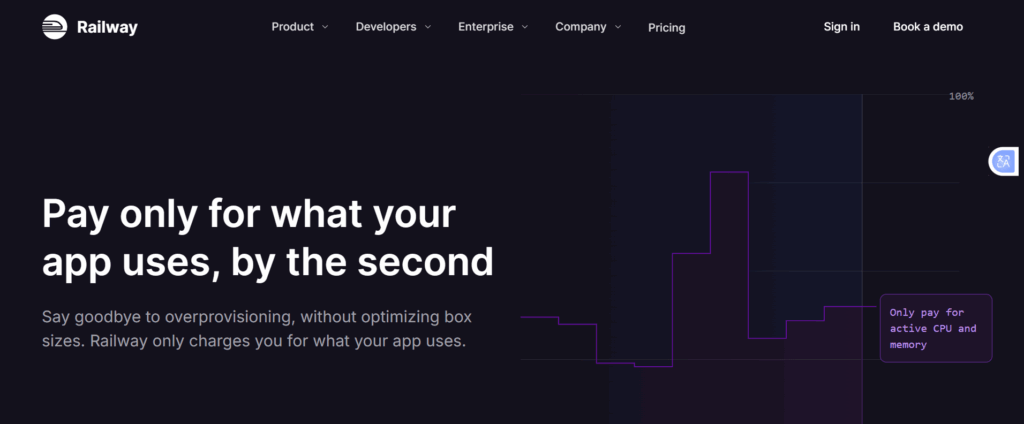
Railway is a modern platform built for developers who want to deploy back-end apps, APIs, and databases quickly without worrying about server setup.
Its free tier gives you monthly credits, which are perfect for testing, prototyping, or learning cloud deployments.
Why Developers Choose Railway
- Instant Deployments
Push your code directly from GitHub and see your app live in minutes. Ideal for quick prototypes or demos. - Database and Back-End Support
Railway provides managed PostgreSQL, MySQL, and Redis instances, making it easy to connect your app without manual setup. - Serverless-Friendly
You can deploy serverless functions alongside your app, enabling lightweight back-end logic without a dedicated server. - Collaboration Tools
Invite teammates to your projects, manage permissions, and track deployments in real-time. - Free Monthly Credits
The free tier gives you enough resources to run small apps, test features, or host side projects without spending money.
Pros and Cons of Railway (Free Credits)
| Pros | Cons |
| Easy Git-based deployments | Free credits can run out quickly for bigger apps |
| Managed databases included | Limited server-level control |
| Collaboration-friendly | Not ideal for high-traffic production apps |
| Supports serverless functions | Some features require a paid tier for full access |
Best Use Cases
- Rapid prototyping and testing back-end apps
- Hosting APIs or small microservices
- Learning cloud deployment workflows
- Running lightweight projects with databases
3) AwardSpace — Free Hosting for Lightweight Projects
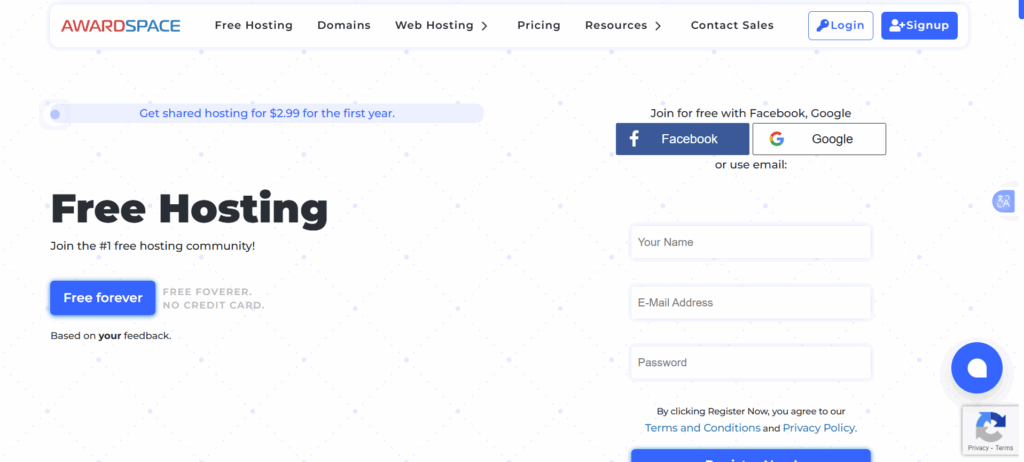
AwardSpace is a long-standing free hosting provider that’s popular among beginners and developers who need a simple environment for testing or small projects.
It offers an easy way to get a website online without paying a cent.
Why Developers Might Choose AwardSpace
- Free SSD Storage & Bandwidth
You get 1 GB of storage and 5 GB of monthly bandwidth on the free plan, enough for simple websites, prototypes, or small portfolios. - cPanel Access
Manage your files, databases, and emails using a familiar control panel, which is a great way to learn hosting basics. - One-Click CMS Installation
Install WordPress, Joomla, or other popular CMS platforms quickly and start testing themes or plugins. - Email Account
The free plan includes one email account, which is useful for testing contact forms or project communications. - No Forced Ads
Unlike some free hosts, AwardSpace doesn’t display forced ads on your site, keeping your demos clean and professional.
Pros and Cons of AwardSpace
| Pros | Cons |
| Easy to set up and beginner-friendly | Limited storage and bandwidth for larger projects |
| cPanel access for managing files and databases | Only one free email account |
| One-click CMS installers | Basic support for free plan users |
| No forced ads | Not suitable for high-traffic or resource-heavy applications |
Best Use Cases
- Hosting small portfolio sites or static HTML/CSS/JS projects
- Testing WordPress themes and plugins
- Learning hosting basics and cPanel management
- Deploying lightweight prototypes or single-page apps
FAQs
Is free web hosting good enough for a developer portfolio?
Yes, for a basic portfolio. Platforms like Truehost give you enough storage and bandwidth to host a clean, professional portfolio site.
Can I host a WordPress site for free?
Yes. Both AwardSpace and Truehost’s trial plan support one-click WordPress installation. AwardSpace’s free tier works for lightweight WordPress test sites. For anything beyond testing, including live client sites, Truehost’s Starter plan at KSh 188/mo gives you better performance, daily backups, and free SSL.
When should I upgrade from free to paid hosting?
Upgrade when your project goes live for real users, when you need a custom domain with professional SSL, when free resource limits are slowing your app down, or when you need features like daily backups, staging environments, or SSH access. Truehost’s paid plans start at KSh 188/mo and include all of these, making the upgrade affordable and straightforward.
Ready to Move Beyond Free Hosting?
Free hosting is the right starting point for learning, testing, and prototyping. But when your project is ready for real users, a custom domain, and reliable uptime, it’s time to upgrade.
Truehost KE bridges the gap: affordable enough for side projects, powerful enough for production, with local Nairobi servers, SSH access, cPanel, M-Pesa billing, and 24/7 support from a team that understands the Kenyan developer community.
Start small, test freely, and scale smartly.