Domain SearchInstantly check and register your preferred domain name
 Web Hosting
 cPanel HostingHosting powered by cPanel (Most user friendly)
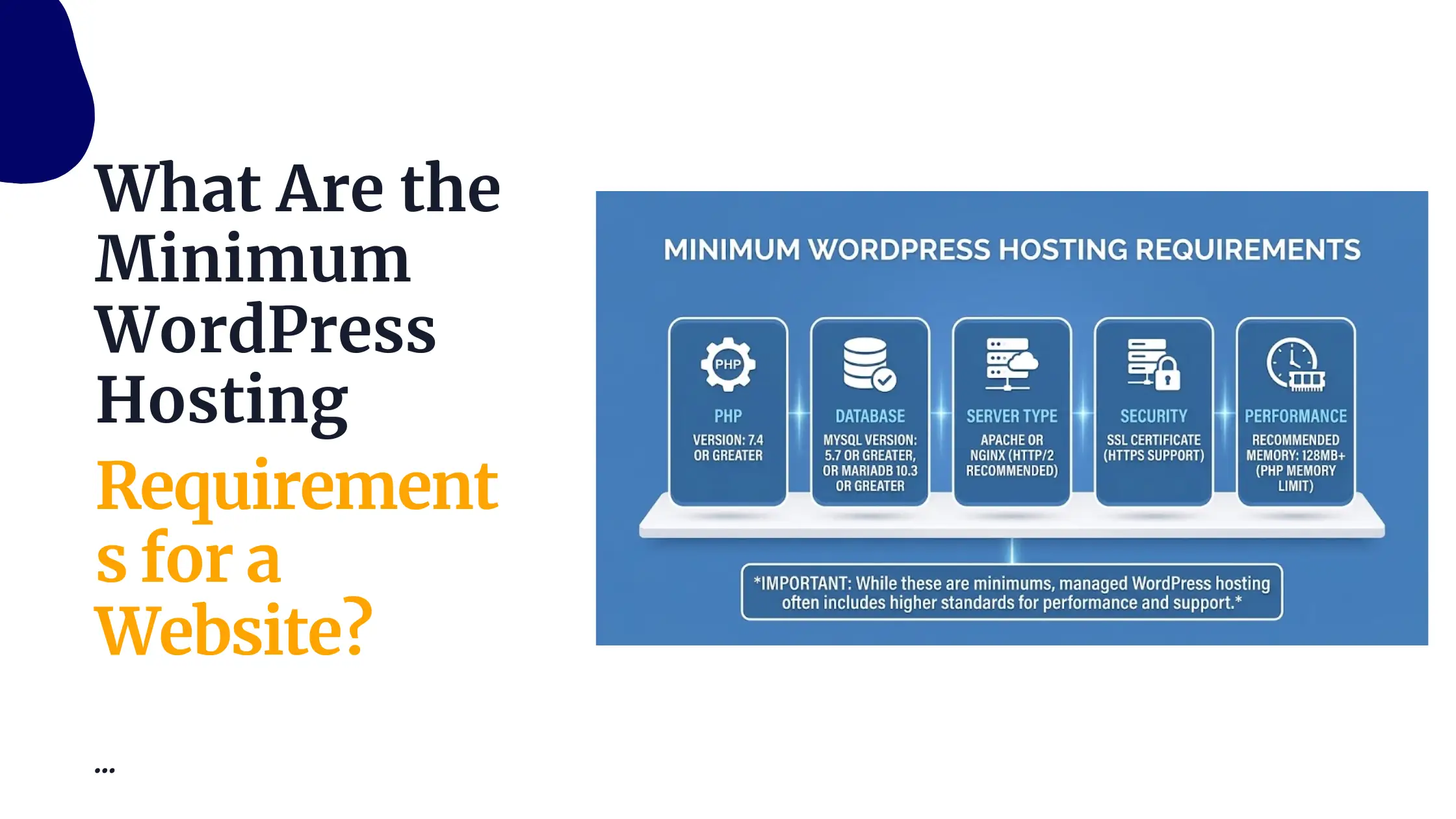
 WordPress HostingHost your WordPress website with fast, secure, and affordable WordPress hosting in Kenya.
 KE Domains
 Reseller HostingStart your own hosting business without tech hustles
 Windows HostingOptimized for Windows-based applications and sites.
 Free Domain
 Affiliate ProgramEarn commissions by referring customers to our platforms
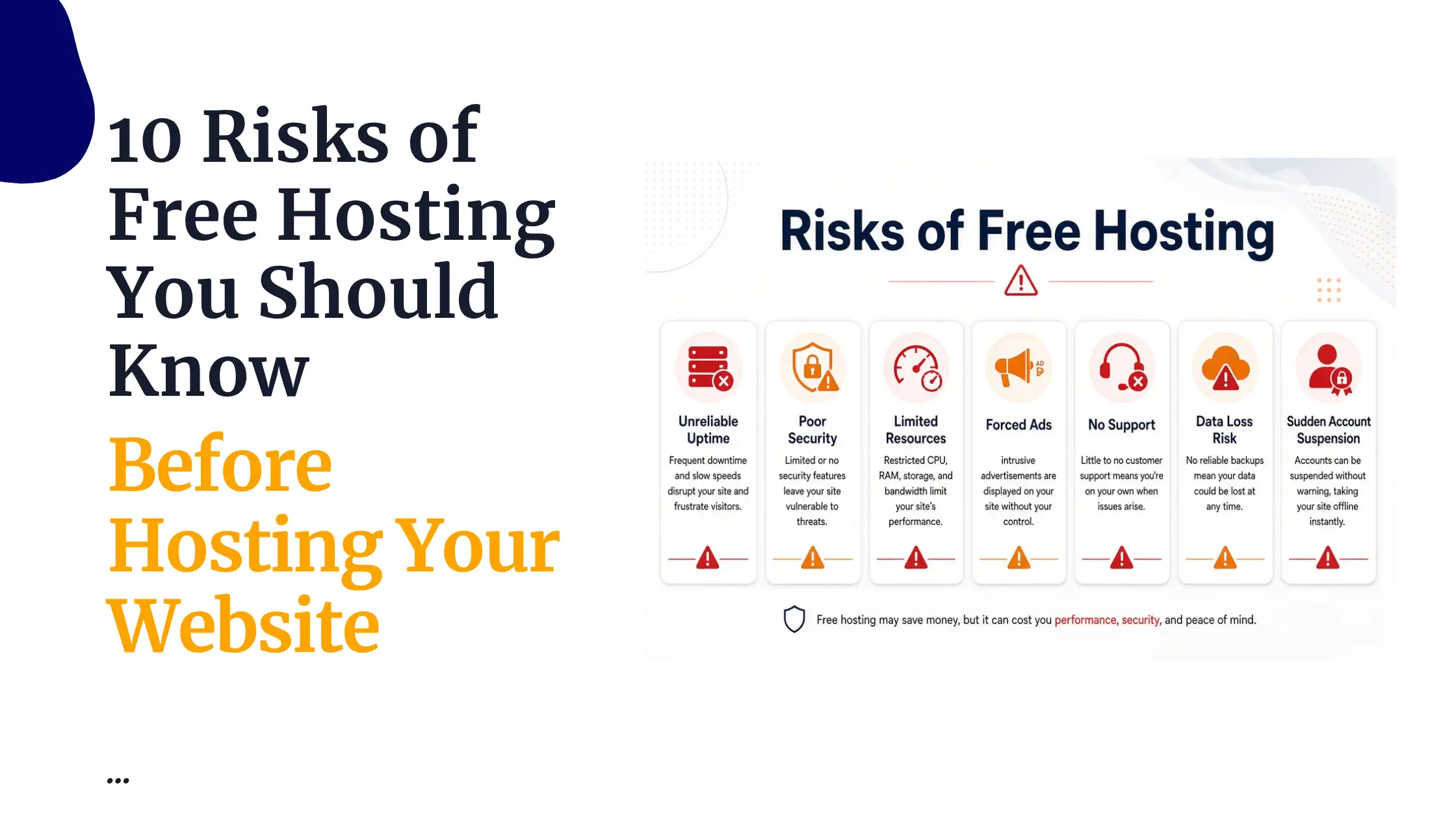
 Free HostingTest our SSD Hosting for free, for life (1GB storage)
 Domain TransferMove your domain to us with zero downtime and full control
 All DomainsBrowse and register domain extensions from around the world
 .Com Domain
 WhoisLook up domain ownership, expiry dates, and registrar information
 VPS Hosting
 Managed VPSNon techy? Opt for fully managed VPS server
 Dedicated ServersEnjoy unmatched power and control with your own physical server.
 Website Builder
 Online Store BuilderLaunch a professional e-commerce store without writing code.
 Web Design ServiceGet a custom-designed website tailored to your brand and goals. From just KES 15,600
 BlogRead our guides on web hosting, online business, digital marketing, and more
 SupportOur support guides cover everything you need to know about our services
 ContactContact us via chat or email
You’ve got two or three websites, maybe a personal blog, a small business site, a side project you’re testing out.
And paying for a completely separate hosting account for each one feels like overkill.
It’s a fair instinct, and it’s one of the most common questions people ask once they realize their hosting bill could double or triple just because they wanted to launch a second project.
The good news is you often don’t have to pay for multiple accounts at all.
How many websites can you host on one hosting account depends entirely on the specific plan you choose.
There isn’t one universal answer that applies across every provider or even across every plan from the same provider.
A handful of factors determine the real number: storage, server resources, file limits, and what the plan itself actually allows.
Some hosting plans support just a single website. Others support ten, thirty, or genuinely unlimited websites on one account.
This guide walks through exactly what determines that number, how multiple websites actually work together on shared hosting.
And how to set everything up once you’ve picked the right plan for your situation.
How Many Websites Can You Host on One Account?
The direct answer: it depends on the hosting plan.
Hosting providers generally structure their plans around one of three tiers.
Some plans allow exactly one website, which tends to suit someone with a single blog or business site and no plans to expand.
Other plans support multiple websites, commonly somewhere between 5 and 30 depending on the provider and tier, a good fit for freelancers, small agencies, or anyone running more than one project.
And some plans advertise unlimited websites, which sounds like the obvious best choice at first glance but comes with an important catch.
Unlimited websites does not mean unlimited server resources.
Storage, CPU, RAM, and other account-level limits are still very much in place on an unlimited-website plan, they just aren’t capped by a specific website count.
You could technically host 50 small websites on an unlimited plan without issue, or find that 5 resource-heavy websites push the same plan to its limit.
The website count alone doesn’t tell the whole story.
This is worth sitting with for a moment, because it’s genuinely the single most common misunderstanding around multi-site hosting.
A provider advertising unlimited websites is making a statement about one specific number, not a blanket promise that your account can absorb any combination of sites you throw at it.
The underlying server still has physical limits.
Someone running an unlimited plan with twenty quiet, low-traffic blogs will have a very different experience than someone running the same plan with four active ecommerce stores processing orders around the clock.
Even though both scenarios technically fit within unlimited websites.
What Determines How Many Websites You Can Host?
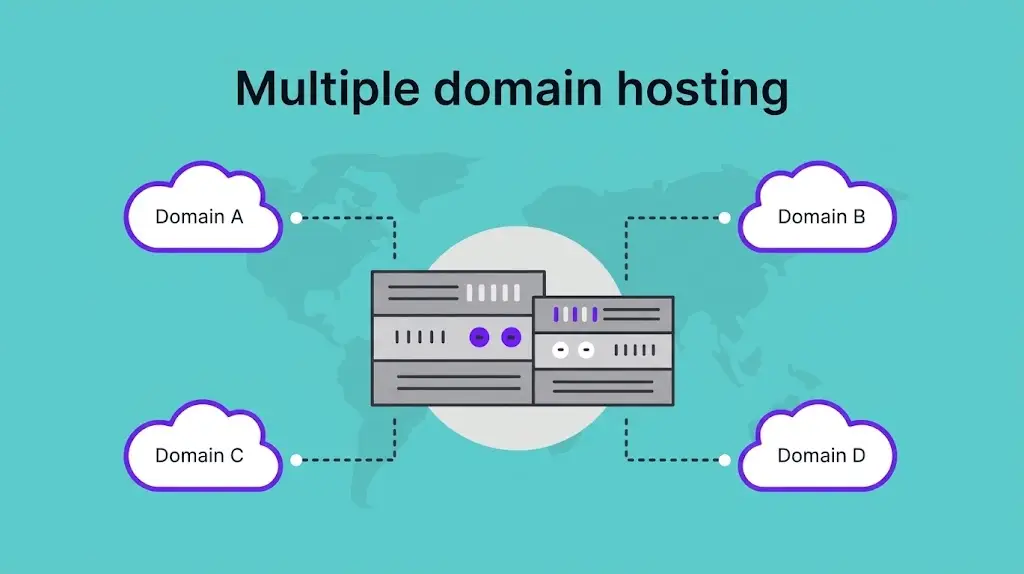
A handful of factors work together to determine the real, practical answer for any given plan.
1) Number of Websites Allowed by the Plan
This is the most obvious limitation, and it’s usually stated plainly in the plan’s feature list.
Hosting providers specify this directly, hosts 10 websites, hosts 30 websites, unlimited websites, so it’s generally the easiest factor to check before signing up.
That said, this number is really just a ceiling.
Whether you can comfortably reach that ceiling depends on everything else on this list.
2) Storage Space
Every website you host consumes storage, its files, images, database, email, and any backups stored on the account.
Multiple websites all draw from the same overall storage allocation rather than getting a separate pool each.
A plan that technically allows 10 websites but only offers a modest amount of storage can fill up fast if even a couple of those sites are image-heavy or run an active blog with years of content behind it.
It’s worth estimating your combined storage needs across all your planned sites, not just checking the headline storage figure in isolation.
3) CPU and RAM Resources
Each website hosted on an account competes for the same pool of CPU and RAM, since these resources belong to the account as a whole rather than being split evenly and permanently between sites.
A plan can technically allow many websites on paper while still becoming genuinely unsuitable if those websites are resource-heavy, running a busy WooCommerce store, a membership site with lots of active users, or anything else that leans hard on server processing power.
Ten small, low-traffic brochure sites place far less demand on an account than two busy WordPress sites with real daily traffic.
This is also where a traffic spike on one site can quietly affect the others sharing the account.
If one of your websites suddenly goes viral or sees a burst of unusual traffic, the CPU and RAM it’s consuming is pulled from the same shared pool your other sites rely on too.
A plan with generous resource headroom absorbs this kind of spike without much trouble.
A plan running close to its limits already can slow down across every hosted site at once, not just the one experiencing the spike.
4) Inodes and File Limits
Inodes represent the total number of individual files your hosting account is allowed to store, every image, every plugin file, every cached file, every email, each one counts as an inode.
In practical terms, this is a separate limit from raw storage space.
You can be well under your storage allowance in gigabytes while still hitting an inode limit, especially with large WordPress installations that accumulate thousands of small files through themes, plugins, and caching.
Or with sizeable media libraries and busy email accounts generating lots of small files over time.
Running several websites on one account multiplies this risk, since each site contributes its own set of files toward the same shared limit.
A single WordPress install with a handful of active plugins can easily rack up tens of thousands of inodes once you factor in cache files, backup snapshots, and plugin assets, long before the site’s actual storage usage looks remotely close to its limit.
Multiply that by five or six hosted sites on the same account, and the inode ceiling can become the real bottleneck well before storage or bandwidth ever becomes a concern.
It’s one of the more overlooked numbers on a hosting plan’s feature list, worth checking directly with support if it isn’t clearly published.
5) Databases
Many websites, WordPress sites especially, require a database to function.
If you’re planning to run several database-driven sites on one hosting account, check whether the plan limits how many databases you’re allowed to create.
Some entry-level plans cap this fairly low, which can become a real constraint if you’re trying to run, say, five separate WordPress installs that each need their own database.
Can I Host Multiple Websites on Shared Hosting?
Yes, and this is genuinely one of the more practical advantages of shared hosting for anyone managing more than one site.
Multiple websites on a single shared hosting account typically work through a feature called addon domains.
Sometimes labeled differently depending on the control panel, but functioning the same way in cPanel-based hosting.
An addon domain lets you attach an additional domain name to your existing hosting account, with each one pointing to its own separate folder and treated as a fully independent website. Each addon domain gets its own set of website files and, where needed, its own separate database, kept apart from your other hosted sites rather than mixed together.
From a visitor’s perspective, each of these sites looks and behaves completely independently, there’s no indication they’re technically sharing the same underlying hosting account.
It’s worth knowing the difference between an addon domain and a subdomain here too, since they’re easy to confuse.
A subdomain, something like blog.yourmainsite.com, is a section of your existing domain.
An addon domain is an entirely separate, independently registered domain name that just happens to live on the same hosting account.
If you’re planning to host genuinely separate websites, each with its own brand and domain name, addon domains are what you’re after rather than subdomains.
How to Host Multiple Websites on One Hosting Account
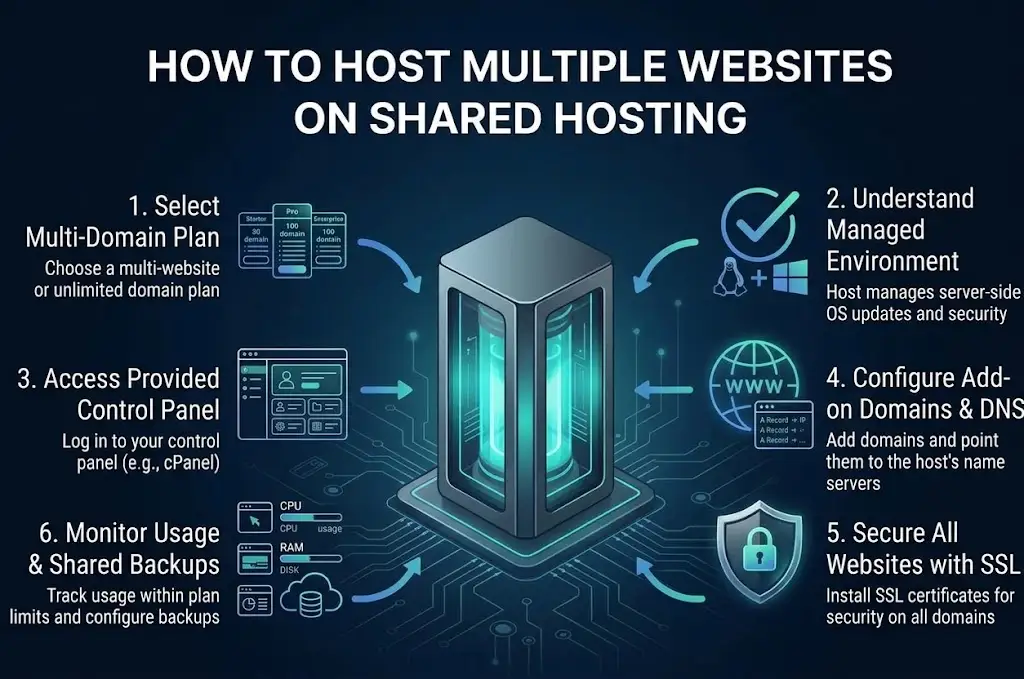
Here’s the practical process, beginner-friendly and broken into clear steps.
- Register the additional domain. This can be done through your hosting provider or any separate domain registrar, it doesn’t need to match your host.
- Add the domain to your hosting account. Log into your control panel and add it as an addon domain, confirming the domain name and where its files should live.
- Create a separate folder for the website. Most control panels do this automatically when you add the addon domain, keeping that site’s files cleanly separated from your others.
- Install WordPress or upload the website files. Use a one-click installer like Softaculous for WordPress, or upload files manually via FTP or a file manager for a custom-built site.
- Create or configure its database if required. WordPress and most other CMS platforms need a dedicated database, set this up and connect it to the new site specifically.
- Point the domain’s DNS or nameservers to the hosting account. If the domain is registered elsewhere, update its nameservers, or add the relevant DNS records if it’s already using your host’s nameservers for something else.
- Install or activate SSL. Most hosts issue free SSL automatically once a domain is properly added and pointed correctly, but it’s worth confirming it activated successfully for this specific site.
- Test the website. Check that the domain loads, HTTPS works without warnings, pages display correctly, and any forms or email tied to that domain function as expected.
Repeat this same process for each additional website you want to add to the account.
How Many Websites Can I Host With Truehost?
The actual number depends on which specific Truehost hosting plan you choose, since the lineup is structured in tiers rather than offering one fixed answer across the board.
Before settling on a plan, check the number of websites or domains it allows, the storage included, and the broader resource limits.
Since these three factors together determine whether a plan genuinely fits what you’re trying to run.
Someone hosting a handful of small personal or brochure sites has very different needs from someone running several busy WordPress blogs or active ecommerce stores.
The first group can often comfortably fit a lower tier, while the second needs more storage and resource headroom regardless of how generous the website count looks on paper.
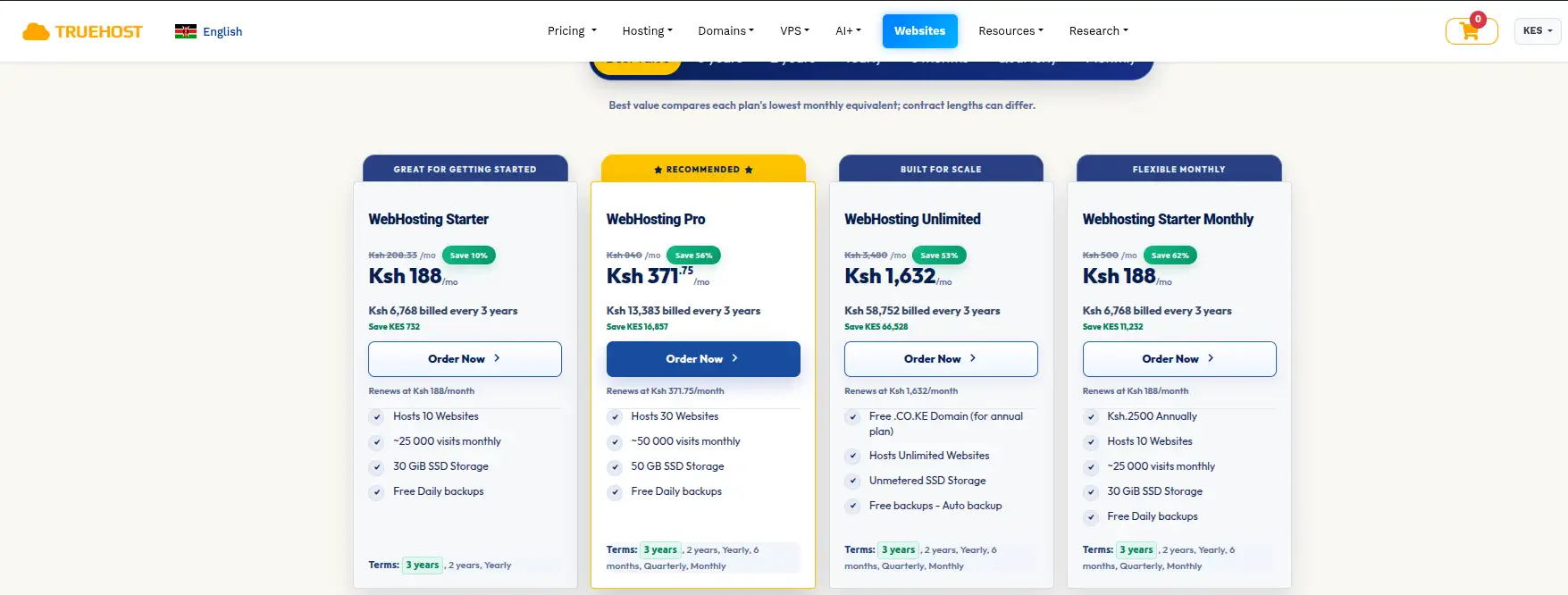
Truehost’s current shared hosting lineup is structured with exactly this kind of range in mind. The Starter plan supports up to 10 websites with 30 GB of SSD storage.
A solid fit for anyone managing a handful of smaller sites, and it’s already positioned as a genuinely strong entry point given how much storage and website capacity comes bundled in at that tier.
The Pro plan steps up to 30 websites with 50 GB of SSD storage.
Suited to a growing portfolio or sites seeing more regular traffic, roughly in the range of 50,000 monthly visits combined across hosted sites.
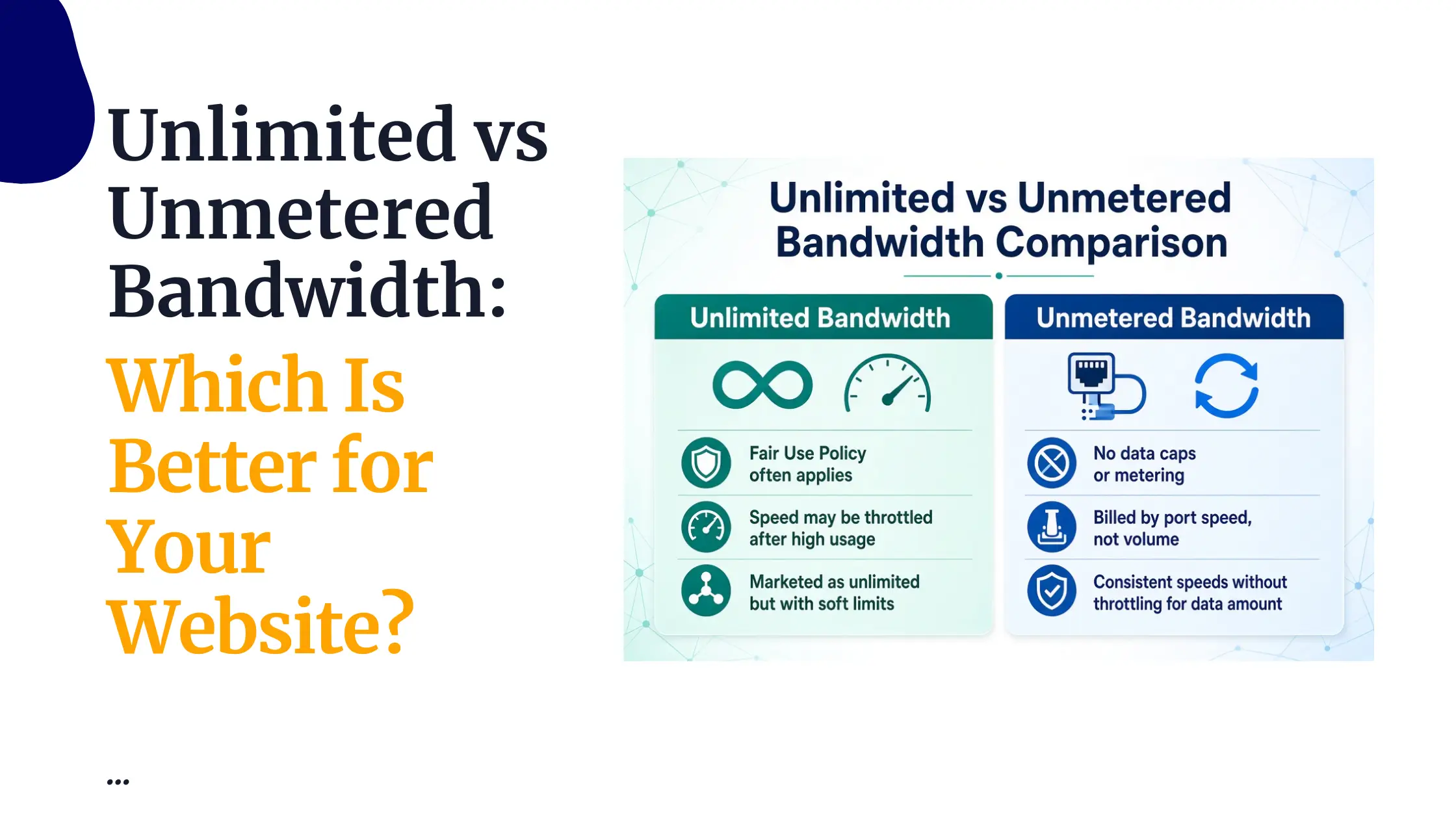
And the Unlimited plan removes the website cap entirely, pairing unlimited websites with unmetered SSD storage, built for larger portfolios or genuinely resource-heavy combinations of sites that have simply outgrown a fixed website count.
All three plans include free SSL, daily backups, and cPanel as standard, so the core essentials don’t change as you move up the lineup, only the ceiling does.
If you’re ready to host multiple websites on one account, explore Truehost’s shared hosting plans and match the right tier to how many sites you’re actually planning to run.
Frequently Asked Questions
Can I host unlimited websites on any hosting plan?
Only on plans that specifically advertise unlimited websites. Even then, storage, CPU, RAM, and inode limits still apply, so “unlimited” refers to the website count specifically, not every resource on the account.
Do all my websites need to use the same domain extension?
No, you can host websites using entirely different domain extensions, like .com, .co.ke, or .org, all on the same hosting account, provided each domain is properly added and pointed to your hosting.
Will hosting multiple websites slow them all down?
It can, if the combined resource demand from all your sites exceeds what the plan comfortably supports. This is exactly why checking CPU, RAM, and expected traffic counts for more than just checking the website count.
Can I upgrade later if I add more websites than my plan allows?
Yes, most hosting providers, including Truehost, offer a straightforward upgrade path to a higher-tier plan or additional resources without requiring you to rebuild your existing sites from scratch.
Is it better to use separate hosting accounts instead of one account for multiple sites?
Not usually, for small to medium sites. One account with addon domains is simpler to manage and more cost-effective. Separate accounts make more sense only when individual sites genuinely need isolated resources or heavier, dedicated infrastructure.