Domain SearchInstantly check and register your preferred domain name
 Web Hosting
 cPanel HostingHosting powered by cPanel (Most user friendly)
 WordPress HostingHost your WordPress website with fast, secure, and affordable WordPress hosting in Kenya.
 KE Domains
 Reseller HostingStart your own hosting business without tech hustles
 Windows HostingOptimized for Windows-based applications and sites.
 Free Domain
 Affiliate ProgramEarn commissions by referring customers to our platforms
 Free HostingTest our SSD Hosting for free, for life (1GB storage)
 Domain TransferMove your domain to us with zero downtime and full control
 All DomainsBrowse and register domain extensions from around the world
 .Com Domain
 WhoisLook up domain ownership, expiry dates, and registrar information
 VPS Hosting
 Managed VPSNon techy? Opt for fully managed VPS server
 Dedicated ServersEnjoy unmatched power and control with your own physical server.
 Website Builder
 Online Store BuilderLaunch a professional e-commerce store without writing code.
 Web Design ServiceGet a custom-designed website tailored to your brand and goals. From just KES 15,600
 BlogRead our guides on web hosting, online business, digital marketing, and more
 SupportOur support guides cover everything you need to know about our services
 ContactContact us via chat or email
Do you want full control of your server without spending hours typing commands every time you deploy or fix something?
Good, because that is exactly what CyberPanel was built for. CyberPanel is a web hosting control panel that you install on a VPS or cloud server.
Okay, but what does that actually mean?
Imagine you just rented a server. A server is basically a powerful computer somewhere in the world that stays on 24 hours a day. That server is empty when you first get it: no websites, no emails, nothing. To set things up, you would normally have to type long technical commands into a black screen. That is scary for most people, and honestly, even experienced developers find it slow and annoying.
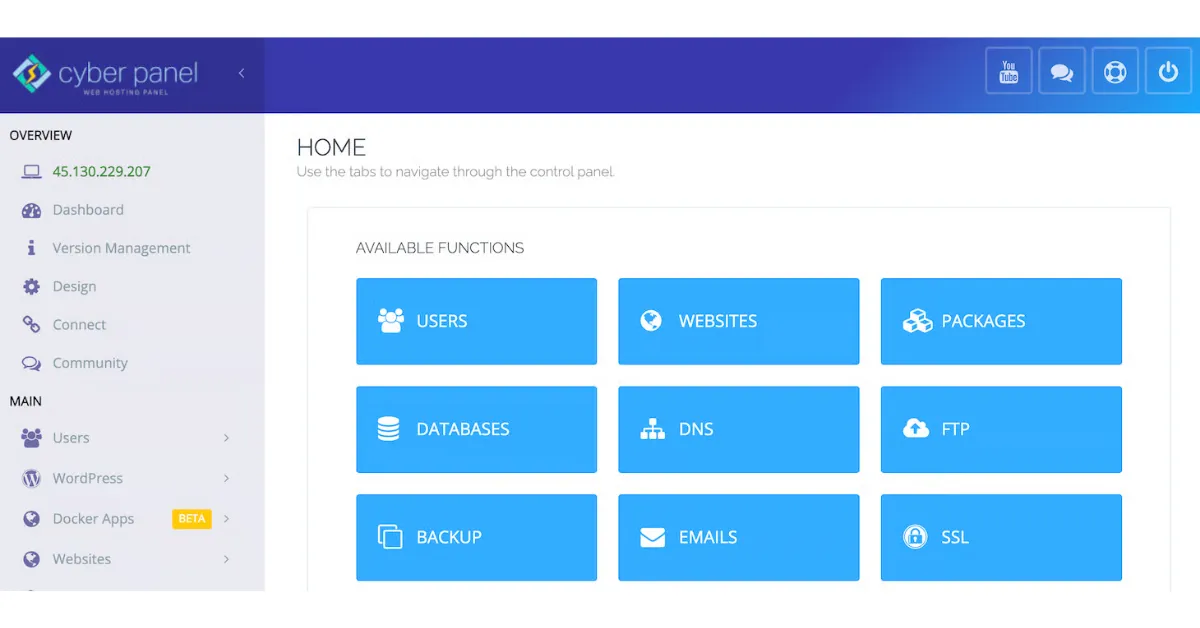
CyberPanel fixes that. It gives you a clean dashboard that you can open right in your browser, just like Gmail or Facebook. From that dashboard, you can manage your websites, domains, emails, databases, and server settings by just clicking buttons.
On top of that, CyberPanel runs on OpenLiteSpeed. This is a web server technology known for loading pages quickly and using fewer server resources. Think of it like a motorbike engine inside a car body. It looks simple on the outside, but moves fast.
Want to understand more about Cyberpanel? Ride with me.
How CyberPanel Works (Simple Breakdown)
So how does the whole thing work from start to finish? Here is what happens step by step.
Step 1: You install CyberPanel on your server.
After getting a VPS, you run one installation command, and CyberPanel sets itself up. It usually takes less than 10 minutes.
Step 2: It sets up OpenLiteSpeed, PHP, and database tools for you.
PHP is the language that runs most websites, including WordPress. A database is where your website stores information, such as user accounts and blog posts. CyberPanel installs and configures all of this automatically, so you do not have to figure it out yourself.
Step 3: You log in through a web dashboard.
Once installed, you visit a link like https://yourserver-ip:8090 to see a login page. After logging in, you see your full control panel.
Step 4: You manage everything from that panel.
From this point, adding a website, connecting a domain, creating an email, or installing WordPress takes just a few clicks. Everything is in one place and labeled clearly.
That is the whole process. CyberPanel handles all of that in the background while you focus on your actual work.
No need to manually configure anything, touch DNS files, or install SSL certificates by hand.
Key Features of CyberPanel
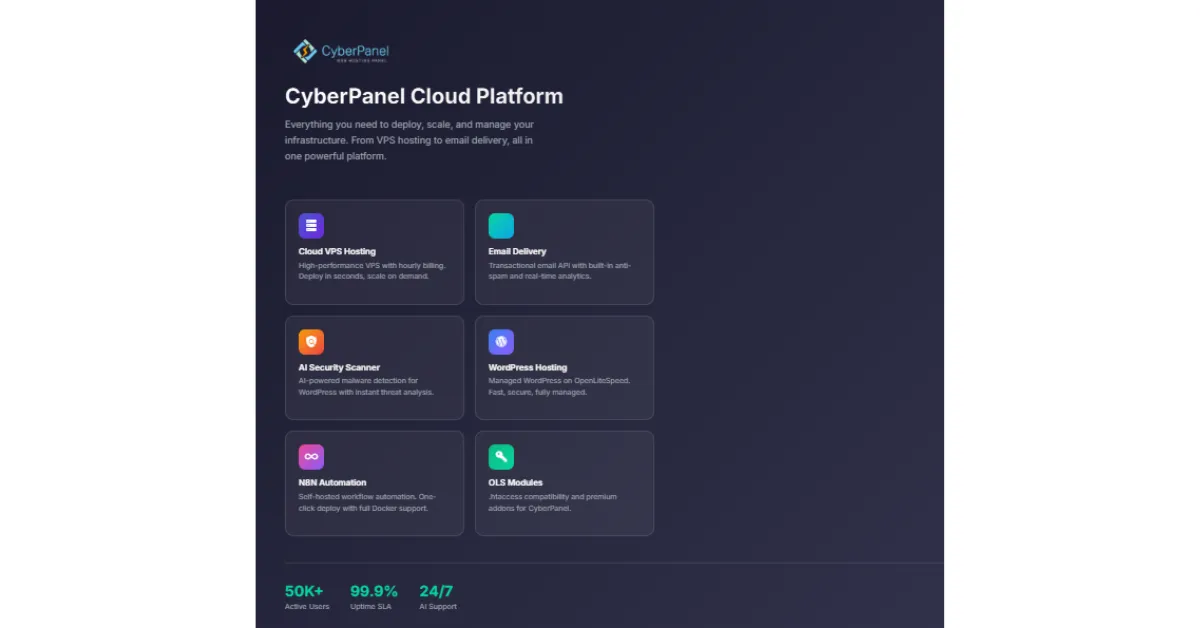
Now, let’s look at what CyberPanel offers when you use it.
1) High-Speed Performance with OpenLiteSpeed
Speed is one of the biggest reasons you’d love CyberPanel. It uses LiteSpeed technology, built specifically to load websites faster while using less server power.
LiteSpeed can boost PHP performance on servers by 50% and is up to 6 times faster than Apache for static content. Apache is the web server that most older hosting providers still use.
So switching to CyberPanel is like upgrading from a slow internet connection to a fast one. Your visitors feel the difference immediately.
2) One-Click WordPress Installation
WordPress is the most popular website-building tool in the world.
With CyberPanel, you do not need to download files, create a database manually, or configure anything. You go to Websites → Create Website → Install WordPress, click a button, and your WordPress site is ready in seconds.
CyberPanel automatically sets up the database, files, and all the settings for you.
3) Easy Website and Domain Management
If you are running more than one website, CyberPanel makes it simple. You can add a new website, connect a domain name to it, and manage DNS records all from the same dashboard.
DNS records are basically the directions that tell the internet where your website lives. CyberPanel shows them in a simple list you can edit without any technical knowledge.
4) Built-In Email Hosting
You’re probably paying extra for email services. With CyberPanel, email hosting is already included. You can create email addresses like [email protected], set up forwarders so emails go to another inbox, and manage everything from the same panel.
No extra cost, no third-party signup needed.
5) Free SSL for Secure Websites

SSL is what puts the padlock icon next to your website address and changes your link from http to https. It tells visitors that your website is safe to use. Without it, browsers like Chrome show a “Not Secure” warning that scares people away.
CyberPanel lets you enable SSL with one click and handles the entire installation automatically. Your site becomes secure in under a minute.
6) Backup and Restore
Things go wrong sometimes. A plugin breaks your site, someone accidentally deletes a file, or an update causes problems. That is normal. But if you have a backup, you can restore your entire site to its previous state in minutes.
CyberPanel lets you schedule automatic backups, download them to your computer, and restore them whenever you need to.
7) Multiple PHP Versions
Different websites are built with different PHP versions. An older website might need PHP 7.4 while a newer one needs PHP 8.2.
CyberPanel lets you run both on the same server simultaneously. You pick the right PHP version for each website from a dropdown menu. This means you can manage multiple projects on a single server without them conflicting.
CyberPanel vs Other Control Panels
CyberPanel vs cPanel
| Feature | CyberPanel | cPanel |
| Cost | Free (core version) | Paid monthly |
| Web Server | OpenLiteSpeed | Apache |
| Speed | High | Moderate |
| Control | Full (VPS) | Limited (shared) |
| Best Use | Developers | Beginners |
cPanel is the most well-known control panel, and you have probably heard of it before. The big difference is cost. cPanel charges a monthly fee that keeps increasing each year.
CyberPanel’s core version is completely free. If you are building something on a tight budget, that difference alone is worth paying attention to.
CyberPanel vs Plesk
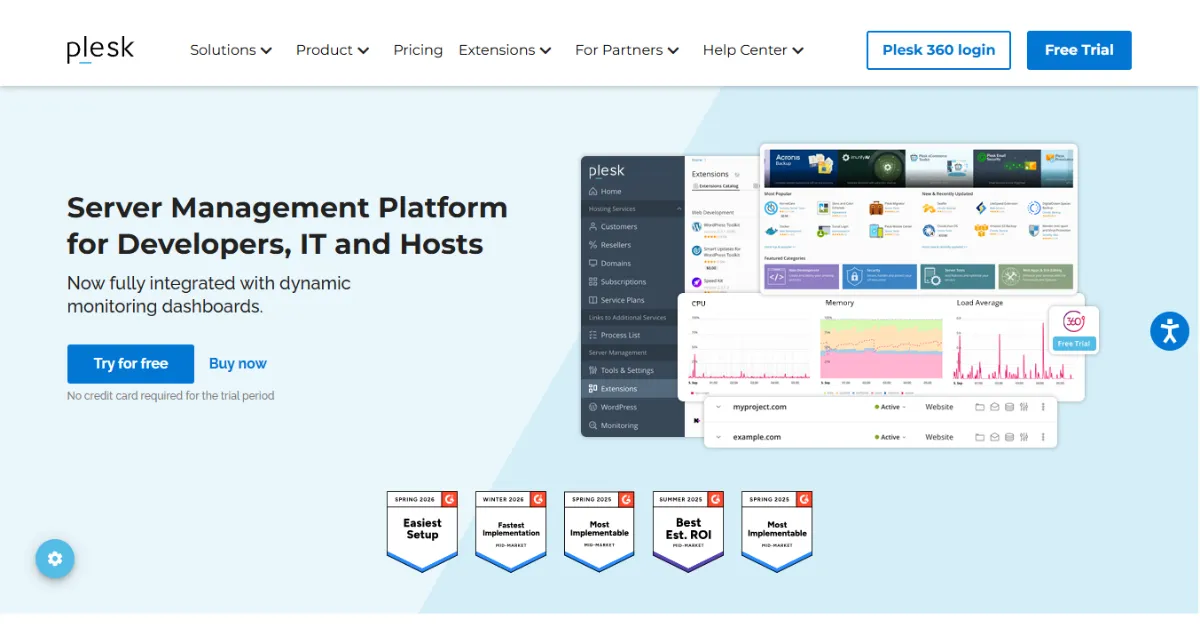
Plesk is another paid control panel. It has a cleaner, more polished look compared to CyberPanel and is popular with Windows servers. But it comes with a monthly cost.
For most developers working on Linux servers, CyberPanel offers the same features and faster performance at no cost. If you are a beginner who wants to get started without spending money, CyberPanel is the easier choice.
CyberPanel vs DirectAdmin
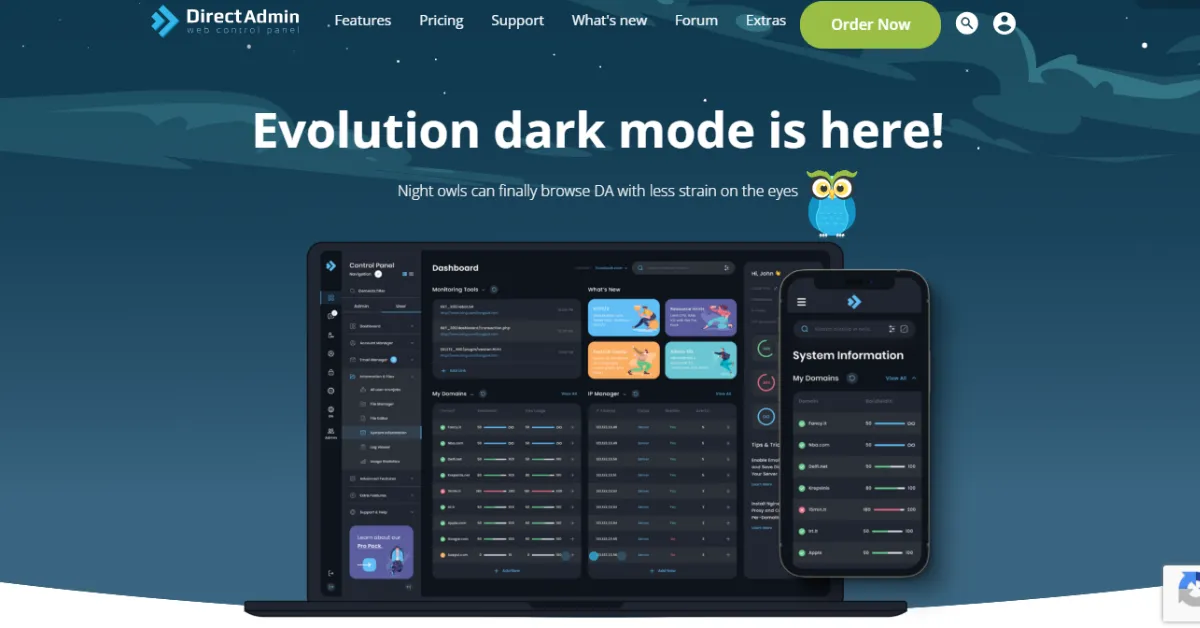
DirectAdmin is a lightweight control panel that is cheaper than cPanel but still costs money. It is simple and works fine for basic tasks. However, it lacks modern features such as one-click WordPress installation or built-in LiteSpeed caching.
CyberPanel offers both of those things for free, which is perfect for you as a developer and makes it a better choice than DirectAdmin.
When Should You Use CyberPanel?
CyberPanel is the right choice when ;
- Using a VPS or cloud server
- Want full control over how your hosting is set up
- Manage more than one website
- Need your site to load fast
- Building apps or APIs that need a full server environment behind them.
Where to Get CyberPanel Hosting
CyberPanel gives you full control over your hosting without making it complicated. You manage websites, email, databases, and security from a single, simple dashboard. It is free to start, fast to set up, and built to perform.
To run CyberPanel, you need a VPS or cloud server with root access. Truehost offers exactly that, with helpful local support.
It’s perfect for you, whether you’re a beginner launching your first blog or managing five client websites, making the whole process easier and faster. Stop paying more for tools that do less.
Head to Truehost today, get a VPS plan, install CyberPanel, and start running your websites the smart way.