Domain SearchInstantly check and register your preferred domain name
 Web Hosting
 cPanel HostingHosting powered by cPanel (Most user friendly)
 WordPress HostingHost your WordPress website with fast, secure, and affordable WordPress hosting in Kenya.
 KE Domains
 Reseller HostingStart your own hosting business without tech hustles
 Windows HostingOptimized for Windows-based applications and sites.
 Free Domain
 Affiliate ProgramEarn commissions by referring customers to our platforms
 Free HostingTest our SSD Hosting for free, for life (1GB storage)
 Domain TransferMove your domain to us with zero downtime and full control
 All DomainsBrowse and register domain extensions from around the world
 .Com Domain
 WhoisLook up domain ownership, expiry dates, and registrar information
 VPS Hosting
 Managed VPSNon techy? Opt for fully managed VPS server
 Dedicated ServersEnjoy unmatched power and control with your own physical server.
 Website Builder
 Online Store BuilderLaunch a professional e-commerce store without writing code.
 Web Design ServiceGet a custom-designed website tailored to your brand and goals. From just KES 15,600
 BlogRead our guides on web hosting, online business, digital marketing, and more
 SupportOur support guides cover everything you need to know about our services
 ContactContact us via chat or email
Your decision on if to choose CyberPanel vs HestiaCP really comes down to one question: do you need raw speed and modern features, or do you value stability, efficiency, and simplicity?
CyberPanel is purpose-built for high-performance OpenLiteSpeed hosting. It’s the panel you reach for when page speed and a rich feature set are non-negotiable.
HestiaCP takes the opposite approach: a lightweight, Nginx-based panel that runs reliably on smaller servers without breaking a sweat.
One is not better than the other. They are built for different priorities, and that distinction is very important.
Getting this decision right is important. Your control panel is the foundation on which everything else runs.
These include your websites, your email, your backups, and your security.
Choose the wrong one, and you’ll feel that mismatch every day: a server running hot on limited RAM, a WordPress site that should be faster, email that’s unreliable, or security gaps you didn’t anticipate.
The right panel, on the other hand, quietly handles all of that and stays out of your way.
We’ll walk you through:
- The core architecture and technology behind each panel
- How they compare on performance, security, and email
- Who each panel is built for
- Where we at Truehost fit in and how to get started the right way
Quick Comparison Table: CyberPanel vs. HestiaCP (2026)
| Feature | CyberPanel | HestiaCP |
| Web Server | OpenLiteSpeed (Native) | Nginx (Apache backend) |
| Best For | WordPress speed, Developers | Stability, Small/Low-cost VPS |
| Resource Usage | Higher (Needs >1.5GB RAM) | Very Low (Runs on 1GB) |
| Performance | Excellent (LSCache) | Strong (FastCGI cache) |
| Cost | Free core; optional add-ons at $54–$59/year or lifetime | 100% free, no add-ons, no upsells |
| Good (Postfix), mixed reports | Excellent (Exim/Dovecot), very stable | |
| Backups | Cloud support (Drive/S3) | Strong local/remote (Rclone) |
| Interface | Modern, Feature-rich | Minimalist, Functional |
| OS Support | AlmaLinux, Ubuntu, CloudLinux | Debian, Ubuntu |
Architecture & Technology
Before you compare features, you need to understand how these two panels are built.
Because the architecture is what determines everything else, performance, stability, resource use, and security posture.
1) Web Server & Core Technology
A web server works the same as a car engine. CyberPanel uses OpenLiteSpeed (OLS) as its engine, and it’s a fast one.
It’s built to handle many visitors simultaneously without slowing down. Great for busy sites.
The really exciting part is something called LiteSpeed Cache (LSCache).
Your website might normally take 2 seconds to load. With LSCache, the server saves a ready-made copy of your pages, so the next visitor gets it almost instantly.
You just install a free plugin in WordPress, turn it on, and the speed boost happens automatically.
The latest fast-loading web technology (HTTP/3) also comes switched on by default with no extra setup needed.
HestiaCP works differently. It uses a web server called Nginx, which is also fast and very well-tested.
This control panel is like an engine that’s been powering millions of websites for years.
Everything it uses comes from official, trusted sources.
2) Operating System Support
Your server runs on an operating system, the software that keeps everything alive.
HestiaCP only works on Debian and Ubuntu, two of the most popular Linux options.
By focusing on just those two, it stays tightly tested and very stable.
CyberPanel is more flexible. It also works on CentOS, AlmaLinux, and CloudLinux.
So if your server is already running on one of those, CyberPanel has you covered, where HestiaCP simply won’t install.
3) Resource Usage
This is where the difference gets very practical.
HestiaCP is very light. It can run happily on a small VPS with just 1GB of RAM or even less.
That means more of your server’s power goes to your actual websites, not to running the panel itself.
CyberPanel needs a bigger server. Because it does more things: backups, file management, and developer tools.
It needs at least 1.5–2GB of RAM to run smoothly. Fine on a decent-sized server. But if you’re on the smallest, cheapest plan available, CyberPanel might slow things down.
Capabilities
4) Performance & Caching
On speed, CyberPanel wins, and it’s not a close race.
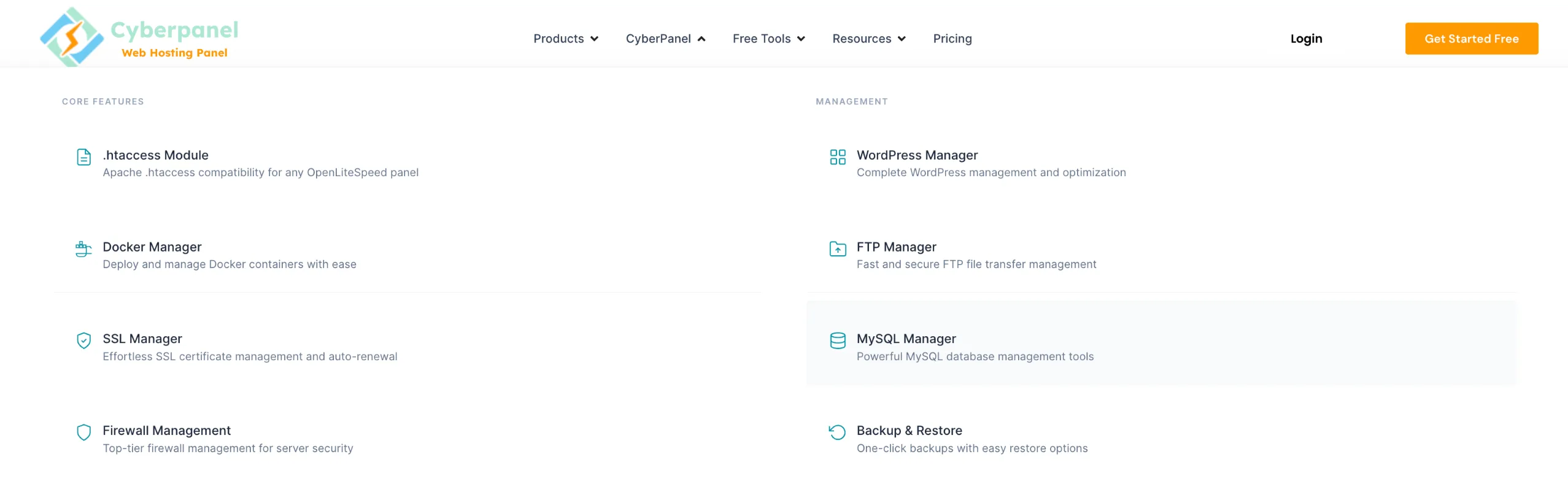
When someone visits your WordPress site, CyberPanel’s LiteSpeed Cache serves them a pre-built copy of the page almost instantly.
This is the same as having a meal already cooked and waiting, instead of preparing it from scratch every single time.
This happens automatically at the server level. It’s simple, nothing technical. Install a free plugin, click a button, and you’re done.
HestiaCP also has caching built in, and it works well. But to squeeze the best speed out of it, you’ll need to do some extra setup, like installing a caching plugin and adjusting some settings manually.
It’s not hard, but it’s not as automatic as CyberPanel.
If a fast WordPress site is your number one goal, CyberPanel is the better pick.
5) Security
This is important, especially if people and businesses depend on your sites.
HestiaCP has a very clean security history. Each website on your server runs in its own little box, so if one site has a problem, it can’t spread to the others.
It also uses tried-and-tested tools that automatically block suspicious visitors.
Because HestiaCP doesn’t do a hundred different things, there are fewer ways for attackers to sneak in.
CyberPanel has had some serious security problems. In October 2024, a major vulnerability, CVE-2024-51378, was discovered and given the highest possible danger score (10 out of 10).
Hackers used it to break into servers and install ransomware (software that locks your files and demands money).
The CyberPanel team released a fix, but the issue showed that more features can also mean more ways things can go wrong.
Practical tip: If you go with CyberPanel, always keep it updated. And make sure the panel login page isn’t open to the whole internet, lock it down to your own IP address only.
6) Email Hosting
HestiaCP handles email better.
Set it up once, and your email just works. It automatically handles all the behind-the-scenes stuff that keeps your emails out of spam folders.
Things like DKIM, SPF, and DMARC (basically digital signatures that tell other email providers ‘yes, this message is legit’).
For business email or hosting client sites, this reliability is very important.
CyberPanel can send and receive email, too, but a fair number of users have reported issues like emails landing in spam, settings that are tricky to get right, and occasional delivery problems.
If email is a big part of what you need, HestiaCP is the safer bet.
7) DNS & Backups
Both panels let you manage your domain’s DNS settings and the address book that tells the internet where your website lives. Both do this well.
On backups, here’s how they differ:
- CyberPanel can automatically send your backups to cloud storage like Google Drive or Amazon S3, handy if you’re managing several servers at once.
- HestiaCP saves backups locally on your server or sends them to cloud storage too, using a reliable tool called Rclone. System administrators generally rate HestiaCP’s backup reliability very highly.
Both options are solid. CyberPanel’s cloud backup setup is a bit slicker to use; HestiaCP’s is often praised for being more dependable day to day.
Experience
8) Ease of Use & UI
CyberPanel looks modern and is packed with features like menus, file manager, site tools, and dashboards.
It feels like a full cockpit. That’s great when you need all those tools.
But if you just want to add a new website or check your email settings, all those options can feel like a lot to wade through.
HestiaCP is the opposite. Open it up and everything is clean, simple, and where you’d expect it.
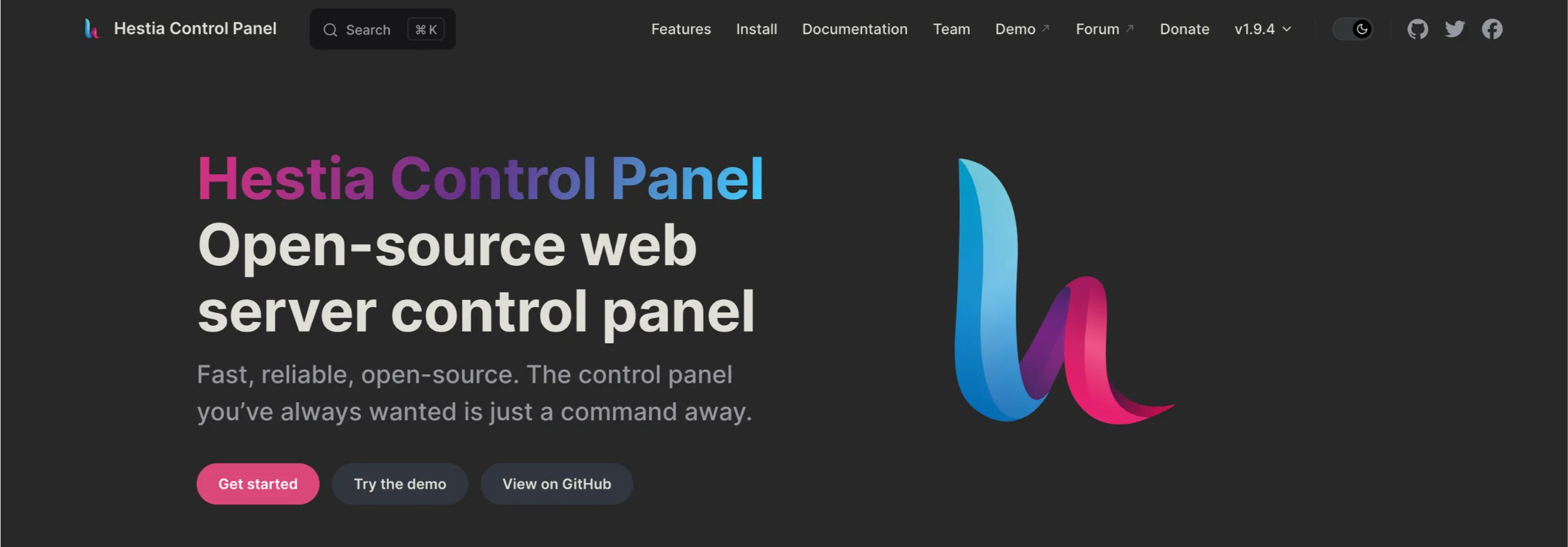
It’s the kind of panel where you find what you need in two clicks and move on.
For someone just starting out, HestiaCP’s simplicity makes it easier to learn.
For developers who want to do advanced things, build custom tools, connect to APIs, and use Docker, CyberPanel gives you a lot more to work with.
9) Community & Support
When something goes wrong (and at some point, something always does), you want to know help is available.
HestiaCP has a small but very active community of developers who take the project seriously.
Bugs get fixed quickly, and the documentation covers most common scenarios well.
CyberPanel has a bigger community overall more users, more forum posts, more YouTube tutorials to find.
But some users say it can be hard to get a good answer when your problem is complex, especially on the free plan.
Neither panel offers the kind of official 24/7 support you’d get from a paid service.
For both, you’ll mostly be relying on community forums and documentation.
That said, we at Truehost are here to help if you’re hosting with us. Our CyberPanel plans come with local support you can reach.
Related: How to Migrate a Website to CyberPanel
Which Panel Should You Choose?
Here’s the straightforward breakdown.
Choose CyberPanel if:
- WordPress speed is your top priority, and you need LSCache out of the box
- You’re running developer workflows that use Docker, Git, or REST APIs
- You need reseller-level access management (admin → reseller → user)
- Your server has at least 2GB RAM to work with
- You’re comfortable staying on top of security patches
Choose HestiaCP if:
- You’re on a budget VPS with limited RAM (1GB or less)
- You need rock-solid email hosting that just works
- You want a clean, minimal panel with predictable, stable behavior
- Security and simplicity are more important than advanced features.
- You’re running Debian/Ubuntu and want tight OS-level integration
Both panels are genuinely good. The decision comes down to your specific workload, not which one has the most features.
If you’re running a performance-heavy WordPress site or managing multiple client environments, CyberPanel gives you real speed advantages.
If you’re building a stable, efficient hosting environment for yourself or a small team, HestiaCP is hard to beat.
If you’ve decided CyberPanel is the right fit, you don’t have to set it all up from scratch on a bare VPS.
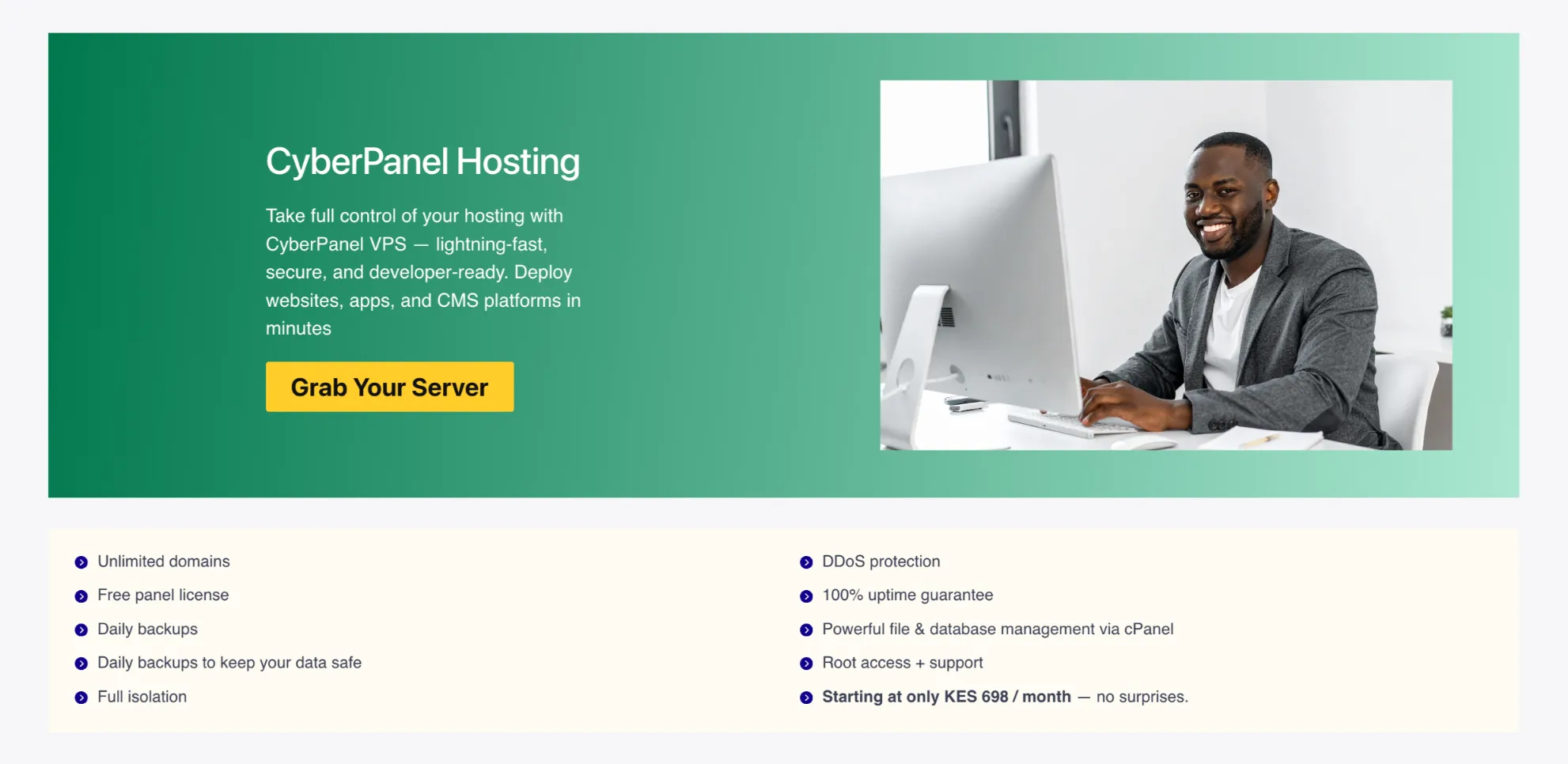
We at Truehost offer CyberPanel hosting with OpenLiteSpeed pre-configured, so you get the full speed stack without the setup headache.
Our plans are built for WordPress performance, come with free SSL, and are supported by a local team based right here in Kenya.
Check out our guide on how to host multiple websites with CyberPanel
CyberPanel vs HestiaCP: FAQs
Is CyberPanel any good?
Yes, especially for performance-focused users. It excels with WordPress but requires decent server resources. Many users love the speed; others note it can feel heavier than pure lightweight alternatives.
Is HestiaCP or CyberPanel better for beginners?
CyberPanel often feels more beginner-friendly due to its modern UI and WordPress tools. HestiaCP is excellent if you prefer simplicity and don’t mind a more straightforward interface.
How do I secure my websites on HestiaCP or CyberPanel?
Use automatic Let’s Encrypt SSL, enable available firewalls (CSF/ModSecurity on CyberPanel, Fail2Ban on Hestia), keep the panel and OS updated, and set strong passwords. Consider a security plugin on WordPress sites.
Do HestiaCP and CyberPanel support all types of web hosting environments?
They both handle standard web hosting (PHP, databases, email) very well. CyberPanel leans toward high-performance PHP/WordPress. HestiaCP offers broader flexibility for various setups. Neither is ideal for highly specialized enterprise needs without extra configuration.