Domain SearchInstantly check and register your preferred domain name
 Web Hosting
 cPanel HostingHosting powered by cPanel (Most user friendly)
 WordPress HostingHost your WordPress website with fast, secure, and affordable WordPress hosting in Kenya.
 KE Domains
 Reseller HostingStart your own hosting business without tech hustles
 Windows HostingOptimized for Windows-based applications and sites.
 Free Domain
 Affiliate ProgramEarn commissions by referring customers to our platforms
 Free HostingTest our SSD Hosting for free, for life (1GB storage)
 Domain TransferMove your domain to us with zero downtime and full control
 All DomainsBrowse and register domain extensions from around the world
 .Com Domain
 WhoisLook up domain ownership, expiry dates, and registrar information
 VPS Hosting
 Managed VPSNon techy? Opt for fully managed VPS server
 Dedicated ServersEnjoy unmatched power and control with your own physical server.
 Website Builder
 Online Store BuilderLaunch a professional e-commerce store without writing code.
 Web Design ServiceGet a custom-designed website tailored to your brand and goals. From just KES 15,600
 BlogRead our guides on web hosting, online business, digital marketing, and more
 SupportOur support guides cover everything you need to know about our services
 ContactContact us via chat or email
Most guides tell you Linux beats Windows on every VPS, full stop. That claim skips the real question you need answered.
A messy Ubuntu install loses to a well-hardened Windows Server every time. A neglected Windows box loses to a tuned Debian server just as easily.
The operating system family you choose counts less than how you set it up.
This guide walks through the real trade-off behind the decision: raw performance against security control.
By the end, you will have a way to match an OS to your workload. That beats memorizing a list of names.
How to Pick Your VPS OS: A 4-Step Framework
Step 1: Match the OS to What Your Software Actually Requires
Start with your application stack. If it runs on ASP.NET or MS SQL, Windows Server becomes the answer right away.
If you plan to run a control panel, check its supported OS list next. This alone can remove several options. cPanel currently supports AlmaLinux, CloudLinux, and Ubuntu 24.04 LTS only.
Plesk and DirectAdmin cover a broader range, so they leave more choices open. Finally, rule out any OS your team has never worked with before.
An unfamiliar system left unmaintained turns into a security risk on its own. That holds no matter how good it looks on paper.
Step 2: Size the OS Footprint Against Your VPS Resources
Look at your VPS plan size next to what each OS needs to run comfortably. On a small 512 MB to 1 GB plan, a lighter OS like Debian frees up more room.
On a larger scale, this factor stops carrying much weight. Also, check what runs by default. Ubuntu’s snap system adds background load that Debian does not carry, so budget for that if you stay on Ubuntu.
If you rebuild servers often, factor in boot and provisioning speed too. Minimal Linux images start up quicker than full installs.
Step 3: Decide How Much Security Control You Actually Want to Manage
If you run RHEL-compatible or Debian-based Linux, choose your access control layer with your own habits in mind.
SELinux offers deeper control but demands real setup time. AppArmor gives up some depth for a system you are far less likely to switch off out of frustration.
If you land on Windows Server, know that Windows Server 2025 ships with stronger defaults already turned on. That lightens your manual hardening load.
Weigh the patch cycle too. Windows patches on a monthly schedule and often needs a reboot, while Linux patches roll out continuously without one. Be honest about who will maintain the server after launch.
A security setup you will not keep up with protects less than a simpler one you will.
Step 4: Confirm the Support Lifecycle Matches Your Project Timeline
Check how long your chosen OS version stays supported against how long your project needs to run. Ubuntu 24.04 LTS carries standard support to 2029, extendable further under Ubuntu Pro.
AlmaLinux 9 stays supported until 2032. Windows Server 2025 follows Microsoft’s standard long-term support cycle.
Skip interim, non-LTS Linux releases for anything running past nine months. Those lose support far sooner than a long-term release.
Confirm your VPS provider allows a clean OS reinstall down the line, too, so this choice does not feel permanent.
Set a reminder for the support end date now. Migrating off an unsupported OS in a rush is where a lot of security incidents actually start.
Why “Linux Is Just Better” Misses the Real Decision
The common assumption goes like this: Linux is faster, Linux is safer, so Linux wins. That assumption breaks down fast once you look at actual setups.
A default Ubuntu install with weak SSH rules and no firewall can get hacked more quickly than a hardened Windows box.
On the other hand, a stripped-down Debian server running a lean stack can outperform a bloated Windows instance. That holds even on the same hardware.
The real question is not which OS family wins in general. It is how performance and security trade off for your workload, your team’s skill level, and your time for upkeep.
Two things decide this for you. One is how much overhead the OS puts on your resources. The other is how much control you want over patching and hardening.
How OS Choice Affects VPS Performance
Every operating system carries some baseline cost before your application even starts. That cost comes from the kernel, background services, and daemons the OS runs by default.
A minimal Linux install strips most of this away. A full Windows Server install, or a Linux distro loaded with extras, keeps more of it running.
RAM usage numbers you find online vary a lot. A “minimal” install might use anywhere from 80 MB to 700 MB.
That range depends on the test setup: a container, a virtual machine, or bare metal hardware. It also depends on what the tester counted as minimal. Treat any single number as a rough signal rather than an exact promise.
Even with that caveat, some patterns hold up. Debian tends to run lighter at idle than Ubuntu, since Ubuntu ships with the snap package system enabled by default.
Snap adds background processes that many server owners never touch. AlmaLinux and Rocky Linux fall somewhere in between, built for stability over minimalism.
Windows Server carries more overhead at idle than any lean Linux install. But that gap narrows once you run workloads it was built for, like .NET applications or Microsoft SQL Server.
On its home turf, Windows performs closer to Linux than the raw idle numbers suggest.
Boot Time and Provisioning Speed
If you rebuild VPS instances often, boot time adds up. Minimal Linux images provision more quickly than full Windows Server installs.
Cloud-init support also makes automated deployment smoother on most Linux distros. Windows Server has improved here, too, but it still starts slower than a stripped-down Linux image on comparable hardware.
How OS Choice Affects VPS Security
Security starts with the attack surface. A minimal Linux install exposes fewer services to the network than a full Windows Server GUI install. Fewer running services give an attacker fewer entry points to try.
Linux distros also give you a mandatory access control layer, and the two main options work in different ways. SELinux labels every file and process, then restricts what each one can touch based on that label.
This gives fine-grained control, but it takes real effort to configure well. Some admins disable SELinux out of frustration, which removes the protection entirely.
AppArmor takes a simpler path. It restricts programs by file path instead of labels, using plain text profiles that are easier to read and edit.
AppArmor gives up some of SELinux’s depth, but its simplicity means fewer admins turn it off. A security tool that nobody disables often protects more than a stronger tool that gets switched off.
Windows Server has closed some of its own gaps recently. Windows Server 2025 shifted toward secure-by-default settings.
These include mandatory LDAP signing, TLS 1.3 by default, and legacy protocols turned off from the start. This cuts down the manual hardening work that admins used to handle themselves on older Windows Server versions.
Patch delivery also differs between the two worlds. Windows Server follows a monthly Patch Tuesday cycle, and updates often require a reboot.
Linux security patches roll out continuously and rarely force a restart. If your setup cannot tolerate scheduled downtime, that difference alone might steer your decision.
Support lifecycle length shapes your security posture just as much as any daily setting. A short-lived Linux release stops getting patches within months.
Ubuntu’s non-LTS releases, for example, only get about nine months of support before they go end of life. Choosing a long-term release protects you well past launch day.
Matching OS to Your Specific VPS Workload
1) Web hosting with a control panel. cPanel now runs on AlmaLinux, CloudLinux, and Ubuntu 24.04 LTS.
As of cPanel version 134, released in January 2026, Rocky Linux support was dropped from the list. If you plan to run cPanel, check this list before you install anything.
Plesk and DirectAdmin support a wider range, including Debian, so they give you more room to choose.
2) Custom LAMP or LEMP stacks without a panel. Ubuntu Server and Debian both work well here. Both offer large package repositories and deep community documentation. Most tutorials online assume Ubuntu, so beginners often find it easier to troubleshoot.
3) .NET, MS SQL, or other Windows-specific applications. Windows Server remains the only real choice here. Trying to force these onto Linux adds complexity without a real payoff.
4) Low-resource or budget VPS plans. On a 512 MB to 1 GB plan, Debian’s small footprint gives your app more room. On a 4 GB or larger plan, the difference between distros stops making much of a practical impact.
FAQs
Can I switch my VPS operating system later?
Yes, in most cases. Most VPS providers let you reinstall a fresh OS on the same plan, though this usually wipes existing data first. Back up your files and configuration before you switch.
Which OS is best for a low resource VPS plan?
Debian tends to run lightest on small plans, thanks to its minimal default install and low background overhead. If your plan sits at 512 MB to 1 GB of RAM, this difference gives your app noticeably more room.
How often does each VPS OS release security patches?
Linux distros push security patches on a rolling basis, often within days of a disclosed vulnerability. Windows Server follows a monthly Patch Tuesday schedule, with occasional emergency patches released outside that cycle for serious threats.
Should I choose Windows Server or Linux for a small business VPS?
This depends on your software stack more than anything else. If your applications run on .NET, MS SQL, or other Microsoft tools, Windows Server is the clear pick. For open source stacks like LAMP or LEMP, Linux usually gives you better value and lower overhead.
Pick the OS You Can Actually Maintain
The real answer to this question was never about which OS wins on paper. It comes down to which one you can keep patched, configured, and running well long after launch day.
A powerful, secure OS left unmaintained still fails you. A simpler one kept current and watched closely holds up far better.
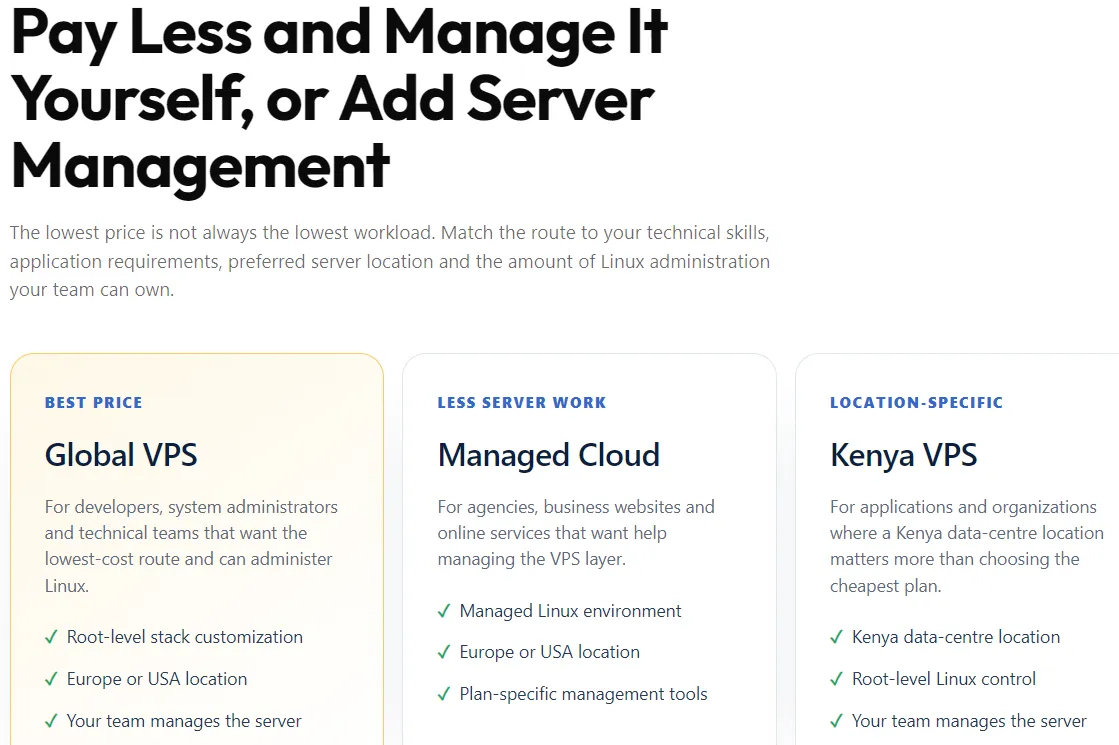
If you want these benefits without the patching load, a managed VPS plan takes that weight off your hands.
Truehost handles the updates and hardening. You get to focus on what you actually built the server to run.