Domain SearchInstantly check and register your preferred domain name
 Web Hosting
 cPanel HostingHosting powered by cPanel (Most user friendly)
 WordPress HostingHost your WordPress website with fast, secure, and affordable WordPress hosting in Kenya.
 KE Domains
 Reseller HostingStart your own hosting business without tech hustles
 Windows HostingOptimized for Windows-based applications and sites.
 Free Domain
 Affiliate ProgramEarn commissions by referring customers to our platforms
 Free HostingTest our SSD Hosting for free, for life (1GB storage)
 Domain TransferMove your domain to us with zero downtime and full control
 All DomainsBrowse and register domain extensions from around the world
 .Com Domain
 WhoisLook up domain ownership, expiry dates, and registrar information
 VPS Hosting
 Managed VPSNon techy? Opt for fully managed VPS server
 Dedicated ServersEnjoy unmatched power and control with your own physical server.
 Website Builder
 Online Store BuilderLaunch a professional e-commerce store without writing code.
 Web Design ServiceGet a custom-designed website tailored to your brand and goals. From just KES 15,600
 BlogRead our guides on web hosting, online business, digital marketing, and more
 SupportOur support guides cover everything you need to know about our services
 ContactContact us via chat or email
One of the biggest reasons for website downtime in Kenya today is poor-quality hosting that cannot support real traffic.
A website may work perfectly one day, then suddenly become slow or completely unavailable the next. When that happens, customers cannot place orders, contact your business, or access your content. Some leave and never come back.
The impact becomes even worse during busy periods like sales campaigns, product launches, holiday promotions, or moments when your content starts spreading across social platforms.
Instead of gaining customers from the extra attention, your business ends up losing opportunities because the website cannot stay online.
Downtime also affects more than just immediate sales.
Frequent outages can damage customer trust, hurt your search engine rankings, and create the impression that your business is unreliable.
For Kenyan SMEs, bloggers, online stores, and service-based businesses, even a few hours offline can lead to missed leads, abandoned purchases, and frustrated visitors choosing competitors instead.
In many cases, website downtime can be avoided completely with the right hosting environment, proper monitoring, and a few preventive measures.
Choosing a sturdy provider like Truehost can help you keep your website stable, fast, and accessible around the clock.
Now, let’s look at these six most common reasons websites go down, how to fix each problem, and what you can do to reduce the chances of future downtime.
Reasons for Website Downtime
1) Server Overload and Traffic Spikes
A website can run smoothly for months, then suddenly slow down or crash the moment traffic increases.
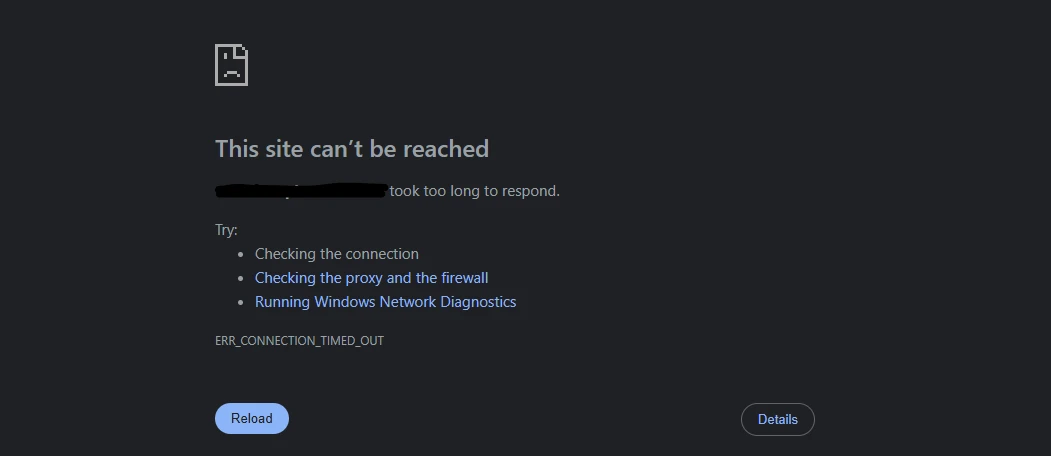
This usually happens during flash sales, paid advertising campaigns, product launches, or after a post starts getting shared widely on Facebook, WhatsApp, TikTok, or X.
In many cases, the problem is not the website itself. The issue is that the hosting environment does not have enough resources to handle the sudden increase in visitors.
Most hosting plans come with limits on CPU usage, RAM, and bandwidth. Once too many people try to access the site at the same time, the server struggles to keep up.
Pages begin loading slowly, visitors see errors like 500, 502, or 503, and in some cases the website becomes completely unavailable.
This type of downtime can become expensive very quickly, especially when the traffic is coming from a successful campaign that should be bringing in customers and sales.
What You Can Do
The first step is upgrading to a hosting plan that can comfortably support growing traffic levels. A stronger hosting setup gives your website more resources and better stability during busy periods.
Other ways to reduce server strain include:
- Using a CDN to distribute traffic across multiple locations
- Installing caching plugins, especially for WordPress websites
- Compressing images and removing unnecessary scripts
- Moving to cloud hosting for improved scalability
Features like SSD storage and LiteSpeed servers help websites stay fast and responsive even during heavy traffic spikes.
2) Cyberattacks (DDoS and Malware)
Not every website downtime comes from real visitors. Sometimes attackers deliberately target websites with fake traffic or malicious software designed to disrupt normal operations.
This has become increasingly common, even for small business websites in Kenya.
One of the most common threats is a DDoS attack, where a server gets flooded with massive amounts of fake requests until it can no longer respond to genuine visitors.
Malware infections can also slow down websites, corrupt files, redirect users to suspicious pages, or take the entire site offline.
In many cases, attackers take advantage of outdated plugins, themes, or CMS versions with known security weaknesses.
Ways to Prevent and Resolve It
Website security works best when problems are stopped early instead of handled after damage has already happened.
A safer setup usually includes:
- Enabling a Web Application Firewall (WAF) to block suspicious traffic
- Keeping WordPress, plugins, and themes updated
- Running regular malware and vulnerability scans
- Using strong passwords and secure login protection
- Activating DDoS protection services
At Truehost, hosting plans include security features designed to reduce these risks, including Immunify360 protection, anti-DDoS systems, and free SSL certificates.
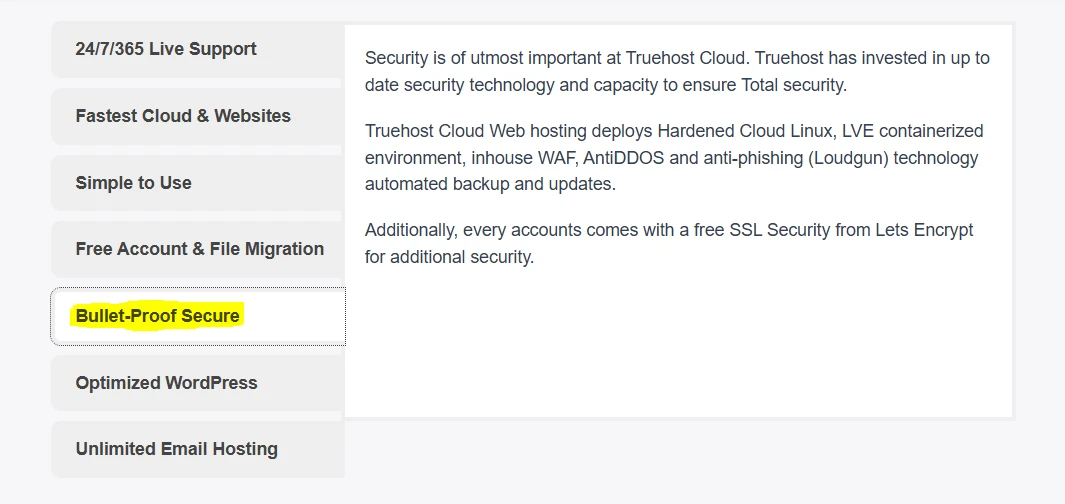
Continuous monitoring also helps identify threats early before they affect website performance or availability.
3) Software Updates, Plugin Conflicts, or Compatibility Issues
Software updates are important for security and performance, but they can also create problems when different parts of your website stop working well together.
A common situation is updating WordPress, a plugin, or a theme, only to find that the website suddenly displays a white screen, broken layouts, missing features, or server errors like 500 errors.
For many website owners, this is one of the most frustrating causes of downtime because it often happens right after making what seemed like a simple update.
In most cases, the issue comes from compatibility conflicts.
A new plugin version may not work properly with your current theme, older plugins, or custom code already installed on the website.
Best Ways to Avoid These Problems
The safest approach is to test updates before applying them to your live website.
These are a few practical ways to reduce the risk:
- Use a staging environment to test changes safely before going live
- Keep regular backups so your website can be restored quickly if something breaks
- Update plugins, themes, and WordPress one at a time instead of all at once
- Remove outdated or unused plugins that may create conflicts
It helps if your WordPress hosting includes tools that make website management much easier, including staging features, and JetBackup for fast restores.
4) Expired Domain or Hosting Subscription
Sometimes a website goes offline for a very simple reason: the domain or hosting plan was not renewed on time.
A business owner gets busy, misses a renewal email, or changes contact details without updating their account information.
Once the subscription expires, the website may become inaccessible, emails stop working, and visitors can no longer reach the business online.
Lucky enough, this type of downtime is completely preventable.
Simple Ways to Prevent Expiry Issues
A few small steps can help keep your website active without interruptions:
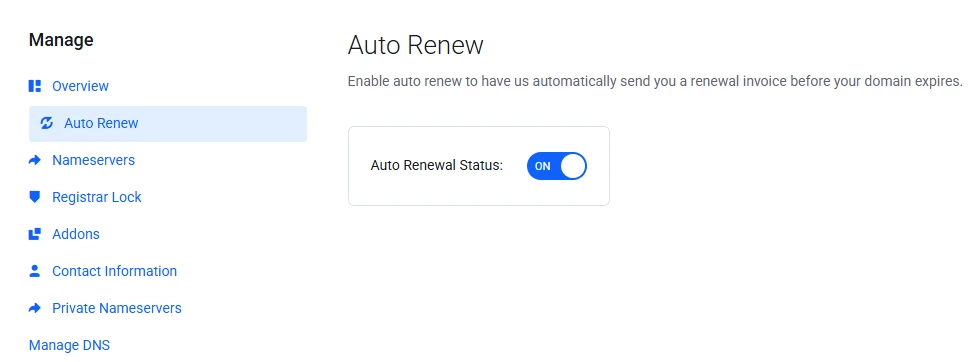
- Turn on automatic renewals for both your domain and hosting plan
- Keep your email address and phone number updated in your hosting account
- Set personal reminders several weeks before the renewal date
- Use a payment method that is easy to access and manage
5) Human Error and Misconfigurations
Website outage is not always caused by traffic spikes or cyberattacks. Sometimes the problem comes from simple mistakes made during routine website management.
A file gets deleted accidentally, a developer changes the wrong setting, or database configurations are modified during maintenance.
In some cases, a small coding error is enough to bring down an entire website.
These situations are common when multiple people have access to the same hosting account or when changes are made directly on the live website without testing first.
The good news is that most of these problems can be avoided with better workflows and backup systems in place.
Smart Ways to Reduce Human Errors
A few preventive steps can save hours of troubleshooting later:
- Use version control tools like Git to track website changes
- Limit account permissions so team members only access what they need
- Test updates and code changes on a staging site before applying them live
- Keep automated daily backups that can restore the website quickly if something goes wrong
At Truehost, we have web hosting with a user-friendly cPanel dashboard that helps reduce configuration mistakes and makes website management simpler, even for beginners.
Customers also get free website migration support and access to a technical support team ready to help when issues come up.
6) DNS and SSL Certificate Issues
Sometimes a website appears offline even though the hosting server itself is working properly. The problem may come from DNS settings or an expired SSL certificate.
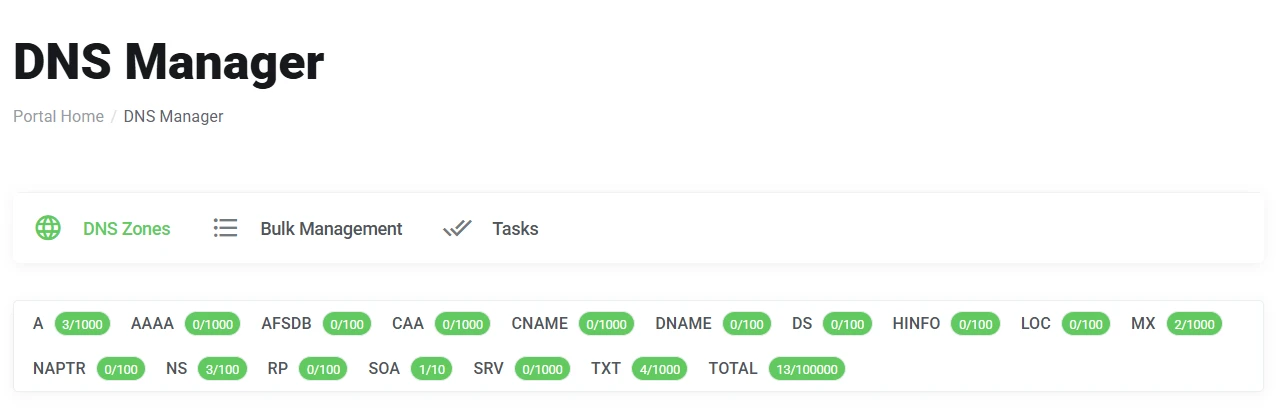
DNS controls where your domain points. If the records are incorrect or still updating after changes, visitors may not reach the website at all.
SSL certificates, on the other hand, secure the connection between your website and visitors. Once an SSL certificate expires, browsers can start showing security warnings or even block access completely.
These issues can create panic for business owners because the website suddenly looks unsafe or unavailable to customers.
How to Keep Everything Running Smoothly
DNS and SSL problems are usually easy to prevent with regular monitoring and automatic renewals.
Here are a few helpful practices:
- Double-check that DNS records point to the correct server IP address
- Monitor DNS propagation after making any changes
- Enable automatic SSL renewal whenever possible
- Keep track of expiry notifications for domains and certificates
Local hosting infrastructure also helps improve website performance and accessibility for visitors in Kenya.
Prevent Website Downtime Proactively
Fixing downtime after it happens is important, but preventing problems before they affect your website is even better.
A proactive approach helps keep your website stable, secure, and available to customers at all times.
Some of the best ways to reduce downtime include:
- Setting up uptime monitoring tools that alert you immediately if your site goes offline
- Scheduling regular automated backups
- Using staging environments before making major changes
- Keeping plugins, themes, and software updated
- Choosing reliable hosting that can scale with your business growth
At Truehost, our hosting infrastructure is designed for stability and performance.
If your current hosting struggles with performance, security, or reliability, it may be time to move to a stronger solution built for growing websites.
Our team can help you migrate your website, improve performance, and reduce downtime without having to go through complicated processes.
Your website should stay online when customers need it most. Taking action early can lead to faster performance, happier visitors, stronger search visibility, and more consistent growth for your business.