Domain SearchInstantly check and register your preferred domain name
 Web Hosting
 cPanel HostingHosting powered by cPanel (Most user friendly)
 WordPress HostingHost your WordPress website with fast, secure, and affordable WordPress hosting in Kenya.
 KE Domains
 Reseller HostingStart your own hosting business without tech hustles
 Windows HostingOptimized for Windows-based applications and sites.
 Free Domain
 Affiliate ProgramEarn commissions by referring customers to our platforms
 Free HostingTest our SSD Hosting for free, for life (1GB storage)
 Domain TransferMove your domain to us with zero downtime and full control
 All DomainsBrowse and register domain extensions from around the world
 .Com Domain
 WhoisLook up domain ownership, expiry dates, and registrar information
 VPS Hosting
 Managed VPSNon techy? Opt for fully managed VPS server
 Dedicated ServersEnjoy unmatched power and control with your own physical server.
 Website Builder
 Online Store BuilderLaunch a professional e-commerce store without writing code.
 Web Design ServiceGet a custom-designed website tailored to your brand and goals. From just KES 15,600
 BlogRead our guides on web hosting, online business, digital marketing, and more
 SupportOur support guides cover everything you need to know about our services
 ContactContact us via chat or email
CyberPanel remains a popular free and open-source hosting control panel, especially for users who want LiteSpeed integration, one-click WordPress installs, and built-in security tools without paying licensing fees.
However, many users look for alternatives in 2026 because they want more flexibility, easier management, better integrations, or stronger scalability. CyberPanel works best within the LiteSpeed ecosystem, while other panels support more web server options like Nginx and Apache. Some beginners also find it harder to learn compared to more established platforms.
Other control panels may offer better multi-server management, larger plugin ecosystems, stronger reseller tools, and more polished support. That’s why it’s important to compare factors like ease of use, pricing, performance, scalability, security, and overall flexibility before choosing a CyberPanel alternative.
Comparison Table
| Panel | Pricing (approx.) | Resource Usage | Strength | Main Drawback |
| cPanel | $30–$70+/mo + fees | Higher | Ecosystem & reliability | Expensive at scale |
| aaPanel | Free core; Pro ~$28/mo or $288/yr | Low | 400+ apps, flexibility | Some features paid |
| Plesk | $15–$60+/mo | Medium | Cross-platform, polished | Licensing costs |
| HestiaCP | Free | Very low | Lightweight & clean | Fewer one-click apps |
| DirectAdmin | $5–$29/mo | Low | Affordable, fast | Limited multi-server |
| ISPConfig | Free | Low-Medium | Clustering & scalability | Steeper setup curve |
| Coolify | Free self-hosted; Cloud ~$5+/mo | Varies (Docker) | Git/Docker-native deployments | Less traditional hosting focus |
1) cPanel
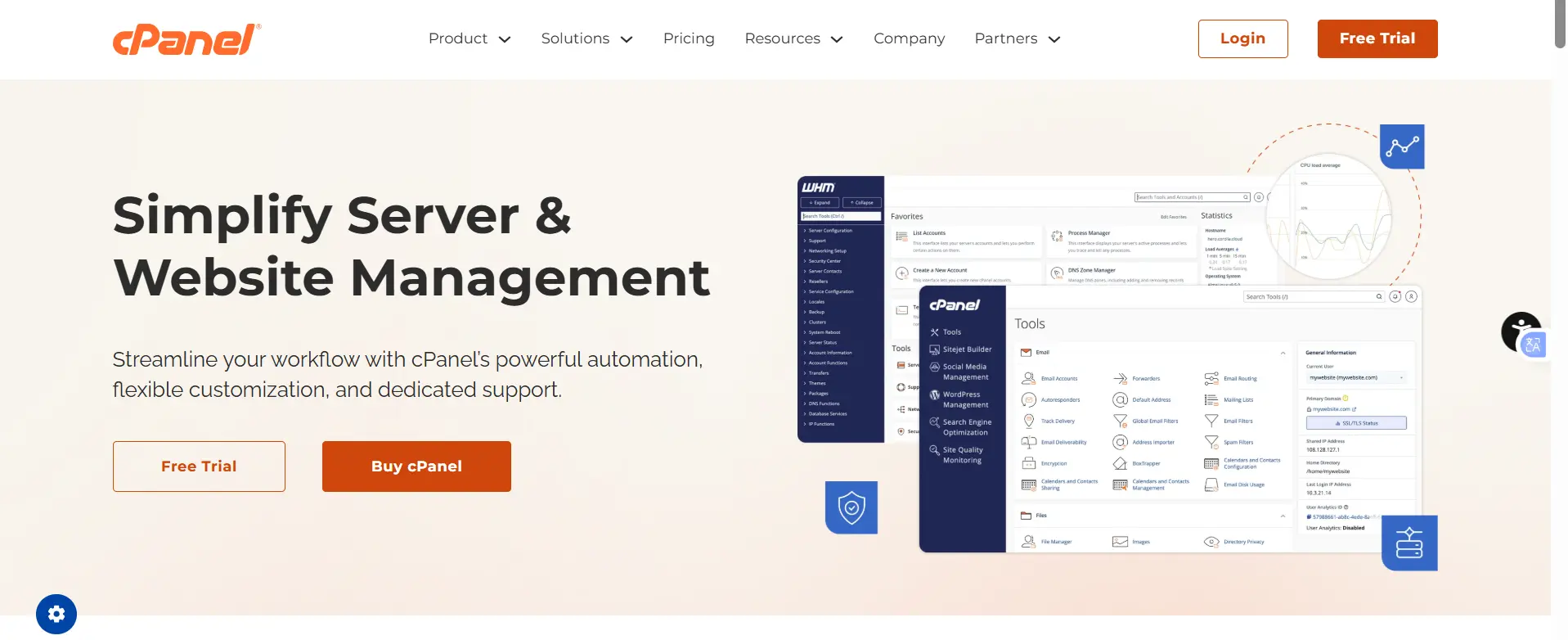
The industry standard web hosting control panel, trusted by providers worldwide for decades.
Features:
- Intuitive interface with strong beginner-friendliness.
- WHM for server/reseller management.
- Vast plugin ecosystem (Softaculous, JetBackup, etc.).
- Excellent documentation and community.
Pricing: Starts at ~$29.99/month (Solo, 1 account) up to $69.99+/month (Premier), with per-account fees in some tiers. 2026 saw further adjustments.
Pros: Extremely reliable, massive support network, compatible with most environments.
Cons: High cost at scale, heavier resource footprint.
Best for: Beginners, professional hosting businesses, or anyone wanting a proven, familiar solution.
2) aaPanel
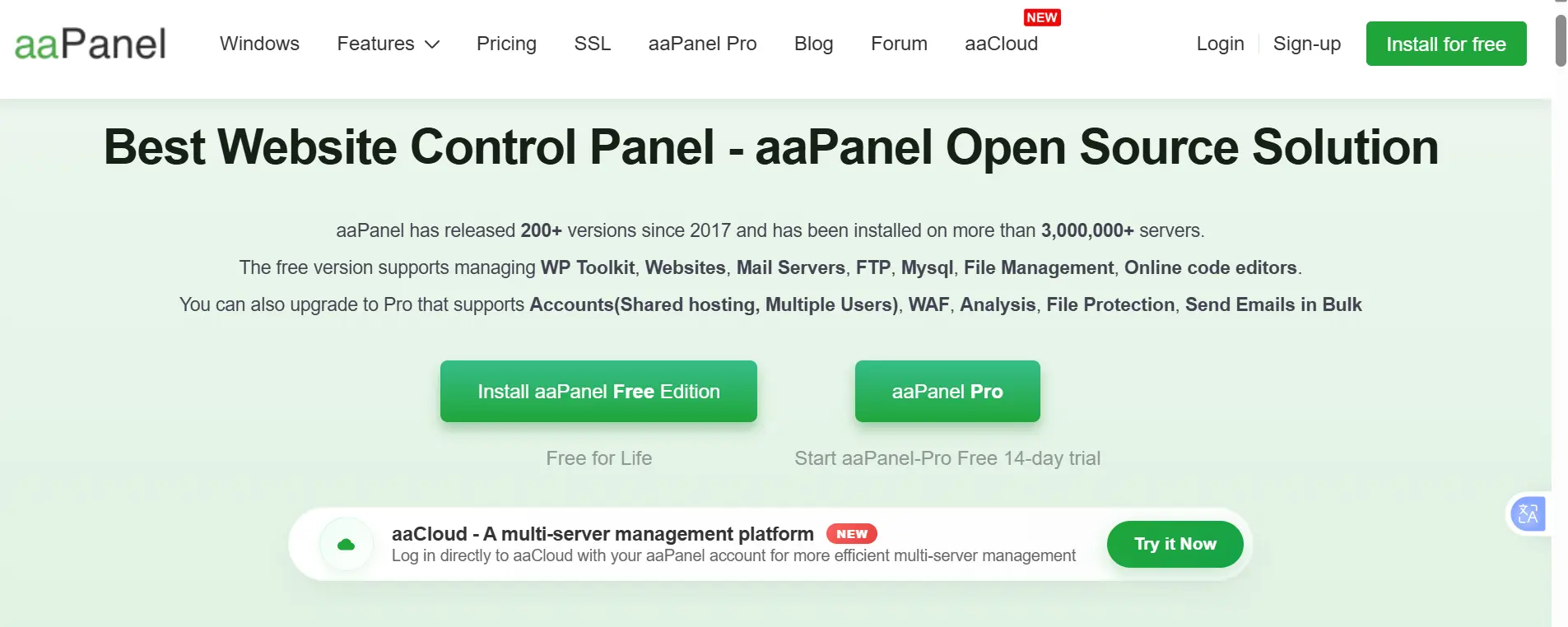
Frequently cited as one of the most popular free or low-cost alternatives in 2026, with a clean interface and broad app support.
Features:
- 400+ one-click apps.
- Supports Nginx, Apache, and OpenLiteSpeed.
- Docker manager, WP Toolkit, file editor.
Pricing: Core is completely free. Pro plans start around $28–$29/month or $288/year for advanced features like enhanced security and multi-user support.
Pros: Beginner-friendly, huge community, highly flexible.
Cons: Premium features or plugins often require payment.
Best for: Beginners and developers seeking flexibility. Often called the closest feature-rich free-ish replacement for CyberPanel.
3) Plesk
A strong, enterprise-grade control panel with strong cross-platform capabilities.
Features:
- Linux + Windows support.
- Extensions marketplace, Docker, Git integration, WordPress Toolkit.
- Strong security and automation tools.
Pricing: Starts around $15–$16/month (Web Admin) and scales to $50–$70+/month for higher editions (Web Host). 2026 pricing adjustments applied.
Pros: Polished UI, excellent security, great for mixed environments.
Cons: Commercial licensing adds up.
Best for: Agencies, businesses, and enterprise hosting needs.
4) HestiaCP
A minimalist, open-source panel focused on simplicity and efficiency, forked from VestaCP concepts but actively maintained.
Features:
- Nginx + Apache (or other) stack.
- Built-in firewall, Let’s Encrypt, multi-PHP.
- Resource-friendly design.
Pricing: Completely free.
Pros: Very low resource usage, clean interface, fast setup.
Cons: More limited one-click app ecosystem compared to aaPanel or cPanel.
Best for: Small VPS deployments and development environments where lightweight performance is key.
5) DirectAdmin

A stable, performant, and cost-effective panel popular among resellers.
Features:
- Low resource usage (often ~300–400MB RAM idle).
- Traditional hosting workflows.
- Solid performance under load.
Pricing: Starts at ~$5/month (Personal) up to $29/month for unlimited accounts (Standard). Significantly more affordable than cPanel.
Pros: Predictable, affordable pricing, reliable speed.
Cons: Multi-server capabilities are more limited.
Best for: Hosting providers and resellers balancing cost and performance.
6) ISPConfig
A powerful open-source panel designed for professional and multi-server use.
Features:
- Multi-server clustering and mirroring.
- Reseller/client management.
- Supports Apache/Nginx, Postfix, Dovecot, BIND/PowerDNS, etc.
Pricing: Completely free (BSD license).
Pros: Highly scalable, advanced configurations, no licensing fees.
Cons: More complex initial setup and steeper learning curve.
Best for: Agencies and hosting businesses needing centralized control over multiple servers.
7) Coolify

A modern, self-hosted “Heroku-style” platform shifting focus toward developers and containerized deployments.
Features:
- Git-based deployments.
- Docker-native with 280+ one-click templates.
- Supports various languages/frameworks.
Pricing: The self-hosted version is free forever. Managed Cloud starts at ~$5/month (plus your server costs).
Pros: Modern, developer-friendly UI with strong CI/CD workflows.
Cons: Still maturing for traditional shared hosting; less emphasis on classic email/FTP stacks.
Best for: Developers, startups, and teams prioritizing modern app deployment over classic web hosting panels.
Factors to Consider Before Choosing
i) Ease of Use
If you’re new to server management, ease of use should be a top priority. cPanel, aaPanel, and Plesk are known for their beginner-friendly dashboards, clean layouts, and simpler setup processes.
They make tasks like creating websites, managing databases, and installing SSL certificates much easier for non-technical users.
ii) Pricing
Control panel costs can add up over time, especially for growing hosting businesses. Free options like aaPanel, Hestia Control Panel, ISPConfig, and Coolify are ideal for users on a tight budget.
If you prefer a paid solution without spending too much, DirectAdmin offers one of the best balances between affordability and scalability.
iii) Performance & Resource Usage
Some control panels consume far more server resources than others. For smaller VPS servers with limited RAM and CPU power, lightweight options like Hestia Control Panel and DirectAdmin are excellent choices because they run efficiently without slowing down the server.
iv) Features & Flexibility
Not every control panel offers the same level of flexibility. Some are designed only for basic website management, while others provide more advanced tools for developers and businesses.
Platforms like aaPanel and Plesk stand out because they support features such as Docker, Git integrations, multiple web servers, one-click app installations, and other developer-friendly tools. This makes them more suitable for users who need greater control, scalability, and easier server management.
v) Scalability
If you plan to manage multiple servers or grow your hosting infrastructure, scalability counts. ISPConfig and Plesk are strong options for larger environments because they support advanced multi-server management and enterprise-level setups.
vi) Community & Support
Commercial control panels usually provide official customer support, detailed documentation, and faster troubleshooting assistance. Open-source platforms often rely more on community forums and user guides. While communities can be helpful, support quality may vary depending on the project.
vii) Security Features
Security should never be overlooked when choosing a hosting panel. Most modern control panels include features like SSL management, firewalls, backups, and malware protection. However, it’s still important to consider how frequently the platform receives updates and how strong its built-in security tools are.
Picking the Right CyberPanel Alternative
The best CyberPanel alternative ultimately depends on your budget, experience level, and hosting goals.
If you want a free and beginner-friendly option, aaPanel and Hestia Control Panel are excellent starting points. For traditional hosting businesses and reseller environments, DirectAdmin and ISPConfig offer better long-term scalability and server management features. Businesses and agencies that need premium tools, polished interfaces, and enterprise-grade support may prefer Plesk or cPanel, while developers building modern applications may find Coolify a better fit for Docker and Git-based workflows.
Before making the switch, it’s always a good idea to test your preferred control panel in a staging environment first. Most of these platforms can be installed quickly on a fresh VPS, making it easier to compare performance, usability, and features before fully committing.
If you’re looking for reliable VPS hosting to run any of these control panels, consider Truehost. With affordable VPS plans, full root access, scalable resources, and fast deployment, it’s a solid option for developers, businesses, and anyone building their own hosting environment.
FAQs: CyberPanel Alternatives Explained
Why would someone switch from CyberPanel?
Common reasons include needing broader web server support, easier multi-server management, lower costs at scale, a simpler UI, or escaping any perceived LiteSpeed dependency.
Is aaPanel really a good free replacement for CyberPanel?
Yes, for many users. It offers similar one-click convenience, more web server flexibility, and a large app library, with Pro unlocking extras. It’s often praised as versatile in 2026 roundups.
Which is best for beginners with zero server experience?
cPanel or aaPanel, due to their polished interfaces, extensive docs, and one-click tools. HestiaCP is also approachable if you want minimalism.
What is the most powerful for enterprise or business use?
For enterprise and business hosting, Plesk and ISPConfig are strong choices because they offer advanced features, better scalability, and support for complex server environments.
cPanel also remains a top option due to its large ecosystem, wide compatibility, and extensive third-party integrations.
Can I manage multiple servers from one control panel?
Yes, ISPConfig and Plesk excel here. Some others offer limited support.
What is the lightest for small VPS servers?
For small VPS servers, lightweight control panels are usually the best option because they use fewer server resources. HestiaCP and DirectAdmin are popular choices due to their low RAM and CPU usage.
They work well on budget VPS plans while still offering important features like website management, databases, email hosting, backups, and SSL support.