Domain SearchInstantly check and register your preferred domain name
 Web Hosting
 cPanel HostingHosting powered by cPanel (Most user friendly)
 WordPress HostingHost your WordPress website with fast, secure, and affordable WordPress hosting in Kenya.
 KE Domains
 Reseller HostingStart your own hosting business without tech hustles
 Windows HostingOptimized for Windows-based applications and sites.
 Free Domain
 Affiliate ProgramEarn commissions by referring customers to our platforms
 Free HostingTest our SSD Hosting for free, for life (1GB storage)
 Domain TransferMove your domain to us with zero downtime and full control
 All DomainsBrowse and register domain extensions from around the world
 .Com Domain
 WhoisLook up domain ownership, expiry dates, and registrar information
 VPS Hosting
 Managed VPSNon techy? Opt for fully managed VPS server
 Dedicated ServersEnjoy unmatched power and control with your own physical server.
 Website Builder
 Online Store BuilderLaunch a professional e-commerce store without writing code.
 Web Design ServiceGet a custom-designed website tailored to your brand and goals. From just KES 15,600
 BlogRead our guides on web hosting, online business, digital marketing, and more
 SupportOur support guides cover everything you need to know about our services
 ContactContact us via chat or email
Running OpenClaw needs more than just a basic server setup.
It requires specific computing resources to function properly, and many users only realize this when their system starts struggling under the load.
So, a VPS is non-negotiable for OpenClaw. Shared hosting simply won’t cut it because OpenClaw needs dedicated resources, full root access, and the ability to run background processes continuously.
Your laptop isn’t a good option either; when you close the lid, your AI assistant goes offline.
In this article, you’ll know exactly what you need in terms of CPU, RAM, storage, and network to get OpenClaw running smoothly.
Check out this table for a simple breakdown:
| Resource | Minimum Requirement |
| vCPU cores | 2 cores |
| RAM | 4 GB |
| Storage | 25GB SSD |
| Network | 100 Mbps |
What do the Minimum Setup Requirements for Openclaw Mean?
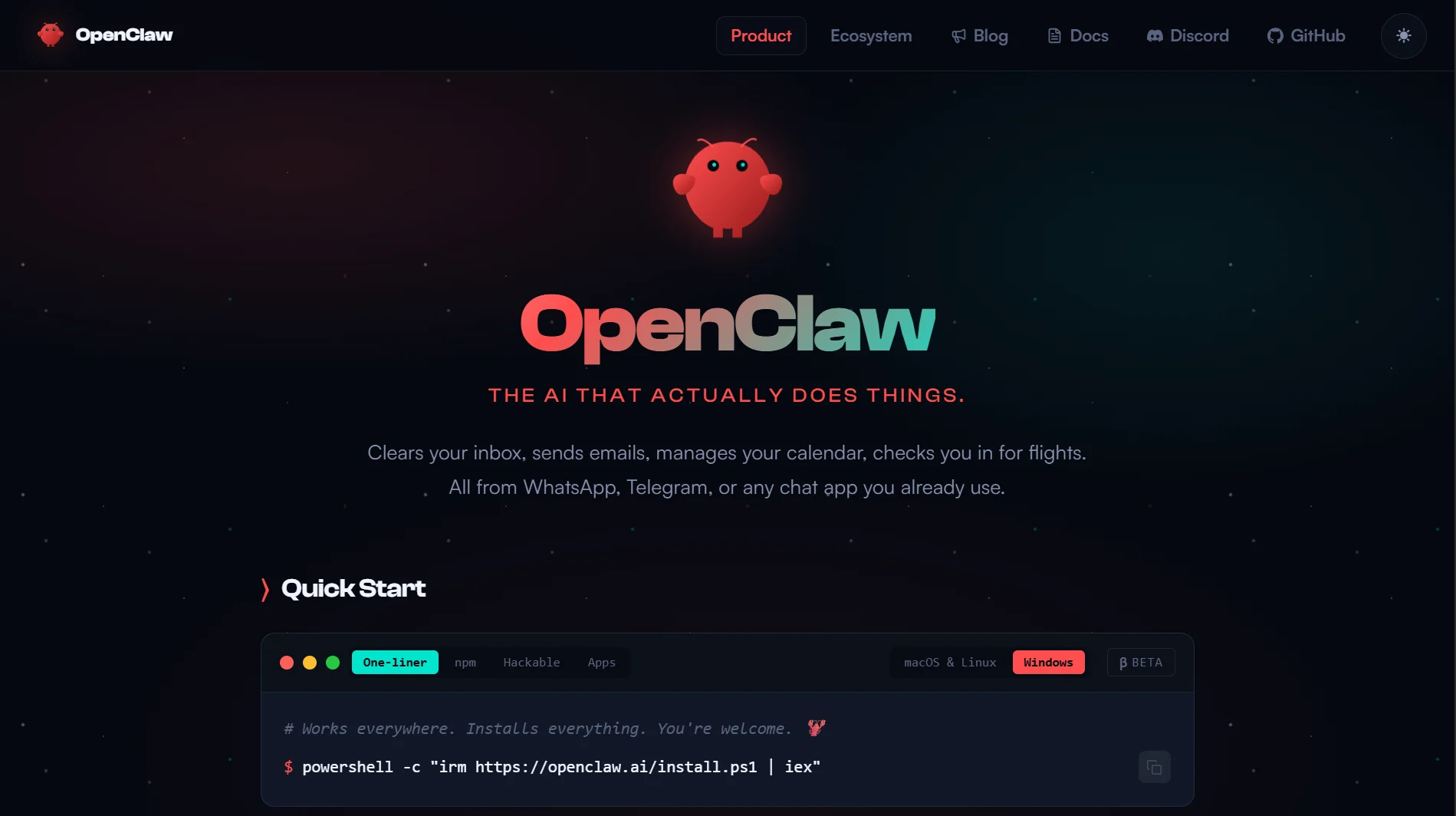
- 2 vCPU cores: Handles light automation workflows and 1-2 concurrent sessions. If you’re running basic Telegram bot interactions or simple prompt chains, two cores are enough.
- 4 GB RAM: To cover your operating system, OpenClaw itself, and basic caching. You won’t be doing heavy multitasking with this amount. It’s enough for a single agent running simple tasks without complex memory contexts.
- 25 GB SSD: Holds your operating system, OpenClaw installation, logs, temporary files, and small bot data. SSD storage is critical because traditional HDDs create bottlenecks that slow your AI agent’s response time.
- 100 Mbps: For text-based commands and low-frequency API polling, this network speed is sufficient. Your agent sends requests to AI providers and receives responses, mostly text data that doesn’t require massive bandwidth
Recommended Openclaw VPS Requirements To Get Started
1) Server Requirements
For a reliable OpenClaw deployment, start with 2 vCPUs as the absolute minimum. But note that four or more vCPUs are recommended if you plan to run anything beyond basic testing.
Similarly, for RAM, you need 4 GB as the floor, but 8+ GB gives your agent breathing room.
With more memory, you can handle multiple agents simultaneously, process larger contexts, and avoid the performance hits that come from swapping to disk.
Dedicated CPU resources are also critical. On shared or burstable CPU plans, your performance fluctuates based on what other users are doing.
For OpenClaw, steady performance is important because AI workflows mostly run continuously.
Your network port should be at least 100 Mbps. While OpenClaw doesn’t consume massive bandwidth, a slow network connection adds latency to every API call your agent makes.
2) Storage Requirements
OpenClaw runs on Linux exclusively. Ubuntu 22.04 LTS is the recommended choice, and Debian 12 is fully supported as well.
These distributions have the right package repositories and long-term support, making deployment straightforward.
Windows Server is not supported for OpenClaw. macOS is only suitable for development purposes, not for production deployments.
Quick recommendation: If you’re setting up your first OpenClaw instance, pick Ubuntu 22.04 LTS. It’s the most documented and tested option, so there are fewer surprises during setup.
3) Operating System Requirements
Your VPS needs more storage than just what OpenClaw itself requires. The base operating system and installation take 15-20 GB right away.
Besides that, your workspace grows by 1-5 GB per month as your agent logs interactions and stores data. Without log rotation, logs alone can consume 1-3 GB.
The recommended storage size is 80 GB, with a minimum of 40 GB.
If you plan to use browser automation, which involves taking screenshots and storing rendered page data, bump that to 100 GB
4) Install Size and Disk Requirements
The core OpenClaw Docker image runs about 2-3 GB. Add browser automation capabilities, and that grows to 4-5 GB.
This is why storage type is just as crucial as storage size. Traditional HDDs are not recommended for OpenClaw.
The agent frequently reads and writes to disk, and a slow drive creates noticeable delays. NVMe SSDs are the gold standard; they offer up to 20x faster data access compared to standard SSDs.
5) Security Requirements
Running OpenClaw requires paying attention to security from day one. You need to set up:
- Non-root user for container operations: Never run OpenClaw as the root user. Create a dedicated user account that has only the permissions it needs.
- Firewall configured: Set up UFW or iptables to restrict access to only the ports you actually need. OpenClaw uses port 18789 for its management interface, and you want that locked down.
- SSH key authentication only: Password-based SSH logins are a security risk. Generate an SSH key pair and disable password authentication entirely.
- Fail2ban or brute-force protection: This monitors failed login attempts and blocks IPs that show suspicious behavior.
- Automatic security updates and log rotation: Security patches should install automatically. Log rotation prevents your disk from filling up with old log files
Openclaw VPS Requirements FAQs
Which VPS should I use for OpenClaw?
Look for a VPS provider that offers KVM virtualization, dedicated CPU resources, and NVMe storage. Shared hosting won’t work because OpenClaw needs Docker and full root access. Ubuntu 22.04 or 24.04 LTS should be available as an operating system option.
How much disk space is needed for OpenClaw?
The absolute minimum is 25 GB, but 40 GB is more realistic. For long-term use with browser automation and log retention, 80 GB or 100 GB gives you room to grow.
Do I need a GPU to run OpenClaw?
No. OpenClaw doesn’t run models locally; it connects to AI providers such as OpenAI, Anthropic, and Groq via their APIs. Heavy computation is performed on the provider’s servers.
Is 16GB RAM enough for OpenClaw?
Yes, more than enough. The recommended configuration for production workloads is 8 GB of RAM. With 16 GB, you can run multiple agents and handle complex workflows without breaking a sweat.
How much RAM do I need for a VPS?
For testing and development, 4 GB is the minimum. For production, start at 8 GB. If you plan to run OpenClaw alongside other services or local Ollama models, you’ll need more, possibly 16 GB or higher.
What is the cheapest VPS for OpenClaw?
Entry-level VPS plans with 2 GB RAM and 1 vCPU can run OpenClaw for basic use, but you’ll quickly hit limitations. Look for plans with at least 2 vCPUs and 4 GB RAM, as they offer a better balance of cost and performance.
Get Started With Truehost Openclaw VPS Hosting
Now, getting OpenClaw running on a raw VPS involves installing Node.js, Docker, all the dependencies, and then troubleshooting when something doesn’t work.
At Truehost, we want to make it easier for you. So, we’ve eliminated that entire process with our pre-configured OpenClaw environment.
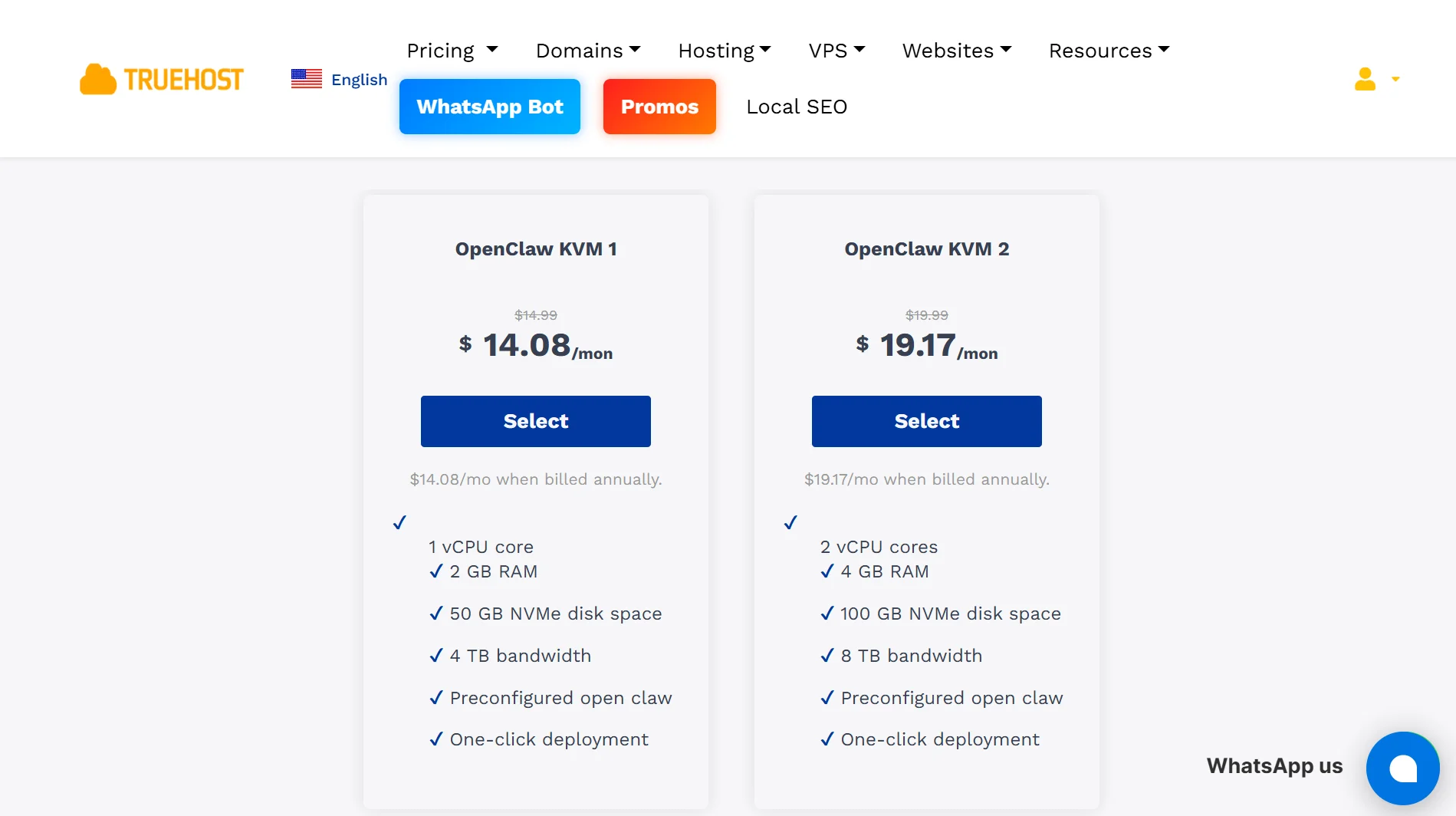
Our OpenClaw VPS packages come with everything ready to go: Playwright frameworks, Python stacks, and the OpenClaw orchestration engine already installed.
You skip straight to connecting your AI provider credentials and deploying your agents.
In addition, we use dedicated AMD virtual instances for headless web automation and scraping, eliminating the slowdowns you experience on shared resources.
Our OpenClaw KVM2 plan gives you 2 vCPU cores, 4 GB RAM, and 100 GB NVMe storage for just KES 2,659.89 per month on triennial billing.
You get one-click deployment, full root SSH access, automatic daily SSD snapshots, and 24/7 local support, built for Kenyan businesses, with local support and M-PESA payment options.