Domain SearchInstantly check and register your preferred domain name
 Web Hosting
 cPanel HostingHosting powered by cPanel (Most user friendly)
 WordPress HostingHost your WordPress website with fast, secure, and affordable WordPress hosting in Kenya.
 KE Domains
 Reseller HostingStart your own hosting business without tech hustles
 Windows HostingOptimized for Windows-based applications and sites.
 Free Domain
 Affiliate ProgramEarn commissions by referring customers to our platforms
 Free HostingTest our SSD Hosting for free, for life (1GB storage)
 Domain TransferMove your domain to us with zero downtime and full control
 All DomainsBrowse and register domain extensions from around the world
 .Com Domain
 WhoisLook up domain ownership, expiry dates, and registrar information
 VPS Hosting
 Managed VPSNon techy? Opt for fully managed VPS server
 Dedicated ServersEnjoy unmatched power and control with your own physical server.
 Website Builder
 Online Store BuilderLaunch a professional e-commerce store without writing code.
 Web Design ServiceGet a custom-designed website tailored to your brand and goals. From just KES 15,600
 BlogRead our guides on web hosting, online business, digital marketing, and more
 SupportOur support guides cover everything you need to know about our services
 ContactContact us via chat or email
Managing a website without a control panel is possible, but honestly, nobody wants to spend their evening editing configuration files just to add an email account.
A hosting control panel exists to take that pain away. It gives you a dashboard where you can manage domains, set up databases, upload files, create email accounts, and install an SSL certificate, all without touching the command line.
cPanel is probably the name most people recognise here.
It’s been the industry standard for years, and for good reason, it’s polished, well-documented, and works out of the box on most shared hosting.
But cPanel is also a commercial product, and that licensing cost gets passed down to whoever’s paying for the server.
That’s exactly where open source control panels come in.
They can hand you more control over how your server is configured, and since there’s no licensing fee attached, hosting costs often come down too.
Before we get into the details, here’s a quick preview of how the main open source panels stack up against each other.
| Control Panel | Best For | WordPress | DNS | Multi-Server | Ease of Use | Cost | |
|---|---|---|---|---|---|---|---|
| CyberPanel | WordPress/VPS | Supported | Supported | Supported | Not supported | Easy | Free/varies |
| HestiaCP | Small VPS | Supported | Supported | Supported | Not supported | Moderate | Free |
| ISPConfig | Hosting admins | Supported | Supported | Supported | Supported | Advanced | Free |
| CloudPanel | Cloud/VPS apps | Supported | Not supported | Not supported | Not supported | Easy | Free |
| aaPanel | VPS beginners | Supported | Supported | Supported | Not supported | Easy | Free/varies |
Best Open Source Control Panels
Let’s go through each one properly, because the table only tells half the story.
a) CyberPanel
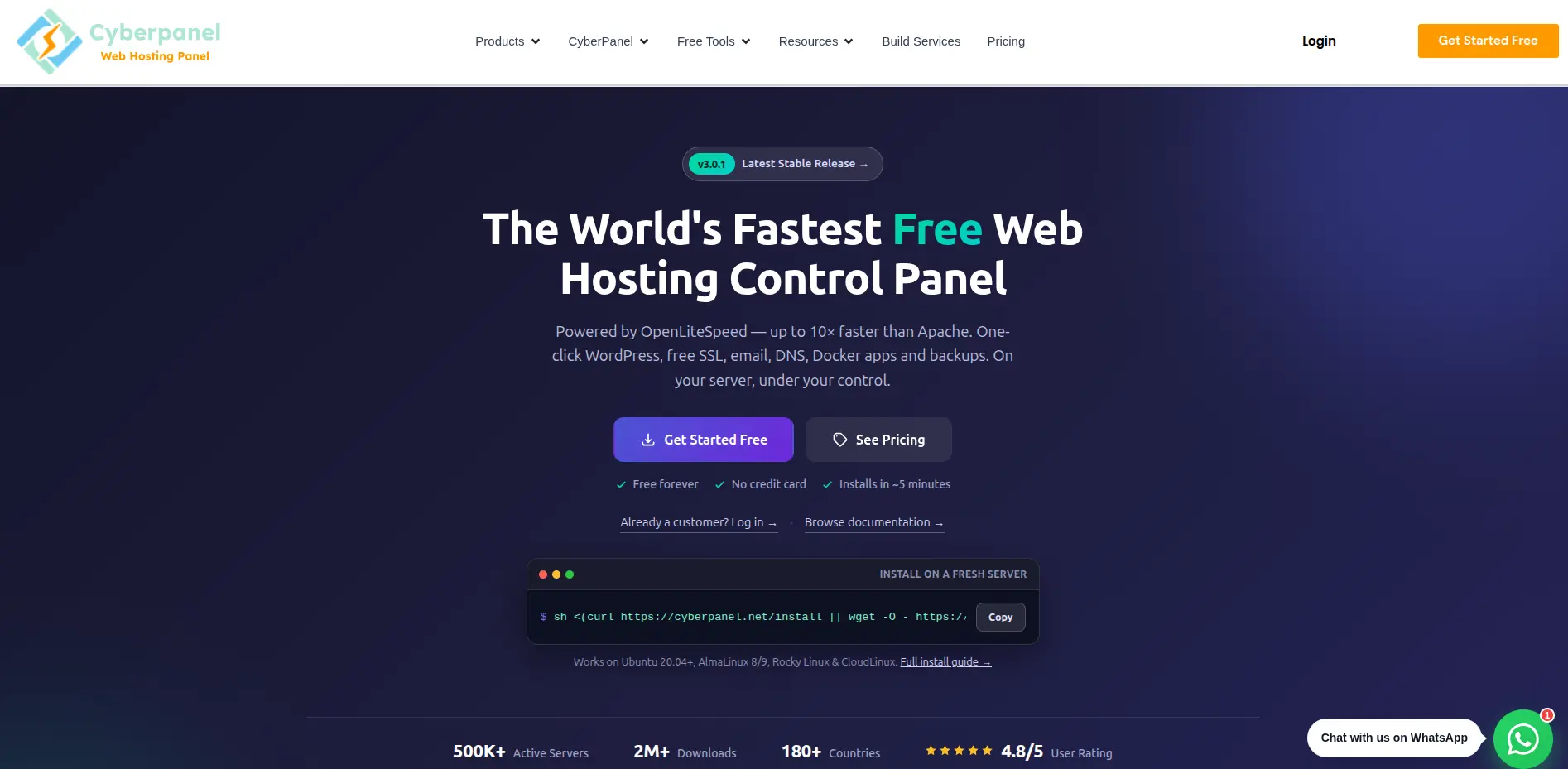
CyberPanel is open source and free to use, built on top of OpenLiteSpeed, the free edition of the LiteSpeed web server.
That pairing is really the whole selling point, OpenLiteSpeed is known for handling traffic more efficiently than Apache, so sites tend to load noticeably faster without any extra tuning.
WordPress support is a genuine strength here.
CyberPanel includes a dedicated WordPress manager that can deploy a site in about a minute, complete with LiteSpeed Cache built in for extra speed.
SSL comes free through Let’s Encrypt with auto-renewal, and DNS management is included for handling your domain’s records directly from the panel.
Email runs on Postfix and Dovecot with spam filtering, DKIM, and SPF support baked in, so you’re not stuck relying on a third-party mail service.
Backups can go to local storage, SFTP, S3, or Google Drive, and security comes wrapped up in ModSecurity along with an optional CSF firewall.
Ease of use is genuinely good for a self-hosted panel, the interface is clean and doesn’t demand deep Linux knowledge to get a site running. Worth flagging though, CyberPanel operates on a freemium model.
The core panel with OpenLiteSpeed is free forever with unlimited websites, but if you want the commercial LiteSpeed Enterprise web server bundled in, or some of the premium add-ons, that comes at a cost.
CyberPanel is best for anyone running WordPress-heavy sites on a VPS who wants speed without paying for a LiteSpeed license upfront.
b) HestiaCP
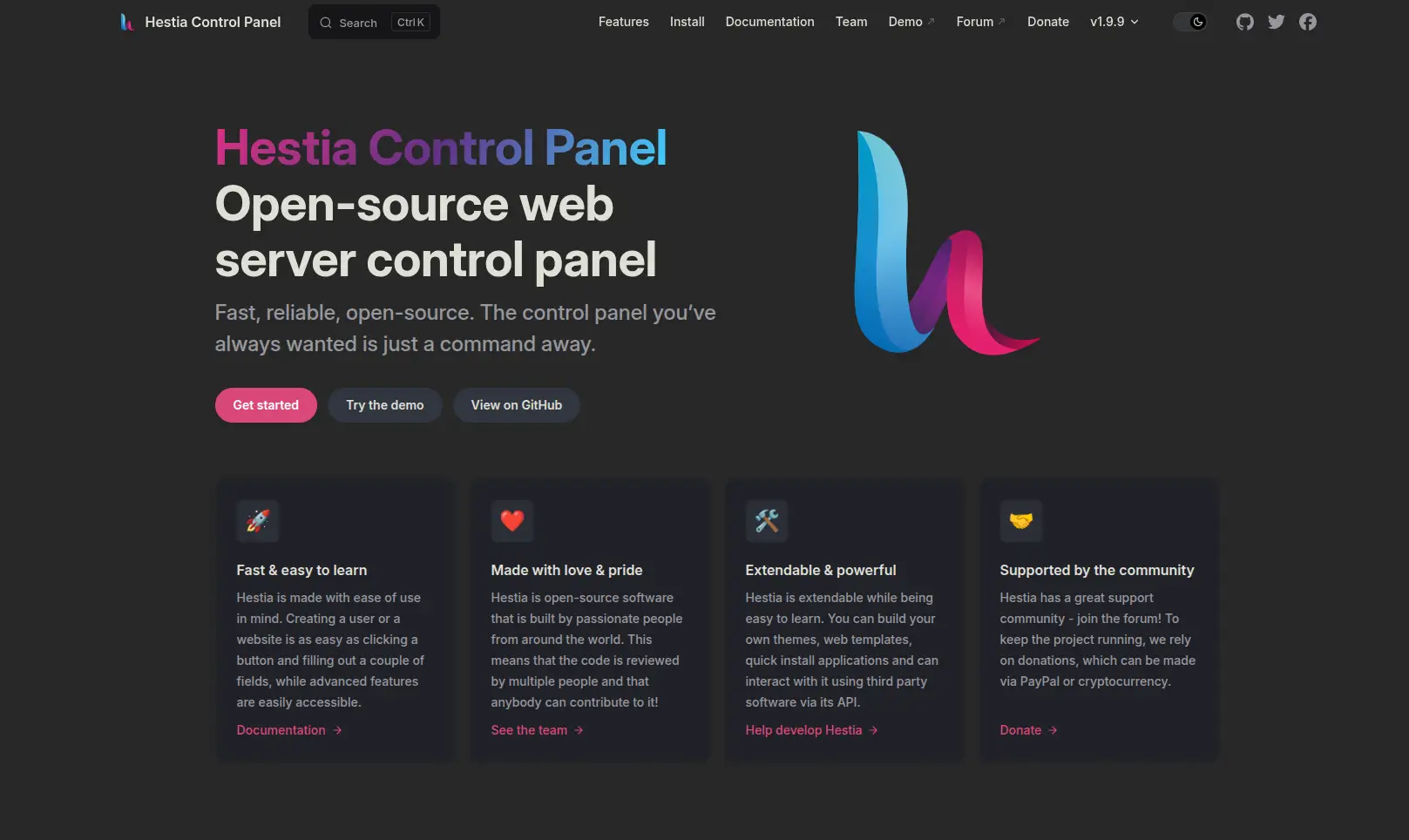
HestiaCP is a fork of the older VestaCP project, rebuilt with better security and more active development behind it.
It’s completely open source and free, no paid tiers hiding behind the main features.
What makes it stand out is how lightweight the whole thing is.
It doesn’t try to do everything, it focuses on the essentials done well: website management, DNS zones, email accounts, and database management across MySQL, MariaDB, or PostgreSQL.
Security features include two-factor authentication, fail2ban for blocking brute-force login attempts, configurable firewall rules, and free SSL through Let’s Encrypt for both your websites and mail server.
Installation is fairly quick on Ubuntu or Debian, though the setup process assumes a bit more comfort with the command line than something like CyberPanel or aaPanel, so I’d call ease of use moderate rather than beginner-easy.
HestiaCP works best for developers or small agencies running a handful of sites on a single modest VPS who want something clean and don’t need multi-server features or heavyweight extras.
c) ISPConfig
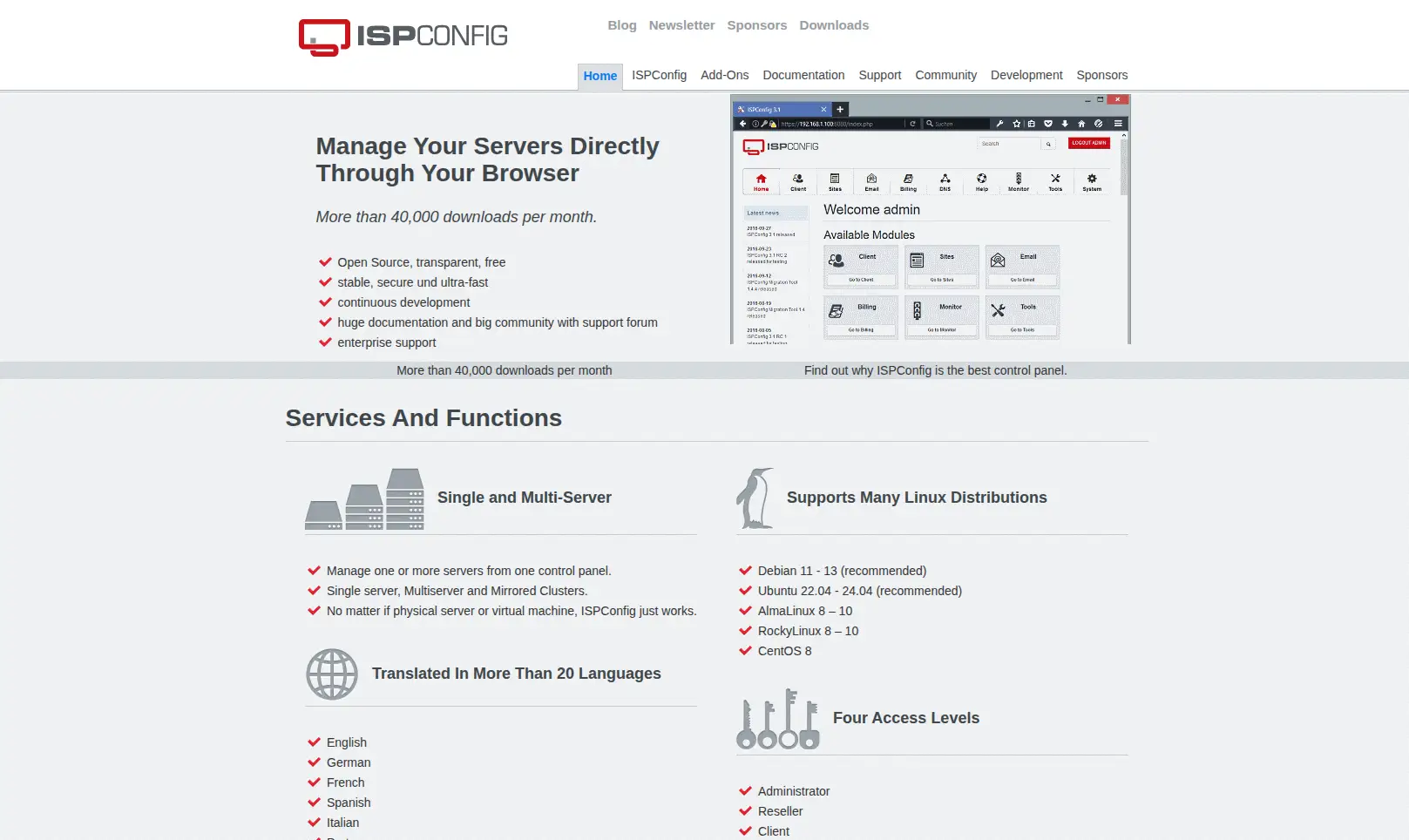
ISPConfig has been around since 2005, making it one of the oldest open source control panels still actively maintained, and it shows in both good and less good ways.
It’s licensed under BSD, so it’s fully free to use, modify, and redistribute with no per-server licensing cost hanging over you.
The standout feature is multi-server support.
You can run a master installation of ISPConfig that manages web, mail, and DNS services spread across separate physical or virtual servers, which is genuinely useful once you’re managing infrastructure at any real scale.
Website management covers Apache and Nginx, email runs through Postfix and Dovecot, DNS is handled via BIND or PowerDNS, and FTP access comes through PureFTPd.
Database support covers MySQL and MariaDB, and reseller or client account management is built in too, which makes ISPConfig a natural fit for hosting companies managing multiple customers.
The tradeoff is the interface, which still looks and feels dated compared to newer panels, and there’s no built-in WordPress manager, so installing WordPress means doing it the manual way rather than clicking a button.
Ease of use sits on the advanced end because of this. ISPConfig makes the most sense for hosting administrators and system admins who need multi-server management and don’t mind a less polished UI in exchange for that flexibility.
d) CloudPanel
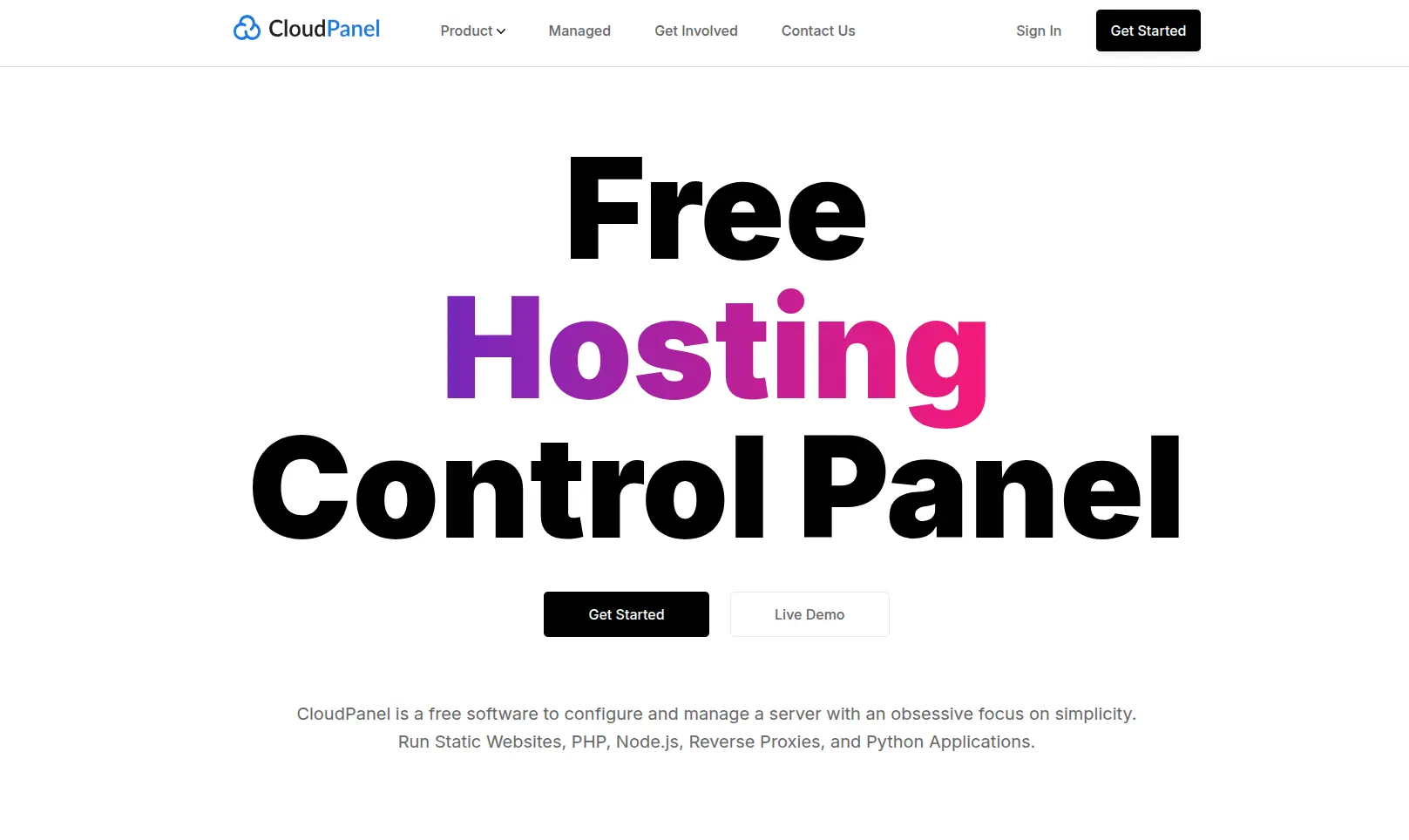
CloudPanel is worth including because it’s become genuinely popular in modern cloud and VPS environments, particularly among developers who work across multiple languages rather than just PHP.
It’s free and open source, built around a lightweight stack of NGINX, PHP-FPM, Redis, and Node.js.
Where CloudPanel really shines is application support, you can run PHP, Node.js, Python, static sites, and reverse proxies all from the same panel with each site isolated at the system level for security.
WordPress installs are one-click, and free Let’s Encrypt SSL certificates come standard with automatic renewal across multiple domains and subdomains.
Resource management includes real-time monitoring for CPU, disk, and overall server health, plus automated backups through AMIs on supported cloud providers.
What’s missing is email and DNS management, CloudPanel intentionally leaves those out, so you’ll need a third-party mail provider or DNS host alongside it.
Ease of use is genuinely strong though, the dashboard is modern and doesn’t overwhelm you with menus.
CloudPanel fits best for developers or agencies deploying PHP, Node.js, or Python applications on cloud VPS instances who don’t need bundled email hosting.
e) aaPanel
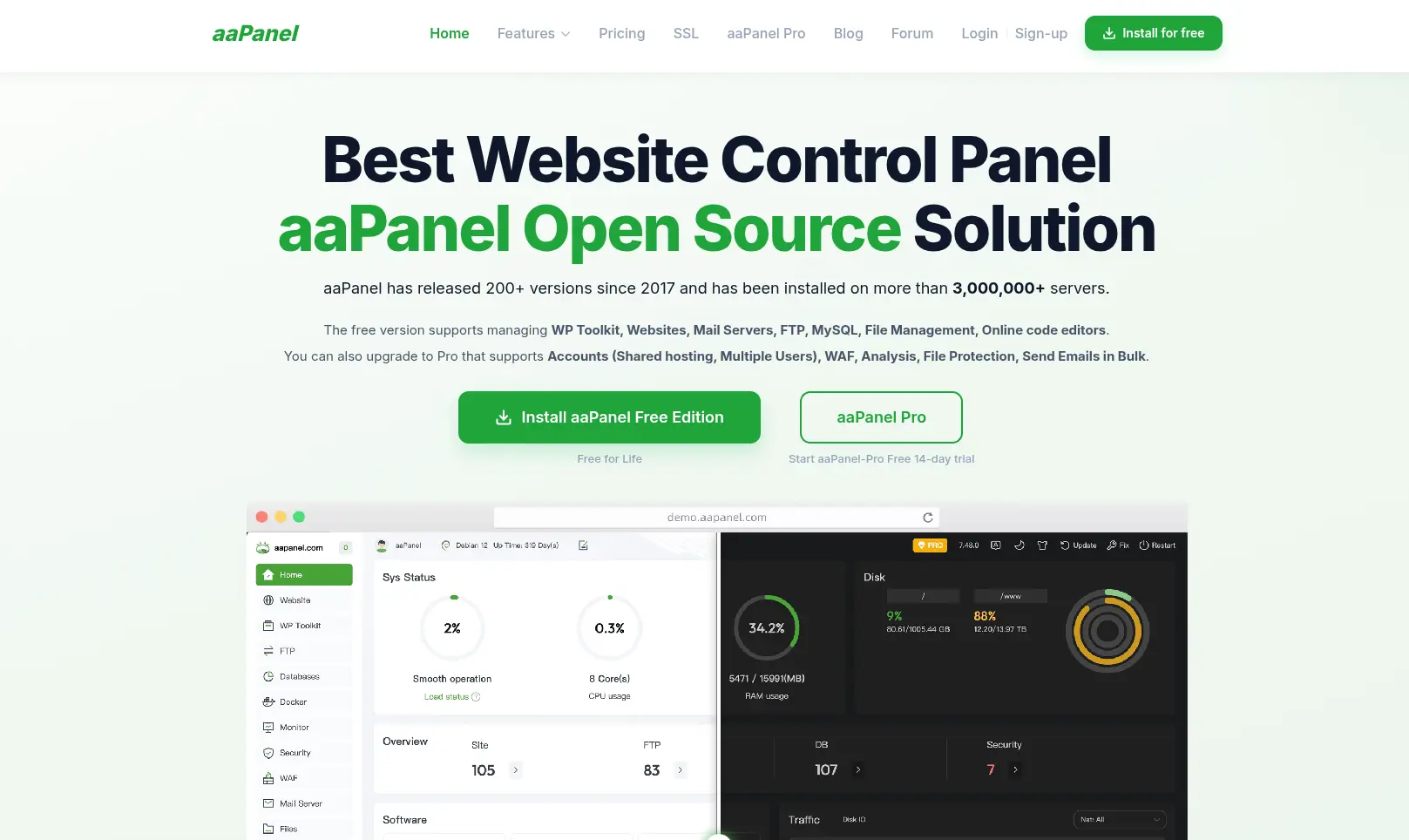
aaPanel has built a reputation as the most feature-packed of the free open source panels, and after going through what it actually includes, that reputation holds up.
It’s free and open source at its core, with an optional Pro tier for extra premium tools, though the free version covers the vast majority of what most users need.
Website management supports one-click deployment for WordPress, Joomla, Laravel, and dozens of other applications through its app store, alongside LAMP and LNMP stack setup.
Database support covers MySQL and MariaDB with a clean visual manager, and SSL certificates install with one click via Let’s Encrypt with auto-renewal.
Application support extends well beyond PHP, aaPanel handles Python, Node.js, and Docker containers too, which gives it more flexibility than panels locked into a single stack.
Server monitoring is built in and tracks real-time resource usage, and security tools include a firewall, fail2ban, and a malware scanner, all running out of the box.
Ease of use is a genuine strength, the interface is clean, works well on mobile if you need to fix something urgently, and doesn’t require much prior Linux experience to navigate.
aaPanel is a solid fit for VPS beginners who want the widest range of features without a steep learning curve.
A quick note before moving on: licensing and free-versus-paid boundaries do shift over time as these projects grow, so it’s worth checking each project’s current documentation before you commit to one, especially if you’re planning to rely on it for a business.
How to Choose the Best Open Source Control Panel
With five solid options on the table, here’s how to actually narrow it down for your situation.
i) Consider Your Operating System
Not every panel runs on every distribution. HestiaCP, for instance, is built specifically for Ubuntu and Debian, while aaPanel and CyberPanel support a wider spread including CentOS and AlmaLinux.
Check compatibility with your server’s OS before you get attached to a particular panel.
ii) Consider Your Technical Experience
Some panels genuinely hand-hold you through setup, others assume you’re comfortable typing commands when something doesn’t go as planned.
aaPanel and CloudPanel lean beginner-friendly. ISPConfig, by contrast, rewards existing sysadmin experience and can feel unforgiving if you’re new to server management.
iii) Check Application Support
Think about what you’re actually going to run. If WordPress is your main concern, CyberPanel’s dedicated WordPress tools are hard to beat.
If you’re building with Node.js or Python alongside PHP, CloudPanel or aaPanel will serve you better than a panel that’s purely PHP-focused.
Match the panel to your stack, not the other way around.
iv) Look at Security Features
Free SSL is close to standard across all five now.
So look past that to firewall configuration, brute-force protection like fail2ban, how frequently the project ships updates, and whether user accounts are properly isolated from each other on shared servers.
Malware scanning, where available, is a nice bonus rather than a baseline expectation.
v) Consider Backup Options
Here’s something that trips people up: the control panel itself isn’t automatically keeping your data safe just because it has a backup button.
You still need to actually configure where backups go, whether that’s a separate storage location, cloud storage, or an off-site server, and check that they run on a schedule you’re comfortable with.
A backup sitting on the same server as your live site doesn’t help much if that server fails.
vi) Consider Community and Documentation
Open source projects vary a lot in how well they’re supported once you hit a problem at 2am.
Some, like ISPConfig and HestiaCP, have long-running forums and years of accumulated troubleshooting threads.
Others are newer or smaller, meaning fewer answers exist for edge-case problems.
Before committing, take a look at how active the GitHub repository is and whether the community forum actually gets responses.
Should You Use an Open Source Control Panel or cPanel?
This is probably the question that brought a lot of readers here in the first place, since cPanel alternative is one of the more common searches around this topic.
| Feature | Open Source Panels | cPanel |
|---|---|---|
| Source code | Open | Proprietary |
| License | Often free/open source | Paid |
| Hosting cost | Potentially lower | Includes licensing cost |
| Customization | High | More limited |
| Ease of use | Varies | Beginner-friendly |
| Server management | Varies | Extensive |
| Technical knowledge | Often higher | Generally lower |
Here’s the honest takeaway though, open source doesn’t automatically mean easier.
Some of these panels, aaPanel and CloudPanel especially, are genuinely approachable for beginners.
Others, like ISPConfig, ask more of you technically in exchange for capabilities cPanel simply doesn’t offer at any price.
The right choice depends on whether you value hands-on control and lower costs, or a polished, well-documented experience where most of the guesswork has already been handled for you.
If all of this sounds like more server management than you signed up for, that’s completely fair, plenty of people would rather skip the setup and configuration entirely.
That’s where Truehost Kenya can help.
We give you web hosting with free cPanel included, so you get the beginner-friendly experience without needing to install, configure, or maintain any control panel yourself.
Get hosting with Truehost today and skip straight to building your website.
Frequently Asked Questions
What is the best open source control panel?
It depends on your priorities. aaPanel tends to win for beginners because of its clean interface and broad application support. CyberPanel is strongest for WordPress and speed thanks to OpenLiteSpeed. ISPConfig is the go-to for admins who need multi-server management.
Is there a free alternative to cPanel?
Yes, several. CyberPanel, HestiaCP, ISPConfig, CloudPanel, and aaPanel are all genuinely free, open source control panels that cover most of what cPanel offers, though feature sets and ease of use differ between them.
Is CyberPanel completely free?
The core panel running on OpenLiteSpeed is free forever with unlimited websites. Some add-ons and the option to bundle the commercial LiteSpeed Enterprise web server come at an additional cost.
Is HestiaCP free?
Yes, HestiaCP is completely free and open source with no paid tier for its core features.
Which open source control panel is best for WordPress?
CyberPanel is generally the strongest pick here, thanks to its dedicated WordPress manager, one-minute deployment, and built-in LiteSpeed Cache for performance.
Can I install an open source control panel on a shared hosting plan?
Usually not. Most shared hosting environments don’t give you the root access needed to install a control panel yourself. Open source panels like these are typically installed on a VPS or dedicated server where you have full administrative control.
Are open source control panels secure?
They can be, provided the project is actively maintained and you keep it updated. All five panels covered here include core security features like free SSL, firewalls, and brute-force protection, but security also depends heavily on how well you configure and maintain the server yourself.
Is cPanel better than open source control panels?
Not necessarily better, just different. cPanel offers a more polished, beginner-friendly experience backed by paid support, while open source panels offer more flexibility and lower costs but often expect more technical involvement from you.
Can I use an open source control panel with Truehost web hosting?
Truehost’s shared hosting plans come with cPanel already included, so there’s no need to install a separate open source panel. If you’re after a more hands-on, self-managed environment on a VPS instead, that’s where an open source panel would come into play.