Domain SearchInstantly check and register your preferred domain name
 Web Hosting
 cPanel HostingHosting powered by cPanel (Most user friendly)
 WordPress HostingHost your WordPress website with fast, secure, and affordable WordPress hosting in Kenya.
 KE Domains
 Reseller HostingStart your own hosting business without tech hustles
 Windows HostingOptimized for Windows-based applications and sites.
 Free Domain
 Affiliate ProgramEarn commissions by referring customers to our platforms
 Free HostingTest our SSD Hosting for free, for life (1GB storage)
 Domain TransferMove your domain to us with zero downtime and full control
 All DomainsBrowse and register domain extensions from around the world
 .Com Domain
 WhoisLook up domain ownership, expiry dates, and registrar information
 VPS Hosting
 Managed VPSNon techy? Opt for fully managed VPS server
 Dedicated ServersEnjoy unmatched power and control with your own physical server.
 Website Builder
 Online Store BuilderLaunch a professional e-commerce store without writing code.
 Web Design ServiceGet a custom-designed website tailored to your brand and goals. From just KES 15,600
 BlogRead our guides on web hosting, online business, digital marketing, and more
 SupportOur support guides cover everything you need to know about our services
 ContactContact us via chat or email
If you’re looking to run n8n, you have two main paths.
An n8n VPS comes with the automation tool already installed, configured, and ready to use the moment your server goes live. You don’t touch the command line or worry about dependencies.
Then, a VPS is a blank server with just an operating system; you install Node.js, npm, n8n, and everything else yourself from scratch.
The n8n VPS is perfect if you want to start automating immediately without learning Linux administration.
But if you’re comfortable with SSH and want full control of your server environment, go for a VPS.
Both options self-host your workflows, giving you data privacy and freedom from cloud vendor lock-in.
The choice comes down to one question: do you pay with money for convenience, or with time and effort for control?
The differences at a glance:
| Feature | N8n VPS | VPS |
| Set up time | 15 minutes | Up to 2 hours |
| Monthly cost | From $6.49 | From Ksh. 1400 |
| SSL/HTTPS | Auto-configured | Manual setup required |
| Database | Pre-configured PostgreSQL | SQLite default, manual upgrade needed |
| Updates | One-click or automatic | Manual CLI updates |
| Server monitoring | Built-in dashboard | You set it up yourself |
| Support | Dedicated support team | Community forums only |
N8n VPS vs VPS: 7 Ways They Compare
1) Initial Setup
With an n8n VPS, you pick a plan, deploy, and get a login link within minutes. The provider has already installed Node.js, npm, and all the dependencies n8n needs to run.
You don’t have to figure out which version of Node.js works best or troubleshoot compatibility issues.
A VPS gives you none of that. You start with a clean operating system, usually Linux, and that’s all.
From there, you need to establish an SSH connection, install Node.js and npm, set up PM2 to keep n8n running in the background, download and install n8n, and configure systemd services so n8n restarts automatically when the server reboots.
If you run into version conflicts or permission errors, you could spend hours debugging. And if this is your first time working with a Linux server, the learning curve is steep.
2) Upfront Cost vs Monthly Cost
VPS plans are inexpensive. You can get a basic plan for as low as KSh 1400 per month. That price covers the server resources: CPU cores, RAM, and SSD storage. You’re not paying for any software or support.
n8n VPS plans cost more because you’re paying for someone to handle the configuration, maintenance, and support. Entry-level n8n VPS plans start around $6 per month when billed for three years.
The extra cost covers the time someone else spends keeping your server secure, up to date, and running smoothly.
If your time is valuable and you’d rather focus on building automations than managing servers, the higher price makes sense.
If you’re on a tight budget and don’t mind doing the work yourself, the normal VPS is more attractive.
3) SSL/HTTPS Configuration
On an n8n VPS, SSL certificates are automatically installed and configured. Your workflows are accessible over HTTPS from day one.
The provider also handles auto-renewal, so you never have to worry about certificates expiring and breaking your automations.
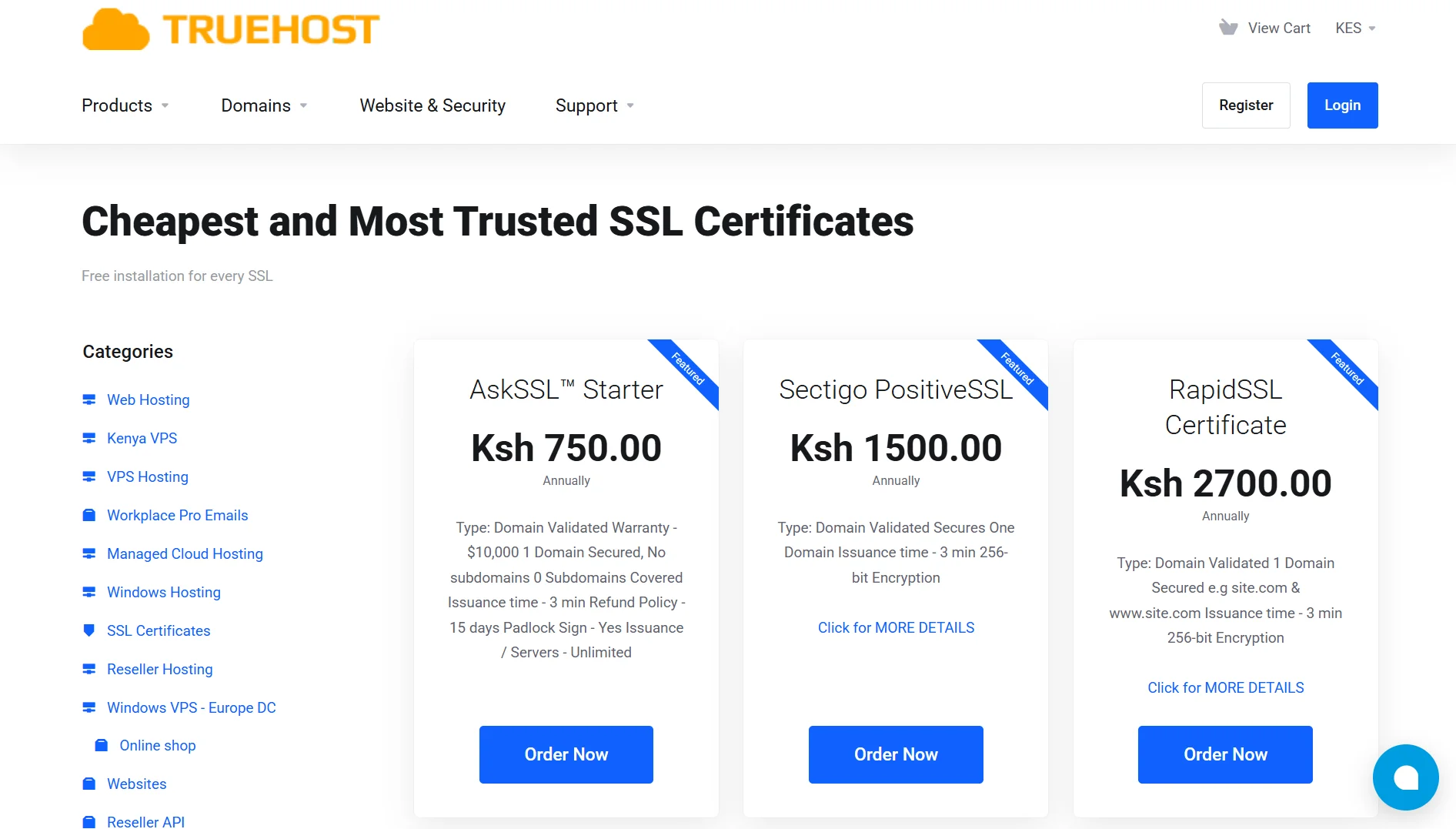
With a general VPS, you need to set up SSL yourself. This means installing Certbot, configuring Nginx or Apache as a reverse proxy, and setting up cron jobs to automatically renew certificates before they expire.
This requires knowing how web servers work and how to edit configuration files correctly. One mistake and your workflows become inaccessible, or worse, your server becomes vulnerable to attacks.
Many people skip SSL setup entirely because it seems complicated, leaving their n8n instance exposed.
4) Database Management
n8n VPS plans include PostgreSQL or MySQL already installed and configured. This is important because n8n uses a database to store workflow data, execution history, and credentials.
PostgreSQL handles heavy workloads much better than SQLite, which is the default option.
On a VPS, n8n defaults to SQLite. SQLite works fine for testing and light usage. But once you start running multiple workflows with complex executions, SQLite struggles.
It slows down, locks up, and can even corrupt under heavy load.
Upgrading to PostgreSQL requires installing the database, configuring it, and reconfiguring n8n to use it.
This is a step many people skip because it’s extra work, only to run into performance problems later when their automation grows.
5) Version Updates & Upgrades
n8n VPS providers test updates before they roll out. They make sure major version changes don’t break existing workflows.
If an update has issues, they hold it back until it’s stable. You get updates without the risk.
On VPS, you’re responsible for updating n8n yourself. You run a command like npm update -g n8n and restart the service.
If the new version introduces breaking changes, your workflows might stop working. You then have to debug the issue on your own, often with no way to quickly roll back to a previous version.
This can lead to downtime and lost productivity.
6) Server Monitoring & Alerts
n8n VPS platforms include built-in monitoring dashboards. You can see CPU usage, memory consumption, and workflow health at a glance.
You also get alerts when resources run low or when workflows fail, so you can take action before problems escalate.
VPS offers no monitoring by default. You get a server, and that’s it. You have to install third-party tools such as Netdata, Prometheus, or Grafana to monitor performance.
You also need to set up alerting yourself. Without monitoring, you won’t know your server is running out of memory until workflows start failing.
7) Support & Troubleshooting
When you run into issues on an n8n VPS, you can contact a dedicated support team. These support agents understand both the server infrastructure and n8n-specific errors.
They can help you fix problems quickly because they’ve seen similar issues before.
On a VPS, if n8n won’t start, you search through logs, check forum posts, and ask for help on Reddit or the n8n community page.
Sometimes you find a solution quickly. Other times, you wait for hours or days for someone to reply.
And if your issue is specific to your server configuration, it’s harder for community members to help because they don’t have access to your environment.
Factors to Consider When Choosing n8n VPS vs VPS
- Technical Skill Level: Comfortable with SSH, config files, and Linux debugging? Generic VPS works. Not a sysadmin? n8n VPS saves you from a steep learning curve.
- Budget: VPS costs less per month but consumes more of your time. n8n VPS costs more but reduces operational overhead. Choose what you value more: money or time.
- Time Availability: Generic VPS takes one to two hours for initial setup plus ongoing maintenance. n8n VPS gets you up and running in 10 minutes.
- Support Needs: Need guaranteed responses when things go wrong? n8n VPS offers dedicated support. Generic VPS relies on community help useful but not guaranteed.
- Multi-Usage Requirements: Running other applications on the same server? Generic VPS gives you full root access. n8n VPS is optimized specifically for n8n; other software might conflict.
- Update & Maintenance: Generic VPS owners handle OS patches, Node.js updates, and n8n upgrades themselves. n8n VPS providers manage all of that for you.
Which One Is Best For You?
When to Choose n8n VPS
- You’re not a sysadmin and don’t want to become one
- When you need automation running today, not next week
- You want SSL and a production database without extra work
- If you prefer one-click updates to terminal commands
- When you need expert support for n8n-specific issues
- You’re willing to pay more for convenience
- If you only run n8n on this server
When to Choose VPS
- If you’re comfortable with Linux and SSH
- You’re on a tight budget
- When you want to run other software alongside n8n
- If you don’t mind handling maintenance
- You need custom server configurations
- You’re fine with community support
- If you want to understand how n8n works under the hood
n8n VPS vs. VPS FAQs
Is n8n self-hosting or cloud hosting?
Both are self-hosting. n8n VPS and generic VPS both mean you host n8n on your own server rather than using n8n’s cloud service. The difference is whether someone else sets up and maintains the server for you.
Is n8n free if you self-host?
n8n is open source and free to use. You only pay for server hosting costs.
Can I install n8n on a VPS?
Yes. You can install n8n on any generic VPS. The official documentation provides instructions. Many people use Docker to make installation and management easier.
What is the minimum VPS for n8n?
n8n requires at least 1 GB of RAM and 1 CPU core. However, 2 GB RAM and two CPU cores are recommended for real-world use. Lower specs can cause workflows to fail or run slowly.
How much storage does n8n need?
25 GB SSD is the minimum for basic usage. Workflow history and data accumulate over time, so 50–100 GB is safer for long-term use.
Can I run n8n locally for free?
Yes, you can run n8n on your own computer for development and testing. For production workflows that need to run 24/7, you’ll want a server.
Deploy with the Most Reliable VPS for n8n
If you’ve decided to go with a generic VPS, you need a provider that delivers reliable performance at a fair price.
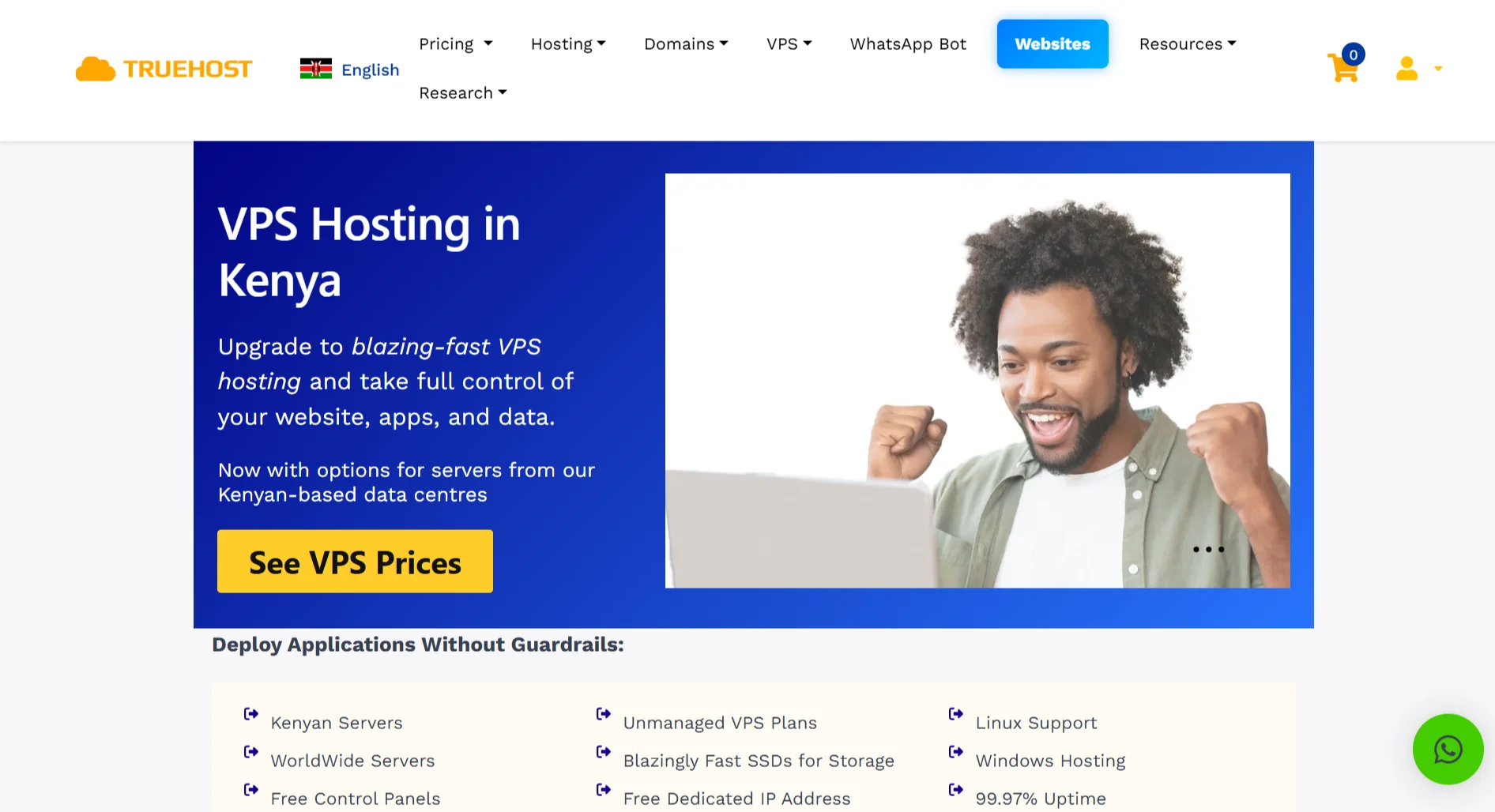
We at Truehost offer VPS hosting with SSD storage and servers in Nairobi data centers. This means faster loading times for users across Kenya and East Africa because the server is physically closer to them.
Our plans include free dedicated IP addresses, KVM virtualization, and 99.97% uptime guarantees. You can choose between managed or unmanaged VPS, depending on how much server administration you want to handle.
When you deploy with us, you get full root access to install n8n exactly as you want. Our support team is available 24/7 to help if you run into issues.