Domain SearchInstantly check and register your preferred domain name
 Web Hosting
 cPanel HostingHosting powered by cPanel (Most user friendly)
 WordPress HostingHost your WordPress website with fast, secure, and affordable WordPress hosting in Kenya.
 KE Domains
 Reseller HostingStart your own hosting business without tech hustles
 Windows HostingOptimized for Windows-based applications and sites.
 Free Domain
 Affiliate ProgramEarn commissions by referring customers to our platforms
 Free HostingTest our SSD Hosting for free, for life (1GB storage)
 Domain TransferMove your domain to us with zero downtime and full control
 All DomainsBrowse and register domain extensions from around the world
 .Com Domain
 WhoisLook up domain ownership, expiry dates, and registrar information
 VPS Hosting
 Managed VPSNon techy? Opt for fully managed VPS server
 Dedicated ServersEnjoy unmatched power and control with your own physical server.
 Website Builder
 Online Store BuilderLaunch a professional e-commerce store without writing code.
 Web Design ServiceGet a custom-designed website tailored to your brand and goals. From just KES 15,600
 BlogRead our guides on web hosting, online business, digital marketing, and more
 SupportOur support guides cover everything you need to know about our services
 ContactContact us via chat or email
When you set up a VPS, one of the first big decisions you will face is choosing a web server, and you’ll see: Apache and NGINX.
They both do the same basic job, but they go about it very differently. Each server has strengths that make it better suited to certain situations.
Apache has been around for a long time. People usually use it for shared hosting and traditional websites.
NGINX is newer and was built to handle many connections at once without breaking a sweat.
People use NGINX for high-traffic sites, reverse proxies, and modern web applications.
It is crucial to choose the right one because it affects your site’s speed, how much load your server can handle, and even your security.
Pick the wrong one, and you could run into performance problems or spend more on resources than you need to.
A quick glance at the main differences:
| Feature | Apache | NGINX |
| Architecture | Process-driven | Event-driven |
| Handling static files | Good but heavy | Excellent and lightweight |
| Handling dynamic requests | Uses modules internally | Passes to the external processor |
| Configuration | Per-directory (.htaccess) | Centralized config files |
| Memory use under load | Increases quickly | Stays stable |
| Best for | Shared hosting, .htaccess needs | High traffic, static content, proxies |
How Do Apache vs NGINX Differ for VPS Hosting?
Let me walk you through the specific differences, so you know exactly what you are getting with each option.
1) Performance
Apache handles each connection by creating a new process or thread. For a small number of visitors, that works fine.
But once traffic picks up, Apache can struggle.
NGINX handles thousands of connections inside a single thread.
That means when your site gets busy, NGINX keeps running smoothly while Apache might slow to a crawl.
2) Architecture
Apache uses a process-driven model. For every request, it spins up a new process. This is simple to understand but heavy on the system.
NGINX uses an event-driven, asynchronous architecture. A single worker process can manage multiple connections simultaneously.
It does not wait for one request to finish before starting another, making NGINX more efficient, especially when connections remain open for long periods.
3) Efficiency
For static files like images, CSS, and JavaScript, NGINX is much faster. It serves these files directly from the file system without extra overhead.
Apache can serve static files, but it uses more CPU and memory to do so. For dynamic content such as PHP, Apache processes it within its own modules.
NGINX cannot process dynamic content on its own, so it passes those requests to a separate service, such as PHP-FPM.
4) Security
Both servers are secure when configured properly. The main difference is how they handle permissions.
Apache runs each process under a specific user, so you can isolate different websites from each other. NGINX runs everything under a single user.
That can be simpler to manage, but you need to be more careful with multi-tenant setups.
Also, because NGINX has a smaller codebase, it has had fewer security vulnerabilities over the years.
5) Configuration
Apache gives you .htaccess files. You can drop a configuration file into any folder, and it changes settings for that directory only.
This is convenient for shared hosting or when you do not have access to the main server config.
But it also slows things down because Apache has to scan every folder for .htaccess files. NGINX does not support .htaccess at all.
All configurations are stored in a central file. This is faster but less flexible. You need to restart NGINX for most changes to take effect.
6) Memory and Resource Consumption
Under low traffic, both servers use about the same amount of memory. The difference comes when traffic increases.
Apache starts spawning more and more processes. Each new process uses more RAM. On a 1GB VPS, Apache can run out of memory with just a few dozen active connections.
NGINX keeps its memory usage fairly flat. One worker process might handle hundreds of connections using the same amount of RAM as when it was idle.
So, NGINX is a much better choice for low-memory VPS plans.
Which One Should You Go For?
Choose Apache if
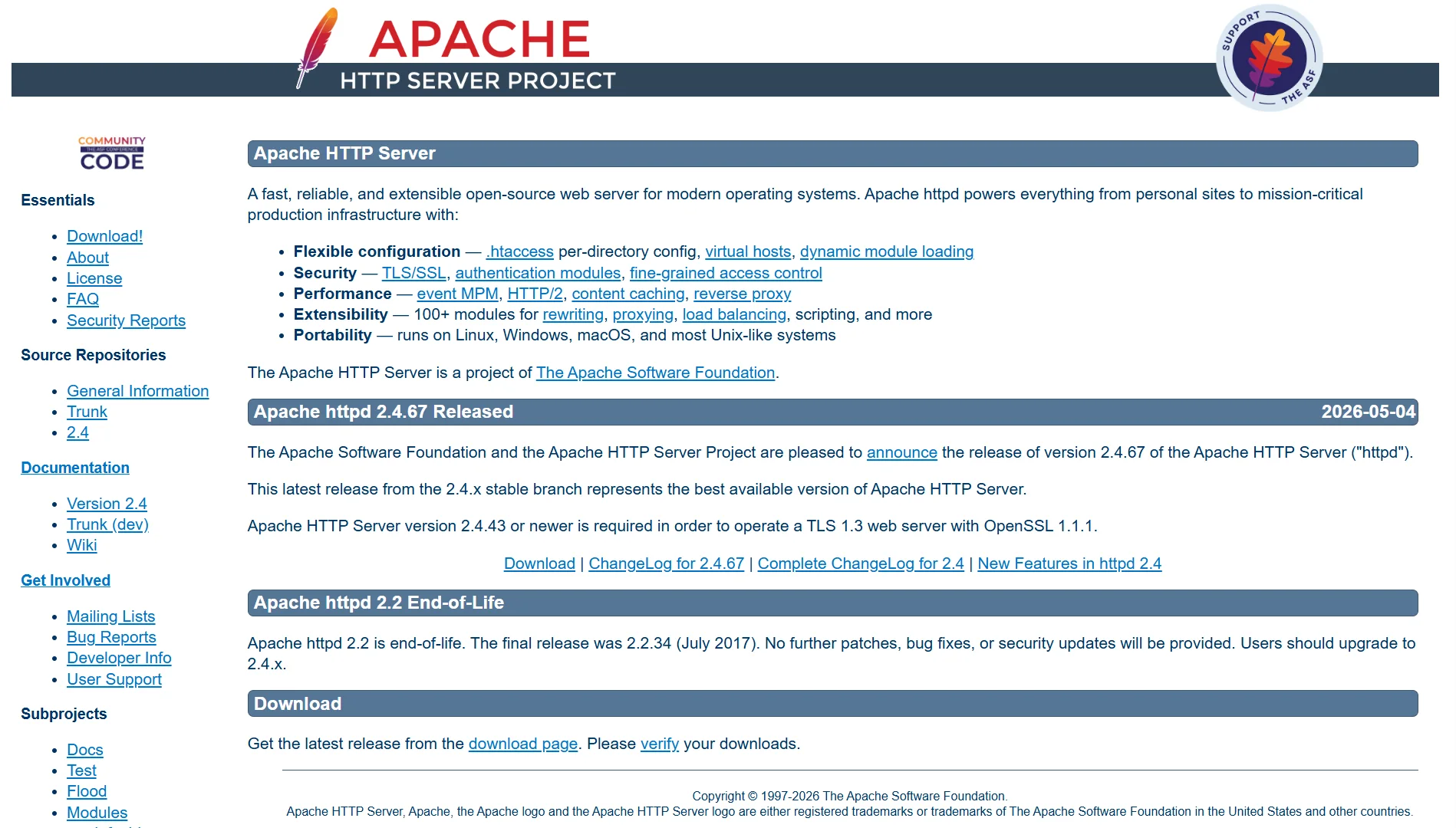
- You need .htaccess support for per-directory configuration
- Your site runs on shared hosting or a control panel that expects Apache
- You are not dealing with very high traffic levels
- You want a simpler setup that just works out of the box
Choose NGINX if
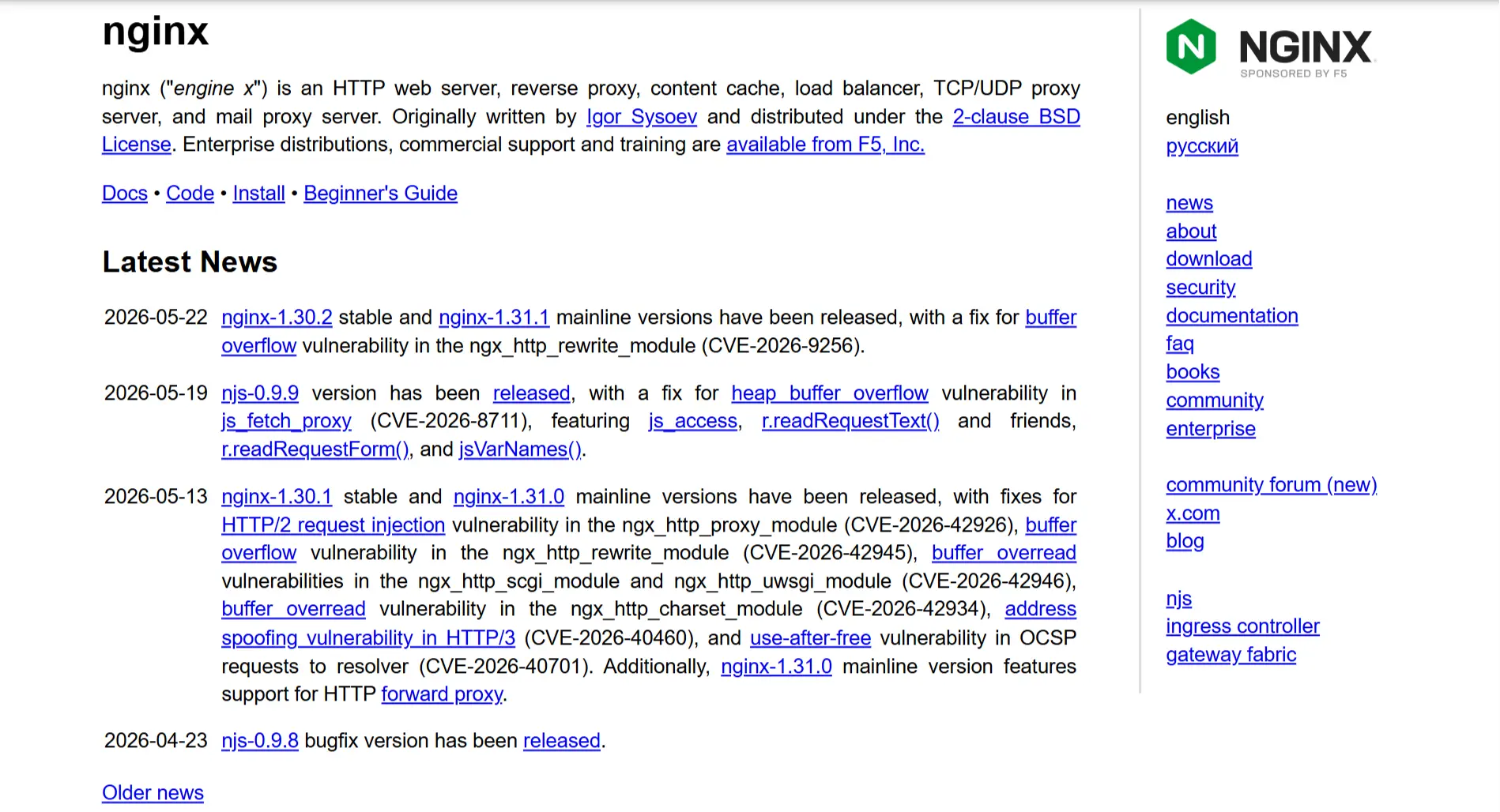
- You expect high traffic or many concurrent users
- Your site serves a lot of static files
- You are using the VPS as a reverse proxy or load balancer
- You want to get the most performance out of a low-memory VPS
- You are comfortable editing configuration files without a control panel
Apache vs nginx for VPS FAQs
Yes. You put NGINX in front as a reverse proxy. It handles static files and passes dynamic requests to Apache, which runs on a different port. That way, you get NGINX speed for static content and Apache flexibility for dynamic content.
A basic NGINX installation with default settings uses about 10-20 MB of RAM per worker process. Most setups run with one or two workers.
So you are looking at roughly 20-50 MB total at idle. Under load, it stays very stable. That is why NGINX runs well on a 1GB or even 512MB VPS.
The main alternative is Apache. Other options include LiteSpeed, which is commercial but has a free version, and Caddy, which is newer and automatically handles SSL certificates.
Check the HTTP response headers. Open your browser’s developer tools, go to the Network tab, and reload your site. Look for a header called “Server.” It will usually be “Apache” or “NGINX”.
Run Apache or NGINX on Truehost’s Kenya VPS
Once you have picked the right web server, you need a reliable VPS to run it on.
Truehost offers affordable VPS plans with servers right here in Nairobi, Kenya.
You get SSD storage, a free dedicated IP, KVM virtualization, and your choice of Linux or Windows.
Our plans start at just Ksh 1400 per month for 1 vCPU, 1GB RAM, and 25GB SSD.
Need more power?
Our Kenya Cloud VPS 3 gives you 2 vCPUs, 4GB RAM, and 100GB SSD for Ksh 5600 per month.
All our Kenyan plans are unmanaged, but we also offer managed VPS options with servers in Europe or the USA if you prefer hands-off hosting.
Apache and NGINX both run great on our VPS. Upgrade from shared hosting today. No more slow loading, no more downtime, and no more sharing resources with others.