Domain SearchInstantly check and register your preferred domain name
 Web Hosting
 cPanel HostingHosting powered by cPanel (Most user friendly)
 WordPress HostingHost your WordPress website with fast, secure, and affordable WordPress hosting in Kenya.
 KE Domains
 Reseller HostingStart your own hosting business without tech hustles
 Windows HostingOptimized for Windows-based applications and sites.
 Free Domain
 Affiliate ProgramEarn commissions by referring customers to our platforms
 Free HostingTest our SSD Hosting for free, for life (1GB storage)
 Domain TransferMove your domain to us with zero downtime and full control
 All DomainsBrowse and register domain extensions from around the world
 .Com Domain
 WhoisLook up domain ownership, expiry dates, and registrar information
 VPS Hosting
 Managed VPSNon techy? Opt for fully managed VPS server
 Dedicated ServersEnjoy unmatched power and control with your own physical server.
 Website Builder
 Online Store BuilderLaunch a professional e-commerce store without writing code.
 Web Design ServiceGet a custom-designed website tailored to your brand and goals. From just KES 15,600
 BlogRead our guides on web hosting, online business, digital marketing, and more
 SupportOur support guides cover everything you need to know about our services
 ContactContact us via chat or email
Do you want full control of your server without paying high costs or dealing with slow shared hosting? That’s a frustration you’ll mostly run into as a website owner and developer in Kenya.
Your site starts to grow, traffic picks up, and suddenly shared hosting can’t keep up. Pages slow down, things break at the worst possible times, and you’re stuck with limited options.
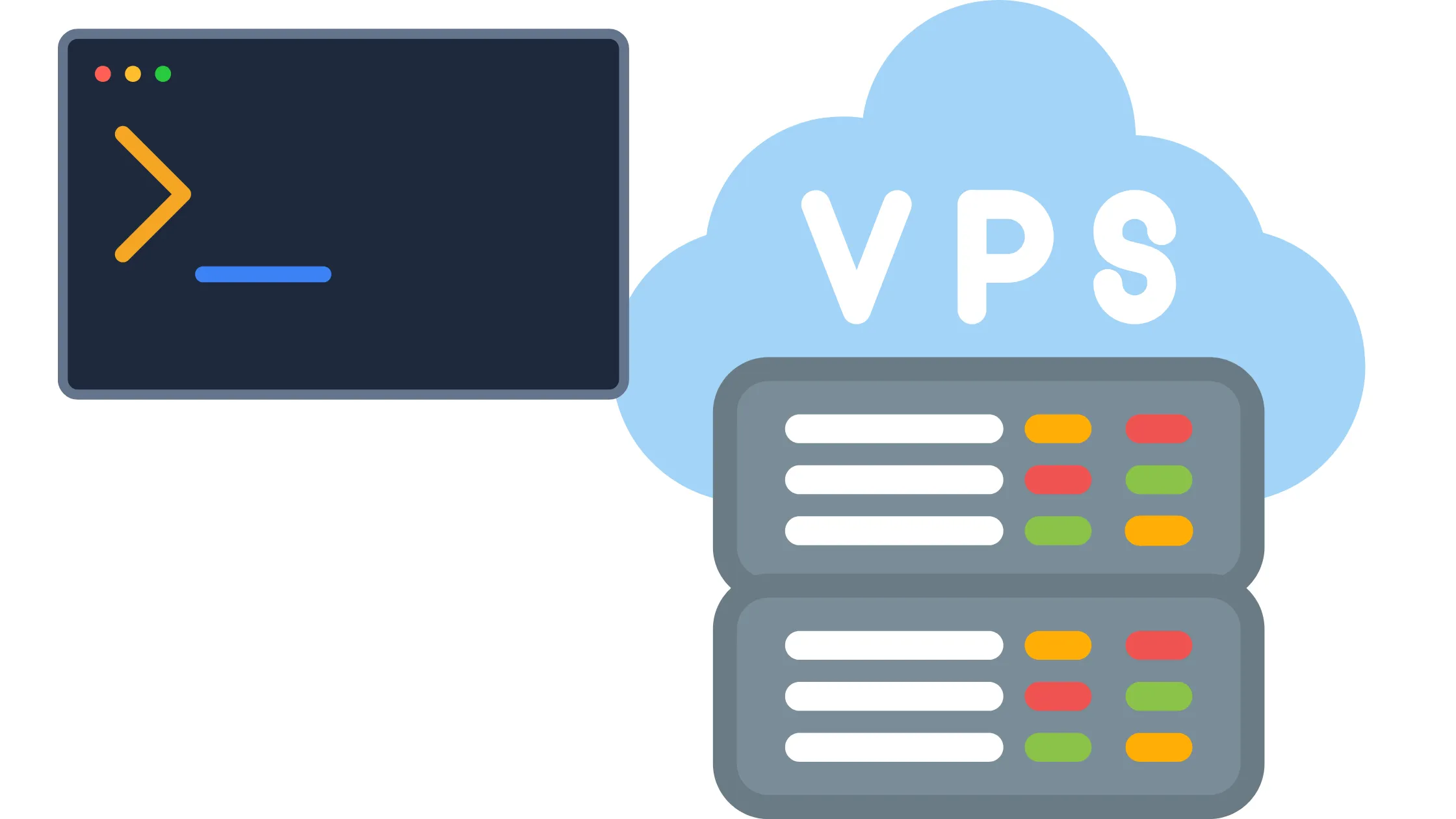
That’s exactly where Linux VPS hosting comes in. It means your website or app runs on a virtual private server powered by the Linux operating system.
VPS stands for Virtual Private Server, and it gives you your own dedicated space on a server, your own resources, and the freedom to set things up exactly the way you need. No more sharing RAM or processing power with dozens of other websites. Just you, your server, and full control.
Each VPS has its own chunk of CPU (processing power), RAM (memory), and storage space. Those resources are yours and yours alone; no other website can dip into them. That’s what makes it different from shared hosting, where everyone on the same server is competing for the same pool of resources.
As for why Linux specifically? Linux is the most popular operating system for web servers in the world. It’s open source (free to use), incredibly stable, and works smoothly with almost every web tool you’ll ever need.
- Apache
- Nginx
- PHP
- MySQL
- Node.js
- Python, you name it.
If you’re running anything serious online, Linux is almost always the right choice.
In this guide, we’ll walk through everything you need to know about Linux VPS hosting in Kenya. We’ll look at how it works, who it’s for, and how to pick the right plan.
How Linux VPS Hosting Works

The technical side of VPS hosting isn’t as complicated as it sounds. Here’s what’s happening behind the scenes:
- A powerful physical server runs special software called a hypervisor(the tool that divides the machine into virtual servers).
- Each virtual server (VPS) runs independently, like its own computer. What happens on one VPS doesn’t affect the others.
- Your VPS gets a fixed amount of CPU, RAM, and storage that nobody else can touch.
Think of it like renting an apartment in a building. Everyone in the building shares the same physical structure, but inside your apartment, you control everything. You decide how to arrange it, what’s in it, and who has a key.
Key Features of Linux VPS Hosting
Here’s what you actually get when you sign up for a Linux VPS plan:
a) Full Root Access
Root access means you’re the boss of your server. You can install any software you want, change system settings, and configure everything from scratch.
It’s the kind of control that shared hosting simply doesn’t give you.
b) Dedicated Resources
Your CPU, RAM, and storage are reserved for you alone. This is one of the most important differences from shared hosting.
Even if another website on the same physical server is getting tons of traffic, your resources stay stable and untouched.
c) High Performance
Because you’re not competing with other users for resources, your website or app performs consistently. Pages load faster, apps run smoother, and you don’t get those random slowdowns that happen on shared hosting when a neighboring site gets a traffic spike.
d) Scalability
As your website grows, your hosting can grow with it. Need more RAM? More storage? More bandwidth? Most Linux VPS plans let you upgrade your resources without migrating to a completely new server or starting over from scratch.
e) Security Control
On a VPS, you set your own security rules. You can:
- Install a firewall
- Manage who has access to your server
- Set up SSH keys (a safer way to log in than just a password)
- Keep things locked down exactly how you want.
Linux VPS vs Shared Hosting
If you’re coming from shared hosting and wondering whether the upgrade is worth it, this comparison should make things clear:
| Feature | Linux VPS | Shared Hosting |
| Resources | Dedicated to you alone | Shared with many other websites |
| Performance | Stable and consistent | Can drop without warning |
| Control | Full root access | Very limited |
| Security | Custom firewall and rules | Basic, managed by the host |
| Scalability | Easy to upgrade | Limited upgrade options |
| Cost | Ksh 960 – Ksh 12,000+ | Ksh 180 – Ksh 2,000 |
| Best For | Developers, growing sites | Small beginner websites |
Shared hosting is cheap and fine when you’re just starting out with a small site. But once your traffic grows or you need more flexibility, VPS is the natural next step.
Who Should Use Linux VPS Hosting?
Linux VPS hosting isn’t just for big companies or expert developers. It fits a wide range of people and projects. Here’s a good look at who benefits most:
- Developers who need to run custom apps and need full control over the server environment
- Growing websites that have outgrown shared hosting and need stable, dedicated performance
- E-commerce stores that handle transactions and need reliable uptime and security
- Agencies managing multiple client websites under one server
- WordPress sites with high traffic that need more power than shared hosting can give
- Web apps and APIs that need consistent server resources to run reliably
- Game servers that need low latency and stable performance
- Database-heavy applications that require dedicated RAM and processing power
- Anyone who wants to host multiple websites in one place with full control
If shared hosting feels like it’s holding you back, Linux VPS is almost certainly the right move.
How to Manage a Linux VPS
Managing a VPS might sound intimidating at first, but you have two options, and one of them is surprisingly beginner-friendly.
1) Using SSH
SSH stands for Secure Shell. It’s a way to connect to your server through a command line, basically a text-based interface where you type instructions. It sounds old-fashioned, but it’s actually fast, powerful, and completely standard in the web hosting world.
Once you get comfortable with it, you can do almost anything on your server in seconds. Most developers prefer SSH because it gives the deepest level of control.
2) Using a Control Panel
If command lines feel a bit too technical right now, you can install a control panel on your VPS. A control panel gives you a visual dashboard, buttons, menus, and file managers, which makes server management feel a lot more like using a regular website.
Popular options include:
- Cyberpanel
- aaPanel
Both are free to install and work well if you want the power of a VPS without having to learn complex command-line skills straight away.
Security Tips for Your Linux VPS
One of the great things about a VPS is that you control your own security. But that also means the responsibility is on you to set things up properly. Here are the most important steps to keep your server safe:
-
Enable Automatic Security Updates: Set up your system to download and install critical safety patches automatically without manual work.
-
Create a Unique Password: Use a long, complex master password that combines letters, numbers, and symbols to block easy guessing.
-
Turn on a Basic Firewall: Use a single, simple command to activate a built-in firewall that blocks unauthorized traffic.
-
Block Repeated Login Failures: Turn on a simple tool that automatically locks out anyone who types the wrong password too many times.
-
Keep Software Apps Minimal: Only install the specific programs you actually need to reduce the paths hackers can use to get in.
None of these steps requires advanced technical knowledge. Most can be done in a few minutes and will make your server significantly safer.
Why Choose Linux VPS Hosting in Kenya?
Location matters more than most people realize when it comes to hosting. Here’s why choosing a Kenya-based or Africa-focused Linux VPS provider makes a real difference:
A) Faster Load Times
When your server is physically closer to your visitors, data doesn’t have to travel as far. That means pages load faster for people in Kenya. A site hosted on a server in the US or Europe will almost always be slower for a Kenyan audience than one hosted locally.
B) Lower Latency
Latency is the tiny delay between when someone clicks a link and when their browser starts receiving data. Lower latency means a snappier, more responsive experience. For web apps, APIs, and interactive websites, this makes a noticeable difference. Hosting closer to your audience is one of the easiest ways to improve this.
C) Better Local Support
With a Kenya-based provider, you get support that understands your setup, your payment methods, and your local context. Things like M-Pesa billing, local phone support, and timezone-matched customer service make the day-to-day experience much smoother.
How to Choose the Right Linux VPS Plan
Not all VPS plans are created equal. Here’s how to figure out what you actually need:
Match Your RAM to Your Site Size
| Website Type | Recommended RAM |
| Small personal site or blog | 1–2 GB RAM |
| Growing business website | 4 GB RAM |
| High-traffic site or web app | 8 GB RAM or more |
Also Check For:
- Uptime guarantee: Look for 99.9% or higher. This tells you how reliable the server is.
- Support quality: 24/7 support matters when something goes wrong at midnight.
- Easy upgrade options: Your needs will grow, so make sure scaling up is simple.
- SSD storage: SSDs (Solid State Drives) are much faster than older hard drives.
- Bandwidth allowance: Make sure your plan covers the amount of traffic you expect.
Get Started With Linux VPS Hosting in Kenya
Linux VPS hosting gives you speed, control, and flexibility. It fits developers, businesses, and growing websites that need stable performance without limits. And getting set up is a lot more straightforward than most people expect.
Here’s how the process looks from start to finish:
1. Choose a reliable provider: Truehost offers Linux VPS plans built for Kenyan users, with local support and M-Pesa billing.
2. Pick a Linux VPS plan that matches your RAM, storage, and bandwidth needs.
3. Deploy your server: Most providers set this up within minutes of your order.
4. Connect using SSH: Log in to your server from your computer using a free SSH client.
5. Install your website or app: Set up your web server software, then upload or install your site.
6. Point your domain to the server: Update your domain’s DNS settings to direct traffic to your new VPS.
That’s it.
You’ll have your server up and running within a day, even if it’s your first time working with a VPS. And once it’s set up, managing it gets easier and faster every time.
Ready to Take Control of Your Hosting?
If you’re tired of slow shared hosting and want a server that performs the way your website deserves, it’s time to make the switch. Truehost offers reliable Linux VPS hosting in Kenya with dedicated resources, local support, M-Pesa payments, and plans that scale as your site grows.
Head over to Truehost and launch your Linux VPS today.