Domain SearchInstantly check and register your preferred domain name
 Web Hosting
 cPanel HostingHosting powered by cPanel (Most user friendly)
 WordPress HostingHost your WordPress website with fast, secure, and affordable WordPress hosting in Kenya.
 KE Domains
 Reseller HostingStart your own hosting business without tech hustles
 Windows HostingOptimized for Windows-based applications and sites.
 Free Domain
 Affiliate ProgramEarn commissions by referring customers to our platforms
 Free HostingTest our SSD Hosting for free, for life (1GB storage)
 Domain TransferMove your domain to us with zero downtime and full control
 All DomainsBrowse and register domain extensions from around the world
 .Com Domain
 WhoisLook up domain ownership, expiry dates, and registrar information
 VPS Hosting
 Managed VPSNon techy? Opt for fully managed VPS server
 Dedicated ServersEnjoy unmatched power and control with your own physical server.
 Website Builder
 Online Store BuilderLaunch a professional e-commerce store without writing code.
 Web Design ServiceGet a custom-designed website tailored to your brand and goals. From just KES 15,600
 BlogRead our guides on web hosting, online business, digital marketing, and more
 SupportOur support guides cover everything you need to know about our services
 ContactContact us via chat or email
OpenClaw VPS hosting means running the OpenClaw AI assistant on a Virtual Private Server rather than on your personal computer.
A VPS is a virtual machine that gives you full control over the operating system, software, and resources.
OpenClaw itself is an open-source AI assistant that connects to messaging platforms like WhatsApp, Telegram, Slack, and Discord to handle tasks, automate workflows, and respond to messages on your behalf.
What makes OpenClaw VPS hosting special is that everything runs on your own infrastructure.
Unlike SaaS AI tools, where your data goes through someone else’s servers, OpenClaw keeps your prompts, integrations, and data flow within your environment.
You manage multiple messaging channels from a single interface, and you can expand what your agent does through Skills.
People run OpenClaw on a VPS because running it on a laptop has a clear problem: when you close your computer or lose internet, the agent goes offline.
A VPS keeps your assistant online 24/7, so you don’t need to monitor it. Privacy is another reason; when you self-host, your business logic and proprietary information never leave your environment.
Basic Concept of OpenClaw VPS Hosting
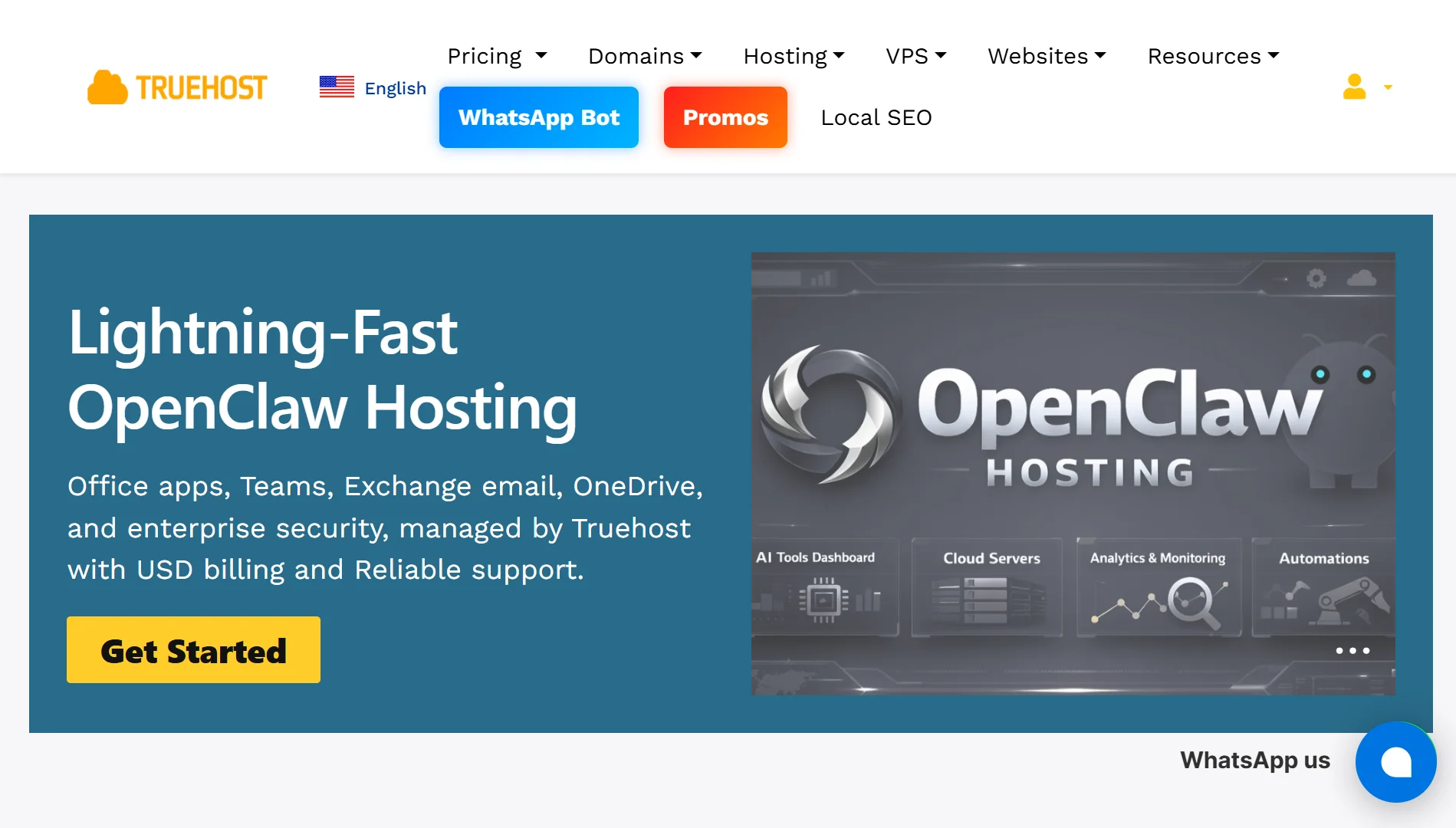
a) How OpenClaw Runs on a VPS
OpenClaw runs on a Linux VPS through the Gateway, which is the core service that owns the state and workspace. The Gateway stays online permanently, processing messages and executing tasks.
You connect to the Gateway from your laptop or phone using the Control UI, Tailscale, or SSH. The VPS serves as the source of truth, and you regularly back up the state and workspace.
Most people run OpenClaw using Docker, which packages everything into containers for clean deployment and management.
b) Why a Regular Server Is Insufficient
Shared hosting cannot support OpenClaw because the software requires full root access and container support. These features are only available on a VPS or dedicated server environment.
OpenClaw also needs persistent processes, WebSocket connections, and the ability to install system-level dependencies, and shared hosting environments restrict these capabilities.
c) What the VPS Does for Your Agent
Your VPS provides dedicated CPU time, isolated RAM allocation, and full operating system access.
This means no noisy neighbour slowdowns caused by other users on the same physical server affecting your performance.
The VPS also handles all the networking. It maintains WebSocket connections to messaging platforms, handles webhooks, and keeps the agent responsive.
d) What Openclaw can do once on a VPS
Once OpenClaw is running on a VPS, it can do a lot. On the WordPress front, you can publish posts, update pages, manage media, moderate comments, and handle user accounts all through natural language prompts.
For automation, OpenClaw connects with n8n for event-driven triggers, GitHub for repository management, and Slack for support workflows.
It can monitor server health, send alerts, and handle email triage.
The agent also works with messaging platforms like Telegram and WhatsApp, responding to messages and executing tasks from your phone.
e) Who is Openclaw VPS hosting for
OpenClaw VPS hosting is for developers and small teams who want to build private AI infrastructure. It suits technical operators who are comfortable with Linux and Docker.
Also, business owners who want to automate internal tasks without exposing sensitive data to third-party platforms will find it valuable. The self-hosted approach keeps everything within your control.
It’s also for anyone who wants a permanent AI assistant that stays online even when their personal computer is off.
f) What You Can Control
When you run OpenClaw on a VPS, you control everything. The AI providers, prompts, execution logic, integrations, and data flow are all in your hands.
You decide which messaging channels to enable, which Skills to install, and how much system access the agent gets. You control the firewall, the SSH configuration, and user permissions.
Security is also your responsibility. You can restrict public SSH, keep the Gateway on loopback, access via Tailscale or SSH tunnel, and lock down file permissions
Why You Need OpenClaw VPS Hosting
1) Dedicated CPU Performance
AI agents, especially those running multi-step reasoning models, require consistent CPU performance. On a VPS, you get dedicated vCPU time that is never shared with other users.
This eliminates browser slowdowns and dropped scripts, even during heavy headless operations.
Basic automations can run on 2 vCPUs and 4 GB RAM, but complex multi-agent workflows perform better with 4 vCPUs and 8 GB RAM or more
2) Consistent 24/7 Automation
Once OpenClaw is running on a VPS, it stays online around the clock. It responds to messages or executes tasks even when your own machine is not on.
This is crucial for scheduled tasks, monitoring workflows, and anything that needs to happen outside business hours. It means that your assistant is never asleep.
3) Full Root Environment Control
A VPS gives you full root access, meaning you can install any software, configure any service, and tune the operating system exactly as you need.
You can set up custom firewall rules, configure Nginx as a reverse proxy, install systemd services for automatic restarts, and manage swap files to handle memory pressure
4) Unlimited Scalability
As your automation needs grow, your VPS can grow with you. You can scale up the CPU cores, RAM, and storage without migrating to a new environment.
The resource allocation is guaranteed, so you don’t experience performance dips during peak usage.
5) Uninterrupted Workflow
When OpenClaw runs on a VPS, your workflows continue running regardless of what happens on your local machine. Power outages, internet disconnections, or laptop shutdowns don’t affect your agent.
The VPS also handles automated recovery. systemd can restart the Gateway if it crashes, and swap files provide emergency memory overflow.
6) Reliable Security
Security is a major advantage of VPS hosting. You can keep the Gateway bound to loopback, access it only through SSH tunnel or Tailscale, and use token or password authentication.
You can also lock down SSH by disabling password authentication, preventing root login, and restricting SSH access to specific IP addresses.
Regular backups protect your configurations, SSD snapshots keep your workspace safe, and custom firewall rules filter out malicious traffic.
What Is OpenClaw VPS Hosting FAQs
Where Can I Host OpenClaw?
You can host OpenClaw on any Linux VPS provider, including Truehost, DigitalOcean, Hetzner, Vultr, AWS EC2, and Hostinger. Some providers offer one-click deployment templates that handle the installation automatically.
Which VPS should I use for OpenClaw?
For development and testing, a VPS with 2 vCPUs and 4 GB RAM is the minimum. Production workloads need at least 4 vCPUs and 8 GB RAM, with 20 GB or more of SSD storage.
If you plan to run local AI models like Ollama alongside OpenClaw, budget for significantly more RAM. Look for a provider that offers KVM virtualization and full root access.
How Much Is OpenClaw VPS Hosting?
At Truehost, OpenClaw VPS plans start at KSh 1,990 per month on triennial billing for the KVM1 plan (1 vCPU, 2 GB RAM, 50 GB NVMe). The KVM2 plan costs Ksh 2,659.89 per month on triennial billing (2 vCPUs, 4 GB RAM, 100 GB NVMe). Both come pre-configured with OpenClaw, dedicated resources, and no hidden costs.
What is the minimum VPS for OpenClaw?
The minimum recommended VPS has at least 2 vCPUs, 4 GB RAM, and 20 GB SSD storage. For better performance, 4 vCPUs and 8 GB RAM are recommended.
OpenClaw also requires KVM virtualization, a Linux operating system (Ubuntu 22.04 or 24.04 recommended), and Docker installed
Do I need a GPU to run OpenClaw?
You do not need a GPU to run OpenClaw. The agent connects to external AI providers such as Anthropic, OpenAI, or Gemini via API keys. The AI processing happens on those providers’ servers.
The only exception is when you run local models through Ollama; in that case, you would benefit from GPU acceleration, but it is not required for basic functionality.
What is better than VPS for OpenClaw?
A dedicated server offers even more resources than a VPS, but it costs significantly more. For most users, a VPS provides the right balance of performance and cost.
A managed VPS where the provider handles updates, security, and maintenance is easier but less flexible. The best choice depends on your technical comfort level and specific requirements.
Run OpenClaw On the Best VPS With Truehost
Truehost offers OpenClaw VPS hosting built specifically for businesses that need reliable AI automation. Our servers run on dedicated AMD virtual cores, so you don’t experience slowdowns even during heavy tasks.
All our OpenClaw environments come ready to go. We pre-install Ubuntu, Playwright, Python, and OpenClaw, with no manual setup required.
You get dedicated RAM and vCPU time, meaning other users on the same physical server won’t affect your performance.
We also include custom firewalls, DDoS filtering, and automated daily backups to keep your data safe.
Our plans start at KSh 1,990 per month when you choose triennial billing. The KVM1 plan includes:
- 1 vCPU
- 2 GB RAM
- 50 GB NVMe storage
- 4 TB of bandwidth
The KVM2 plan steps up to 2 vCPUs, 4 GB RAM, 100 GB NVMe, and 8 TB bandwidth. Both come with OpenClaw pre-installed and one-click automations.
Once you sign up:
- Just connect through root SSH
- Paste your deployment keys
- Then start running your automations right away.
We back everything with 24/7 local support and flexible payment options.
Truehost gives you the complete OpenClaw VPS hosting package.