Domain SearchInstantly check and register your preferred domain name
 Web Hosting
 cPanel HostingHosting powered by cPanel (Most user friendly)
 WordPress HostingHost your WordPress website with fast, secure, and affordable WordPress hosting in Kenya.
 KE Domains
 Reseller HostingStart your own hosting business without tech hustles
 Windows HostingOptimized for Windows-based applications and sites.
 Free Domain
 Affiliate ProgramEarn commissions by referring customers to our platforms
 Free HostingTest our SSD Hosting for free, for life (1GB storage)
 Domain TransferMove your domain to us with zero downtime and full control
 All DomainsBrowse and register domain extensions from around the world
 .Com Domain
 WhoisLook up domain ownership, expiry dates, and registrar information
 VPS Hosting
 Managed VPSNon techy? Opt for fully managed VPS server
 Dedicated ServersEnjoy unmatched power and control with your own physical server.
 Website Builder
 Online Store BuilderLaunch a professional e-commerce store without writing code.
 Web Design ServiceGet a custom-designed website tailored to your brand and goals. From just KES 15,600
 BlogRead our guides on web hosting, online business, digital marketing, and more
 SupportOur support guides cover everything you need to know about our services
 ContactContact us via chat or email
Running a website or online business means one thing above all else: your server must stay up.
Downtime can cost you customers, sales, and trust. That’s why you need good server monitoring tools. These tools watch your server 24/7. They check things like CPU use, memory, disk space, and uptime. When something goes wrong, they alert you fast so you can fix it before visitors notice.
If you host websites, manage VPS servers, or run applications that people rely on daily, you need real-time visibility into what’s happening behind the scenes.
In this guide, you’ll discover five reliable server monitoring tools that help you stay ahead of downtime, performance issues, and unexpected failures, before users notice.
What Is Server Monitoring?
Server monitoring is how you keep an eye on your server at all times to make sure everything is running smoothly.
It keeps track of things like:
- CPU usage
- RAM and storage space
- Network availability
- Page and server response speed
- Errors or system failures
Instead of guessing what’s happening in the background, you see it clearly and in real time.
When something breaks or slows down, you get notified right away, so you can fix it fast, long before customers start complaining.
Why Server Monitoring Matters for Reliable Hosting
If reliable hosting matters to you, server monitoring isn’t something you add later. It’s something you need from day one.
Here’s why it makes such a big difference:
- Downtime directly affects your income
Every minute your server is offline means missed sales, lost leads, or interrupted services. Even short outages can hurt more than you expect.
- Slow servers push users away
Visitors won’t wait around for a website that takes too long to load. When pages lag, people leave, and many don’t return.
- Small problems grow fast when ignored
A full disk, high CPU usage, or memory overload may seem minor at first. Left unchecked, these issues can quickly bring your entire server down.
- You get time to fix issues before users notice
Monitoring alerts you early, giving you a chance to act while everything still looks normal on the surface.
For businesses in Kenya and beyond, uptime equals trust. When your site is always available and responsive, users feel confident. Once that trust is broken, winning it back can be difficult.
What to Look for in Top Server Monitoring Tools
Not all monitoring tools are built the same. Some look impressive but are hard to use when you actually need them.
Before you settle on one, make sure it does these key things well:
- Easy setup and a clear dashboard
You should be able to start monitoring without spending hours on configuration. A clean dashboard helps you understand what’s happening at a glance.
- Real-time alerts you can rely on
When something goes wrong, you need to know immediately. Email, SMS, or app notifications ensure you don’t miss critical issues.
- Simple, readable performance reports
Good tools turn data into insights. You should clearly see trends, spikes, and recurring problems without digging through confusing charts.
- Support for VPS and cloud servers
As your hosting setup evolves, your monitoring tool should keep up. VPS and cloud compatibility is essential for modern hosting environments.
- Room to grow with your website
Your traffic won’t stay the same forever. The right tool scales smoothly as your site or business expands.
At the end of the day, you don’t need unnecessary features. You need fast insights, clear alerts, and full visibility when it matters most.
Top Server Monitoring Tools You Can Rely On
Choosing the right monitoring tool can make the difference between spotting a problem early and dealing with a full-blown outage.
Here’s a closer look at five trusted tools that cover a range of needs, from beginners to advanced users.
1) UptimeRobot
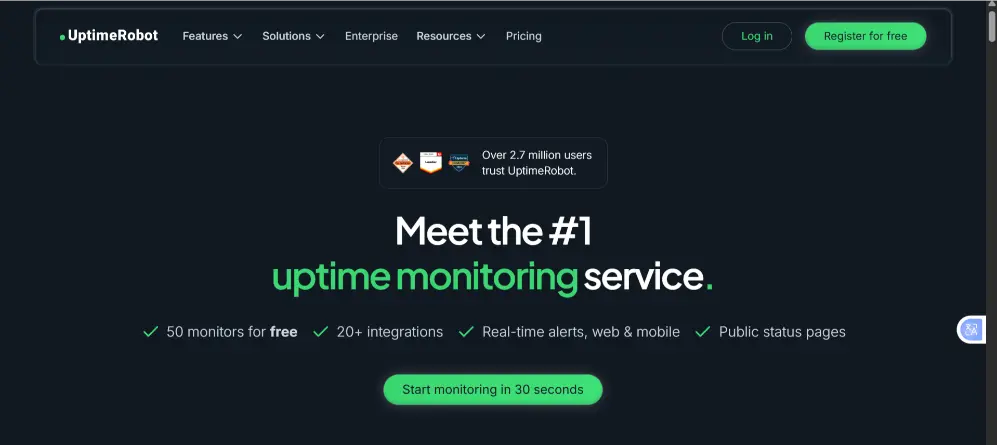
UptimeRobot is perfect if you want something simple, fast, and beginner-friendly. It focuses on uptime monitoring, checking your server every few minutes and notifying you instantly if it goes down.
Best for:
- Small websites
- Personal blogs
- Startups testing reliability
Key Features of UptimeRobot
- Free plan for basic monitoring
You can start tracking your server without paying a cent. This makes it ideal for small sites, blogs, or testing purposes. - Instant alerts via email and SMS
The tool notifies you immediately when your server goes down, so you can take action before visitors even notice. - Simple, user-friendly dashboard
All your uptime data is displayed clearly in one place, making it easy to see your server’s status at a glance. - Fast and easy setup
You can have monitoring running in just a few minutes, no complicated configurations needed.
While UptimeRobot doesn’t provide in-depth metrics like CPU load or memory usage, it shines at doing one thing really well: keeping you informed about your server’s uptime and availability.
2) Nagios
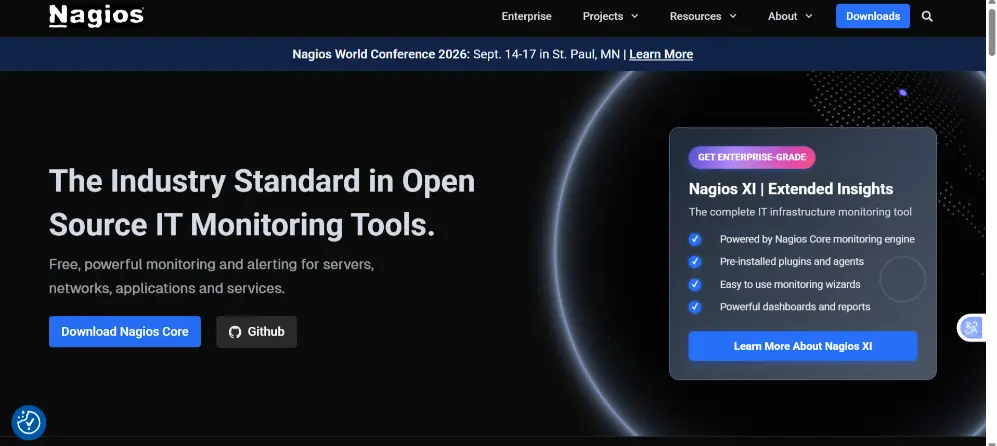
Nagios is a powerful open-source monitoring tool widely trusted by system administrators. It gives you full control over every aspect of monitoring, though it requires some technical know-how to set up.
Best for:
- Advanced users
- System administrators
- Large infrastructures
Key Features of Nagios
- Deep monitoring of server health and performance. Track CPU, memory, disk usage, network, and more in real time.
- Flexible, plugin-based system. Add or customize features to match your exact server setup.
- Custom alerts. Set notifications for specific events or thresholds in your infrastructure.
- Strong community support. Access forums, guides, and plugins created by other Nagios users.
Nagios is a comprehensive monitoring solution that gives you maximum control and flexibility, making it perfect for advanced users and complex server environments.
3) Zabbix
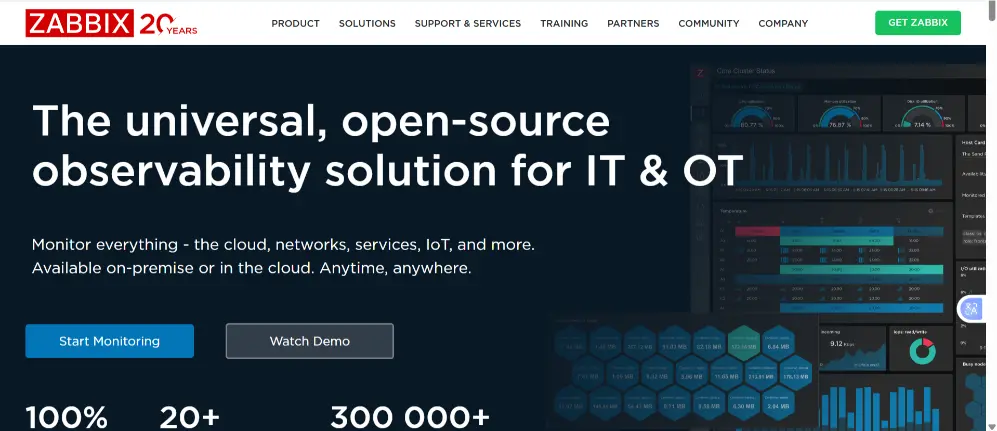
Zabbix brings enterprise-grade monitoring to businesses without the high cost. It tracks everything from hardware health to application performance, giving you a complete picture in one place.
Best for:
- Growing businesses
- VPS and cloud servers
- Performance-focused teams
Key Features of Zabbix:
- Real-time monitoring for multiple servers. Keep track of all your servers simultaneously, so nothing goes unnoticed.
- Detailed graphs and visual performance reports. Easily see trends, spikes, and potential issues at a glance.
- Reliable alerting system. Get instant notifications when something goes wrong, allowing quick action.
- Scales smoothly with your infrastructure. As your website or server setup grows, Zabbix grows with you.
When set up correctly, Zabbix becomes a powerful, long-term solution for businesses that need comprehensive monitoring without losing flexibility.
4) Datadog
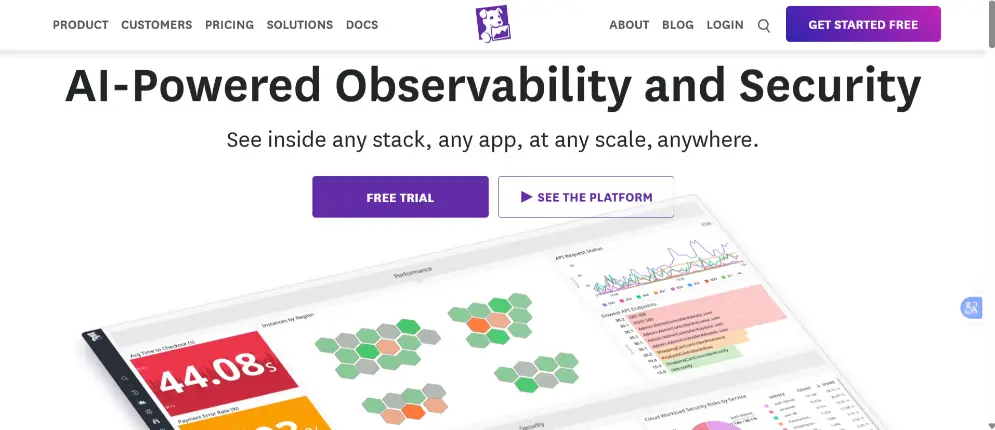
Datadog is a modern, cloud-first monitoring tool designed for teams who want clear insights without technical overload. It combines server and application monitoring into one sleek platform.
Best for:
- Cloud hosting
- SaaS platforms
- DevOps teams
Key Features of Datadog
Datadog stands out because it gives you complete visibility into your entire infrastructure, combining server monitoring and application tracking in one platform. Here’s what makes it powerful:
- Real-time metrics across servers and applications
You can track CPU usage, memory, network activity, and application performance as it happens. This means you always know the current health of your systems, not just after a problem occurs. - Automated alerts for performance issues
Datadog can automatically notify you when something goes wrong, whether it’s a server overload, slow response time, or an app failure, so you can act immediately before it impacts users. - Easy integrations with popular cloud services
It works smoothly with AWS, Azure, Google Cloud, and many other platforms. This makes monitoring complex, multi-cloud setups straightforward. - Clean, visual dashboards for quick insights
Datadog’s dashboards are intuitive and customizable. You can spot trends, compare metrics, and get a clear picture of performance at a glance, without getting lost in raw data.
While Datadog is a paid service, the speed, accuracy, and actionable insights it provides make it a valuable investment for growing businesses that depend on reliable, high-performance servers.
5) Pingdom
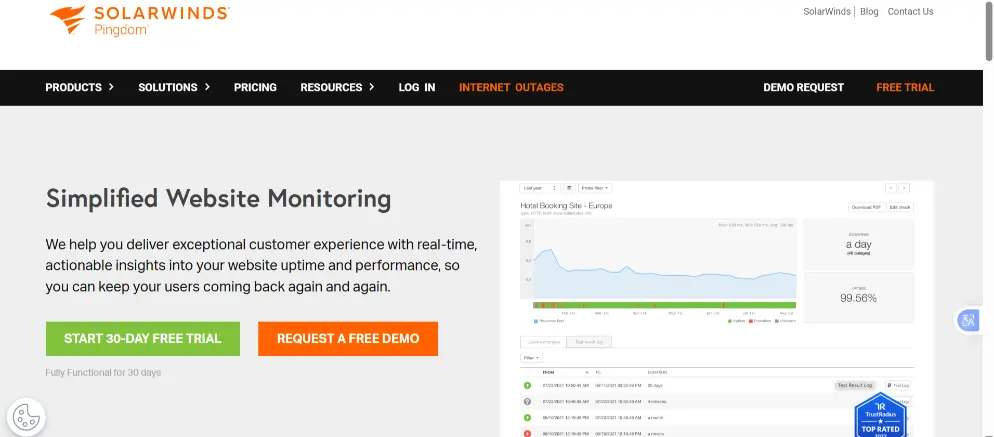
Pingdom focuses on uptime and user experience, showing you exactly how your server performance affects real visitors. This makes it especially useful for customer-facing businesses.
Best for:
- E-commerce sites
- Business websites
- Performance tracking
Key Features of Pingdom
Pingdom goes beyond simple uptime checks; it helps you understand how your website actually performs for real users. Here’s a closer look at what it offers:
- Page speed monitoring
Pingdom measures how quickly your pages load, from the moment a visitor clicks a link to when the page fully appears. This helps you spot slow-loading pages and optimize them before users get frustrated. - Global uptime checks
The tool monitors your server from multiple locations around the world, ensuring your website stays reliable no matter where your visitors are. - Instant downtime alerts
When an issue occurs, Pingdom notifies you immediately via email, SMS, or app. This lets you act fast and prevent small problems from becoming big outages. - User experience insights
Pingdom tracks performance from a visitor’s perspective, showing how real users experience your site. This data helps you identify bottlenecks and improve overall user satisfaction.
Final Thoughts
Keeping your website or server running smoothly isn’t just about uptime; it’s about performance, reliability, and trust. The right server monitoring tools give you real-time insights, early alerts, and the confidence to handle issues before they affect your visitors.
From small blogs to e-commerce stores and growing businesses, pairing reliable hosting with smart monitoring is the key to success.
At Truehost KE, we understand how critical uptime and speed are for your website. That’s why our VPS and cloud hosting solutions are built for stability, performance, and scalability, giving you the perfect foundation to pair with your monitoring tools.
Explore Truehost VPS and Cloud Hosting plans