 Domain SearchInstantly check and register your preferred domain name
 Web Hosting
 cPanel HostingHosting powered by cPanel (Most user friendly)
 WordPress HostingHost your WordPress website with fast, secure, and affordable WordPress hosting in Kenya.
 KE Domains
 Reseller HostingStart your own hosting business without tech hustles
 Windows HostingOptimized for Windows-based applications and sites.
 Free Domain
 Affiliate ProgramEarn commissions by referring customers to our platforms
 Free HostingTest our SSD Hosting for free, for life (1GB storage)
 Domain TransferMove your domain to us with zero downtime and full control
 All DomainsBrowse and register domain extensions from around the world
 .Com Domain
 WhoisLook up domain ownership, expiry dates, and registrar information
 VPS Hosting
 Managed VPSNon techy? Opt for fully managed VPS server
 Dedicated ServersEnjoy unmatched power and control with your own physical server.
 Website Builder
 Online Store BuilderLaunch a professional e-commerce store without writing code.
 Web Design ServiceGet a custom-designed website tailored to your brand and goals. From just KES 15,600
 BlogRead our guides on web hosting, online business, digital marketing, and more
 SupportOur support guides cover everything you need to know about our services
 ContactContact us via chat or email

If you are starting a WordPress website, or already run one, you face a basic choice.
You can manage the technical work yourself, or you can pay a hosting provider to handle some of it.
Both paths are valid. However, they lead to very different day-to-day experiences.
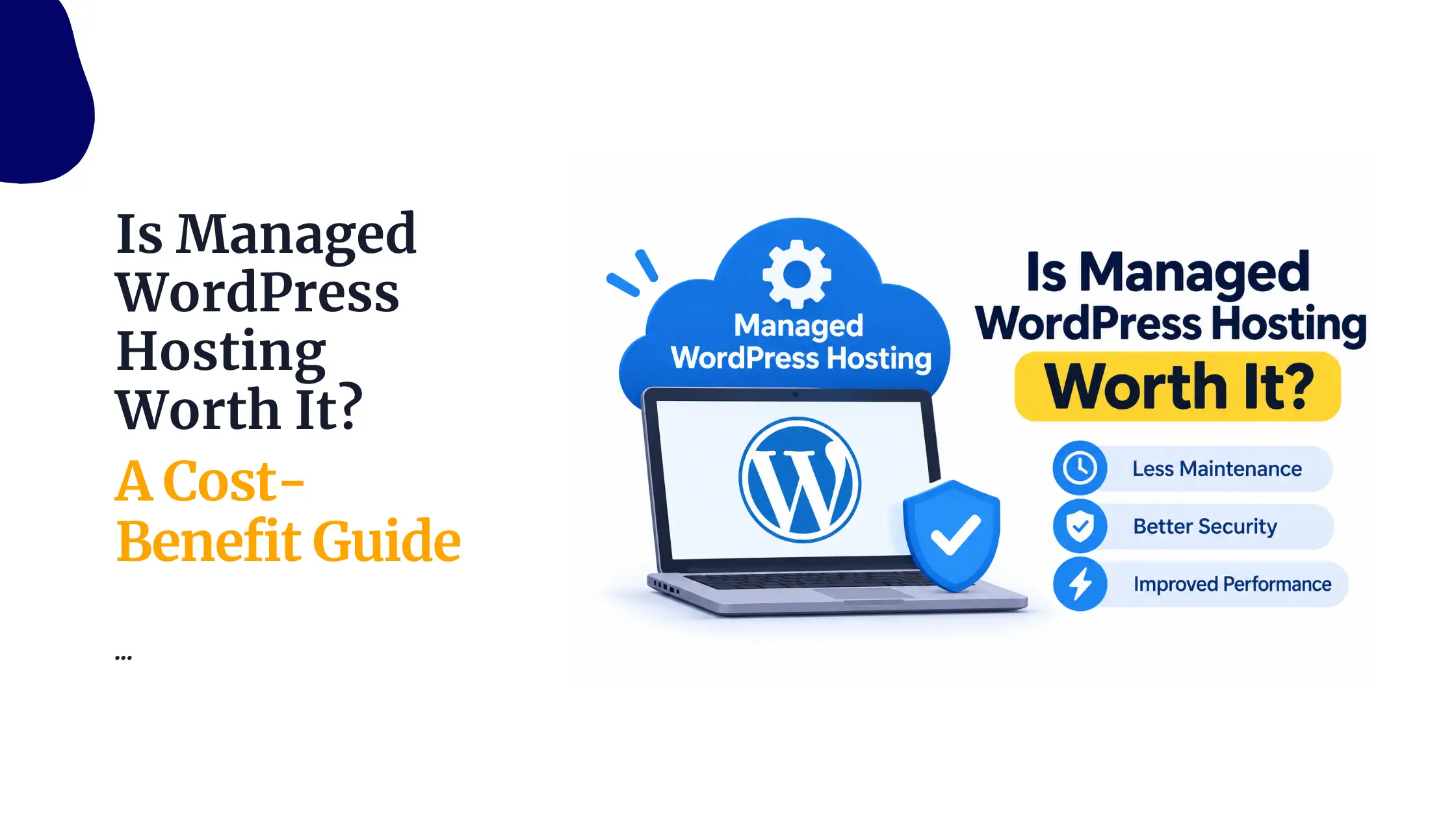
Managed WordPress hosting is a service where the provider takes care of specific WordPress tasks for you.
These often include updates, backups, security and performance tuning.
Unmanaged WordPress hosting gives you the hosting space, and you handle most of the WordPress maintenance on your own.
The exact split varies by provider, so the labels alone do not tell the whole story.
This choice affects updates, backups, security, performance, support and your overall hosting costs.
It also affects how much time you spend on your site each month.
For example, a cheaper hosting plan can still demand more technical work from you.
That hidden effort has a cost, even if it never shows up on an invoice.
In this guide, we compare managed vs unmanaged WordPress hosting across twelve areas.
We do not suggest that one option is automatically better for every website.
Instead, we show what each one covers, so you can pick the plan that fits your skills, your budget and your goals.
Managed vs Unmanaged WordPress Hosting: A Quick Comparison
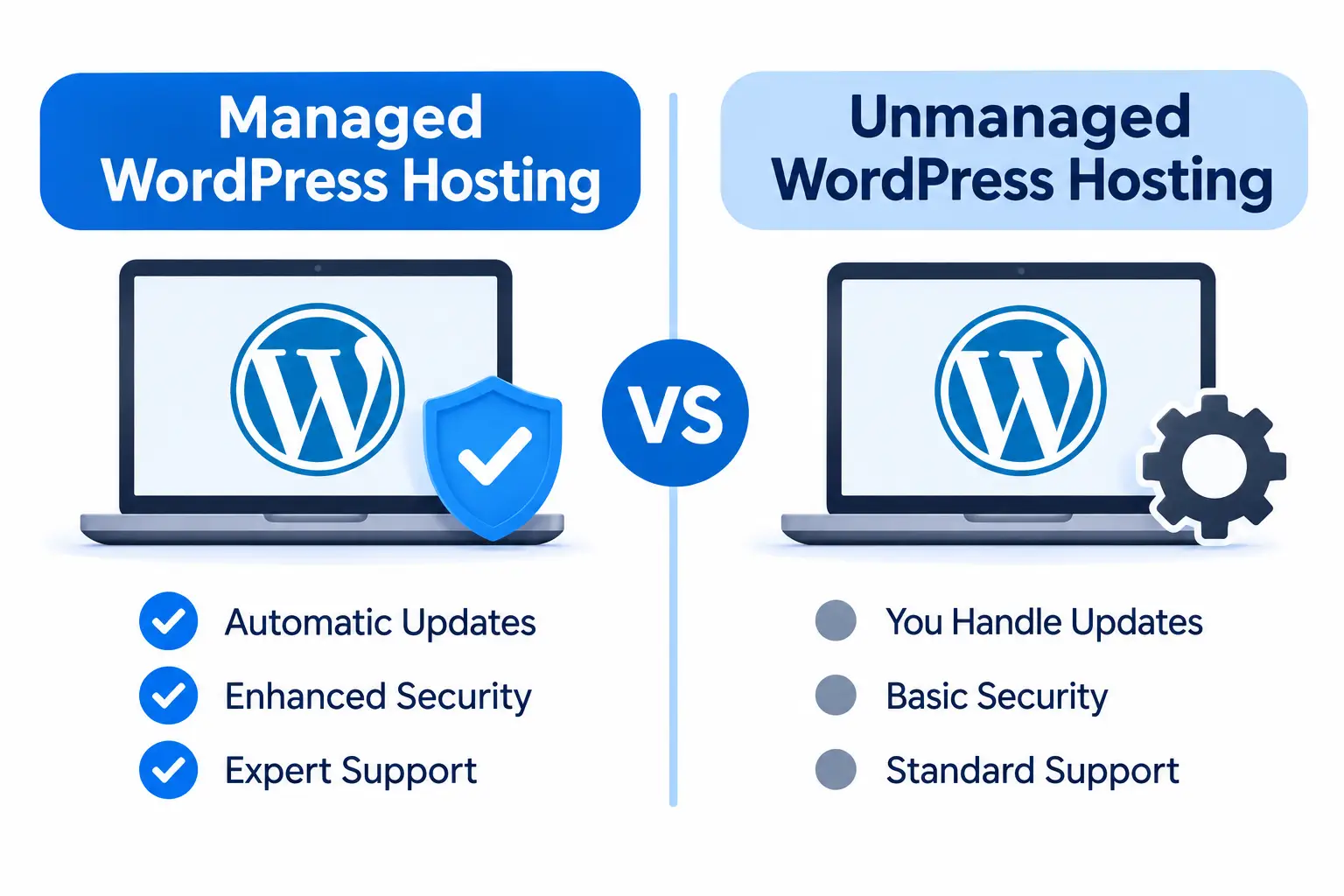
Let us start with the big picture. The table below shows the main differences at a glance.
After that, we go through each area in detail.
| Feature | Managed WordPress | Unmanaged WordPress |
|---|---|---|
| Cost | Usually higher about Kshs 11,760 | Often lower upfront about Kshs 2,500 |
| WordPress updates | Provider handles updates included in the service | Website owner handles updates |
| Plugin and theme updates | May be handled or assisted, depending on the plan | Website owner handles them |
| Backups | Scheduled backups and restoration options may be included | Owner arranges backups unless the host includes them |
| Security | Provider handles specified platform-level protection | Owner handles most WordPress-level security tasks |
| Performance | Provider may configure caching and WordPress-specific optimizations | Owner configures optimization tools |
| Support | WordPress-specific assistance within the service scope | Usually general hosting support |
| Control | Some technical settings may be restricted | More responsibility and potentially more configuration freedom |
A practical way to use this table is to circle the rows that affect you most. If backups and security worry you, focus on those two rows.
If you value flexibility, look closely at the control row. That quick exercise shows where each option helps and where it falls short.
1) Hosting Costs and Additional Expenses
Cost is the first thing most people check, so we start here. Managed hosting usually costs more.
At the time of writing, Truehost’s managed option starts at Kshs 11,760. Its unmanaged option starts at Kshs 2,500.
That gap looks large. However, the hosting fee is only part of the real cost.
With managed hosting, the fee may cover maintenance services that would otherwise require paid plugins, developers or technical staff.
With unmanaged hosting, the initial price may be lower, but you may need to pay separately for backups, security tools, maintenance and technical help.
For this reason, the cheapest advertised package is not necessarily the cheapest option over a year.
Add up everything you would need to buy. Then compare renewal prices, since a low first-term rate can rise later.
Finally, check the actual services included in each plan, because two plans with similar names can offer very different value.
Also think about your time. An hour spent fixing a broken plugin is an hour you cannot spend on customers or content.
If your time is valuable, the extra cost of managed hosting may pay for itself.
If you enjoy the technical side, the savings from unmanaged hosting may feel worthwhile.
2) WordPress Installation and Setup
With managed hosting, the provider may install WordPress, configure the environment and prepare the website for use.
Some services also handle migrations. As a result, you can start building almost right away.
With unmanaged hosting, you install WordPress yourself.
You might use a control panel installer, or you might configure everything manually.
One point deserves a clear mention. One-click installation is available on many standard hosting plans.
Therefore, installation alone does not make a service managed.
Look at what happens after the installation, such as updates, backups and security.
3) WordPress Core, Plugin and Theme Updates
With managed hosting, the provider may handle WordPress core updates.
Depending on the package, it may also handle plugin and theme updates.
Some services even test updates before applying them, which reduces the risk of a broken site.
With unmanaged hosting, you are responsible for checking, applying and testing updates.
That means logging in regularly and keeping an eye on new releases.
This is important because outdated software is one of the most common causes of hacked WordPress sites.
Old plugins often contain known vulnerabilities.
On the other hand, updates can cause compatibility problems, especially when several plugins interact.
A theme update might break a layout, or a plugin update might conflict with another one.
Testing before you update is a smart habit either way.
4) Website Backups and Restoration
Managed providers may configure scheduled backups for you.
They may also offer restoration assistance or self-service recovery options.
With unmanaged hosting, you arrange backup plugins, scheduled backups or external backup storage.
The exception is when the hosting package already includes them.
When you compare backup offers, look at four things.
These are the backup frequency, the retention period, the storage location and the restoration support.
A daily backup kept for seven days is very different from a weekly backup kept for two.
There is also an important warning. Having backups is not enough unless you can restore the website.
A backup that you cannot restore is of little use during an emergency. Therefore, test the restoration process before you need it.
5) WordPress Security and Malware Protection
With managed hosting, the provider may handle malware scanning, security monitoring and WordPress-specific protection.
It may also take care of certain cleanup tasks if something goes wrong.
With unmanaged hosting, you configure security plugins and monitor suspicious activity.
You also update software and handle application-level security issues.
It helps to separate two layers here. Server-level security protects the machine and network that run your site.
WordPress application security protects the software, plugins and themes on top of it.
A host may cover the first layer well and leave the second layer to you.
Neither option removes the need for good habits. Strong passwords and appropriate user permissions remain your responsibility.
For instance, give editors only the access they need, and remove accounts that are no longer in use.
6) Website Performance and Optimization
Managed providers may configure caching, server settings and WordPress-specific performance tools.
This can give you a faster site with little effort.
With unmanaged hosting, you choose and configure caching plugins, image optimization, CDN integration and other tools.
That offers flexibility, but it also takes time and testing.
Keep in mind that hosting is only one factor in website speed.
Hosting resources, themes, plugins, images and database queries all influence performance.
A heavy theme or oversized images can slow down even a premium plan. So, good hosting helps, but good site habits help just as much.
7) Server Maintenance and Software Updates
With managed hosting, the provider handles the server environment.
It may also manage additional software that the WordPress platform requires.
With unmanaged hosting on standard shared hosting, the provider still maintains the underlying server.
You handle the WordPress-level configuration.
On an unmanaged VPS, however, you may also be responsible for server software, security patches and configuration.
This distinction is easy to miss. Managed WordPress services and managed server services are not the same thing.
A managed server service looks after the machine.
A managed WordPress service looks after the WordPress application as well.
Read the plan description closely to see which one you are buying.
8) Technical Support and Troubleshooting
With managed hosting, support may cover WordPress errors, plugin conflicts, application troubleshooting and recovery.
The exact scope depends on the service agreement.
With unmanaged hosting, support generally focuses on hosting infrastructure.
That includes account access, server availability and other services within the provider’s standard support scope.
Consider a few common problems. A WordPress white screen of death, a failed plugin update and a database connection error can all take a site offline.
A managed support team may help you fix them.
An unmanaged support team may confirm that the server is running and then point you back to your own troubleshooting.
Because of this, ask exactly what the support team is allowed to fix.
A vague promise of “24/7 support” tells you little. A clear list of covered issues tells you much more.
9) Website Monitoring and Uptime
Some managed providers monitor website availability, server health and WordPress-related issues. They may spot a problem before you do.
With unmanaged hosting, you set up uptime monitoring yourself and investigate any reported problems.
Several free and paid monitoring tools can send alerts when your site goes down.
Be careful not to confuse uptime guarantees with monitoring.
A provider’s uptime SLA does not automatically mean it monitors every WordPress application issue.
The server may be online while your site shows an error. For that reason, a separate monitoring tool is useful with either option.
10) Staging and Testing Environments
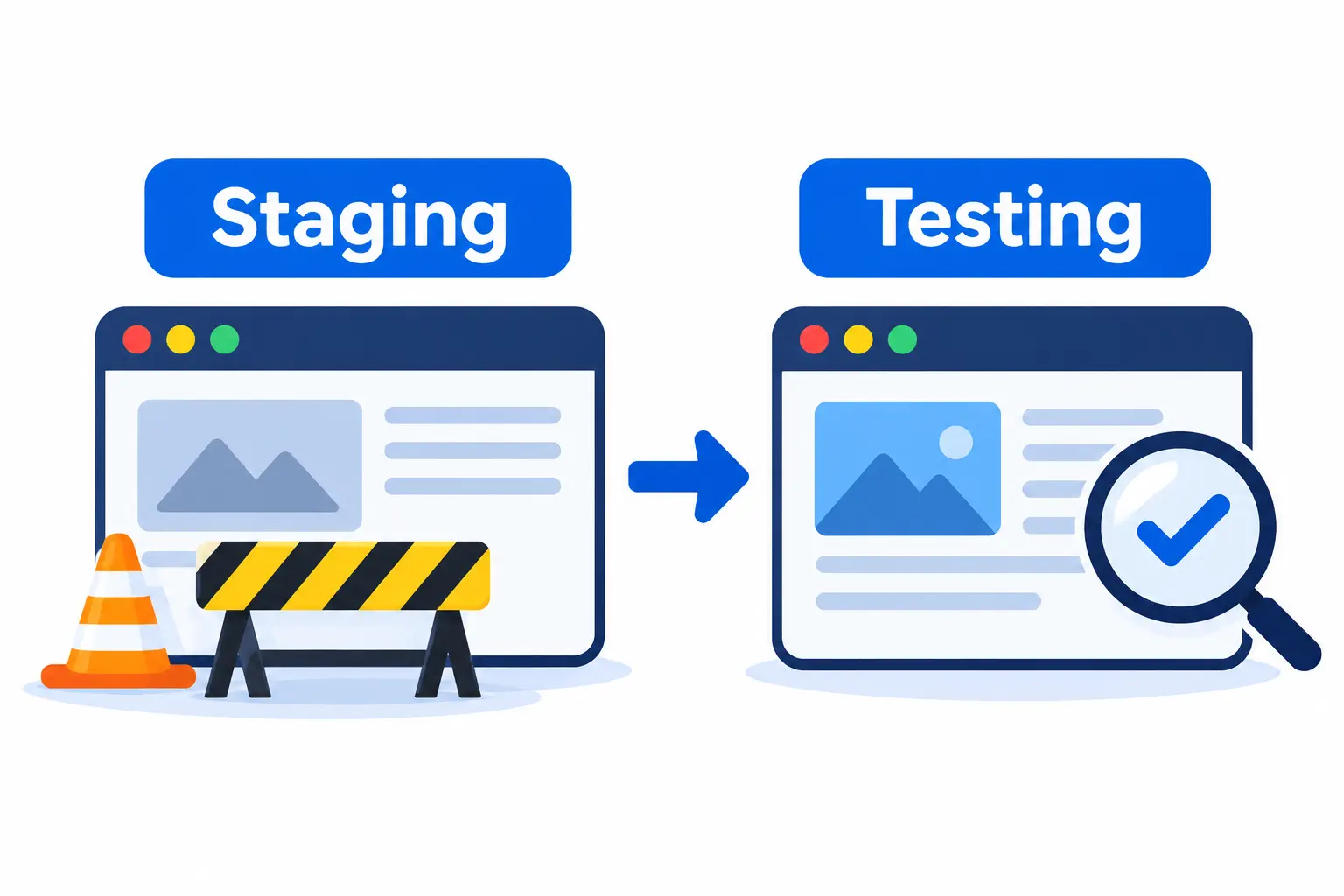
Some managed packages provide staging tools.
These let you test plugin updates, design changes and other modifications before you publish them.
With unmanaged hosting, you create a staging environment manually. Alternatively, you can use a separate staging plugin or service.
Testing is particularly useful for WooCommerce stores and websites with multiple plugins.
A broken checkout page costs sales, and a failed update can take hours to fix.
A staging site lets you catch those problems safely. As a result, you can update with more confidence.
11) Customization and Control
Managed providers may restrict certain plugins, server configurations or tools that conflict with their platform.
This protects performance and security across their servers.
With unmanaged hosting, you generally have more control over WordPress configuration.
On an unmanaged VPS, you also control server-level settings.
Restrictions vary from one provider to another.
Managed hosting does not necessarily mean you lose control of your website content, themes or plugins. In many cases, you still choose your own design and add-ons.
Check the provider’s list of restricted plugins before you commit, especially if your site depends on a specific one.
12) Website Migration
With managed hosting, the provider may help move WordPress files, databases and configurations from another host. That can save you hours.
With unmanaged hosting, you handle the migration manually or hire someone to do it.
The exception is when the hosting package includes migration assistance.
Whichever route you choose, plan for the details.
A migration involves DNS changes, email records and database transfers. Afterward, you need to test the site carefully.
Check forms, links, images and checkout pages. Also confirm that your email still works, since DNS changes can disrupt it.
Which Is Better for Your Website: Managed or Unmanaged WordPress Hosting?
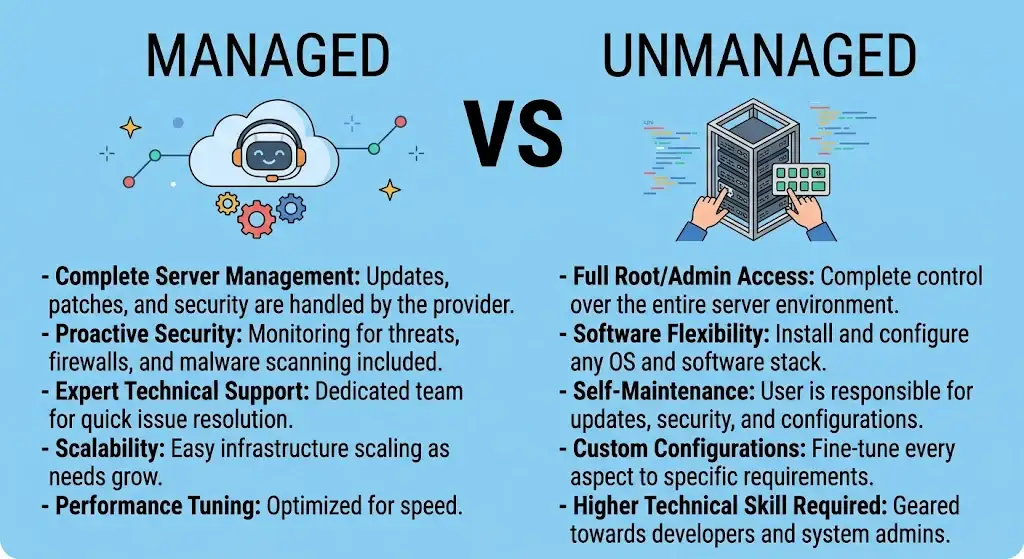
By now, you can see how the two options differ.
The better choice depends on your skills, your time and your website. Use the lists below as a quick guide.
Choose Managed WordPress Hosting If:
- You do not have the technical experience to maintain WordPress.
- Your business depends on its website being available.
- You operate a WooCommerce store and want more maintenance support.
- You manage several client websites and want to reduce routine maintenance work.
- You would rather pay for maintenance than handle it yourself.
Choose Unmanaged WordPress Hosting If:
- You know how to install and maintain WordPress.
- You have an in-house developer or technical team.
- You want more control over configurations.
- You run a relatively simple website.
- You want to manage maintenance costs and tools independently.
Choose the WordPress Hosting That Fits Your Needs
The decision comes down to four things.
These are maintenance responsibility, technical experience, control and cost.
If you want hands-off care and have the budget, managed hosting is attractive.
If you have the skills and want flexibility, unmanaged hosting can serve you well.
Above all, do not rely on the labels alone. Providers define managed and unmanaged differently, and the services included can vary widely.
Compare the actual features, the support scope and the renewal prices.
That way, you pay for what you need and avoid surprises later.
Finally, remember that your needs can change.
A small blog may start on an unmanaged plan and move to managed hosting once traffic and income grow.
Many people switch as their website becomes more important to their business.
Choose the option that suits you today, and review it again each year.
This flexibility means your first choice is rarely permanent, so you can start small and adjust your plan as your needs grow over time without worry.
Explore Truehost’s WordPress hosting plans and compare the available features before choosing a package.