Domain SearchInstantly check and register your preferred domain name
 Web Hosting
 cPanel HostingHosting powered by cPanel (Most user friendly)
 WordPress HostingHost your WordPress website with fast, secure, and affordable WordPress hosting in Kenya.
 KE Domains
 Reseller HostingStart your own hosting business without tech hustles
 Windows HostingOptimized for Windows-based applications and sites.
 Free Domain
 Affiliate ProgramEarn commissions by referring customers to our platforms
 Free HostingTest our SSD Hosting for free, for life (1GB storage)
 Domain TransferMove your domain to us with zero downtime and full control
 All DomainsBrowse and register domain extensions from around the world
 .Com Domain
 WhoisLook up domain ownership, expiry dates, and registrar information
 VPS Hosting
 Managed VPSNon techy? Opt for fully managed VPS server
 Dedicated ServersEnjoy unmatched power and control with your own physical server.
 Website Builder
 Online Store BuilderLaunch a professional e-commerce store without writing code.
 Web Design ServiceGet a custom-designed website tailored to your brand and goals. From just KES 15,600
 BlogRead our guides on web hosting, online business, digital marketing, and more
 SupportOur support guides cover everything you need to know about our services
 ContactContact us via chat or email
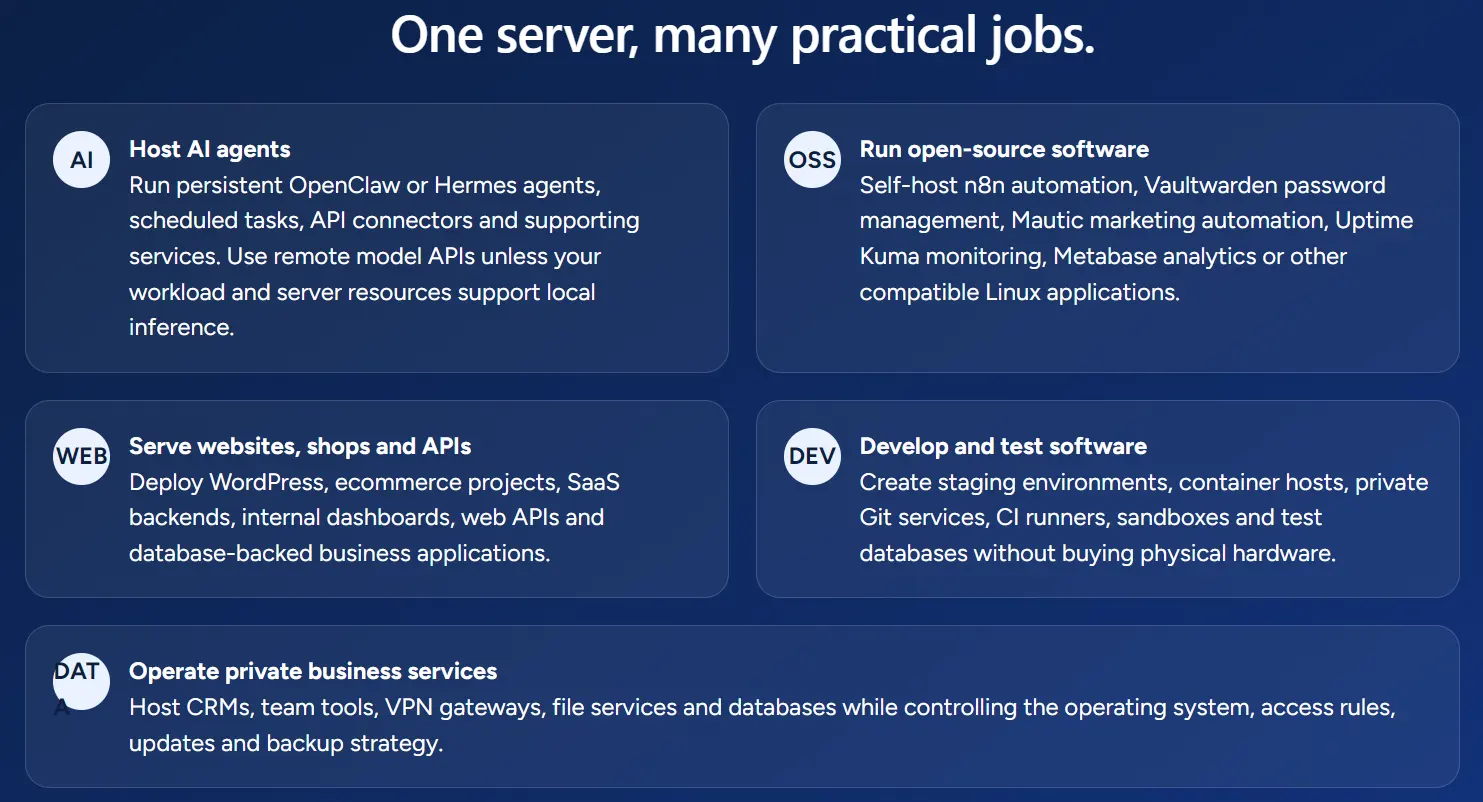
You just paid for a VPS. Now you are staring at an empty terminal with no idea what to type first.
That gap between buying the server and actually using it costs people money every single month.
A VPS sitting idle is a bill with nothing to show for it. The good news is that a handful of small, focused projects can turn that blank terminal into something genuinely useful within a single afternoon.
Root access is the real difference. Shared hosting locks you out of the server settings these projects require, so none of them work there.
A VPS gives you a private slice of a physical machine, complete with your own operating system and full control over it.
Because you get isolation from other users, one misbehaving app cannot slow down or crash anything else on your server. That isolation is exactly what makes a VPS worth it for personal projects, not only for business websites.
So if you have ever wondered whether a VPS is worth it beyond running a company site, the answer lies in this control. You decide what runs, how it runs, and who else touches it. Nobody else.
This guide walks through seven concrete projects you can build on a VPS right now. Each one names the tool, the RAM it needs, and the first step to get it running. Pick one, follow the steps, and your VPS starts earning its keep today.
1. Run Your Own Password Manager With Vaultwarden
Password managers are one of the easiest wins for a first VPS project, and Vaultwarden makes the setup simple. It runs on roughly 256 MB of RAM, so even the smallest VPS plan handles it without strain.
Here is what you get:
- A private, self-hosted alternative to paid password manager subscriptions.
- Full control over where your login data lives, instead of trusting a third party.
- A single Docker command to get the container running.
- Browser extensions that connect to your own server instead of someone else’s cloud.
To start, install Docker on your VPS, then pull the Vaultwarden image and point a domain at it. Once the SSL certificate is active, you can log in from any device.
Your passwords stay on infrastructure you control, and that alone justifies the monthly VPS cost for many people.
2. Monitor Your Own Uptime With Uptime Kuma
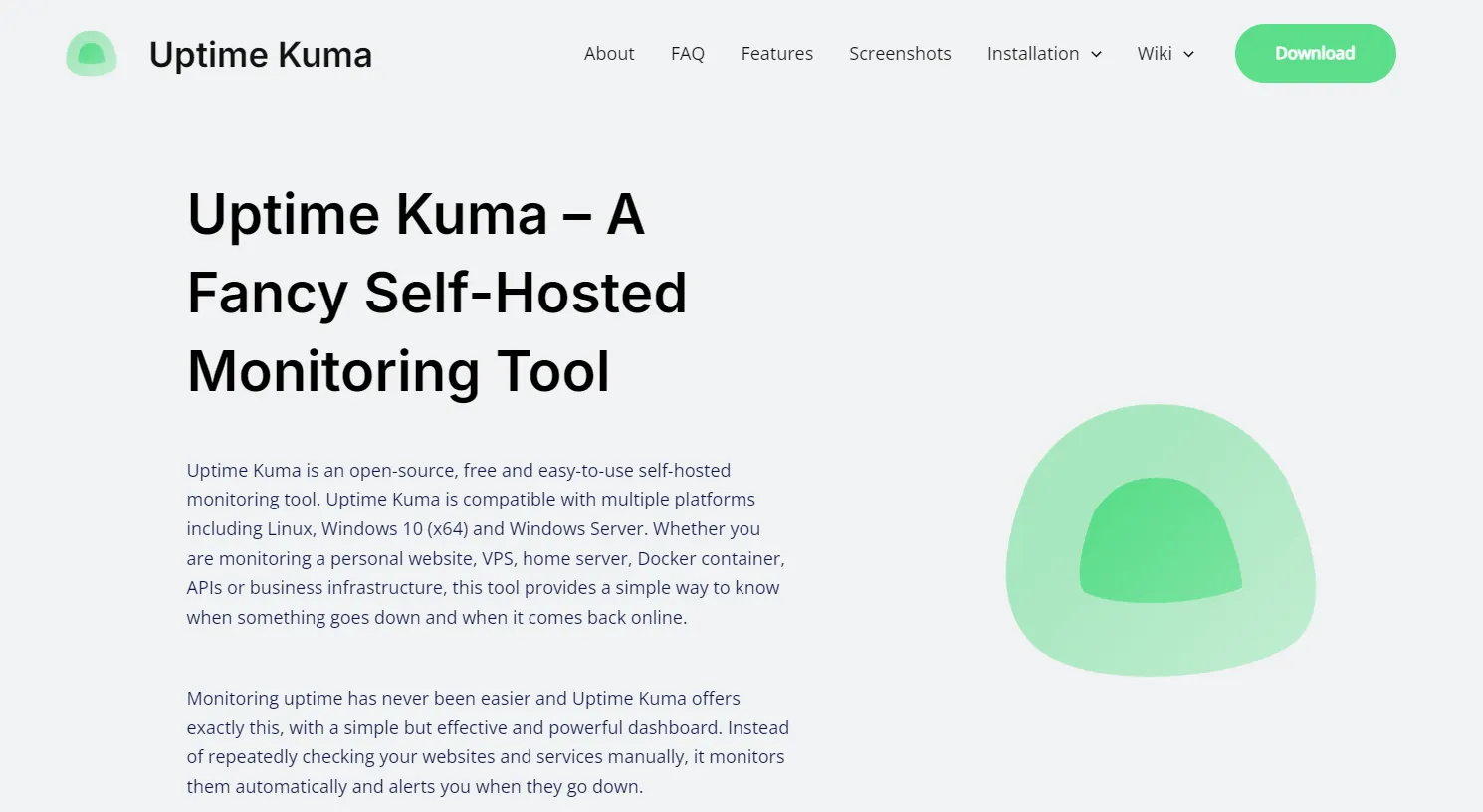
If you want the simplest possible starting project, choose Uptime Kuma. It requires about 256 MB of RAM and can be deployed with a single Docker run command or a short Docker Compose file.
Uptime Kuma monitors whether your websites, apps, or client projects are online and alerts you the moment something goes down. Here is what makes it worth your time:
- A clean, visual dashboard that shows every monitored service at a glance.
- Alert integrations with email, Telegram, and Slack, so you hear about outages fast.
- Support for monitoring more than just websites, including databases and APIs.
- A polished interface despite the tiny resource footprint.
Because it pairs so easily with other lightweight tools, Uptime Kuma often becomes the dashboard that watches every other project on this list. Set it up first, and it will tell you when anything else needs attention.
3. Automate Repetitive Tasks With n8n

n8n works like a self-hosted version of Zapier or Make, connecting your apps and services through visual workflows.
You build the automation once, and it runs on autopilot from your VPS.
For freelancers and small businesses, the practical uses stack up quickly:
- Sending automatic invoice reminders to clients who have not paid.
- Capturing new leads from a form and adding them straight to a spreadsheet or CRM.
- Sending WhatsApp notifications when a customer places an order.
- Syncing data between two apps that otherwise never talk to each other.
Because n8n is lightweight enough to sit alongside Vaultwarden and Uptime Kuma on the same VPS, you can run all three at once without upgrading your plan.
That means yes, you absolutely can run multiple self-hosted projects on a single server, as long as you size your RAM correctly.
4. Host Your Own Git Server With Gitea
If you write code for clients or personal projects, a private Git server keeps your work off public repositories.
Gitea handles code reviews, issue tracking, and CI pipelines from a single lightweight package.
Compare that to a paid GitHub plan, and the savings add up fast. Here is what Gitea brings to your VPS:
- Full ownership of your source code, with nothing stored on someone else’s servers.
- Support for code reviews and issue tracking, the same features you would pay for elsewhere.
- Installation through a single binary or a simple Docker Compose file.
- Enough speed and low overhead to run comfortably next to your other self-hosted apps.
For freelance developers juggling several client codebases, Gitea gives every project its own private space. Nothing leaves your server unless you decide it should.
5. Turn Your VPS Into a Self-Hosted PaaS With Coolify
Coolify converts your VPS into your own deployment platform, similar to what Heroku or Vercel offer, but without the monthly bill.
Push your code to Git, and Coolify builds and deploys it automatically, complete with SSL.
Before installing, plan your RAM carefully:
- Coolify itself needs around 1 GB of RAM to run smoothly.
- Budget roughly 512 MB to 1 GB of RAM for each app you deploy through it.
- A VPS with 4 GB of RAM comfortably handles Coolify plus three or four smaller apps.
- Dokploy is a lighter alternative if your VPS specs are tighter than that.
For anyone running several side projects at once, Coolify replaces a pile of separate hosting bills with a single dashboard and a predictable VPS cost.
6. Build a Privacy-Friendly Website Analytics Dashboard
If you already run a website, self-hosted analytics gives you the numbers without handing visitor data to a third party.
Umami and Plausible both offer cookieless, privacy-focused tracking that satisfies GDPR-style requirements.
Both tools run comfortably on around 512 MB of RAM, so they fit easily on a small VPS plan. Here is the value they add:
- A direct replacement for paid analytics subscriptions.
- Clean, simple dashboards that avoid the clutter of larger analytics suites.
- Full ownership of your visitor data, stored only on your own server.
- The setup typically takes less than 30 minutes from install to first report.
If you already host a website or client sites on the same VPS, adding analytics here costs you nothing extra beyond the RAM.
7. Back Up Your Files and Photos Privately With Syncthing
Cloud storage subscriptions pile up fast once you factor in photos, documents, and backups across every device. A VPS gives you a private alternative that you fully control.
Syncthing and Seafile handle real-time backups of your files and databases, keeping everything protected even if your local hardware fails.
For a heavier, photo-focused option, Immich adds machine learning features for organizing and searching your photo library, though it requires more RAM to run well.
Here is how to choose between them:
- Pick Syncthing if you mainly need simple, real-time file syncing across devices.
- Pick Seafile if you want folder-level sharing alongside your backups.
- Pick Immich if photo organization and search matter more than raw file backup.
- Budget extra RAM specifically for Immich, since its ML features are the heaviest part of the stack.
Once installed, set a backup schedule and let the VPS handle the rest quietly in the background.
How Much VPS Do You Actually Need for These Projects
Sizing your VPS correctly from the start saves you from a mid-project upgrade. Here is a simple breakdown by RAM tier:
- 1 GB RAM: Comfortable for a single lightweight app, such as Vaultwarden or Uptime Kuma on its own.
- 2 GB RAM: Enough to run five to eight lightweight apps together, including Uptime Kuma, Umami, Vaultwarden, Gitea, and n8n.
- 4 GB RAM or more: Needed for heavier tools like Immich, Nextcloud, or Supabase, especially once you add multiple apps at once.
The cost math favors self-hosting once you add up what you currently pay in subscriptions.
A typical stack combining analytics, automation, password management, and file backup can easily cost $50 to $100 a month when using separate SaaS tools.
The same stack, self-hosted on a single $10-$24 VPS, costs you only the VPS bill.
No coding background is required to install any of the seven tools above, since most use a simple Docker Compose file with clear instructions.
Docker itself is not strictly required for every project, but it makes installation and updates far easier across the board.
FAQs
Do I need coding skills to use a VPS for these projects?
No. Most of these tools are installed via a Docker Compose file, and you copy configuration values rather than write code from scratch.
Is Docker required to self-host apps on a VPS?
Not always, but it simplifies almost everything. Docker packages each app with its dependencies, so installs and updates stay consistent and predictable.
Can I make money from a VPS beyond these seven projects?
Yes. People run paid game servers, resell hosting, or offer automation services built on tools like n8n, all from a single VPS.
What is the cheapest thing to do with a VPS?
Uptime Kuma and Vaultwarden are the cheapest starting points, since both run on roughly 256 MB of RAM and fit any entry-level plan.
Deploy One Project This Week
A VPS earns its cost the moment one of these seven projects goes live, not while it sits idle in a dashboard. Waiting for the perfect setup only delays that return.
Start with the lowest-friction option. Vaultwarden or Uptime Kuma can both be installed in under an hour and give you an immediate, visible result. Once one project is running smoothly, adding the next one takes far less effort.
If you are still shopping for the right server to run these projects on, Truehost offers VPS plans sized for exactly this kind of self-hosting, including entry-level options built for a 2 GB RAM stack. Check current plans and pick the one that matches the tier you need above.