Domain SearchInstantly check and register your preferred domain name
 Web Hosting
 cPanel HostingHosting powered by cPanel (Most user friendly)
 WordPress HostingHost your WordPress website with fast, secure, and affordable WordPress hosting in Kenya.
 KE Domains
 Reseller HostingStart your own hosting business without tech hustles
 Windows HostingOptimized for Windows-based applications and sites.
 Free Domain
 Affiliate ProgramEarn commissions by referring customers to our platforms
 Free HostingTest our SSD Hosting for free, for life (1GB storage)
 Domain TransferMove your domain to us with zero downtime and full control
 All DomainsBrowse and register domain extensions from around the world
 .Com Domain
 WhoisLook up domain ownership, expiry dates, and registrar information
 VPS Hosting
 Managed VPSNon techy? Opt for fully managed VPS server
 Dedicated ServersEnjoy unmatched power and control with your own physical server.
 Website Builder
 Online Store BuilderLaunch a professional e-commerce store without writing code.
 Web Design ServiceGet a custom-designed website tailored to your brand and goals. From just KES 15,600
 BlogRead our guides on web hosting, online business, digital marketing, and more
 SupportOur support guides cover everything you need to know about our services
 ContactContact us via chat or email
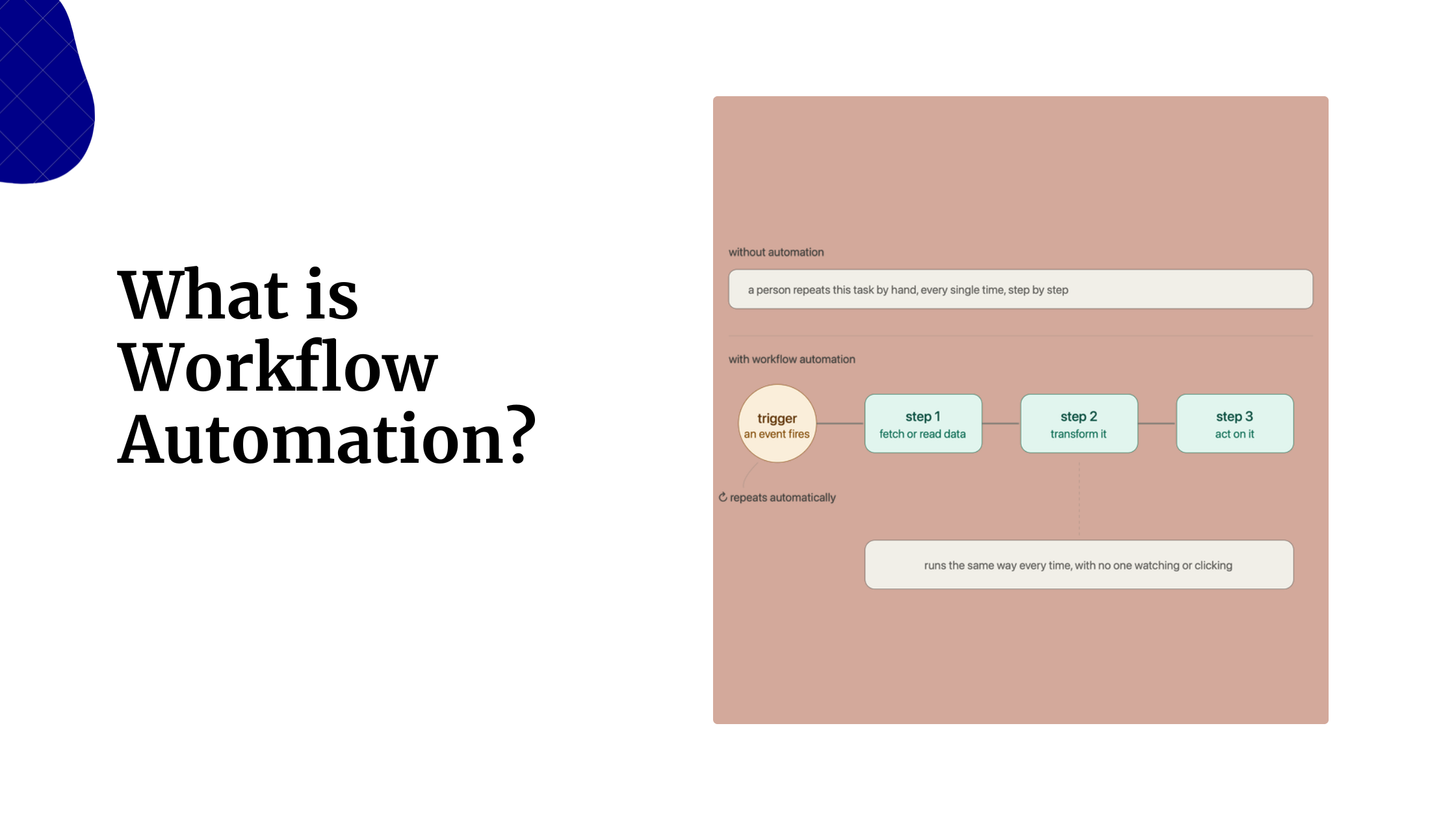
Repetitive tasks can quickly consume your day, whether you’re managing customer data, sending notifications, syncing apps, or generating reports. Workflow automation eliminates this busywork by connecting your favorite tools and handling routine tasks automatically, allowing you to focus on work that actually matters.
While n8n has become a popular choice thanks to its visual workflow builder and self-hosting capabilities, it isn’t the only free automation platform available. Several powerful alternatives offer unique advantages, from beginner-friendly interfaces and extensive app integrations to AI-powered workflows and developer-focused customization.
Here, we’ll compare six of the best free workflow automation tools like n8n, highlighting their key features, strengths, and ideal use cases to help you choose the right platform for your needs.
Free Workflow Automation Tools Comparison
| Tool | Free Tier Limits | Self-Hosted | Skill Level | AI/LLM Support |
| Activepieces | 1,000 tasks/month, 2 flows | Yes | Beginner+ | Native |
| Make | 1,000 credits/month, 2 scenarios | No | Intermediate | Limited |
| Node-RED | Unlimited | Yes | Developer | Via nodes |
| Pipedream | 10,000 invocations/month | No | Developer | Via code |
| Windmill | Unlimited if self-hosted | Yes | Developer | Via scripts |
| IFTTT | 5 applets/month | No | Beginner | None |
1) Activepieces
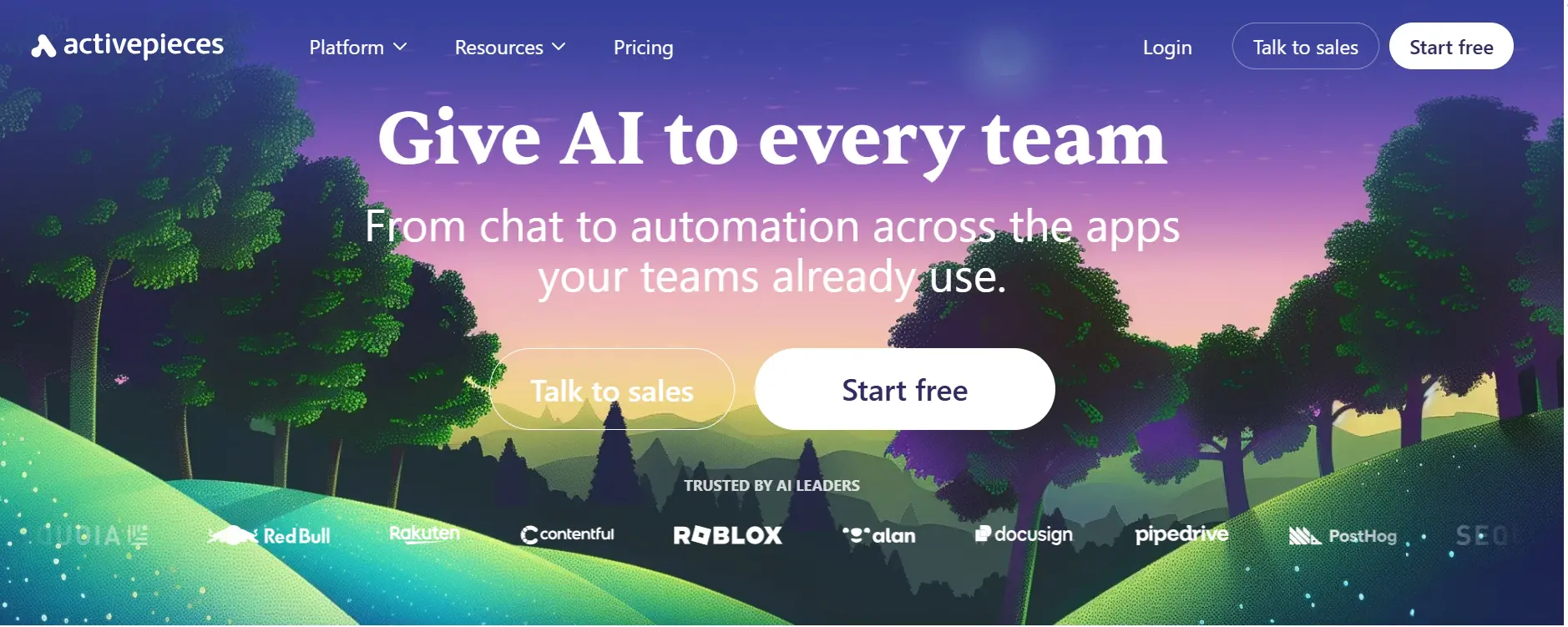
Best for: Teams wanting an open-source Zapier alternative with a generous free tier
Activepieces is one of the strongest free alternatives to n8n. It combines a beginner-friendly drag-and-drop builder with over 300 integrations, full self-hosting support, and native AI capabilities. Unlike many competitors, its Community Edition is completely free and has no task limits when self-hosted.
A standout feature is its growing community-driven integration library, alongside support for AI workflows and human approval steps, making it suitable for everything from content review to business process automation.
How to Get Started with Activepieces
i) Create a free account on Activepieces or self-host the Community Edition.
ii) Create a new Flow.
iii) Select a trigger such as a webhook, form submission, or application event.
iv) Add actions using the drag-and-drop builder.
v) Configure filters and conditional logic.
vi) Test the workflow using the built-in runner.
vii) Enable the flow and monitor executions.
Pros
- Unlimited self-hosted usage at no cost: Unlike many automation platforms that charge based on task volume, Activepieces’ open-source Community Edition removes usage restrictions entirely. This makes it attractive for startups and growing teams that expect automation workloads to increase over time.
- Strong AI and automation capabilities: Activepieces was designed with modern AI workflows in mind. Native integrations with popular AI models make it easier to build automations involving content generation, classification, summarization, and decision-making.
- Easy to learn and use: The drag-and-drop interface is intuitive enough for beginners while still offering advanced features such as branching, filters, and custom logic.
- Active open-source development: The platform is evolving quickly, with a growing community regularly contributing new integrations and improvements.
Cons
- Smaller integration ecosystem: While 300+ integrations cover many common use cases, businesses that rely on niche software may find fewer ready-made connectors than platforms like Zapier or Make.
- Smaller community compared to older platforms: Because Activepieces is relatively new, there are fewer tutorials, templates, and troubleshooting resources available online.
- Some advanced capabilities are still developing: Power users may occasionally find features that are less mature than those offered by long-established automation platforms.
2) Make
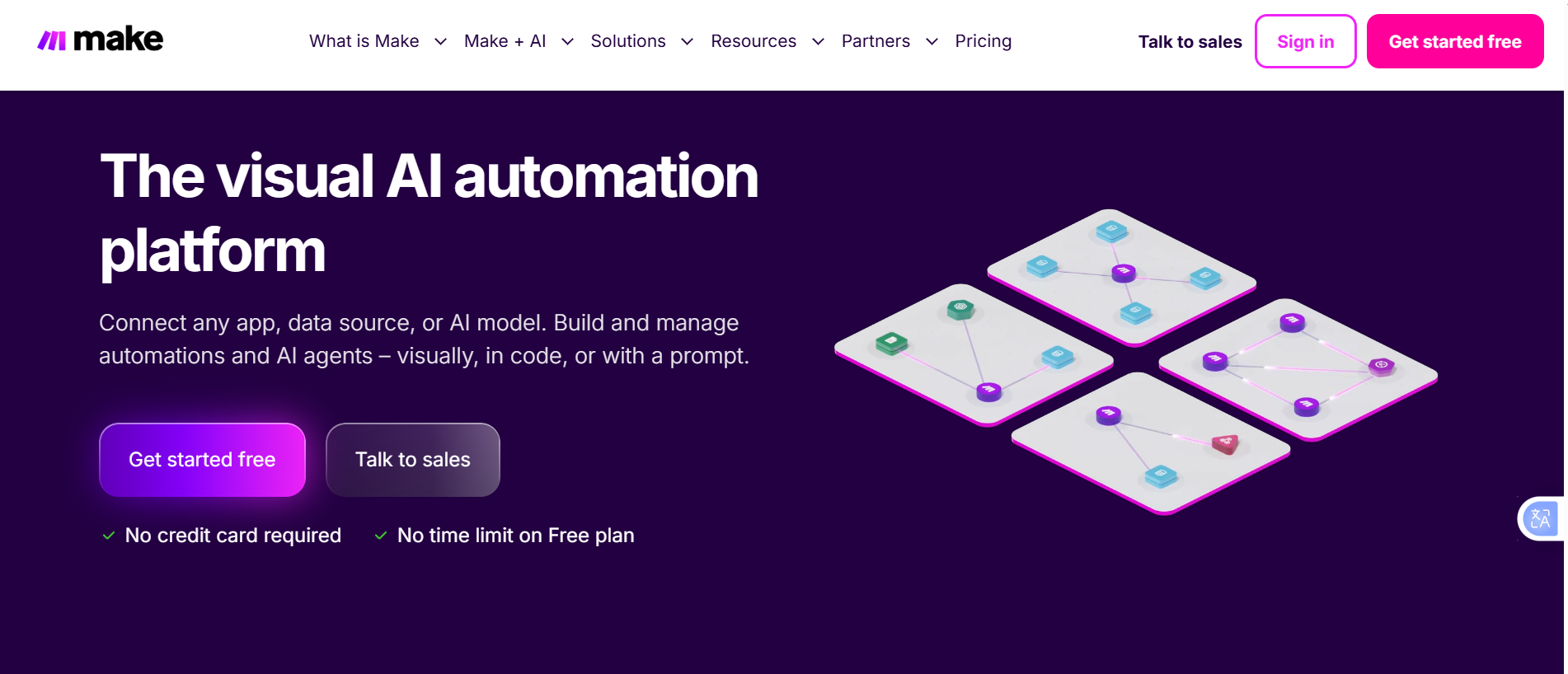
Best for: Teams that want powerful visual workflow building without code
Make is known for its visual scenario builder, which allows users to create complex workflows using routers, filters, aggregators, and branching logic on a drag-and-drop canvas. With more than 3,000 app integrations, it offers one of the largest integration libraries available.
Its free plan includes 1,000 monthly operations and two active scenarios, making it ideal for learning and small-scale automations.
How to Get Started with Make
a) Sign up for a free account.
b) Create a new scenario.
c) Add a trigger module.
d) Connect additional modules.
e) Use Routers to create branching logic.
f) Configure filters between modules.
g) Test and schedule the scenario.
Pros
- Outstanding visual workflow builder: Make’s canvas-based interface makes it easy to understand even highly complex workflows. Users can see branching paths, conditions, and data flow at a glance.
- Excellent support for complex logic: Features such as routers, aggregators, filters, and error handling allow users to build sophisticated automations without writing code.
- Large integration library: With thousands of app connections available, Make can fit into almost any SaaS environment.
- Strong data transformation tools: The platform excels at mapping, formatting, and manipulating data between applications.
Cons
- Costs can become difficult to predict: As workflows grow, operational usage can increase quickly, leading to higher monthly expenses.
- No self-hosting option: Organizations with strict security, compliance, or data sovereignty requirements have limited flexibility.
- Limited AI-focused functionality: While AI integrations exist, the platform is not as AI-centric as newer automation tools.
- Free plan limitations: The 15-minute scheduling interval and operation limits can restrict more demanding use cases.
3) Node-RED
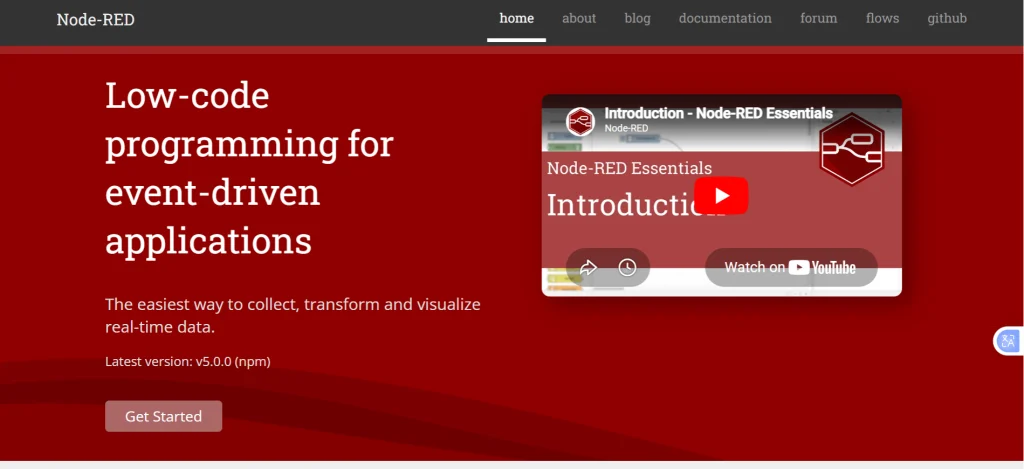
Best for: Developers and IoT teams needing unlimited self-hosted automation
Node-RED is a browser-based automation platform built on Node.js and originally developed by IBM. It allows users to connect APIs, databases, cloud services, and hardware devices using visual nodes connected on a canvas.
With thousands of community-created nodes and no usage restrictions, it’s particularly popular for IoT, hardware, and event-driven automation projects.
How to Get Started with Node-RED
i) Install Node.js.
ii) Run:
npm install -g –unsafe-perm node-red
iii) Start Node-RED.
iv) Open the browser interface.
v) Drag nodes onto the workflow canvas.
vi) Connect nodes with wires.
vii) Deploy and monitor the workflow.
Pros
- Completely free with no usage limits: There are no task caps, workflow limits, or subscription fees beyond the cost of your own infrastructure.
- Ideal for IoT and hardware projects: Node-RED is widely regarded as one of the best platforms for connecting sensors, devices, and event-driven systems.
- Huge ecosystem of community nodes: Thousands of community-developed nodes allow users to integrate with databases, APIs, messaging systems, and hardware platforms.
- Highly customizable: Developers can create virtually any workflow imaginable using JavaScript and custom nodes.
Cons
- Requires technical expertise: Users need a reasonable understanding of APIs, JavaScript, and server administration to get the most from the platform.
- No managed hosting option: Everything must be installed, maintained, and updated by the user.
- Less suitable for business users: Marketing, CRM, and productivity tool integrations are often less polished than those found in dedicated automation platforms.
- Interface can feel dated: Compared to newer platforms, the user experience is more functional than polished.
4) Pipedream
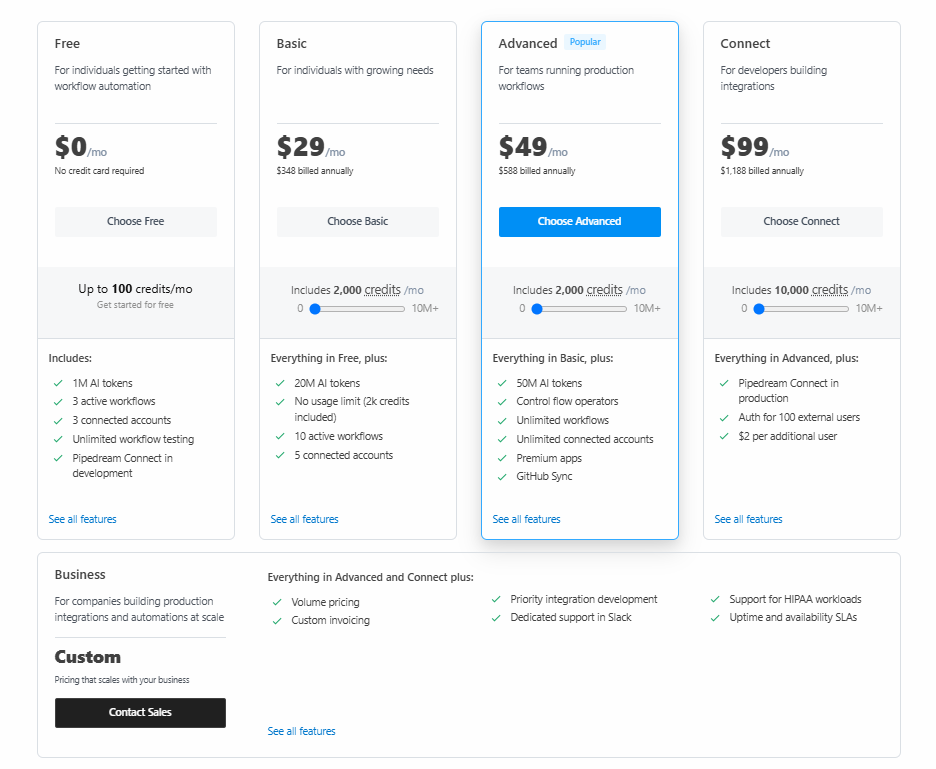
Best for: Developers who prefer writing code over building visual workflows
Pipedream is a cloud-based automation platform that supports Node.js, Python, Go, and Bash. It combines code-first workflows with thousands of pre-built integrations, making it ideal for API-heavy projects and developer teams.
The free tier includes 10,000 monthly invocations and unlimited workflows, making it one of the most generous cloud-hosted options available.
How to Get Started with Pipedream
- Create a free workspace.
- Create a new workflow.
- Select a trigger.
- Add code steps.
- Connect integrations using pre-built actions.
- Test with the event inspector.
- Deploy and monitor executions.
Pros
- Designed for developers: Users can write code directly in workflows while still benefiting from pre-built integrations and automation tools.
- Generous free tier: The free plan supports a large number of monthly executions, making it suitable for personal projects and small applications.
- Excellent debugging tools: Built-in logs, event inspection, and replay capabilities simplify troubleshooting.
- Supports multiple programming languages: Developers can work with familiar languages such as Python, Node.js, Go, and Bash.
Cons
- Not beginner-friendly: Non-technical users may find the platform intimidating compared to visual workflow builders.
- Cloud-only platform: Organizations that require self-hosting cannot deploy Pipedream on their own infrastructure.
- Less visual workflow management: Teams that prefer drag-and-drop automation may find the code-first approach less accessible.
- Can become complex quickly: Large workflows with multiple code steps require careful management and documentation.
5) Windmill
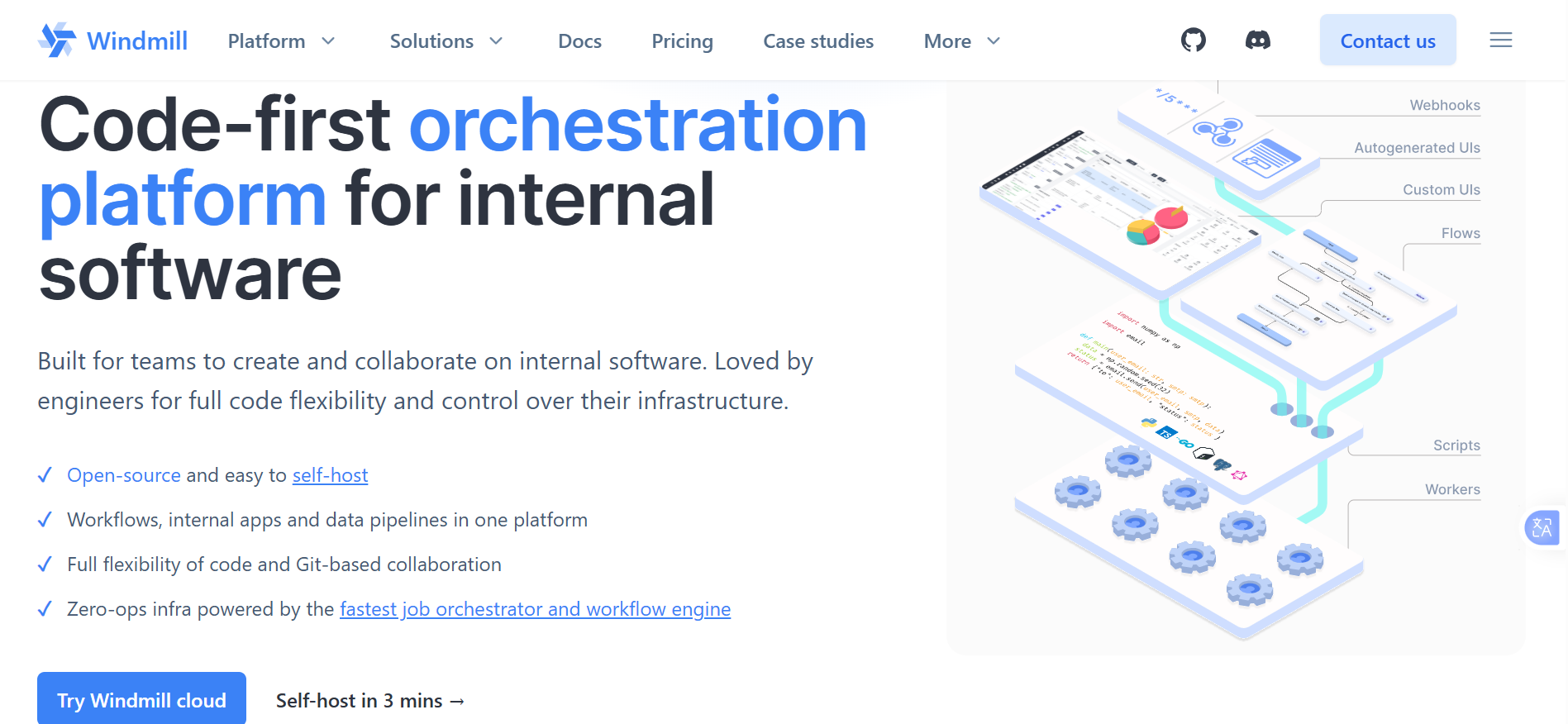
Best for: Developer teams building internal tools and workflow systems
Windmill is a developer-focused platform that combines automation, scripting, and internal tool creation. Users can write scripts in Python, TypeScript, Go, or Bash and automatically generate user interfaces for non-technical team members.
Its self-hosted version is free and unlimited, making it a strong option for engineering teams.
How to Get Started with Windmill
i) Self-host using Docker or create a cloud account.
ii) Create a new script.
iii) Choose a programming language.
iv) Configure resources and credentials.
v) Chain scripts into flows.
vi) Add branching logic.
vii) Generate a UI and deploy.
Pros
- Excellent for internal tools: Windmill combines workflow automation with application development, making it useful for operations and engineering teams.
- Automatic UI generation: Developers can expose scripts to non-technical users without building custom front-end interfaces.
- Unlimited self-hosted usage: Organizations can run workflows at scale without worrying about execution limits.
- Strong governance and security features: Credential management, permissions, and audit trails make it suitable for business environments.
Cons
- Designed primarily for developers: Non-technical users may struggle with the platform’s code-centric workflow design.
- Requires infrastructure management: Self-hosted deployments need ongoing maintenance and monitoring.
- Smaller integration marketplace: Compared to dedicated automation platforms, fewer ready-made connectors are available.
- More complex than traditional automation tools: Teams looking for simple app-to-app workflows may find it unnecessarily powerful.
6) IFTTT
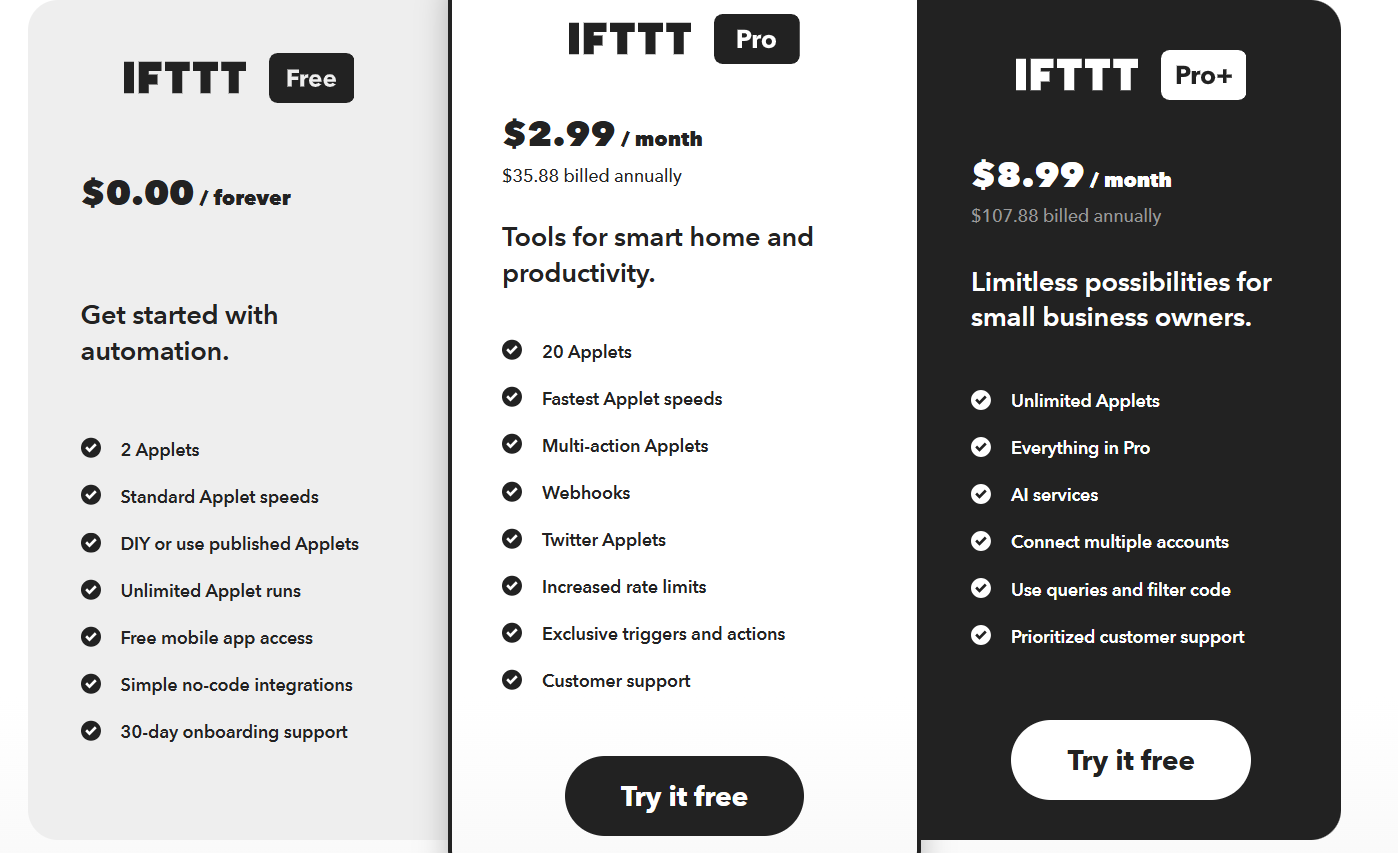
Best for: Beginners and personal automation users
IFTTT remains one of the easiest automation tools to use. Its simple trigger-and-action model allows users to connect apps, smart home devices, and online services in minutes without any technical knowledge.
While limited compared to other platforms on this list, it remains a great choice for simple personal automations.
How to Get Started with IFTTT
- Create a free account.
- Click Create.
- Select a trigger service.
- Configure the trigger event.
- Choose an action service.
- Configure the action.
- Activate the applet.
Pros
- Extremely easy to use: Most users can build their first automation in minutes without reading documentation.
- Excellent smart home support: Integrations with devices, voice assistants, and consumer services are among the best available.
- Minimal learning curve: No coding, scripting, or technical setup is required.
- Great for personal productivity: Simple tasks such as notifications, reminders, and device automation are easy to implement.
Cons
- Very restrictive free plan: The limited number of applets makes it unsuitable for larger automation needs.
- No advanced workflow functionality: Users cannot create multi-step processes, branching logic, or complex conditions.
- Limited business use cases: Most integrations and workflows are geared toward personal rather than organizational automation.
- No self-hosting or customization: Users are entirely dependent on IFTTT’s cloud platform and feature set.
Which Tool Should You Choose?
Choosing the right workflow automation tool comes down to your needs, technical expertise, and whether you prefer a cloud-based or self-hosted solution. If you’re looking for an open-source, AI-powered platform, Activepieces is an excellent choice. Make is perfect for users who want an intuitive visual builder with extensive app integrations, while developers may find Node-RED, Pipedream, or Windmill better suited for building highly customized workflows. If your automation needs are simple, IFTTT remains one of the easiest platforms to get started with.
The best part is that you don’t need to spend a fortune to automate your work. Most of these platforms offer generous free plans or can be self-hosted, giving you complete control over your workflows while reducing long-term costs.
If you’re ready to run your automation platform on your own server, consider using Truehost Kenya’s managed n8n self-hosting solution. It provides a reliable, scalable environment for deploying automation workflows without the hassle of managing complex server infrastructure yourself. Get started today by exploring the Truehost Kenya n8n Self-Hosting solution and start building powerful automations with confidence.
.