 Domain SearchInstantly check and register your preferred domain name
 Web Hosting
 cPanel HostingHosting powered by cPanel (Most user friendly)
 WordPress HostingHost your WordPress website with fast, secure, and affordable WordPress hosting in Kenya.
 KE Domains
 Reseller HostingStart your own hosting business without tech hustles
 Windows HostingOptimized for Windows-based applications and sites.
 Free Domain
 Affiliate ProgramEarn commissions by referring customers to our platforms
 Free HostingTest our SSD Hosting for free, for life (1GB storage)
 Domain TransferMove your domain to us with zero downtime and full control
 All DomainsBrowse and register domain extensions from around the world
 .Com Domain
 WhoisLook up domain ownership, expiry dates, and registrar information
 VPS Hosting
 Managed VPSNon techy? Opt for fully managed VPS server
 Dedicated ServersEnjoy unmatched power and control with your own physical server.
 Website Builder
 Online Store BuilderLaunch a professional e-commerce store without writing code.
 Web Design ServiceGet a custom-designed website tailored to your brand and goals. From just KES 15,600
 BlogRead our guides on web hosting, online business, digital marketing, and more
 ContactContact us via chat or email

Getting a website online costs money and takes technical know-how.
You need somewhere to store your files, a way to keep the site running day and night and someone to handle the server when something breaks.
For a lot of people, that’s a big hurdle before they’ve published a single page.
Dedicated servers and VPS hosting give you more resources and more control.
But most website owners don’t need that much power when they’re starting out.
A blog, a portfolio or a small company site rarely needs a whole server to itself.
That’s where shared hosting comes in. Multiple websites use the resources of one server, which cuts the cost for everyone.
The hosting provider looks after the server, so you don’t have to.
Here are 20 benefits of shared hosting, with practical examples.
They cover affordability, ease of use, included tools, maintenance, security features and the ability to host more than one site.
One thing to know up front: not every benefit comes with every plan. Some are general advantages of the shared hosting model.
Others depend on the provider and the package, and we’ll point out which is which.
20 Benefits of Shared Hosting
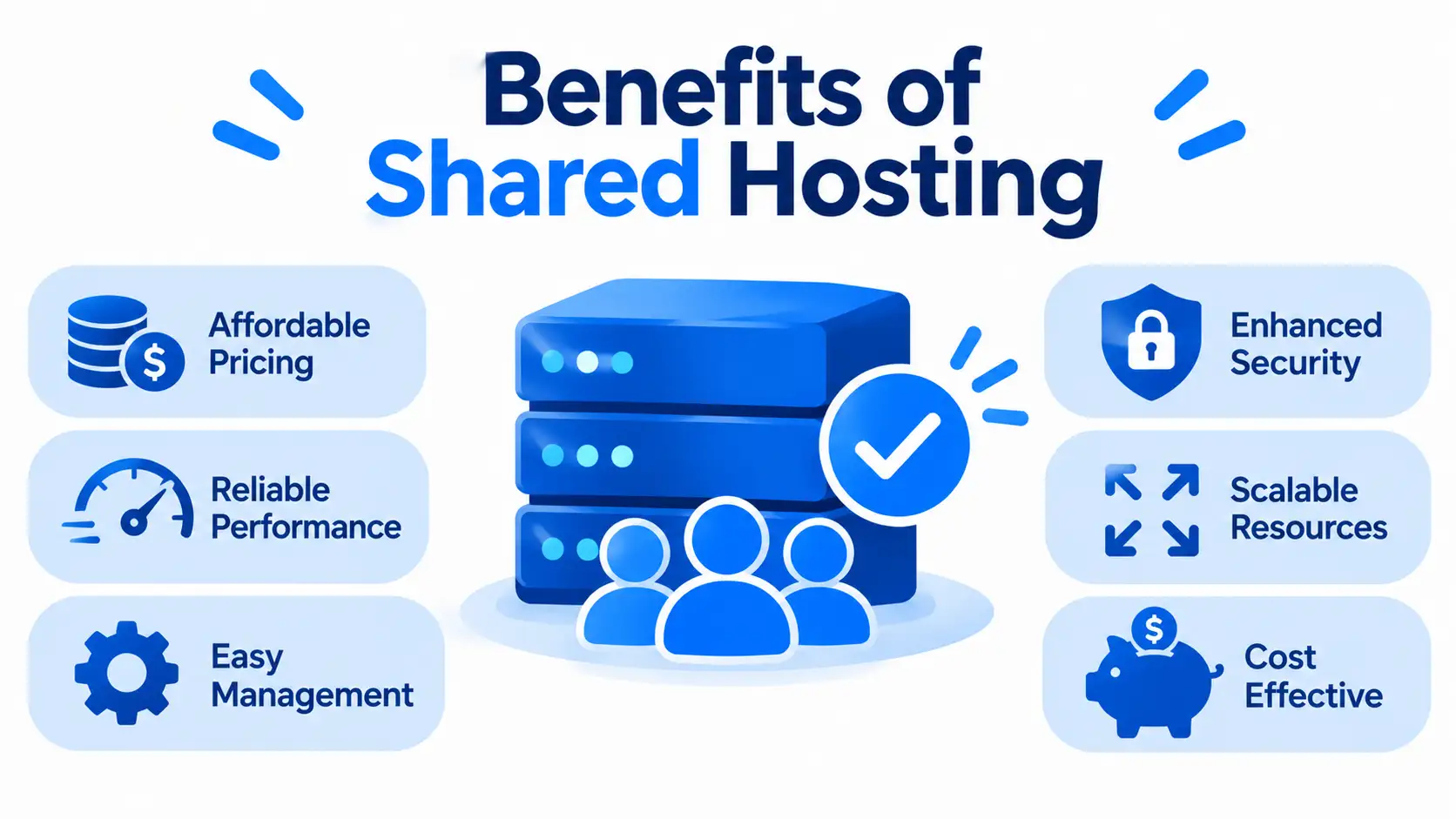
1) Affordable and Predictable Hosting Costs
Shared hosting is generally cheaper than VPS and dedicated hosting, because many customers split the cost of the server and its upkeep. That helps individuals, startups and small businesses launch a site without paying for a whole machine.
The cost is also easy to plan. Shared plans usually come with a defined package and billing cycle, so you know roughly what you’ll pay. Check renewal rates, optional add-ons and billing terms before you buy.
Here’s an example from Truehost, with current prices for its shared plans:
- WebHosting Starter: Kshs 2,500
- WebHosting Pro: Kshs 5,250
- WebHosting Unlimited: Kshs 21,750
Shared plans also bundle several services, such as hosting, databases, email, SSL and backups, into one subscription. That saves you from sourcing and setting up each piece separately.
For a small business, the savings add up. The money you’d spend on a server can go toward a logo, a domain or advertising instead. If your budget is tight, start on an entry plan and upgrade only when the numbers say so.
2) No Server Hardware to Buy or Maintain
With shared hosting, the provider owns and manages the physical server. That includes hardware maintenance, replacements and the wider infrastructure.
You don’t buy equipment, and you don’t need a spare room for a machine that hums all day. If a disk fails or a part needs replacing, that’s the provider’s job. This benefit comes with the shared model itself.
This also means fewer surprises. You won’t deal with a failed fan or a power problem in a server room, and you won’t pay for spare parts. The provider’s team handles it, usually without you noticing.
3) Less Technical Administration
Shared hosting removes much of the server work involved in running a website. You generally don’t configure the operating system, maintain hardware or manage the core hosting environment. For many small sites, you also don’t need to hire a server administrator.
That frees you to focus on content, customers and daily business. One caution. You’re still responsible for your own website software. That means updating WordPress, plugins and themes, and managing your content.
A cafe owner, for instance, can keep the website running without ever learning what an operating system update involves. They log in, post the new menu and get back to the kitchen.
4) Quick Website Setup
Many shared hosting accounts can be activated quickly after purchase. Once the account is ready, you can start uploading files or installing a content management system.
A shop owner who buys a plan in the morning can have a basic site online by the afternoon. Speed varies by provider and by payment method, but setup is usually fast compared with building your own server.
Have your domain details and content ready before you buy. A short checklist, such as logo, text, photos and contact details, means you can go from sign-up to a live page much faster.
5) One-Click Application Installation
Many shared plans include an application installer, such as Softaculous. These tools install platforms with a few clicks and a short form. Depending on the provider, supported applications may include:
- WordPress
- Joomla
- Drupal
- PrestaShop
- Other supported applications
Don’t assume every provider offers the same installer or the same catalogue. Check the list before you buy if you need a specific application.
Say a school wants a simple news site. A staff member can pick WordPress from the installer list, name the site and set an admin password, then start writing posts the same day.
6) Easy WordPress Installation and Management
Shared hosting commonly supports WordPress and provides tools to install and manage it. A beginner can launch a blog, business website, portfolio or small online store without configuring a server from scratch.
Picture a photographer who wants a portfolio. She picks a plan, installs WordPress from the control panel, chooses a theme and uploads her photos. She never touches a command line.
WordPress also has thousands of themes and plugins, so a shared plan gives you a flexible starting point. Keep plugins few and well chosen, because every extra one adds work and can slow the site.
7) A Beginner-Friendly Control Panel
Most shared hosting providers give you a graphical control panel, often cPanel or a similar tool. It lets you manage common tasks without advanced server skills. From one dashboard, you can:
- Manage website files
- Create databases
- Set up email accounts
- Manage domains and subdomains
- Configure SSL certificates
- Access backups
- Monitor resource usage
Menu names and layouts differ by provider. But the idea is the same. You click through a dashboard instead of typing server commands.
If you’ve never used a hosting panel, spend ten minutes exploring it before you build anything. Learn where files, email and backups live, and the rest of the process gets easier.
8) Website and Email Hosting in One Account
Some shared plans let you host your website and create email accounts on your domain. A business can set up addresses like [email protected] and [email protected].
That keeps basic website and email management in one hosting account. Keep in mind that standard cPanel email is different from a dedicated business email service. Dedicated services often add larger mailboxes, calendars and shared tools, so a growing team may want one later.
It also helps with branding. Customers trust [email protected] more than a free webmail address, and you can set up an address for each role without a separate email subscription, as long as the plan’s mailbox limits fit.
9) Multiple Website Hosting
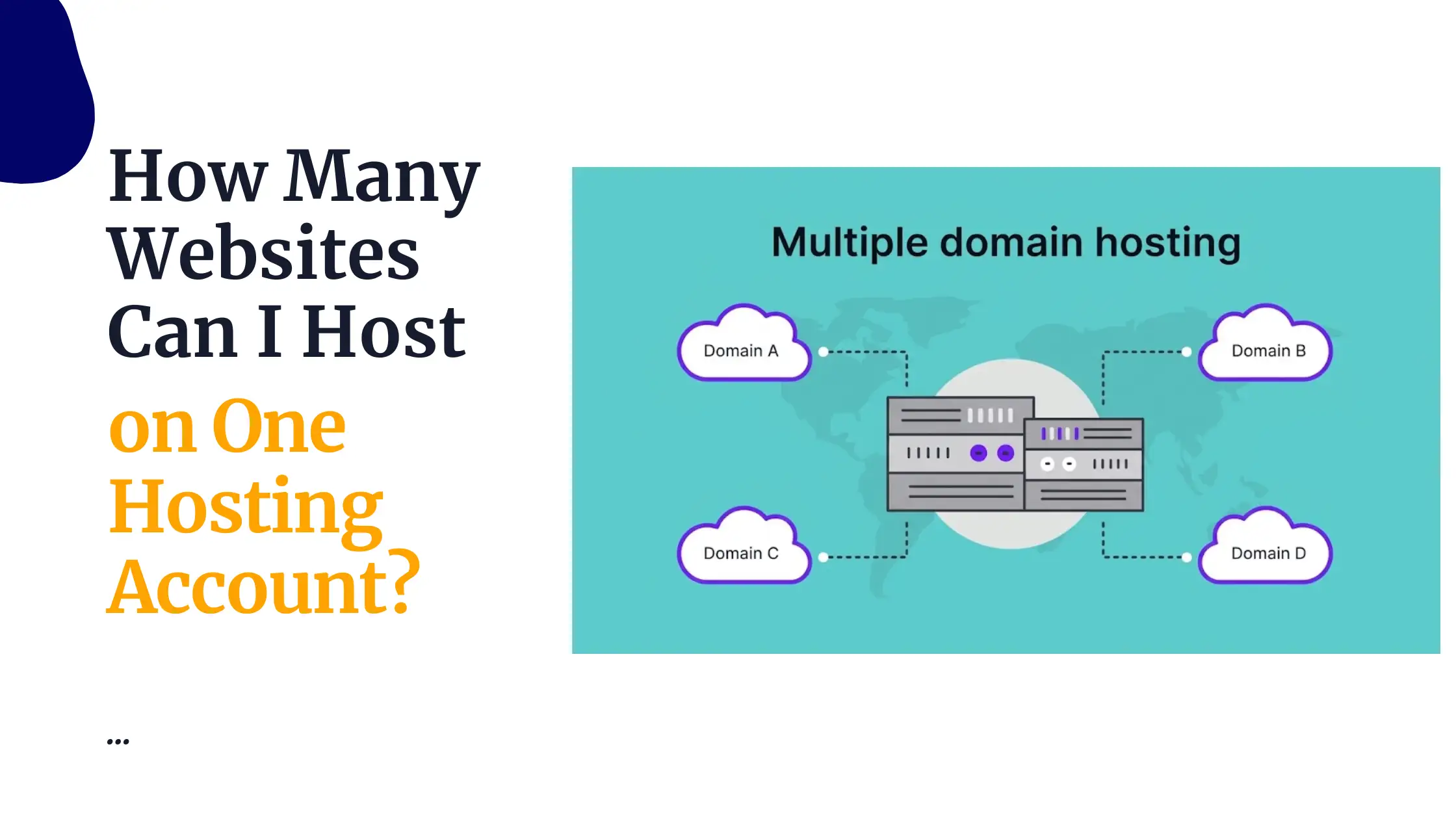
Depending on the package, a shared account can host several websites. That helps freelancers, small agencies, entrepreneurs and businesses that run more than one site.
A web designer, for instance, can host a few client sites under one account instead of paying for separate plans. Website limits vary by plan, so check the allowance before you count on it.
Remember that all the sites share the same account resources. If one of them gets busy, the others can feel it, so keep an eye on usage and spread heavy sites across plans if needed.
10) Easy Domain and Subdomain Management
Shared hosting control panels often let you connect domains, create subdomains and manage website folders. That helps you organise different parts of your online presence. For example:
- shop.example.com for a store
- blog.example.com for a blog
- support.example.com for customer help
Each one can have its own folder and content, while all of them live under the same account.
Setting one up takes a few clicks in the control panel. Point the subdomain to its own folder, install an application there and you have a separate section without registering another domain.
11) Built-In Security Features and SSL
Hosting providers may include tools that help protect websites and accounts. Depending on the provider, these can include firewall protection, malware scanning, account isolation, DDoS mitigation and security monitoring. What you get varies, so read the plan details.
Many shared plans also include a free SSL certificate, which lets your site use HTTPS. That encrypts information passing between the browser and your website, helps protect login and contact form submissions in transit and shows a secure connection in browsers. It’s a basic technical requirement for modern websites.
Hosting security doesn’t replace good habits. You still need strong passwords, regular updates and protection at the website level.
Think of the host as locking the doors of the building, while you look after what’s inside. Update your software, remove unused plugins and limit who has an admin login.
12) Automated Website Backups
Some shared hosting providers run automated backups, which cuts down the manual work of protecting your data. A backup can help you restore files and databases after an accidental deletion, a failed update or a website error.
Backup frequency, retention periods and restore options vary. Ask how often backups run and how long they’re kept. It’s also wise to keep your own independent copy of anything important.
A practical rule is to download a backup before you update plugins or change themes. If something breaks, you can roll back in minutes instead of rebuilding the site.
13) Free Website Migration
Some providers help you move your site when you switch hosts. Migration assistance can cut the technical work of transferring files, databases and related settings.
If you’ve ever tried to move a WordPress site by hand, you know how fiddly it gets. Terms and eligibility depend on the provider, so check what’s included and whether there are limits.
Before you request a migration, make a note of your current plugins, email accounts and DNS settings. That helps the team move everything correctly and helps you check that nothing went missing afterward.
14) Website Builder and Pre-Designed Templates
Some shared packages include a website builder with visual editing tools. That helps people who don’t want to build a site from scratch or work with code.
Templates add ready-made layouts for common site types. You can change colours, images, text and page layouts to create a site without hiring a designer for every element. A small bakery, for example, could pick a template, swap in its own photos and be live in an evening.
Builders work best for simple sites. If you later need custom features, you may want to move to WordPress or another platform, so keep a copy of your text and images in a safe place.
15) Support for Common Website Technologies and Databases
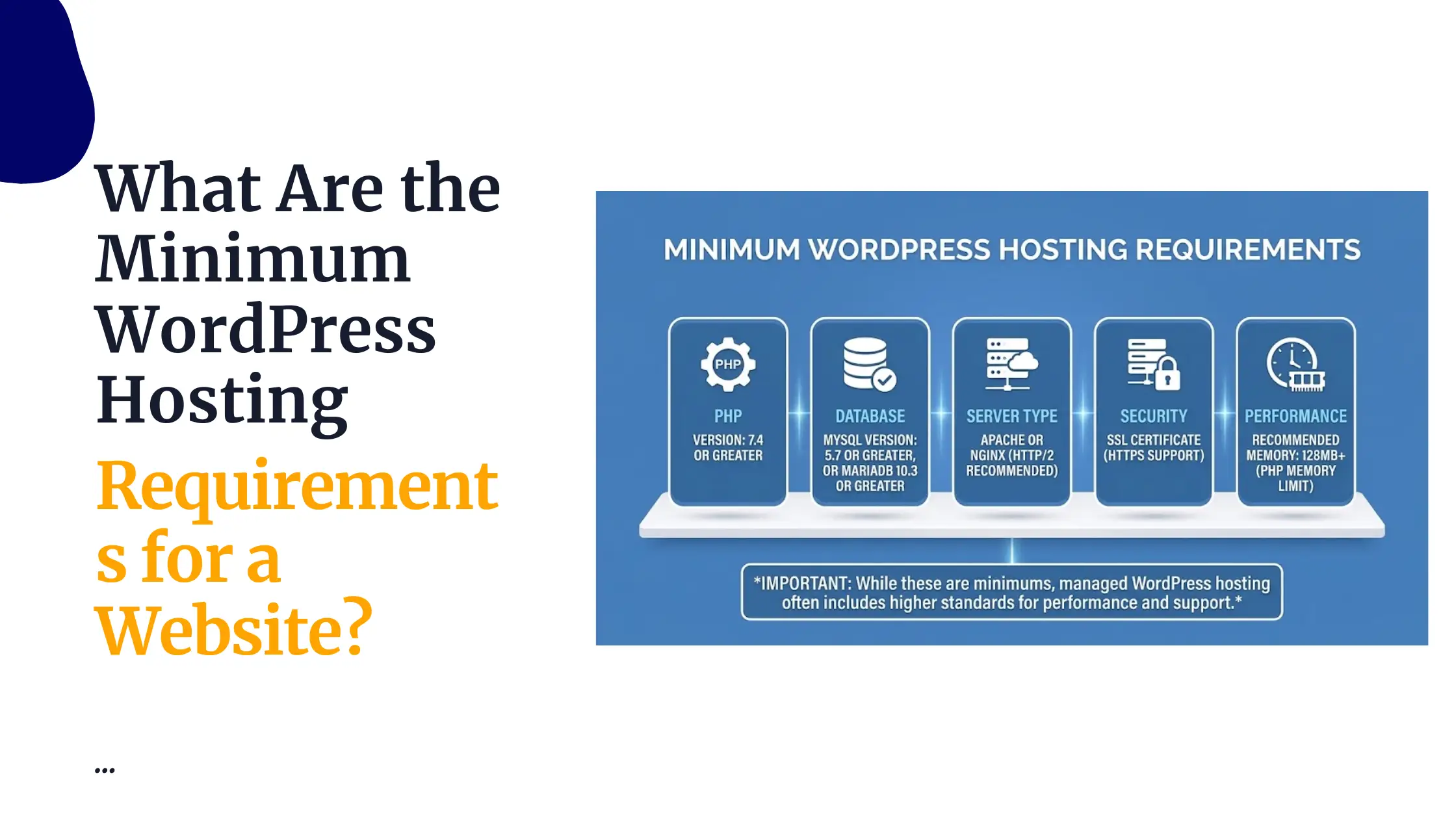
Shared hosting commonly supports the technologies behind content management systems and web applications. Depending on the package, these can include PHP, MySQL or MariaDB, HTML and CSS, JavaScript, Python and Node.js. Available versions, extensions and settings depend on the provider.
Many plans also include database support, so you don’t need to buy a separate database server. That makes shared hosting a practical base for WordPress, Joomla, online stores and other database-driven applications.
If you plan to use a specific tool, such as a Python or Node.js application, check the package details first. Support for these varies, and some plans offer only part of the stack.
16) Support for Small Online Stores
Shared hosting can run smaller eCommerce sites on platforms such as WooCommerce, as long as the package meets their resource and software needs. It suits stores with manageable traffic, modest product catalogues and moderate transaction volumes.
A local craft seller with a few dozen products is a good example. Don’t assume every shared plan is right for a large store or heavy checkout traffic. Check the limits, and plan to upgrade as the shop grows.
Before you launch a store, test the checkout and add a few products. Watch your page speed and resource usage during the first weeks, then adjust. Small stores that grow quickly should plan the next plan up early.
17) Resource Monitoring
Many control panels show disk usage, bandwidth and other resource use. Those reports help you see how your site is using its allowance.
They also tell you when it might be time to upgrade. If your storage fills up month after month, or traffic keeps pushing against a limit, the numbers will show it before your visitors do.
Check the numbers monthly. A quick look takes a minute, and it can save you from a site that goes down because the disk filled up with old backups or large uploads.
18) Easy Hosting Plan Upgrades
When a website grows, you can often move to a higher shared package with more storage, more website slots or extra resources. That’s usually simpler than switching straight to a different server environment.
Upgrade options depend on the provider. And some sites eventually outgrow shared hosting entirely and need a VPS or dedicated server. Shared hosting gives you room to grow, but it isn’t unlimited.
Ask how upgrades work. Some providers move you to a higher plan instantly, while others need a short process. Also check whether the upgraded price is billed from the date of the change.
19) Access to Technical Support
Shared hosting customers can lean on the provider’s support team for hosting-related problems. Depending on the provider, support may cover account access, domain settings, email setup, database access, website migration, SSL setup and control panel issues.
There are limits. Website development, custom code debugging and problems with third-party applications often fall outside standard support. Ask what’s covered before you need help.
Contact support early, and give them clear details. Say what you were doing, what you expected and what error you saw. A screenshot saves time and often leads to a faster fix.
20) A Low-Risk Place to Test Ideas and Learn
Because shared hosting is affordable, it’s a sensible home for experiments. You can launch a small blog, a landing page or a side project without a large commitment.
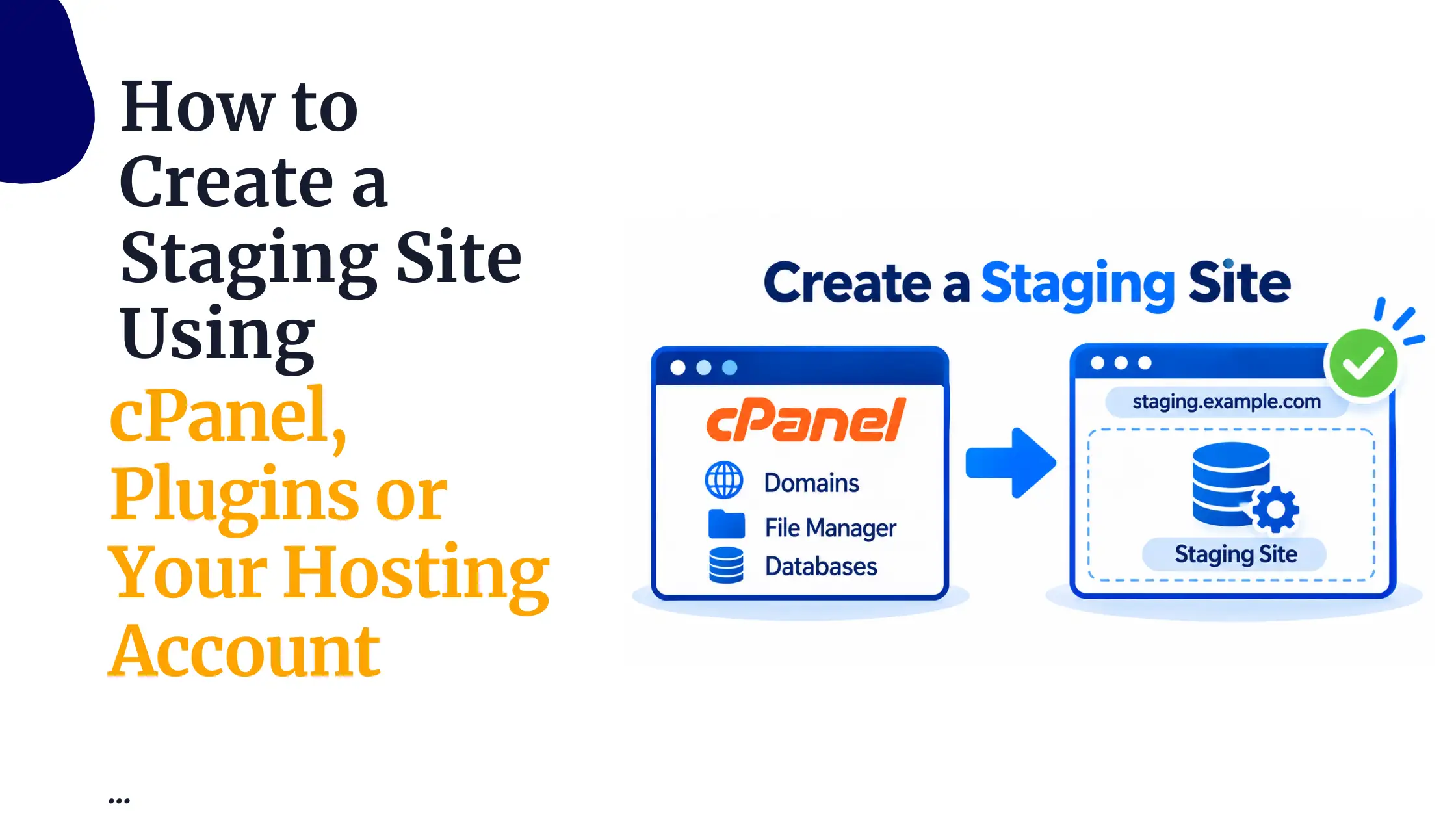
It’s also a gentle way to learn website management. Beginners can practise managing domains, files, databases, WordPress installs and email accounts in a control panel. That experience helps if you later move to more advanced hosting. Check that the plan’s resources and restrictions fit your testing needs, especially if you want a staging site.
A good habit is to treat a test site like a draft. Try a new theme, a new plugin or a new layout, and delete what doesn’t work. Because the cost is low, mistakes don’t hurt much.
Who Benefits Most From Shared Hosting?
Shared hosting suits many kinds of websites, including personal blogs, business sites, portfolios, informational sites, small stores, landing pages and small membership sites. Whether it fits you depends on your traffic, storage, application needs and resource use. This table shows who tends to benefit.
| User type | Why shared hosting can work |
| Beginners | Easy setup and simplified management |
| Bloggers | Supports common blogging platforms |
| Small businesses | Affordable hosting for business websites |
| Freelancers | Can host portfolios and client projects |
| Startups | Lower initial hosting expenses |
| Nonprofits | Cost-effective informational websites |
| Schools and churches | Suitable for basic organisational websites |
| Small online stores | Supports modest eCommerce operations |
| Website designers | Can manage multiple smaller websites, depending on plan limits |
| Content creators | Provides a home for blogs, portfolios and personal websites |
If your site gets heavy traffic or needs custom server software, a VPS may suit you better. Match the plan to your actual needs today, and leave a little room for the next year.
Get the Benefits of Shared Hosting With Truehost Kenya
Truehost’s shared hosting plans show how a provider can bundle common website tools into one account. Based on what Truehost lists, its plans include:
- cPanel control panel
- One-click application installer
- WordPress and other CMS support
- Free automated SSL
- Daily backups on the Starter and Pro plans
- Free website migration
- Unlimited email accounts
- Website builder and templates
- Python and Node.js support
- SSD storage
- Multiple website hosting, depending on the package
Here’s a short comparison of the three plans.
| Feature | Starter | Pro | Unlimited |
| Websites | 10 | 30 | Unlimited |
| Storage | 30 GiB SSD | 50 GB SSD | Unmetered SSD |
| Monthly visits | Approx. 25,000 | Approx. 50,000 | Check current plan terms |
| Backups | Daily | Daily | Automated backups |
| Free domain | .cloud, .top, .buzz, .xyz or .shop | Adds .co.ke | Adds .com |
The free domain applies to eligible annual plans, usually for the first year. Check the current plan terms and the domain’s renewal price before you buy. Compare the website limit, storage and backups against what your site needs.
Choose a shared hosting package that matches your website’s needs and start building your online presence with Truehost Kenya.
Explore Truehost Kenya Shared Hosting and compare the plans to find the one that fits your website.