Domain SearchInstantly check and register your preferred domain name
 Web Hosting
 cPanel HostingHosting powered by cPanel (Most user friendly)
 WordPress HostingHost your WordPress website with fast, secure, and affordable WordPress hosting in Kenya.
 KE Domains
 Reseller HostingStart your own hosting business without tech hustles
 Windows HostingOptimized for Windows-based applications and sites.
 Free Domain
 Affiliate ProgramEarn commissions by referring customers to our platforms
 Free HostingTest our SSD Hosting for free, for life (1GB storage)
 Domain TransferMove your domain to us with zero downtime and full control
 All DomainsBrowse and register domain extensions from around the world
 .Com Domain
 WhoisLook up domain ownership, expiry dates, and registrar information
 VPS Hosting
 Managed VPSNon techy? Opt for fully managed VPS server
 Dedicated ServersEnjoy unmatched power and control with your own physical server.
 Website Builder
 Online Store BuilderLaunch a professional e-commerce store without writing code.
 Web Design ServiceGet a custom-designed website tailored to your brand and goals. From just KES 15,600
 BlogRead our guides on web hosting, online business, digital marketing, and more
 SupportOur support guides cover everything you need to know about our services
 ContactContact us via chat or email
Let me clear something up right away. Many people see the terms VPS and VPN and think they are competing services. The truth?
They are not competitors at all.
They serve completely different purposes. A VPS gives you your own private slice of a server to run websites, applications, or game servers.
A VPN hides your internet traffic and protects your privacy while you browse the web.
One is about hosting and serving content to others. The other is about protecting your internet connection.
One more thing, they can work together really well. You can install a VPN on a VPS to create your own private VPN server.
Or you can use a VPN to securely manage your VPS without exposing your login pages to hackers.
So, from this article, you’ll know exactly which one you need for your specific situation, and why you might benefit from owning both.
What is a VPS?
To put it simply, a VPS is a piece of a powerful physical computer carved out just for you.
Even though you are sharing one big machine with other users, your part feels like an entire computer of your own.
You get your own operating system, your own storage, and your own guaranteed share of the processor and memory.
You can install any software you want, host a website, run a game server, or even build a custom application. The keyword here is server.
A VPS is meant to serve content, such as web pages or files, to other people on the internet.
When to Use VPS
You can use a VPS when:
- You have outgrown shared hosting. If your website keeps crashing under heavy traffic, a VPS provides dedicated resources to handle the load.
- You need full control. If a regular hosting plan does not allow you to install a specific type of database or custom software, a VPS will.
- You are a developer who needs to test code in a private environment.
- You run a business that needs to host a company website with reliable performance.
- You are a gamer who wants to host a multiplayer game server for you and your friends.
Basically, if you need something running 24/7 on the internet that other people can connect to, you need a VPS.
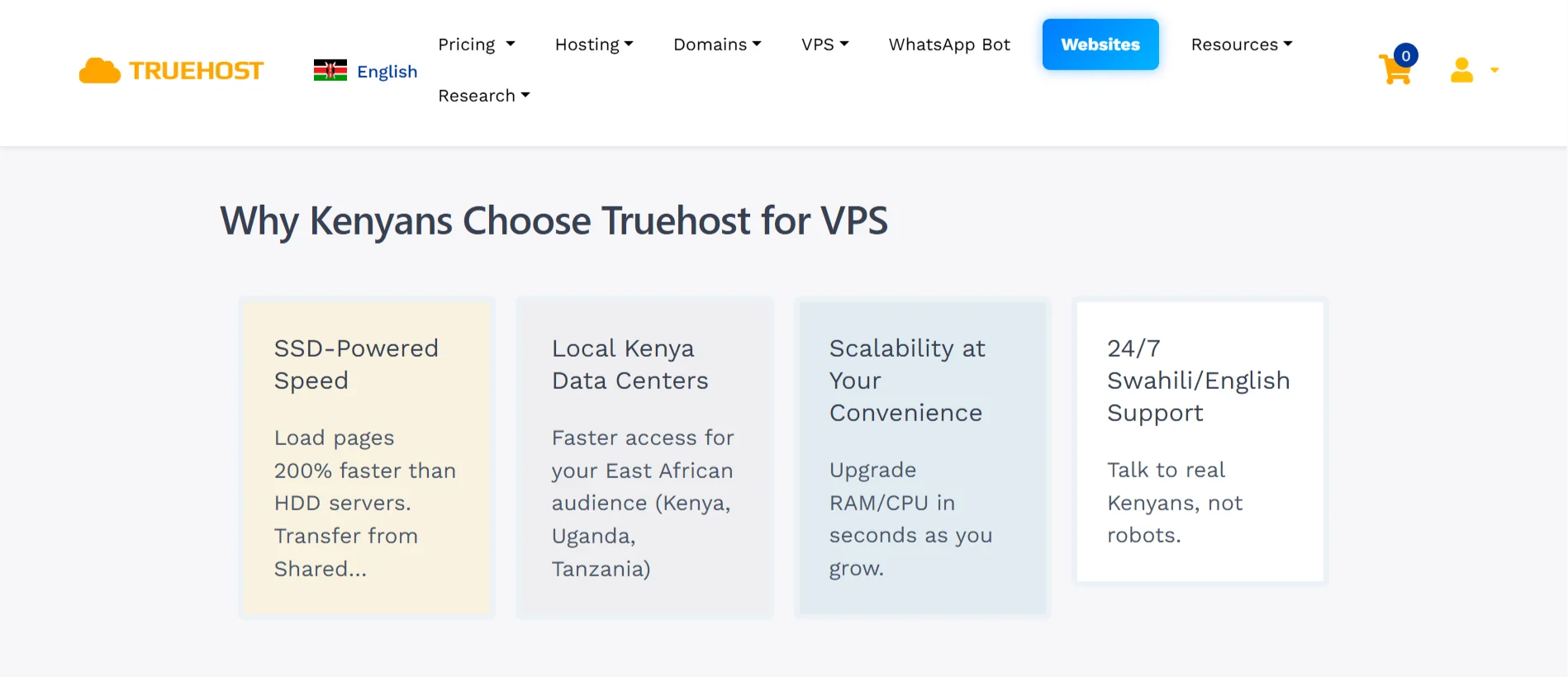
So, if you want a VPS that is reliable, affordable, scalable, and has great technical support, we’ve got you covered.
What is a VPN?
VPN stands for Virtual Private Network. While a VPS serves content to others, a VPN protects your own connection to the internet.
When you turn on a VPN, it creates an encrypted tunnel between your laptop or phone and a server somewhere else. Your internet traffic goes through that tunnel.
To the rest of the world, your traffic looks like it is coming from the VPN server’s location, not your actual home or office.
This hides your real IP address and scrambles your data so your internet provider, or hackers, cannot easily see what you are doing online.
When to Use a VPN
You use a VPN when you want privacy.
If you are connected to a public Wi-Fi network at a coffee shop or airport, a VPN prevents criminals on the same network from stealing your passwords.
You also use a VPN to bypass geographic restrictions. For example, if a video is only available in the United States, you can connect to a US-based VPN server and watch it from Kenya.
You can also use a VPN if you do not want your internet service provider to sell your browsing history to advertisers.
It is a tool for protecting your personal data while you browse the web.
VPS vs VPN: How They Compare
We talked about how VPS and VPN are not competitors. They actually complement each other.
So now, let’s see if not competitors, then how do they compare?
Purpose: Hosting vs. Privacy
A VPS exists to host things. It runs websites, applications, and databases. A VPN provides privacy. It hides your browsing activity and location.
What Gets Protected: Server Resources vs. Your IP/traffic
A VPS protects your server resources by giving you dedicated CPU, RAM, and storage that no one else can steal, while a VPN protects your IP address and the traffic leaving your device.
Visibility to Websites
When you host a website on a VPS, every visitor sees that VPS’s fixed IP address. That is the address of your server.
When you use a VPN, websites you visit see the VPN provider’s IP address.
That address is usually shared among thousands of users, so it is hard to trace back to you personally.
Who Controls the Hardware?
With a VPS, you get control. You can install any operating system, reboot the server, and configure the firewall.
With a VPN, the provider controls the exit node. You just turn it on or off. You have no say in how their servers are configured.
Anonymity Level
A VPS offers almost no anonymity. You paid for that server under your name and with your credit card. The hosting company knows you.
A VPN offers high anonymity because your real IP is hidden, especially if you pay with cryptocurrency or use a no-log provider.
Can You Run One On the Other?
Yes, you can run VPN on a VPS. You can install VPN software on a VPS. That turns your virtual server into your own personal VPN.
But you cannot run a VPS on a VPN. A VPN is just a connection tool, not a hosting environment.
Primary Limitation
The main limits of a VPS are the cost and the technical skill required. You need to know how to manage a server or hire someone who does.
The main limits of a VPN are speed, your connection will be slightly slower, and trust. You have to trust that the VPN provider is not secretly logging your data.
Can They Work Together?
Absolutely. In fact, advanced users love combining them. One common setup is to buy a VPS and install VPN software on it.
This gives you your own private VPN server. No one else uses it. You do not share bandwidth with strangers. The benefit is total control.
You are no longer trusting a big VPN company with your data. You are trusting the VPS provider only for the machine, and you control the software.
Another setup is to use a VPN to securely connect to your own VPS and manage it without exposing your admin login pages to the public internet.
They work like a team. The VPS runs your website, and the VPN protects your connection to that server.
VPS vs VPN Key Differences FAQs
Neither is better. They are tools for different jobs. If you need to host a website, getting a VPS is ideal. If you need to hide your torrent traffic, the VPN is perfect.
Yes. You can install open-source VPN software such as OpenVPN or WireGuard on your VPS. After a simple setup, your VPS becomes a fully functional VPN server that only you and your friends can use.
If you set up your own VPN on a VPS, leaving it on all the time is fine. You own the server, so there is no limit on how long you stay connected. Just make sure your VPS has enough bandwidth for your daily browsing.
Well, a VPN is better for privacy. It hides your trading activity from your local network. But a VPS is often better for speed and reliability. For manual trading, use a VPN. For automated trading, use a VPS.
So, Which One Should You Opt For?
If you are just a regular person browsing the web, watching Netflix, and paying bills online, get a VPN. It will protect your privacy.
If you are a business owner, a developer, or someone running a website that other people visit, you need a VPS. You need that dedicated power and control.
But if you are serious about online work, you might end up with both. You get a VPS to host your projects, and you also use a VPN to protect your own connection when you manage those projects.
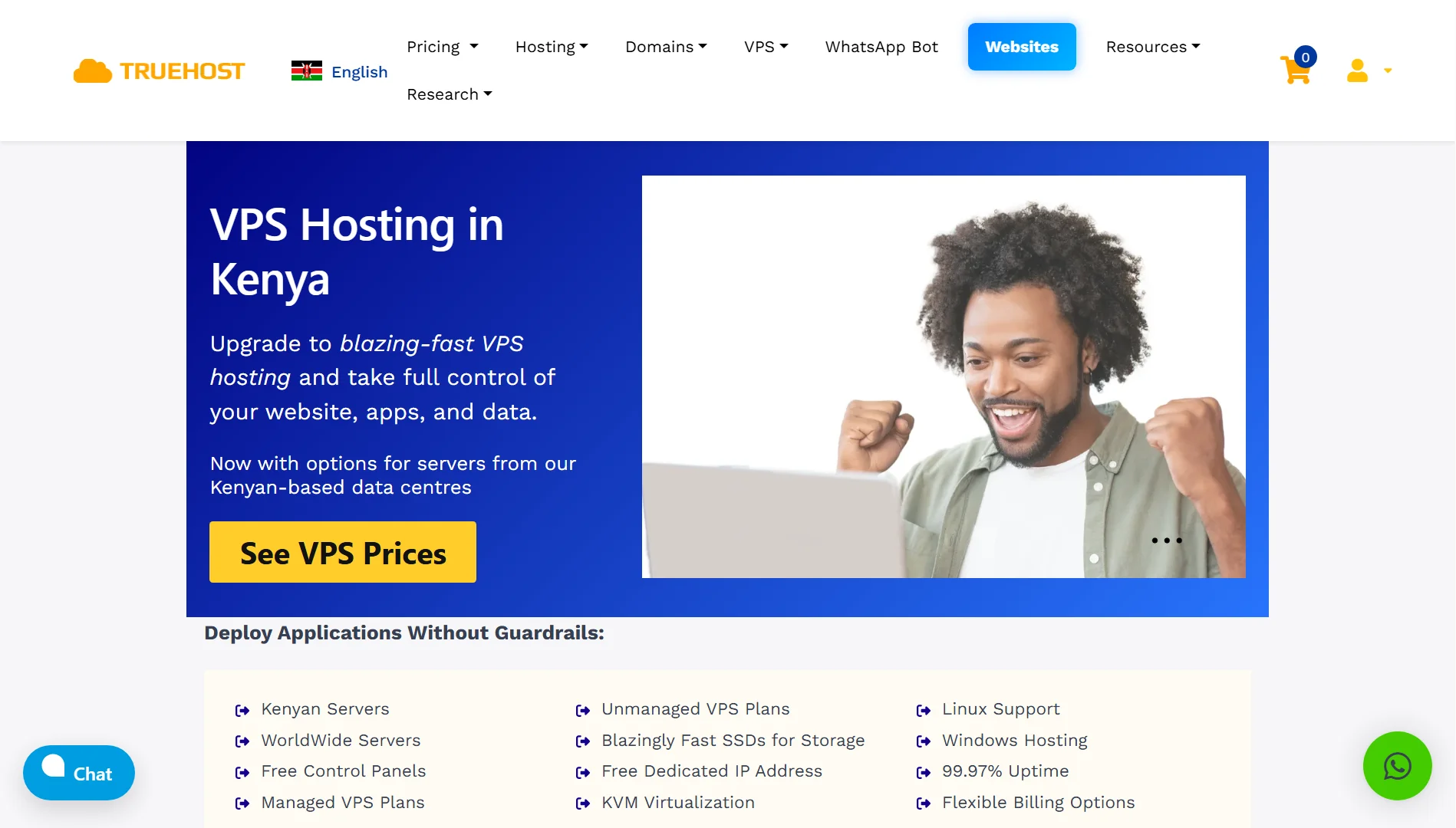
For a VPS, check out Truehost. We have local servers in Nairobi, fast SSD storage, a free dedicated IP, and both managed and unmanaged plans.
Our Kenya Cloud VPS 1 plan starts at Ksh 1400 per month when you pay for three years.
A VPS empowers you to build, while A VPN gives you the privacy to browse safely. Now you know the difference.