Domain SearchInstantly check and register your preferred domain name
 Web Hosting
 cPanel HostingHosting powered by cPanel (Most user friendly)
 WordPress HostingHost your WordPress website with fast, secure, and affordable WordPress hosting in Kenya.
 KE Domains
 Reseller HostingStart your own hosting business without tech hustles
 Windows HostingOptimized for Windows-based applications and sites.
 Free Domain
 Affiliate ProgramEarn commissions by referring customers to our platforms
 Free HostingTest our SSD Hosting for free, for life (1GB storage)
 Domain TransferMove your domain to us with zero downtime and full control
 All DomainsBrowse and register domain extensions from around the world
 .Com Domain
 WhoisLook up domain ownership, expiry dates, and registrar information
 VPS Hosting
 Managed VPSNon techy? Opt for fully managed VPS server
 Dedicated ServersEnjoy unmatched power and control with your own physical server.
 Website Builder
 Online Store BuilderLaunch a professional e-commerce store without writing code.
 Web Design ServiceGet a custom-designed website tailored to your brand and goals. From just KES 15,600
 BlogRead our guides on web hosting, online business, digital marketing, and more
 SupportOur support guides cover everything you need to know about our services
 ContactContact us via chat or email
Are you a VPS user trying to figure out which control panel fits your setup, and you have probably landed on this CyberPanel vs RunCloud comparison at exactly the right time.
CyberPanel is a free tool you install on your server. It lets you control your website hosting (files, domains, SSL, WordPress) from a dashboard on your own VPS. You manage everything yourself.
RunCloud is a paid online service. You connect your server to it, and it gives you an easy dashboard to manage your websites without dealing with much server setup. It handles a lot of the technical work for you.
When both platforms help you manage servers and websites, the moment you look closely, you realize they are built for very different kinds of people with very different needs.
Pick the wrong one, and you could end up spending more money than you need to, wasting hours managing your server, or missing features that your hosting setup actually requires.
So before you make any decision, let us walk through their core comparison so that by the end of this guide, you know exactly which one fits you better.
CyberPanel vs RunCloud Core Comparison
Before getting into the deeper details of the Cyberpanel vs Runcloud debate, here is a quick side-by-side table showing how both platforms stack up at a glance.
| Feature | CyberPanel | RunCloud |
| Control Panel Architecture | Localized self-hosted app. The entire panel installs and runs directly on your own server | Cloud-hosted central dashboard. The panel lives online and controls your server remotely through an agent installed on your machine |
| Primary Web Server | OpenLiteSpeed (free) or LiteSpeed Enterprise (paid). LiteSpeed is the software that receives visitor requests and delivers your website pages; known for exceptional WordPress speed | NGINX or Apache hybrid. NGINX is a web server known for handling large amounts of traffic efficiently; Apache is an older but widely supported web server; RunCloud uses both |
| Operating System Support | Ubuntu, AlmaLinux, Rocky Linux. You have multiple Linux operating system options to choose from | Ubuntu only. RunCloud limits you to Ubuntu; no other Linux distributions are supported |
| Mail Server | Built-in email hosting. Create professional email addresses like [email protected] directly from the dashboard without any third-party service | Requires an external email provider. RunCloud removes email hosting entirely to keep the server lean; you set up email separately |
| Target Audience | Solo website owners and budget-conscious users who want everything in one place | Agencies and developers who manage multiple servers and need clean team workflows |
| Price Point | Free open-source core. OpenLiteSpeed is completely free at KSh 0 forever, no subscription, no expiry. Optional upgrade to LiteSpeed Enterprise at around KSh 1,500+/month for more speed and advanced features. The free version handles most hosting setups just fine. Paid mandatory subscription. | No permanent free plan, only a 5-day free trial. Essentials at KSh 1,170/month for basic server management. Professional at KSh 2,470/month for more features. Business at KSh 6,370/month for agencies and teams. Enterprise at KSh 51,870/month for large-scale operations. All paid on top of your VPS cost every single month. |
The CyberPanel vs RunCloud comparison does not end here; there is more.
7 CyberPanel vs RunCloud Critical Distinctions
Now, let us get into the real heart of the Cyberpanel vs Runcloud comparison. Here are seven critical distinctions that will determine which platform is right for you.
1) Architectural Blueprint
This is probably the most fundamental difference in the entire CyberPanel vs RunCloud debate.
CyberPanel
CyberPanel installs completely on your own machine. Everything, the dashboard, the tools, the settings, all of it, lives right there on your server. That means you are fully in control. There is no third-party service sitting between you and your server.
If CyberPanel’s servers ever go down, your hosting keeps running perfectly because your panel is on your own machine.
RunCloud
RunCloud works in a completely different way. The control panel itself lives in the cloud, meaning it is hosted on RunCloud’s own servers. It then remotely controls your VPS via a software agent installed on your machine.
Think of it like having a remote control for your server. The remote lives at RunCloud’s end, and it sends instructions to your server over the internet.
Both approaches work well, but the architectural difference affects everything from how you access your panel to what happens if your internet goes down or if RunCloud has an outage.
2) Server Stack Engine
The web server engine underneath your control panel has a massive impact on how fast your websites load. This is another area where CyberPanel vs RunCloud shows a clear split.
CyberPanel

CyberPanel relies on OpenLiteSpeed as its primary web server engine. OpenLiteSpeed is well known for rapid caching. This means it’s exceptionally good at saving ready-made copies of your website pages and serving them to visitors instantly without rebuilding the page from scratch every time. This makes websites load noticeably faster, especially WordPress sites.
RunCloud
RunCloud utilizes a combination of NGINX and Apache to handle web traffic. NGINX is excellent at managing large numbers of simultaneous visitors without using too much server power. Apache has been around for decades and supports a huge range of configurations. Together, they give RunCloud good flexibility, but neither matches LiteSpeed’s out-of-the-box WordPress caching speed.
3) Email Capabilities
For a lot of website owners, especially those running small businesses, email is not optional. And this is one area where CyberPanel vs RunCloud gives you a very clear answer depending on your needs.
CyberPanel
CyberPanel includes a fully functioning built-in mail server. From the moment you install it, you can create and manage professional email addresses on your own domain without paying for or configuring any external email service. Everything is handled right inside the dashboard.
RunCloud
RunCloud strips out email hosting entirely. Running an email server uses server resources, and RunCloud’s philosophy is to keep things as lean as possible. If you need an email with RunCloud, you will have to sign up for an external email provider like Google Workspace or Zoho Mail and configure it separately. That means extra cost and extra setup steps.
4) Operating System Freedom
This might not seem like a big deal until you are actually setting up your server, and then it is all you need.
CyberPanel
CyberPanel runs smoothly on multiple Linux distributions. Whether you prefer Ubuntu, AlmaLinux, or Rocky Linux, CyberPanel works on all of them. That gives you genuine flexibility to use whichever operating system you are most comfortable with or whichever your hosting provider offers.
RunCloud
RunCloud limits your choice exclusively to Ubuntu environments. If your VPS is running anything other than Ubuntu, RunCloud simply will not work for you. That is a real limitation worth knowing about before you commit.
5) Pricing
Pricing is where the CyberPanel vs. RunCloud comparison gets particularly interesting — because the two platforms are structured very differently when it comes to cost.
CyberPanel
CyberPanel gives you full server control for zero dollars. The open-source core is completely free to install and use, no matter how many websites you host or how long you use it. The only time you pay anything extra is if you choose to upgrade to LiteSpeed Enterprise for maximum performance, which costs around $11 per month. But that upgrade is entirely optional — the free version is genuinely capable for most setups.
RunCloud
RunCloud operates on a mandatory recurring paid subscription model. There is no permanent free tier. You pay every month to use the panel, regardless of how many servers you manage or how simple your setup is. That subscription cost adds up over time, and combined with your VPS cost, it makes RunCloud a noticeably more expensive long-term choice compared to CyberPanel.
Here is how real server costs look when you pair either panel with Truehost VPS plans:
| Plan | CPU | RAM | Storage | Price (KES/month billed triennially) |
| Cloud VPS 1 | 1 Core | 2GB | 50GB SSD | KSh 1,400 |
| Cloud VPS 2 | 2 Cores | 4GB | 100GB SSD | KSh 2,800 |
| Cloud VPS 3 | 4 Cores | 8GB | 200GB SSD | KSh 5,600 |
With CyberPanel, your total monthly cost is just the VPS plan, starting at KSh 1,400 on Cloud VPS 1, with no panel licensing fee on top.
With RunCloud, you add the monthly subscription cost on top of whichever VPS plan you choose, making it consistently more expensive month after month.
6) Team Operations
If you are a solo website owner, this distinction might not matter much to you right now. But if you work with clients, run an agency, or manage websites for other people, this is a very important part of the CyberPanel vs. RunCloud comparison.
CyberPanel
CyberPanel lacks advanced multi-user sub-account permissions. It is built primarily for a single administrator managing their own server. While you can manage multiple websites on it, the tools for sharing access with team members or giving clients their own login with limited permissions are not as developed.
RunCloud
RunCloud provides sophisticated deployment tools and client sharing features. You can create sub-accounts, give team members specific levels of access, share server management with clients cleanly, and run deployment workflows that make managing multiple websites for multiple clients much smoother. For agencies and developer teams, this is a genuinely significant advantage.
7) Database Management
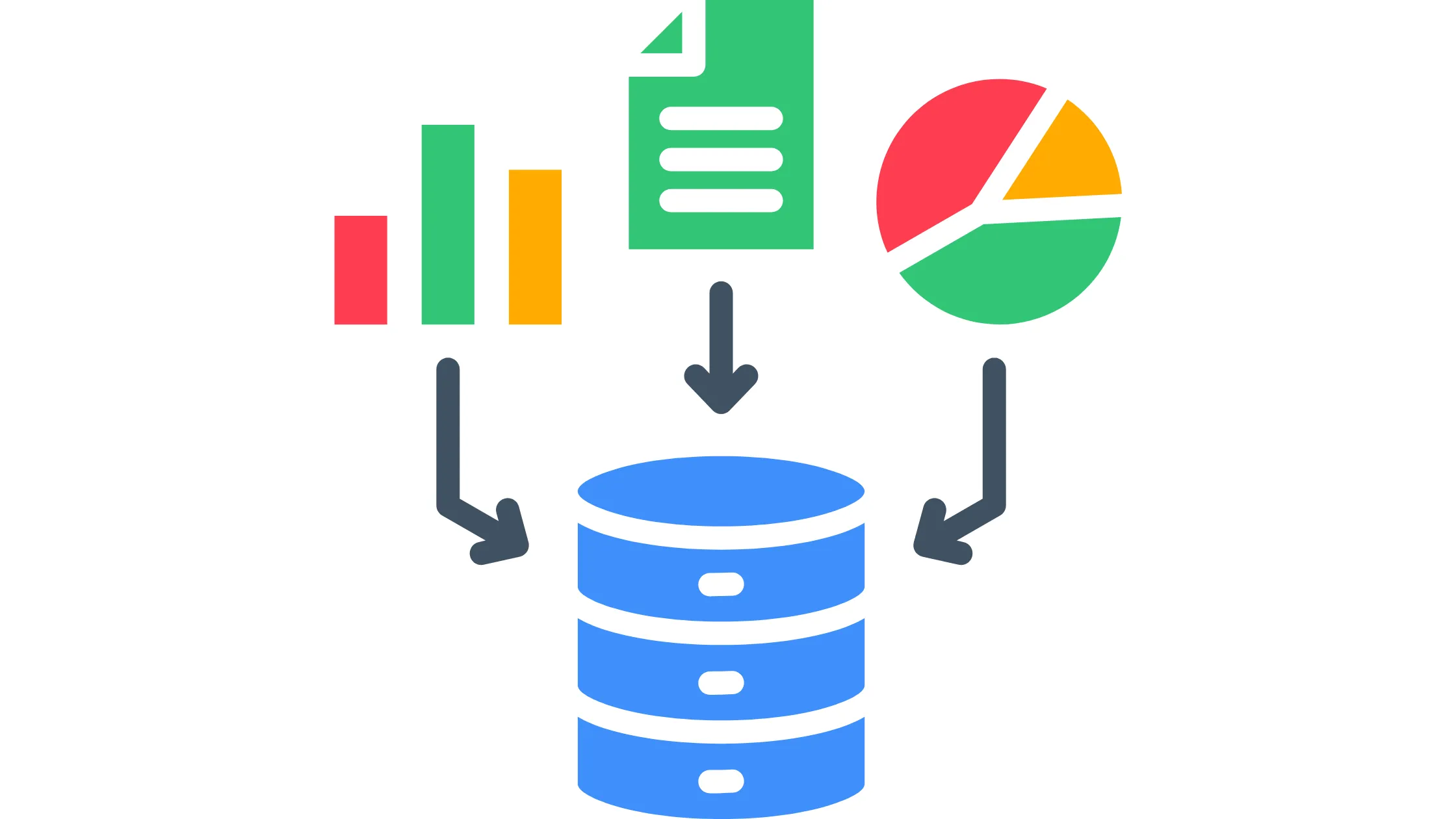
Both panels handle databases, but the experience is quite different, and depending on your comfort level with databases, this could influence your choice in the CyberPanel vs. RunCloud decision.
CyberPanel
CyberPanel handles databases locally through phpMyAdmin. phpMyAdmin is a well-known, widely used tool for managing databases visually through a browser. It is reliable and familiar to most people who have worked with WordPress or any database-driven website before.
RunCloud
RunCloud offers a customized, security-isolated database manager dashboard. Instead of using the standard phpMyAdmin interface, RunCloud built its own database management experience that is more tightly integrated with the rest of the panel and designed with additional security isolation. This means database access is more controlled and compartmentalized from the rest of your server environment.
CyberPanel vs RunCloud: Which One Should You Choose?
After going through all seven distinctions, the Cyberpanel vs. RunCloud choice becomes much clearer. Here is a simple breakdown to help you land on the right answer for your situation.
Choose CyberPanel if:
- You mainly host WordPress websites and want the speed advantages of LiteSpeed Cache working automatically without extra setup.
- You want LiteSpeed performance without paying for an enterprise license.
- You need built-in email hosting so you can manage everything from one dashboard.
- You want lower long-term costs and do not want to pay a recurring panel subscription on top of your VPS bill.
Choose RunCloud if:
- You manage multiple servers for different clients and need a clean central dashboard to control all of them.
- You work with teams or clients and need proper sub-account permissions and client sharing tools.
- You want cleaner, more streamlined workflows for deploying and managing web applications.
- You prefer easier day-to-day server management with a minimal and well-designed interface.
CyberPanel vs RunCloud Final Verdict
Coming to the end of this CyberPanel vs. RunCloud comparison, it’s ok to say that both are strong hosting platforms, but they are built for genuinely different users.
CyberPanel focuses on speed, built-in hosting tools, and affordability. It works exceptionally well for
- WordPress hosting
- VPS users on a budget
- Anyone who wants email, DNS, caching, and security all managed from a single dashboard without paying anything extra for the panel itself.
RunCloud focuses on workflow simplicity and multi-server management. Agencies and developers tend to prefer it because the interface feels cleaner, the team collaboration tools are more advanced, and the overall experience of managing multiple servers for multiple clients is smoother.
So in the CyberPanel vs. RunCloud debate, if speed and lower costs matter most to you, CyberPanel is usually the better choice. If workflow quality and server management across multiple clients matter more, RunCloud may fit your setup better.
Looking for reliable VPS hosting for CyberPanel or RunCloud? Truehost offers affordable VPS hosting, scalable cloud servers, and infrastructure built for high-performance hosting environments.
CyberPanel vs RunCloud FAQs
Yes. CyberPanel is generally faster for WordPress because it uses OpenLiteSpeed and LiteSpeed Cache, which improves caching and reduce server load automatically. RunCloud still performs well but may need more manual optimization to reach similar WordPress performance levels.
RunCloud mainly focuses on NGINX rather than OpenLiteSpeed. While advanced users can explore custom configurations, OpenLiteSpeed is not a core part of RunCloud’s setup. CyberPanel is the better option if you specifically want LiteSpeed integration and built-in LiteSpeed Cache for WordPress.
RunCloud is generally easier for beginners because the dashboard feels cleaner and less technical. CyberPanel includes more built-in tools, but the larger number of features can make the learning curve slightly steeper for first-time VPS users.
Yes. CyberPanel can replace cPanel for many hosting setups. It includes website management, email hosting, FTP access, SSL management, DNS tools, and WordPress support — all at a much lower cost than a traditional cPanel license.
CyberPanel is generally better for WordPress hosting because LiteSpeed Cache works directly with OpenLiteSpeed, improving website speed with very little manual setup. RunCloud supports WordPress well, too, but CyberPanel typically delivers faster performance right out of the box.