Domain SearchInstantly check and register your preferred domain name
 Web Hosting
 cPanel HostingHosting powered by cPanel (Most user friendly)
 WordPress HostingHost your WordPress website with fast, secure, and affordable WordPress hosting in Kenya.
 KE Domains
 Reseller HostingStart your own hosting business without tech hustles
 Windows HostingOptimized for Windows-based applications and sites.
 Free Domain
 Affiliate ProgramEarn commissions by referring customers to our platforms
 Free HostingTest our SSD Hosting for free, for life (1GB storage)
 Domain TransferMove your domain to us with zero downtime and full control
 All DomainsBrowse and register domain extensions from around the world
 .Com Domain
 WhoisLook up domain ownership, expiry dates, and registrar information
 VPS Hosting
 Managed VPSNon techy? Opt for fully managed VPS server
 Dedicated ServersEnjoy unmatched power and control with your own physical server.
 Website Builder
 Online Store BuilderLaunch a professional e-commerce store without writing code.
 Web Design ServiceGet a custom-designed website tailored to your brand and goals. From just KES 15,600
 BlogRead our guides on web hosting, online business, digital marketing, and more
 SupportOur support guides cover everything you need to know about our services
 ContactContact us via chat or email
You’ve probably heard the term VPS (Virtual private server) thrown around if you’ve been looking for a place to host a website or an application.
So, a VPS is a middle ground. On one end, you have shared hosting. On the other end, you have a dedicated server.
A VPS sits right in between. It’s still one physical machine shared by several users, but a software trick makes it feel like you have your own personal computer.
And who uses a VPS?
Most people have outgrown shared hosting, such as small business owners running an online store, and developers who need to test code in a safe environment.
If you need more control than shared hosting provides but don’t want to pay for a dedicated server, you are the person who uses a VPS.
How VPS Works
Now that you have the basic concept of a VPS, let’s learn how it works:
1) Virtualization Software (hypervisor)
Everything starts with a piece of software called a hypervisor. It’s like the manager or the referee.
The hypervisor is installed directly on the physical server’s hardware. Its only job is to split that one big machine into several smaller, separate compartments.
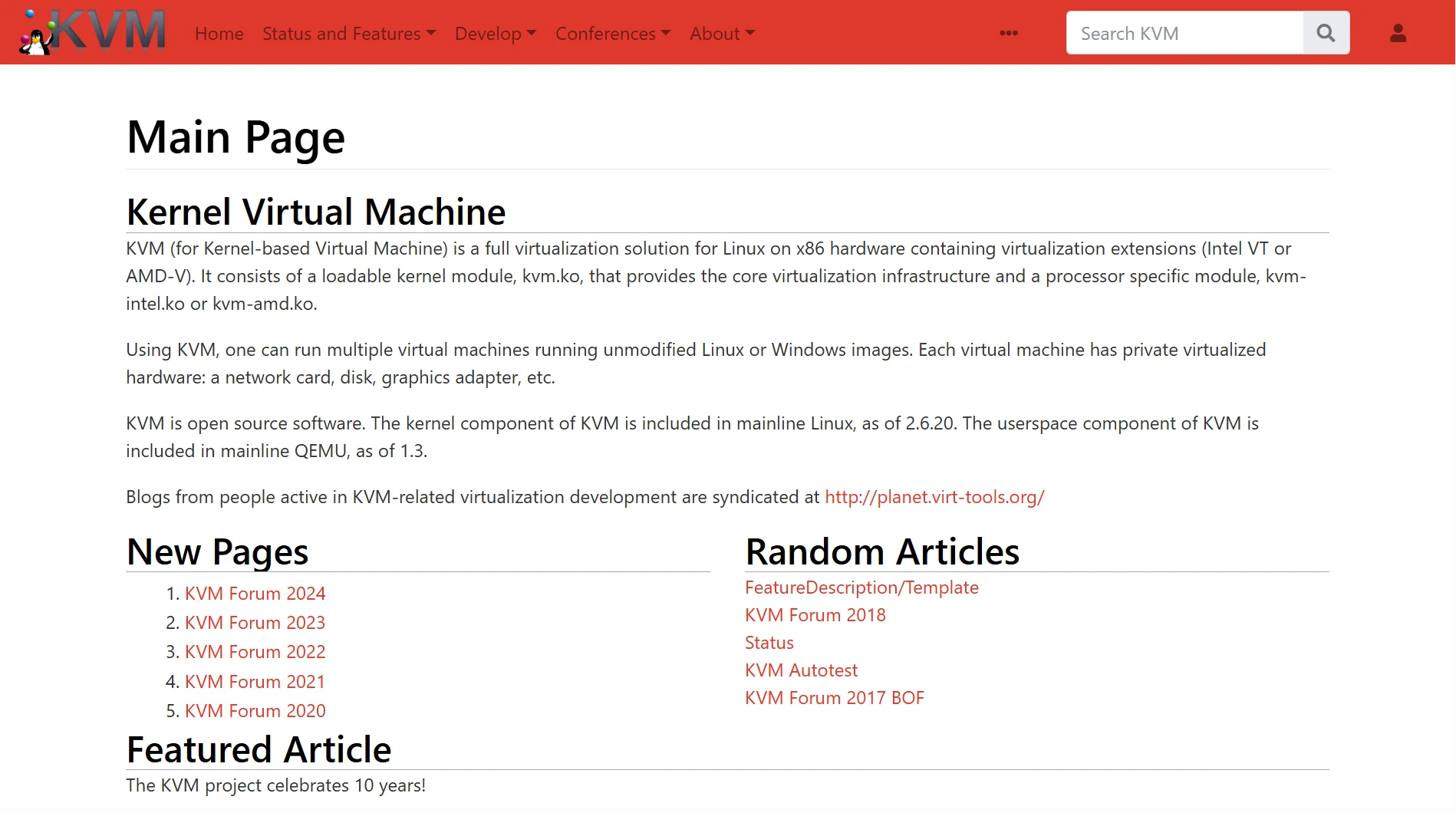
Popular examples include KVM, VMware, and Hyper-V. Without the hypervisor, a VPS cannot exist.
2) Hardware Abstraction
Once the hypervisor is running, it creates a hardware abstraction layer, a fancy way of saying the hypervisor hides the real physical hardware from the user.
When you log into your VPS, you don’t see the actual CPU, RAM, or hard drive from the main server.
Instead, the hypervisor presents you with a fake, simplified version of that hardware.
Your VPS believes it’s talking to real components, but it’s actually talking to the hypervisor.
3) Isolation of Resources
This is the most important part.
The hypervisor ensures that each VPS gets its own slice of the physical server’s resources and that those slices never overlap.
If you use up all your allowed CPU power, that does not affect the person using a different VPS on the same machine.
If another customer’s website gets a sudden flood of visitors, your performance stays exactly the same.
The hypervisor enforces this separation strictly, like a wall between apartments.
4) Operating System Options
Because your VPS is isolated and runs its own virtual hardware, you can choose the operating system.
You are not stuck with whatever the host company decides.
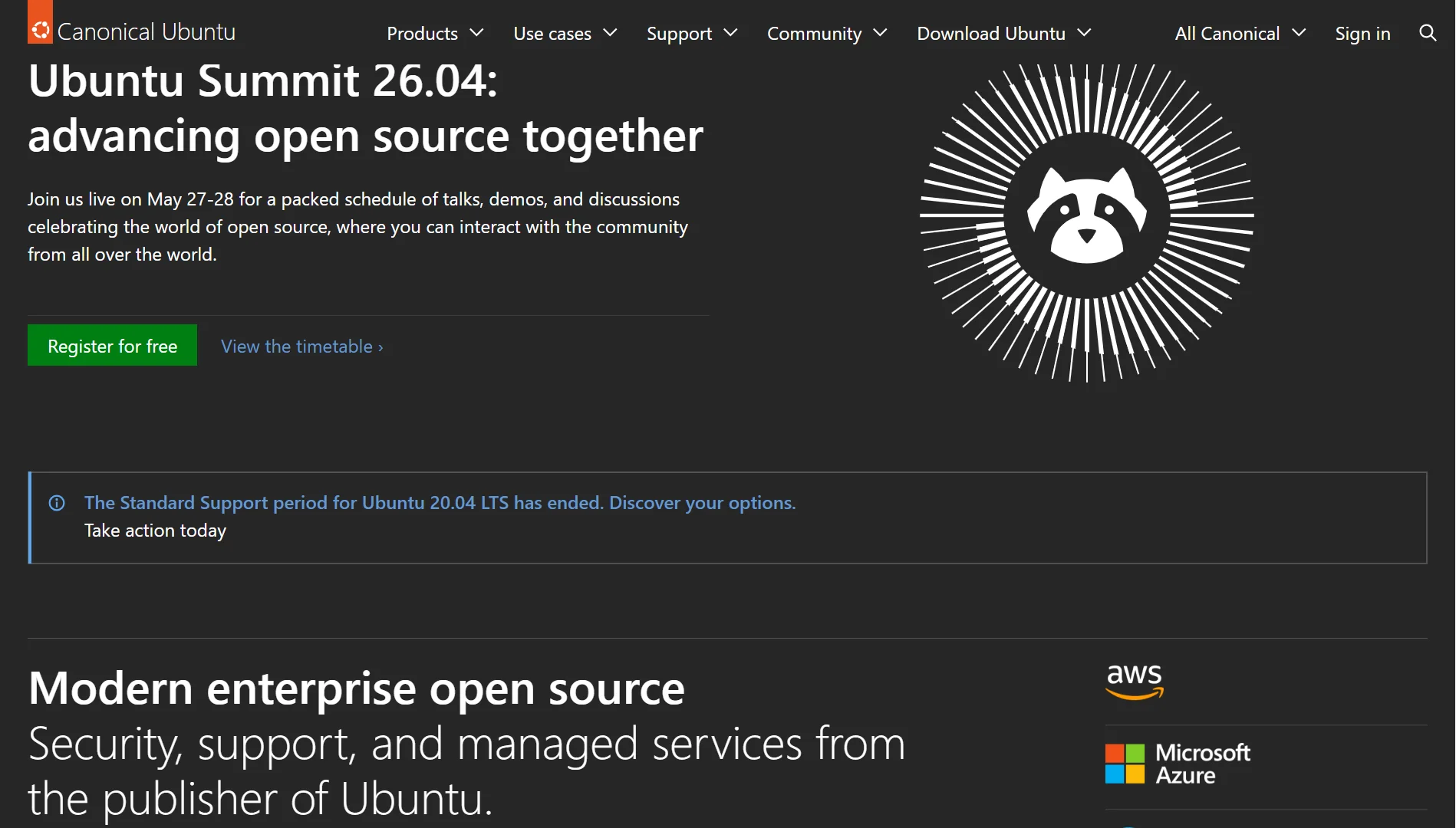
You can install a Linux distribution like Ubuntu, Debian, or CentOS. Or you can install Windows Server.
You get to make that choice when you set up the VPS, and you can usually reinstall a different OS later if you change your mind.
5) Virtual Disk and Storage Allocation
The physical server has one or more physical hard drives. The hypervisor carves out a portion of the drive space and assigns it to your VPS.
But your VPS sees this chunk as its own complete, independent hard disk.
When you save a file on your VPS, the hypervisor reads the data and writes it to the block on the physical drive that’s allocated to your VPS.
You never see the other customers’ files, and they never see yours. You also have a set limit. If you pay for 50 gigabytes, you cannot use 51.
6) Network Virtualization
Your VPS also needs its own presence on the internet. The hypervisor handles this by creating virtual network interfaces.
Your VPS gets its own private IP address inside the host machine, and often a public IP address that the rest of the internet can see.
The hypervisor also manages virtual firewalls and network switches.
When someone visits your website, their request travels to the physical server, and the hypervisor correctly routes it to your specific VPS, not to someone else’s.
7) Resource Scheduling
The physical server has limited CPU power and RAM, so the hypervisor acts as a traffic cop for these resources.
It determines how much CPU time your VPS gets per second, how much memory it can use, and how quickly it can read or write to disk.
This scheduling happens constantly, many times per second.
The hypervisor checks if any VPS is using more than its fair share and instantly throttles it back so that everyone else stays stable.
8) Management and Control Panel
You rarely talk to the hypervisor directly. Instead, you get a management interface or a control panel. This is the website or app you use in your browser to manage your VPS.
From here, you can turn your VPS on or off, reinstall the operating system, monitor your resource usage, or reset your root password.
The control panel sends commands to the hypervisor behind the scenes.
Examples include panels such as SolusVM and Virtualizor, as well as custom dashboards from hosting companies.
9) Reboot and Recovery Behavior
When you click the reboot button in your control panel, the hypervisor sends a reset signal to your virtual machine.
The key difference from a physical server is that rebooting your VPS does not reboot the underlying physical host. The other VPS units continue to run without interruption.
If your operating system crashes, the hypervisor can force a hard reset on just your compartment.
And if you break something badly, you can usually boot from a rescue system or mount your virtual disk to another VPS to recover your files.
What VPS Means For You
So now, mechanics aside, what does everything VPS mean for you?
First, isolation means other users cannot touch your performance.
If someone else on the same machine hogs their resources, the hypervisor stops them. Your speed stays yours.
Second, you get root access, meaning full control, install any software you want, and no one locks you into a specific control panel.
Third, you get predictable performance and no surprise spikes from neighbors. You know your exact CPU, RAM, and storage limits, so you can plan upgrades easily.
But the catch is…
You manage everything: OS updates, software installs, security patches, and broken configurations. That is all on you.
Your hosting company only handles the physical server. If you ignore updates, you will get hacked.
So the trade-off is clear: you get isolation, control, and stable performance. In return, you give up convenience and take on full responsibility for maintenance.
Want a VPS provider that will make things swift for you?
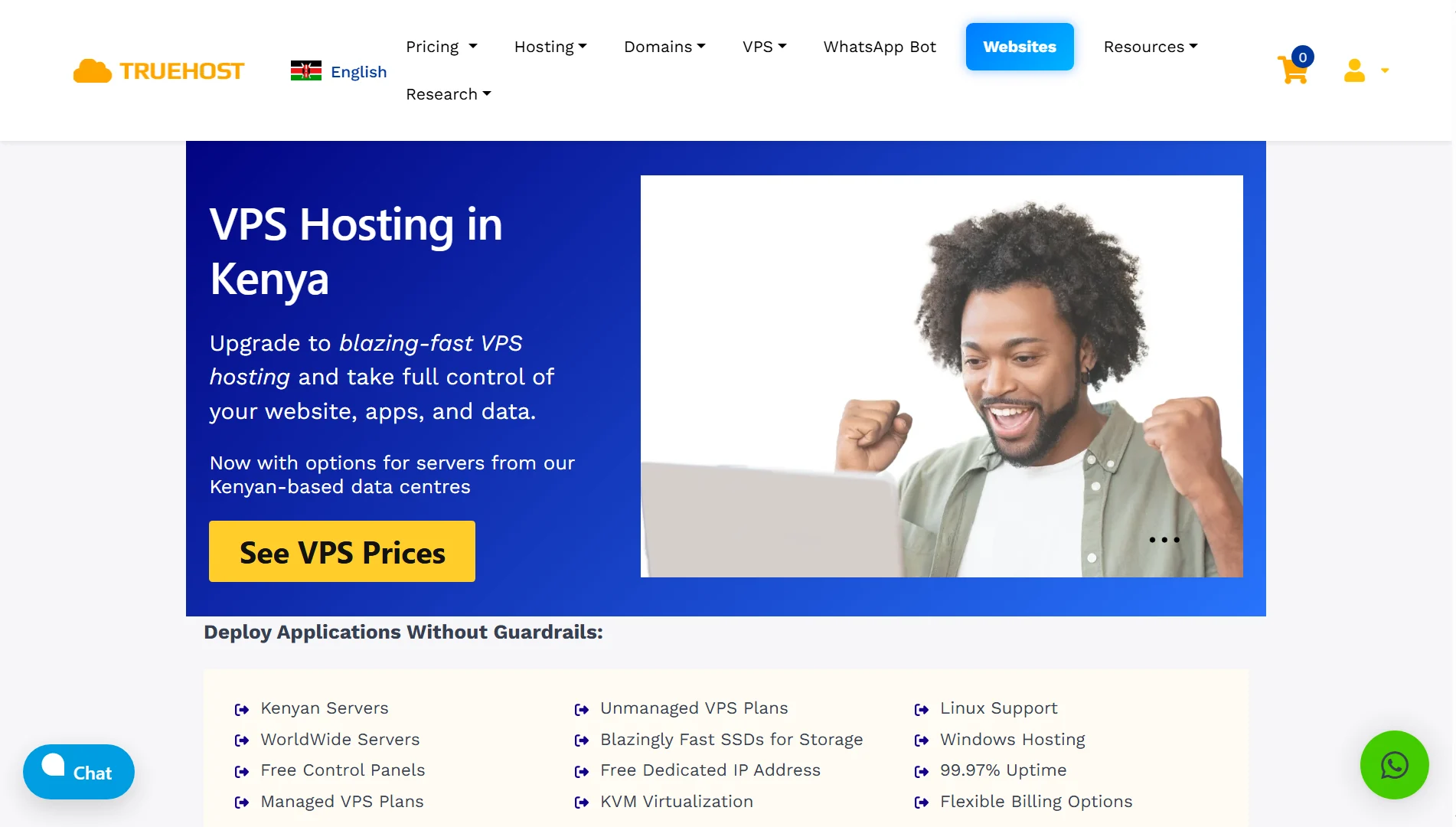
At Truehost, we keep VPS servers right here in Nairobi. That means faster loading speeds for anyone visiting your site from East Africa.
You get to pick how much work you want to do. Want us to handle the updates, security patches, and backups? Go with our managed plans.
Prefer to run everything yourself? Take an unmanaged plan and keep full control.
Either way, you get SSD storage, a free dedicated IP address, and 99.97% uptime. We support Linux and Windows.
And if something goes wrong, our support team is here to help.