Domain SearchInstantly check and register your preferred domain name
 Web Hosting
 cPanel HostingHosting powered by cPanel (Most user friendly)
 WordPress HostingHost your WordPress website with fast, secure, and affordable WordPress hosting in Kenya.
 KE Domains
 Reseller HostingStart your own hosting business without tech hustles
 Windows HostingOptimized for Windows-based applications and sites.
 Free Domain
 Affiliate ProgramEarn commissions by referring customers to our platforms
 Free HostingTest our SSD Hosting for free, for life (1GB storage)
 Domain TransferMove your domain to us with zero downtime and full control
 All DomainsBrowse and register domain extensions from around the world
 .Com Domain
 WhoisLook up domain ownership, expiry dates, and registrar information
 VPS Hosting
 Managed VPSNon techy? Opt for fully managed VPS server
 Dedicated ServersEnjoy unmatched power and control with your own physical server.
 Website Builder
 Online Store BuilderLaunch a professional e-commerce store without writing code.
 Web Design ServiceGet a custom-designed website tailored to your brand and goals. From just KES 15,600
 BlogRead our guides on web hosting, online business, digital marketing, and more
 SupportOur support guides cover everything you need to know about our services
 ContactContact us via chat or email
When picking hosting for your website, it really comes down to one question.
Do you want full control over your server, or a simple, optimized WordPress setup?
Both options are valid, they just cater to different needs.
This guide, will simplify the cPanel vs WordPress hosting debate.
You’ll learn how WordPress cPanel hosting works and when each option is the better fit for your goals.
Here’s what we’ll cover:
- What cPanel hosting is and what you can do with it
- What WordPress hosting is designed for
- A side-by-side comparison of both
- How to choose the right option for your specific situation
Let’s cut through the confusion.
What Is cPanel Hosting Used For?
cPanel hosting is web hosting with the cPanel control panel. It’s an industry-leading dashboard.
You can manage your website, server, and hosting account in one place.
With cPanel hosting, you can:
- Access a user-friendly interface for domains, email accounts, and databases
- Install WordPress and other CMS platforms with just a few clicks
- Configure server settings without advanced technical knowledge
- Monitor website statistics, backups, and security features
- Control your entire hosting account from a single dashboard
What are the Disadvantages of cPanel?
No platform is perfect, and cPanel has some real drawbacks you should know upfront.
a) Learning curve. The sheer number of options can overwhelm first-time users. If you’ve never managed a hosting account before, cPanel can feel like being handed the controls of an airplane with no instructions.
b) Overwhelming options. The dashboard is packed with features. For a user who just wants to run a blog, most of those options are noise.
c) Performance impact. When too many hosting accounts are packed onto the same cPanel server, performance can take a hit, especially on low-cost shared hosting.
d) Additional cost. Some hosting providers pass on cPanel licensing fees to users. It’s not always included in the base price.
e) Security risks from misconfiguration. cPanel gives you control, but that also means you’re responsible. Incorrect settings can expose your site to vulnerabilities if you’re not careful.
Learn how to use cPanel to manage your site
What Is WordPress Hosting?
It is web hosting that’s been specifically optimized for WordPress websites.
WordPress Hosting offers performance, security, and management features tailored to the CMS.
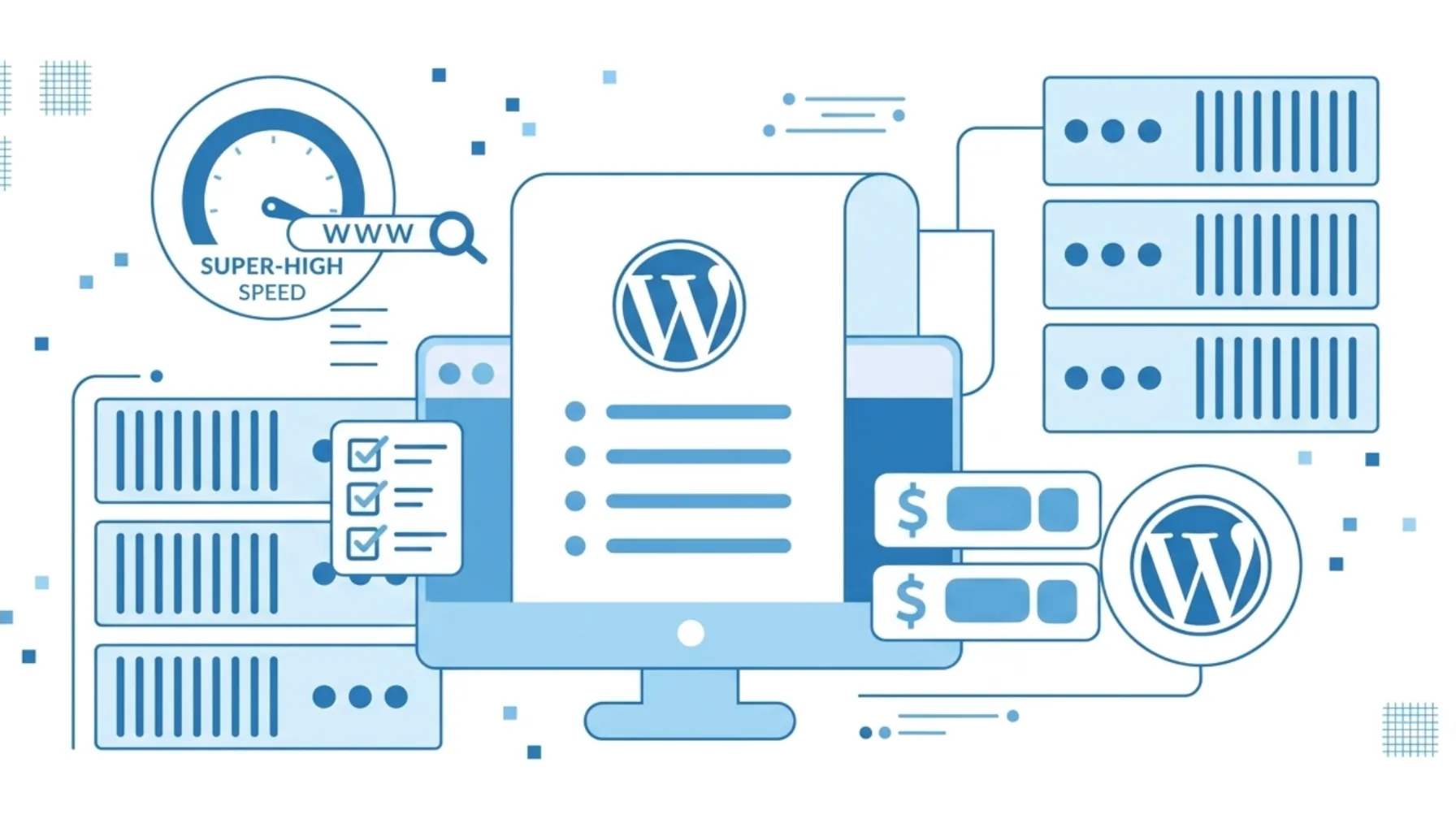
It powers around 43% of all websites on the internet, so it’s no surprise that an entire hosting category has been built around it.
With WordPress hosting, you can:
- Install WordPress in seconds using one-click tools
- Access automatic updates, backups, and security measures
- Use hosting plans designed specifically for WordPress performance and uptime
- Manage multiple WordPress websites from a single dashboard
- Get support from teams that specialize exclusively in WordPress
It’s the right choice for bloggers, small business owners, content creators, and anyone who wants their site to simply work, without digging into server settings.
What Are the Disadvantages of WordPress Hosting?
WordPress hosting is excellent, but it does come with trade-offs.
a) Limited flexibility. It’s built for WordPress only. If you want to run Joomla, Magento, or a custom PHP app alongside WordPress, you’ll hit a wall.
b) Less control. You don’t get the deep server access that cPanel provides. If you want to configure your PHP version manually or tweak server settings, managed WordPress hosting may restrict that.
c) Resource limits on shared plans. Entry-level WordPress hosting shares resources between users. Under high traffic, you may need to upgrade sooner than expected.
d) Higher cost. Managed WordPress hosting usually costs more than basic cPanel hosting because of all the premium services bundled in.
e) Provider dependency. Your site’s performance and security are tied to how well your hosting provider manages their infrastructure. Choose the wrong one, and you feel it.
Check out our guide on how to use AI in WordPress
cPanel vs WordPress: Side-by-Side Comparison
Here’s a clear breakdown to help you compare both platforms:
| Factor | cPanel Hosting | WordPress Hosting |
| Ease of use | Powerful but requires some technical knowledge; can overwhelm beginners | Beginner-friendly with one-click installs and streamlined dashboards |
| Performance optimization | Relies on manual server configuration and plugin setup | Servers pre-tuned for WordPress speed and uptime |
| Security | Offers SSL, firewalls, and configurable settings, but requires setup | Built-in SSL, malware scanning, and automatic updates |
| Backups and updates | Possible with manual setup or third-party tools | Typically included and automated with managed plans |
| Site-building tools | CMS-agnostic; supports WordPress, Joomla, and custom builds | Purpose-built for WordPress plugins, themes, and visual editors |
| Scalability | Flexible across shared, VPS, and dedicated server options | Scales easily with managed WordPress plans as traffic increases |
| Support | General hosting support; not always WordPress-specific | Specialized WordPress support from experienced teams |
| Developer features | Full access, databases, FTP, command line, custom configs | User-focused, with WordPress management tools prioritized |
| Resource allocation | Full control, especially on VPS or dedicated plans | Optimized allocation; better balance on managed setups |
| Cost | Often cheaper upfront; extra costs for licenses and advanced management | Higher cost for managed plans, but premium features are included |
Learn How to Host a WordPress Website on cPanel.
Which is better, cPanel or WordPress?
Choosing between cPanel and WordPress hosting comes down to what you need.
cPanel gives you full control and flexibility, making it ideal for advanced users.
WordPress hosting is simpler and optimized for speed, so it’s great for beginners.
If you want control, go with cPanel. If you want ease and performance, WordPress hosting is the better choice.

At Truehost, we recommend cPanel hosting if you want speed, control, and reliability. It’s built on the world’s leading control panel and comes ready to use.
cPanel vs WordPress FAQs
Is cPanel hosting free?
cPanel itself is not free. it’s a licensed software that hosting providers pay for. However, many hosting providers include cPanel in their hosting plans at no extra charge to you. Always check what’s included in your plan.
What is cPanel WordPress hosting?
This hosting refers to a hosting plan that uses cPanel as the control panel and has WordPress installed on it. You get full server management through cPanel alongside your WordPress site, giving you the best of both worlds.
Which is better, cPanel or WordPress?
For full server control and multi-platform flexibility, cPanel is better. For a fast, beginner-friendly WordPress-specific experience, WordPress hosting wins. Your technical needs and goals determine the right fit.
Is cPanel hosting good for beginners?
Yes, with some caveats. cPanel is designed to be user-friendly, and tasks like installing WordPress or creating email accounts are simple. That said, some of the more advanced features have a learning curve. Beginners who only need WordPress might find managed WordPress hosting even easier to start with.
How is cPanel different from your WordPress dashboard?
They serve completely different purposes. cPanel manages your server files, databases, email accounts, domains, and backups. Your WordPress dashboard manages your website content pages, posts, plugins, and themes. One is the engine room, the other is the driver’s seat.
Why don’t big companies use WordPress?
Many large companies actually do use WordPress including major media outlets and enterprise brands. However, some enterprises prefer custom-built platforms or enterprise CMS solutions for reasons like proprietary integrations, compliance requirements, or very specific performance demands. That said, WordPress commands over 61% of the CMS market, and its enterprise-grade version (WordPress VIP) hosts some of the world’s largest media properties.
Where are WordPress pages stored in cPanel?
Your WordPress files are stored in the public_html folder (or a subdirectory of it) inside your cPanel File Manager. Your page content, however, is stored in the MySQL database, which you can also access and manage through cPanel via phpMyAdmin.
How do I host my own WordPress site?
Choose a hosting provider (like Truehost), register a domain, install WordPress through your cPanel one-click installer, and configure your site. The entire process can be completed in under 30 minutes.
Do I need cPanel for WordPress?
No, you don’t need cPanel to run WordPress. Managed WordPress hosting plans operate without cPanel and offer a simplified dashboard instead. cPanel is useful when you want deeper control over your hosting environment alongside WordPress.
Is WordPress still worth it in 2026?
Absolutely. WordPress powers 43.4% of all websites globally as of 2026, with over 63 million websites built on the platform. It continues to evolve with full-site editing, AI integrations, and a plugin ecosystem that now exceeds 70,000 tools. For most users, from solo bloggers to growing businesses, WordPress remains one of the safest, most future-proof choices available.