Domain SearchInstantly check and register your preferred domain name
 Web Hosting
 cPanel HostingHosting powered by cPanel (Most user friendly)
 WordPress HostingHost your WordPress website with fast, secure, and affordable WordPress hosting in Kenya.
 KE Domains
 Reseller HostingStart your own hosting business without tech hustles
 Windows HostingOptimized for Windows-based applications and sites.
 Free Domain
 Affiliate ProgramEarn commissions by referring customers to our platforms
 Free HostingTest our SSD Hosting for free, for life (1GB storage)
 Domain TransferMove your domain to us with zero downtime and full control
 All DomainsBrowse and register domain extensions from around the world
 .Com Domain
 WhoisLook up domain ownership, expiry dates, and registrar information
 VPS Hosting
 Managed VPSNon techy? Opt for fully managed VPS server
 Dedicated ServersEnjoy unmatched power and control with your own physical server.
 Website Builder
 Online Store BuilderLaunch a professional e-commerce store without writing code.
 Web Design ServiceGet a custom-designed website tailored to your brand and goals. From just KES 15,600
 BlogRead our guides on web hosting, online business, digital marketing, and more
 SupportOur support guides cover everything you need to know about our services
 ContactContact us via chat or email
Choosing a VPS control panel might seem like a technical decision, but in reality, it’s more about how you want to work every day. It affects how quickly you set things up, how easily you solve issues, and how smoothly your server runs in the background.
So the real question isn’t just which panel is the best, but which one actually makes VPS management feel simple and stress-free.
At its core, a VPS control panel turns server management into a visual dashboard. Instead of relying on command-line commands for everything, you get a central place to manage websites, domains, emails, databases, backups, and security. This saves time, reduces mistakes, and makes server administration far more accessible.
The differences between panels come down to priorities. Some focus on simplicity and beginner-friendly design, others are built for speed and use minimal system resources, while some offer advanced features but come at a higher cost or complexity. A few try to balance everything in between.
A good VPS control panel should feel easy to use while still being powerful under the hood. It should have a clean interface, efficient performance, and all the essentials like DNS management, email setup, databases, SSL, and backups. Modern needs like Git integration, Docker support, and staging environments are also increasingly important, especially for developers and growing projects.
Security and reliability are equally important. Regular updates, built-in protection tools, and stable performance ensure your server stays safe and dependable.
Cost also plays a role, with some panels being premium and feature-rich, while others are free, lightweight, and more limited. The right choice depends on your budget, technical comfort, and future growth plans.
Ultimately, the best VPS control panel depends on what you’re building and how you prefer to manage your server.
Top VPS Control Panels Compared
1) cPanel (with WHM)
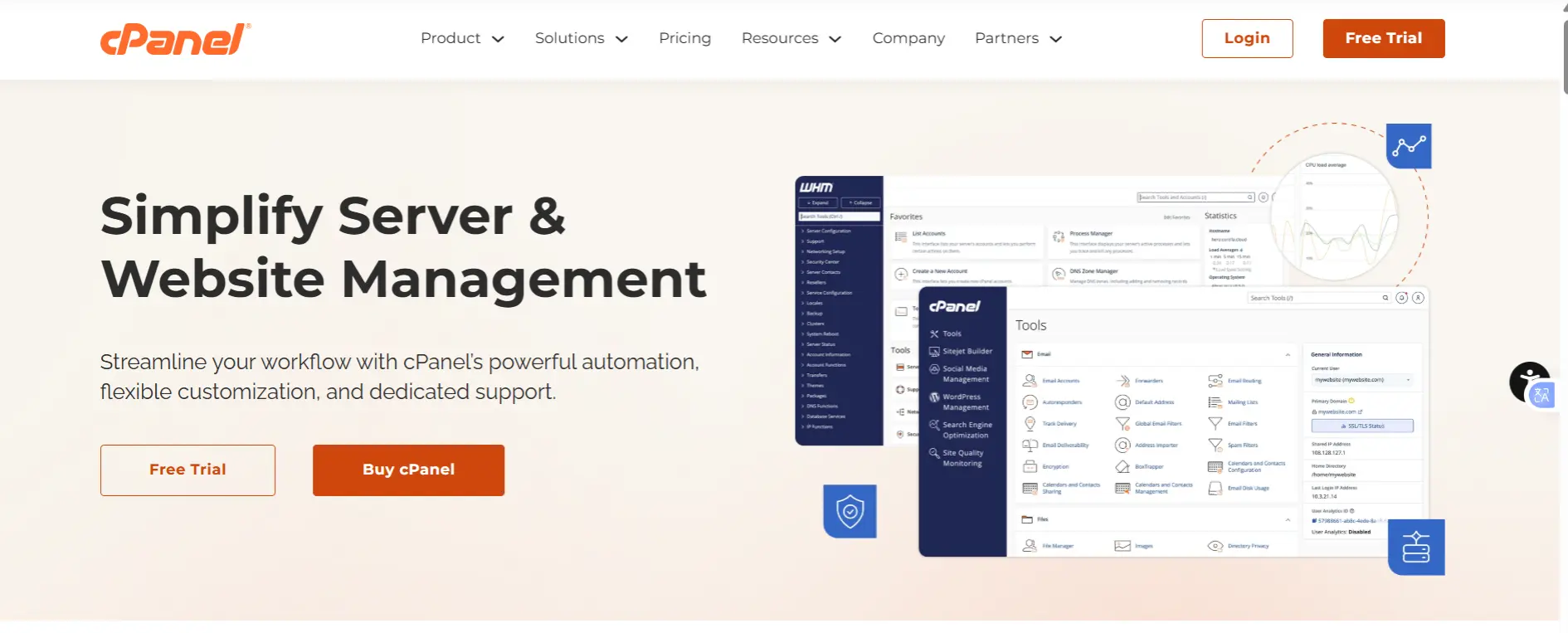
cPanel remains the most widely used control panel in the hosting industry, especially when paired with WHM (Web Host Manager) for managing multiple accounts.
It’s often the default choice for hosting providers because most clients are already familiar with it.
Features
- Full file, email, and database management system
- WHM for reseller and multi-account server management
- One-click app installers (like WordPress, Joomla, etc.)
- Wide range of third-party integrations and plugins
- Built-in backup and restore tools
- Extensive documentation and global community support
cPanel Pricing
| Plan Tier | Monthly Base Price | Account/Site Limit | Additional Costs |
| Solo | ~$29.99 | 1 Account | N/A |
| Admin | ~$35.99 | Up to 5 Accounts | N/A |
| Pro | ~$53.99 | Up to 30 Accounts | N/A |
| Premier | ~$69.99 | Up to 100 Accounts | ~$0.49 per extra account |
| WP Squared | $84.99 | 10 WordPress Sites | $0.40 per extra site |
Pros
- Extremely stable and proven in production environments
- Familiar interface for most hosting users and clients
- Huge ecosystem of tutorials, plugins, and support resources
Cons
- Expensive licensing (can range from ~$29.99 to $69.99+ per month depending on tier and accounts)
- Higher RAM and CPU usage compared to lightweight alternatives
Best For
Hosting companies, agencies, and businesses that prioritize reliability, ecosystem maturity, and client familiarity over cost efficiency.
2) Plesk
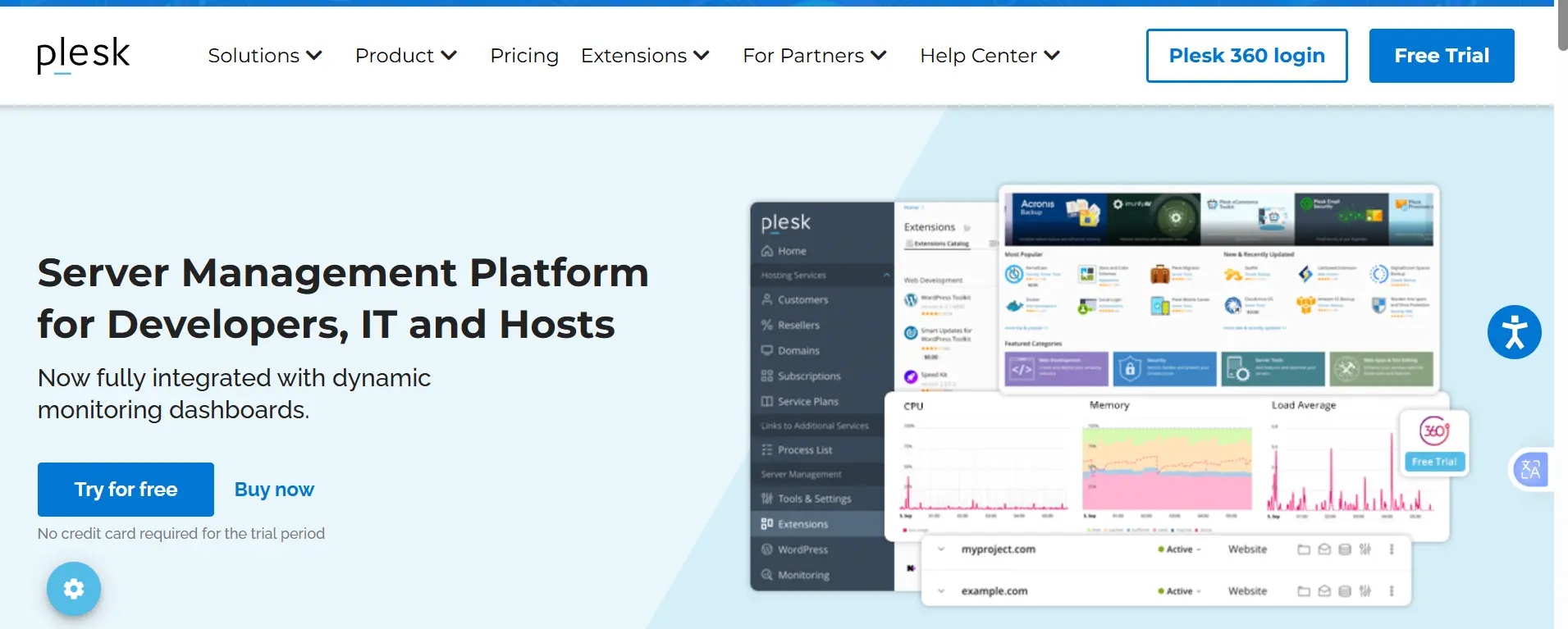
Plesk is a modern, flexible control panel designed for developers and businesses that need cross-platform support. It stands out for its clean interface and strong automation tools.
Features
- Supports both Linux and Windows servers
- WordPress Toolkit for managing multiple WordPress sites easily
- Built-in Git and Docker integration
- Staging environments for safe testing
- Extensions marketplace for added functionality
- Advanced security tools (firewall, fail2ban, SSL management)
- Automation tools for backups and updates
Plesk Pricing
| Edition | Monthly Price (VPS) | Domain Limit |
| Web Admin | 13.10€/month | 10 Domains |
| Web Pro | 23.37€/month | 30 Domains |
| Web Host | 48.57€/month | Unlimited |
Pros
- Clean, modern, and intuitive interface
- Great for developers and WordPress workflows
- Flexible across different operating systems
- More affordable entry pricing compared to cPanel
Cons
- Slight learning curve for cPanel users
- Advanced features can increase overall cost
Best For
Developers, agencies, and businesses running WordPress or mixed Linux/Windows environments.
3) DirectAdmin

DirectAdmin is a lightweight, efficient control panel built for speed and affordability. It focuses on core hosting essentials without unnecessary complexity.
Features
- Domain, email, and database management tools
- Multi-user account support for resellers
- Customizable interface skins
- Basic backup and restore functionality
- DNS management tools
- Lightweight system resource usage
DirectAdmin Pricing
| Plan Tier | Monthly Price | Account Limit | Domain Limit |
| Personal Plus | $5.00 | 2 Accounts | 20 Domains |
| Lite | $15.00 | 10 Accounts | 50 Domains |
| Standard | $29.00 | Unlimited | Unlimited |
Pros
- Very low resource consumption
- Stable and performs well on small VPS setups
- Affordable pricing compared to cPanel and Plesk
- Simple and fast to operate
Cons
- Limited advanced developer tools
- Smaller ecosystem and fewer integrations
Best For
Budget-conscious users, small hosting businesses, and resellers who want stability without high licensing costs.
4) CyberPanel
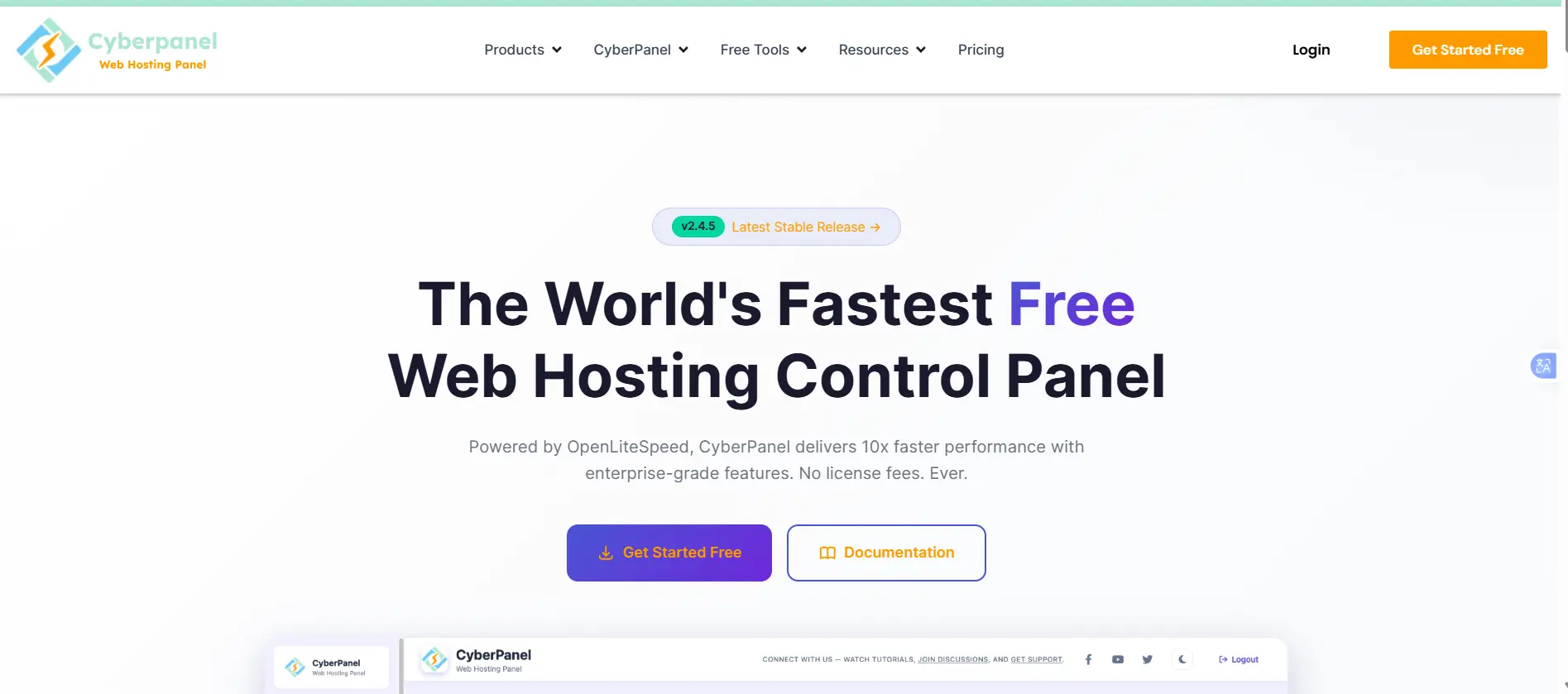
CyberPanel is built around OpenLiteSpeed, making it a strong choice for performance-focused hosting, especially WordPress sites.
Features
- OpenLiteSpeed web server integration
- LSCache for high-speed WordPress performance
- One-click WordPress installation with optimization
- Free Let’s Encrypt SSL certificates
- Built-in email server and webmail
- Docker support for modern deployments
- Staging environments and automated backups
CyberPanel Pricing
| Feature/Bundle | Monthly Price | Annual / Lifetime |
| CyberPanel Core | FREE | $0 |
| Premium Add-ons Bundle | N/A | $59 / $169 |
| .htaccess Support | N/A | $59 / $199 |
Pros
- Excellent speed and performance for dynamic websites
- Free core version with a powerful caching system
- Optimized for WordPress out of the box
Cons
- Occasional bugs in newer releases
- Can feel less stable than enterprise-grade panels
Best For
WordPress users, performance-focused websites, and users looking to avoid licensing costs.
5) aaPanel

aaPanel is a modern, user-friendly free control panel that has grown in popularity due to its simplicity and flexibility.
Features
- 400+ one-click application installations
- Nginx and Apache switching support
- Multiple PHP version management
- Built-in firewall and security tools
- Docker and Git integration
- File manager and database tools
- Automated backup scheduling
- Optional Pro features for advanced security and multi-user support
aaPanel Pricing
| License Tier | Price | Duration |
| Basic (Core) | FREE | Forever |
| Professional | $288 | Annual |
| Professional (Life) | $699 | One-time |
Pros
- Lightweight yet feature-rich
- Easy-to-use modern interface
- Strong balance between simplicity and power
- Free core version available
Cons
- Some advanced features require paid add-ons
Best For
Beginners, developers, and general VPS users who want flexibility without complexity.
6) CloudPanel
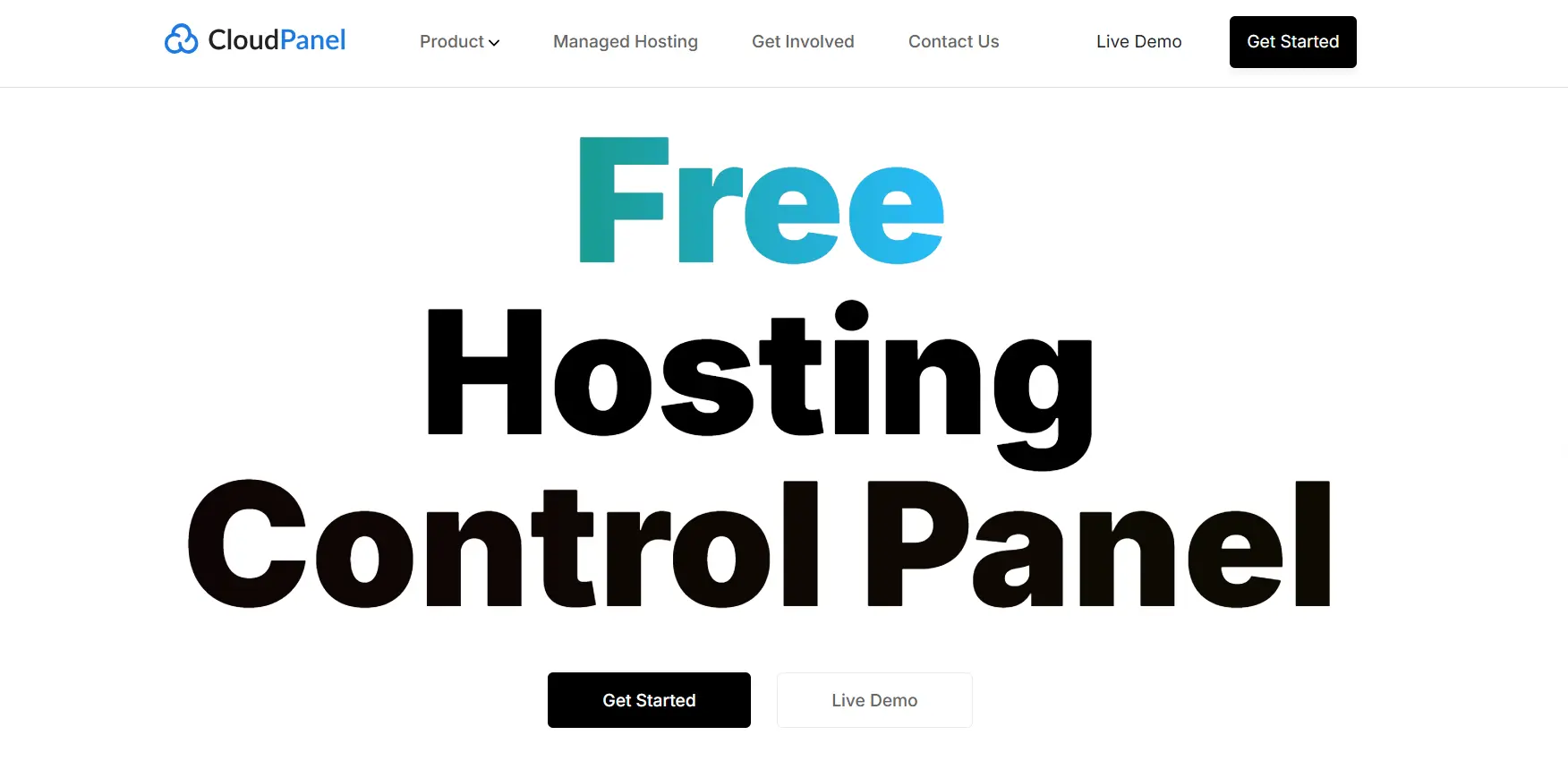
CloudPanel is a minimalist control panel designed for high-performance applications with very low resource usage.
Features
- Nginx + PHP-FPM optimized stack
- Redis and Varnish caching support
- Fast PHP and Node.js application handling
- Docker integration
- Simple interface for domains, databases, and SSL
- Automatic SSL certificate management
- Optimized for modern cloud applications
CloudPanel Pricing
| Plan Tier | License Cost | Account/Domain Limit |
| CloudPanel Core | $0 / Forever | Unlimited |
Pros
- Extremely lightweight and fast
- Excellent performance on low-spec VPS
- Clean, simple, and distraction-free interface
Cons
- Limited email and DNS management features
- Not ideal for complex hosting environments
Best For
Developers and businesses running PHP-heavy or performance-critical applications on minimal VPS resources.
How to Choose the Right VPS Control Panel for Your Needs
Choosing a VPS control panel becomes much easier when you stop thinking in terms of “best overall” and instead match it to how you actually plan to use your server. Different tools are built for different priorities, cost, performance, simplicity, or control.
Here’s a clearer, more practical way to decide:
a) Budget-Conscious / Small VPS
If you’re working with limited resources or just starting, the goal is to keep costs low without sacrificing usability.
Good options include:
- aaPanel (free core version)
- CloudPanel
- DirectAdmin
These panels are lightweight, easy to run on small VPS setups, and don’t consume much memory or CPU. You still get essential tools like domain management, databases, and SSL without paying premium licensing fees.
b) WordPress / Performance-Heavy Sites
If your focus is speed, especially for WordPress, then optimization counts more than anything else.
Top choices:
- CyberPanel (powered by OpenLiteSpeed + LSCache)
- CloudPanel
- aaPanel (with tuned Nginx/Apache stacks)
CyberPanel stands out for its built-in caching, which can significantly improve load times. CloudPanel, on the other hand, keeps things minimal and fast, making it ideal for high-performance setups. aaPanel offers flexibility if you want to fine-tune your stack.
c) Reseller or Multi-Account Hosting
If you’re managing multiple clients or hosting accounts, stability and account management tools become critical.
Best options:
- cPanel (with WHM)
- Plesk
- DirectAdmin
cPanel and Plesk offer mature ecosystems with strong reseller features and automation tools. DirectAdmin is a more affordable alternative that still handles multi-account hosting well, especially for budget-focused providers.
d) Windows Hosting
If you need Windows server compatibility, your options narrow quickly.
- Plesk is the clear leader here
It’s one of the few major panels that fully supports Windows environments while still offering modern tools for web hosting, automation, and security.
e) Developers / Advanced Users
If you prefer flexibility, automation, or deeper server control, you’ll want something more customizable.
Strong choices:
- Plesk (developer-friendly with Git/Docker support)
- aaPanel (simple but flexible)
- CloudPanel (lean and modern stack)
- Webmin (full system-level control)
These options give you more freedom to build, test, and deploy applications the way you want.
f) Beginners
If you’re new to VPS hosting, simplicity counts
more than advanced features.
Best options:
- aaPanel
- CloudPanel
Both offer clean, modern interfaces that make server management feel less technical and more guided. You can handle websites, databases, and SSL without touching the command line.
g) High Security / Multi-Server Setups
For production environments where security and reliability matter most, you want proven ecosystems.
Recommended:
- Plesk
- cPanel (with WHM)
- aaPanel Pro (with firewall/WAF features)
These provide regular updates, strong security layers, and tools such as firewalls, malware scanning, and access controls.
h) Migration & Testing
If you’re experimenting or moving from another host, flexibility is key.
- Most modern panels support easy import or migration tools
- Free panels like aaPanel and CloudPanel make testing low-risk
- A good approach is to use a snapshot VPS so you can roll back if needed
Choosing the Right VPS Control Panel
The best VPS control panel is simply the one that makes managing your server feel easy, efficient, and aligned with your needs. Instead of focusing on features alone, the real goal is to choose a setup that helps you work faster, stay organized, and scale without unnecessary complexity.
Finding that sweet spot requires looking honestly at your day-to-day workflow and technical comfort level.
For instance, developers who thrive in the command line might prefer minimalist, lightweight panels that stay out of the way and conserve server resources.
On the flip side, agencies and growing businesses often require robust, graphical interfaces that simplify user management, automated backups, and client billing.
Beyond pure usability, security must be a core consideration; a top-tier panel should offer seamless SSL installation, firewall configuration, and regular updates to keep your data protected without requiring a degree in cybersecurity.
By balancing your current technical skills with your future expansion plans, you avoid the trap of paying for bloated features you will never use, or conversely, outgrowing your setup within a few months.
Ultimately, your control panel should support your growth, not slow you down. Pairing the right choice with a reliable hosting provider makes all the difference in performance and stability.
If you’re ready to get started, Truehost VPS hosting gives you the flexibility and reliability you need to run your preferred control panel and build with confidence.