Domain SearchInstantly check and register your preferred domain name
 Web Hosting
 cPanel HostingHosting powered by cPanel (Most user friendly)
 WordPress HostingHost your WordPress website with fast, secure, and affordable WordPress hosting in Kenya.
 KE Domains
 Reseller HostingStart your own hosting business without tech hustles
 Windows HostingOptimized for Windows-based applications and sites.
 Free Domain
 Affiliate ProgramEarn commissions by referring customers to our platforms
 Free HostingTest our SSD Hosting for free, for life (1GB storage)
 Domain TransferMove your domain to us with zero downtime and full control
 All DomainsBrowse and register domain extensions from around the world
 .Com Domain
 WhoisLook up domain ownership, expiry dates, and registrar information
 VPS Hosting
 Managed VPSNon techy? Opt for fully managed VPS server
 Dedicated ServersEnjoy unmatched power and control with your own physical server.
 Website Builder
 Online Store BuilderLaunch a professional e-commerce store without writing code.
 Web Design ServiceGet a custom-designed website tailored to your brand and goals. From just KES 15,600
 BlogRead our guides on web hosting, online business, digital marketing, and more
 SupportOur support guides cover everything you need to know about our services
 ContactContact us via chat or email
You just clicked “create VPS.” Now a dropdown sits in front of you, listing Ubuntu, Debian, AlmaLinux, and a few Windows Server versions. You have no idea which one to pick, and the wrong choice could cost you time later. This guide turns that moment into a five-minute decision.
Before you look at any distro, answer one question. Does your software require a Windows-specific tool such as .NET, MSSQL, or RemoteApp?
If the answer is no, Linux is the safer starting point for almost every project. It runs lighter, costs nothing to license, and supports the tools most web projects rely on.
If the answer is yes, your decision is already made for you. Windows Server carries a recurring license fee that Linux never charges, so factor that cost in early.
There is one more question worth asking yourself. Are you comfortable typing commands, or do you want a visual desktop to click through? Linux leans on the command line by default, while Windows gives you a familiar graphical interface out of the box.
Step 1: Match the OS to What You’re Actually Running
The right OS depends less on personal taste and more on what will run on the server. Match the platform to the actual workload, and the rest of the decision gets easier.
- Docker, Kubernetes, Node.js, and Python projects all run best on Linux.
- WordPress, PHP, and MySQL-based sites run cleanly on Ubuntu, Debian, or AlmaLinux.
- .NET Framework, MSSQL, Microsoft Access, and 1C applications need Windows Server.
- Game servers usually run on Linux, though certain engines still require Windows.
- Your control panel choice can quietly lock in the OS before you even notice it.
That last point trips up a lot of people. Pick a panel first, and the OS decision may already be over.
Step 2: Compare the Top Linux Distributions for VPS
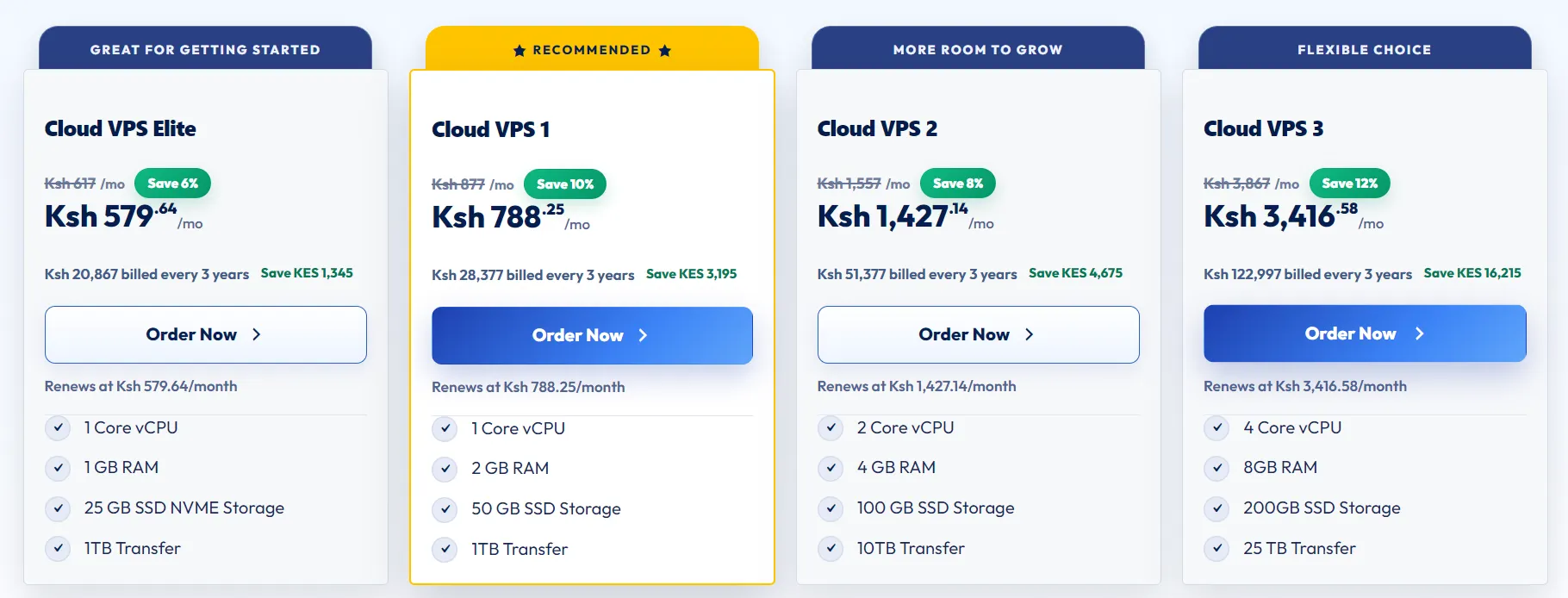
Linux is not one operating system. It is a family of distributions, and each one leans toward a different kind of project. Here is how the three most common options compare.
Ubuntu
Ubuntu remains the easiest entry point for anyone new to server administration. Its documentation is everywhere, and most beginner tutorials assume you are using it.
- Widest community support, so answers to problems are easy to find.
- Works with nearly every control panel on the market, from cPanel to CyberPanel.
- Long-term support releases give you a five-year update window without a full reinstall.
Debian
Debian trades novelty for stability, which is exactly what a production server should want. Once it is running, it tends to stay running without surprises.
- Built for predictability, so production environments rarely see breaking changes.
- Lighter resource footprint than Ubuntu, which helps on smaller VPS plans.
- Slower release cycle means fewer mid-project surprises to manage.
AlmaLinux and Rocky Linux
Both distributions grew out of the gap left by CentOS, and both aim squarely at enterprise use. If your team already runs RHEL somewhere, this is the natural VPS counterpart.
- Built as direct, free successors to CentOS with strong RHEL compatibility.
- A solid fit for teams already using RHEL-based tooling elsewhere.
- Supported by most control panels that once relied on CentOS.
Step 3: When Windows Server Is the Right Call
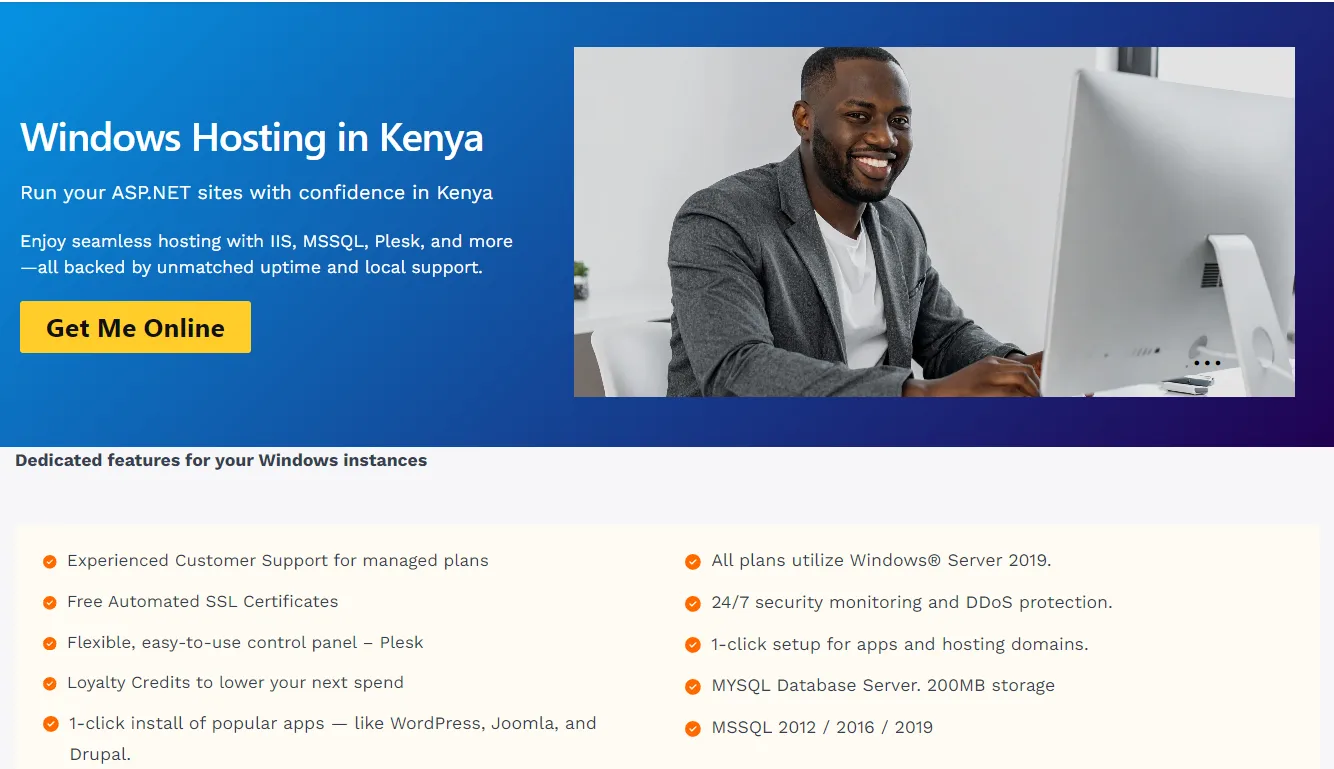
Windows Server is not a fallback option. For a specific set of projects, it is the only option that actually works.
Applications built specifically for the Microsoft ecosystem leave little room for a Linux substitute. If your stack depends on ASP.NET, MSSQL, or a RemoteApp deployment, Windows Server is where you need to be.
Right now, the most common supported versions are Windows Server 2022 and 2025, and each one carries different resource demands. RemoteApp and full desktop style RDP access only work properly on Windows, so full desktop remote access is a clear signal too.
Licensing typically starts around ten dollars a month and climbs as the server’s resources grow. Plan for a higher baseline of RAM and CPU use compared to any Linux distribution, since the graphical interface and background services both draw on those resources.
Step 4: Weigh Cost, Performance, and Resource Overhead
Cost and performance rarely move in the same direction, so weigh both before committing to an OS.
Linux costs nothing to license, while Windows adds a recurring charge on top of your hosting bill. That gap grows fast once you scale past a single server.
Windows also needs more RAM and CPU at idle, mostly due to its graphical interface and background services. Linux, by comparison, handles file reads and writes faster under heavy load, especially with large numbers of files.
Patch cycles differ, too. Windows tends to need more frequent reboots after updates, which chips away at uptime. Linux allows more room for tuning and optimization without that same interruption.
If you plan to run several VPS instances, multiply these differences across all of them before you decide. What looks small on one server adds up quickly across a fleet.
Step 5: Check Compatibility With Your Control Panel and Tools
Your control panel choice shapes your OS options more than most people expect. Check this early, since backing out later means a full server rebuild.
- cPanel and WHM run on Linux only, so choosing cPanel locks in your OS.
- Plesk supports both Linux and Windows, which helps if you are still undecided.
- CyberPanel, HestiaCP, and aaPanel are lightweight, Linux-exclusive alternatives.
- ISPmanager works across both platforms for teams managing mixed environments.
If you already know which panel you want, check its OS requirements before you touch the dropdown.
Use This Quick Decision Checklist
Run through these five points before you finalize anything. Each one narrows the field a little further.
- List every piece of software your project must run, and flag anything Windows-only.
- Confirm which control panel you plan to use before picking the OS.
- Set a realistic budget, and include Windows licensing if it applies to you.
- Rate your own comfort with command line administration, honestly.
- Estimate the performance ceiling your project needs on this VPS plan.
If you answer all five, the right OS usually becomes obvious on its own.
FAQs
Can I change my VPS operating system after the initial setup?
Yes, but it usually means a full reinstall rather than a simple switch. Back up your data first, since most providers wipe the server during the process.
How much RAM does each operating system need to run comfortably?
Linux distributions like Debian run fine on 512MB to 1GB for light workloads. Windows Server needs closer to 2GB minimum, and more if you plan to run a GUI.
Can I run WordPress on a Windows VPS instead of Linux?
Technically, yes, since WordPress runs on PHP and MySQL, both of which have Windows versions. In practice, Linux handles this stack more efficiently and with fewer configuration headaches.
What happens if I choose the wrong OS for my project?
You will likely hit compatibility errors, wasted licensing costs, or a slower server than you expected. In most cases, the fix is a fresh install on the correct OS, so it pays to get this right the first time.
Get the Right OS for Your VPS
The right OS for your VPS comes down to your software stack, not brand familiarity or a coin flip. Linux fits most modern workloads, while Windows earns its place when your applications leave no other option.
Run through the checklist above, match it against what your project actually needs, and the decision should take a few minutes rather than a few days.
Once you know which OS fits, the next step is simple. Spin up a VPS through Truehost with your chosen OS pre-installed, and skip the manual setup entirely.