Domain SearchInstantly check and register your preferred domain name
 Web Hosting
 cPanel HostingHosting powered by cPanel (Most user friendly)
 WordPress HostingHost your WordPress website with fast, secure, and affordable WordPress hosting in Kenya.
 KE Domains
 Reseller HostingStart your own hosting business without tech hustles
 Windows HostingOptimized for Windows-based applications and sites.
 Free Domain
 Affiliate ProgramEarn commissions by referring customers to our platforms
 Free HostingTest our SSD Hosting for free, for life (1GB storage)
 Domain TransferMove your domain to us with zero downtime and full control
 All DomainsBrowse and register domain extensions from around the world
 .Com Domain
 WhoisLook up domain ownership, expiry dates, and registrar information
 VPS Hosting
 Managed VPSNon techy? Opt for fully managed VPS server
 Dedicated ServersEnjoy unmatched power and control with your own physical server.
 Website Builder
 Online Store BuilderLaunch a professional e-commerce store without writing code.
 Web Design ServiceGet a custom-designed website tailored to your brand and goals. From just KES 15,600
 BlogRead our guides on web hosting, online business, digital marketing, and more
 SupportOur support guides cover everything you need to know about our services
 ContactContact us via chat or email
OpenClaw is an open‑source AI agent that has completely changed how many developers work.
With 346k GitHub stars as of April 2026, it is one of the most popular tools in this space.
Most coding assistants live inside your editor or require a monthly subscription. OpenClaw works differently.
You talk to it through messaging apps like Slack or Telegram. It then reads and writes code directly in your project folder.
You do not need to manage any servers, and there are no complex configuration files to learn. Just a natural‑language interface that talks back to your codebase.
And its real strength?
OpenClaw can review your pull requests, write new functions, debug runtime errors, and even generate entire project structures from a single sentence.
Because it runs locally on your machine, your conversations and code stay completely private.
You get an always‑on AI assistant that works through the apps you already use every day.
Use Openclaw as Your Coding Assistant In 7 Steps
Step 1: Install OpenClaw on Your Machine
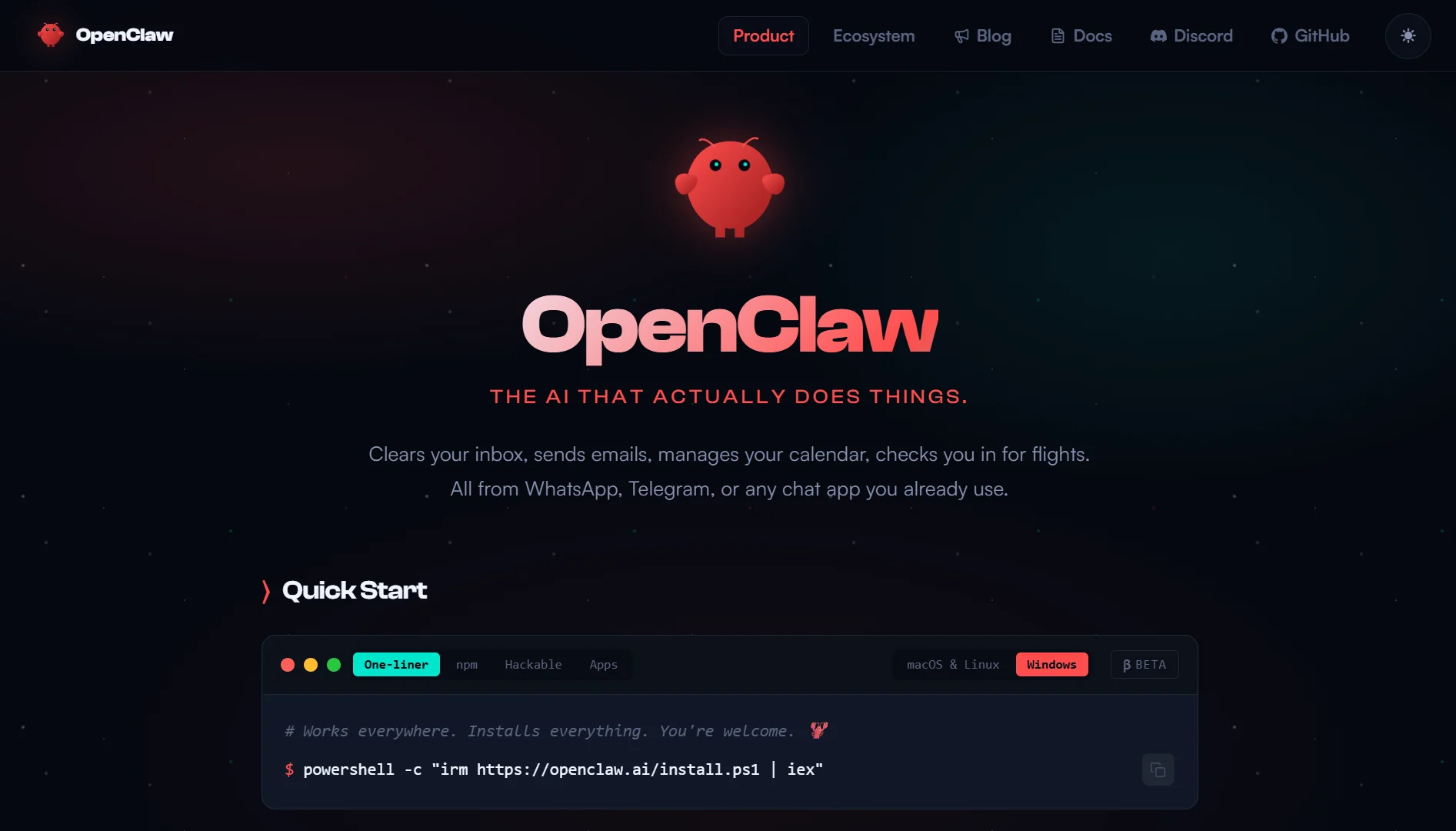
OpenClaw runs on your own hardware, and installation is as simple as one line.
For macOS or Linux using curl:
bash
curl -fsSL https://openclaw.ai/install.sh | bash
For Windows, using PowerShell as Administrator:
powershell
iwr -useb https://openclaw.ai/install.ps1 | iex
Tip: Run these commands in a terminal with administrator or superuser privileges. The installer handles all dependencies automatically. Just follow the on‑screen prompts.
Once the installation finishes, verify it worked:
bash
openclaw --version
You should see a version number printed to the terminal.
Step 2: Launch OpenClaw and Configure the Gateway
Now you need to launch the gateway. This is the central hub that receives your requests and routes them to the AI model.
Basic launch that starts the gateway immediately:
bash
ollama launch openclaw
Launch with configuration only, without starting the gateway:
bash
ollama launch openclaw --config
When you run OpenClaw for the first time, an interactive configuration wizard walks you through two things.
First, you choose a workspace folder where your code and files will live. OpenClaw automatically creates, reads, edits, and searches files in this workspace using natural‑language commands.
Second, you set basic preferences like the model provider, memory settings, and default tools.
The gateway auto‑reloads if it is already running. You can tweak configuration settings without restarting from scratch.
Your configuration file lives at ~/.openclaw/openclaw.json on macOS or Linux, and %USERPROFILE%.openclaw\openclaw.json on Windows.
You can edit it directly later for advanced tweaks.
Step 3: Choose an AI Model Provider
OpenClaw does not have its own AI brain. It connects to models through API keys or runs them locally. You have three main options.
Option A: Local Models via Ollama (Free and Fully Private)
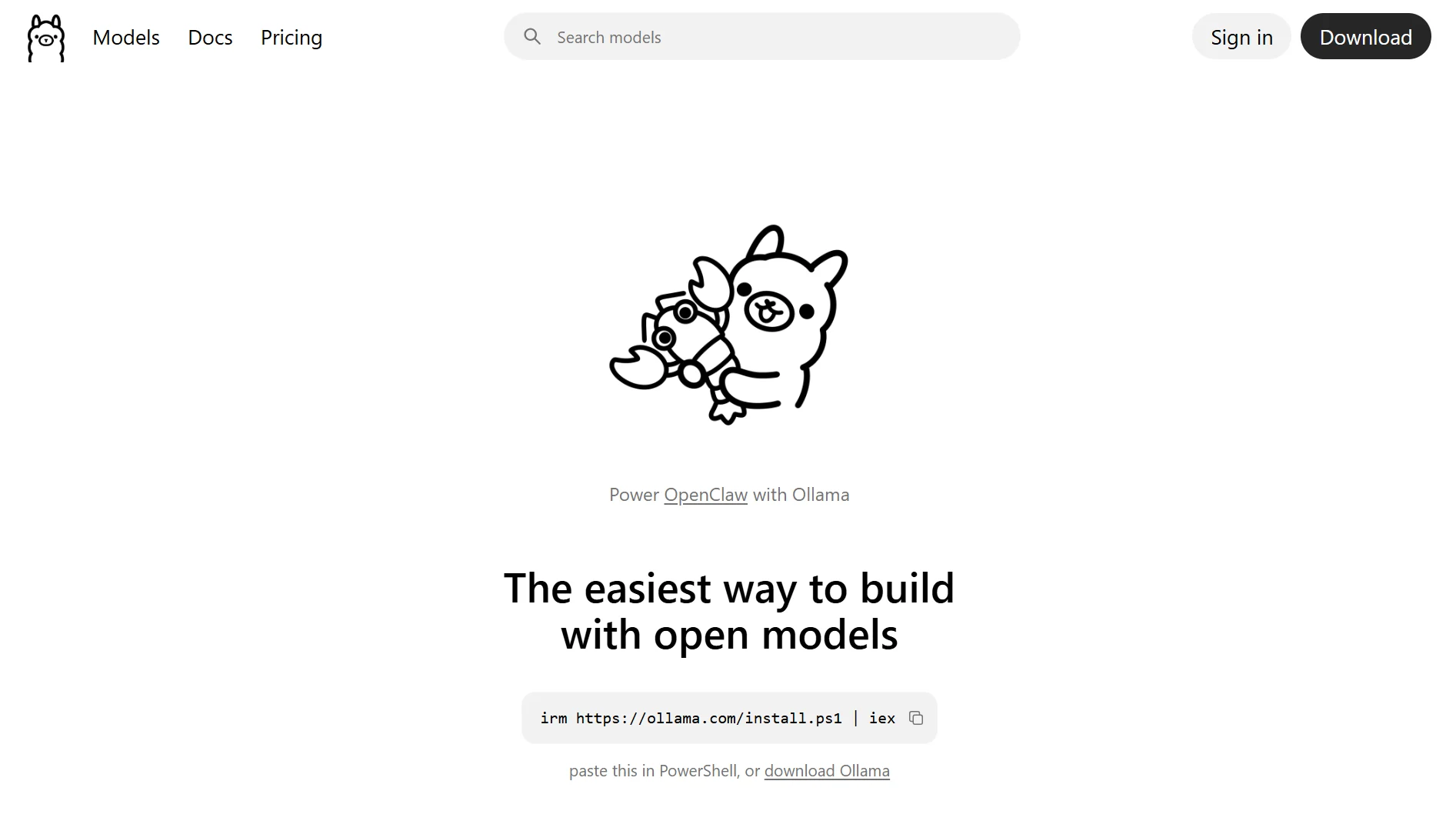
If you already have Ollama installed, you can run models entirely on your machine.
OpenClaw needs a minimum context length of 64k tokens to complete coding tasks effectively.
These are the recommended models for coding assistance:
| Model | Best for | Pull command |
| qwen3-coder | Optimized code generation and analysis | ollama pull qwen3-coder |
| glm-4.7 | General‑purpose with strong coding support | ollama pull glm-4.7 |
| kimi-k2.5 | Complex, multi‑step agentic tasks | ollama pull kimi-k2.5 |
After pulling a model, launch OpenClaw with it:
bash
ollama run qwen3-coder --openclaw
Option B: Cloud API Models (Claude, GPT, Gemini)
For maximum capability, connect OpenClaw to a cloud API. You need an API key from your chosen provider. Add it to your configuration file:
bash
openclaw config set model.provider anthropic
openclaw config set model.apiKey YOUR_ANTHROPIC_API_KEY
Option C: Managed OpenClaw (One‑Click, No Config)
If you do not want to manage API keys or local infrastructure, some hosting providers offer managed OpenClaw instances with built‑in AI credits.
Step 4: Connect a Messaging Channel
You interact with your coding assistant through the messaging apps your team already uses.
OpenClaw supports Telegram, Discord, Slack, WhatsApp, iMessage, Signal, Microsoft Teams, Matrix, and WebChat.
Example: Connect to Slack
Go to your Slack workspace, then Apps and Manage Apps. Click Build, then Create a new app, then From scratch.
Copy the Bot Token and Signing Secret. Add them to OpenClaw:
bash
openclaw config set channels.slack.token xoxb-YOUR_BOT_TOKEN
openclaw config set channels.slack.signingSecret YOUR_SIGNING_SECRET
Then, restart the gateway:
bash
openclaw restart
To connect to Telegram:
Message @BotFather on Telegram. Use the /newbot command and choose a name. Copy the API token BotFather gives you. Add it to OpenClaw:
bash
openclaw config set channels.telegram.token YOUR_BOT_TOKEN
Note that Slack works best for engineering teams reviewing code in shared workspaces while Telegram is great for solo developers or smaller distributed teams.
Step 5: Start Using OpenClaw as Your Coding Assistant
Your AI agent is now live in your messaging channel. These are the verified commands developers actually use, broken down by task.
Code Generation Commands
- Generate CRUD API endpoints for this model
- Create SQL schema from this JSON
- Generate TypeScript interfaces from this API response
- Create a Bash script to automate backups
- Write a Python script to monitor disk usage
OpenClaw can generate complete functions, classes, API endpoints, CRUD operations, and test code from natural‑language descriptions.
Project Setup Commands
- Create a Python project structure with src, tests, and docs
- Initialize a Node.js project with Express
- Create a virtual environment and install requirements
- Generate a Dockerfile for this project
- Set up a Git repository with .gitignore
Code Maintenance Commands
- Format all Python files with Black
- Update all outdated dependencies
- Remove unused imports from Python files
- Generate documentation for all functions
Debugging Commands
- Run tests and summarize failures
- Find memory leaks in this code
- Analyze this stack trace
- Suggest optimizations for this function
Multi‑Step Automation Commands
- Pull the latest code from GitHub, install dependencies, run tests, and restart the server if tests pass
OpenClaw handles the pipeline automatically; you don’t need manual steps between commands.
Step 6: Extend with Skills (Optional)
OpenClaw skills are instruction packs loaded into the agent’s prompt that teach it to handle specialized workflows.
So, skills are different from built‑in tools. They guide the agent on how to work, not just what actions it can take.
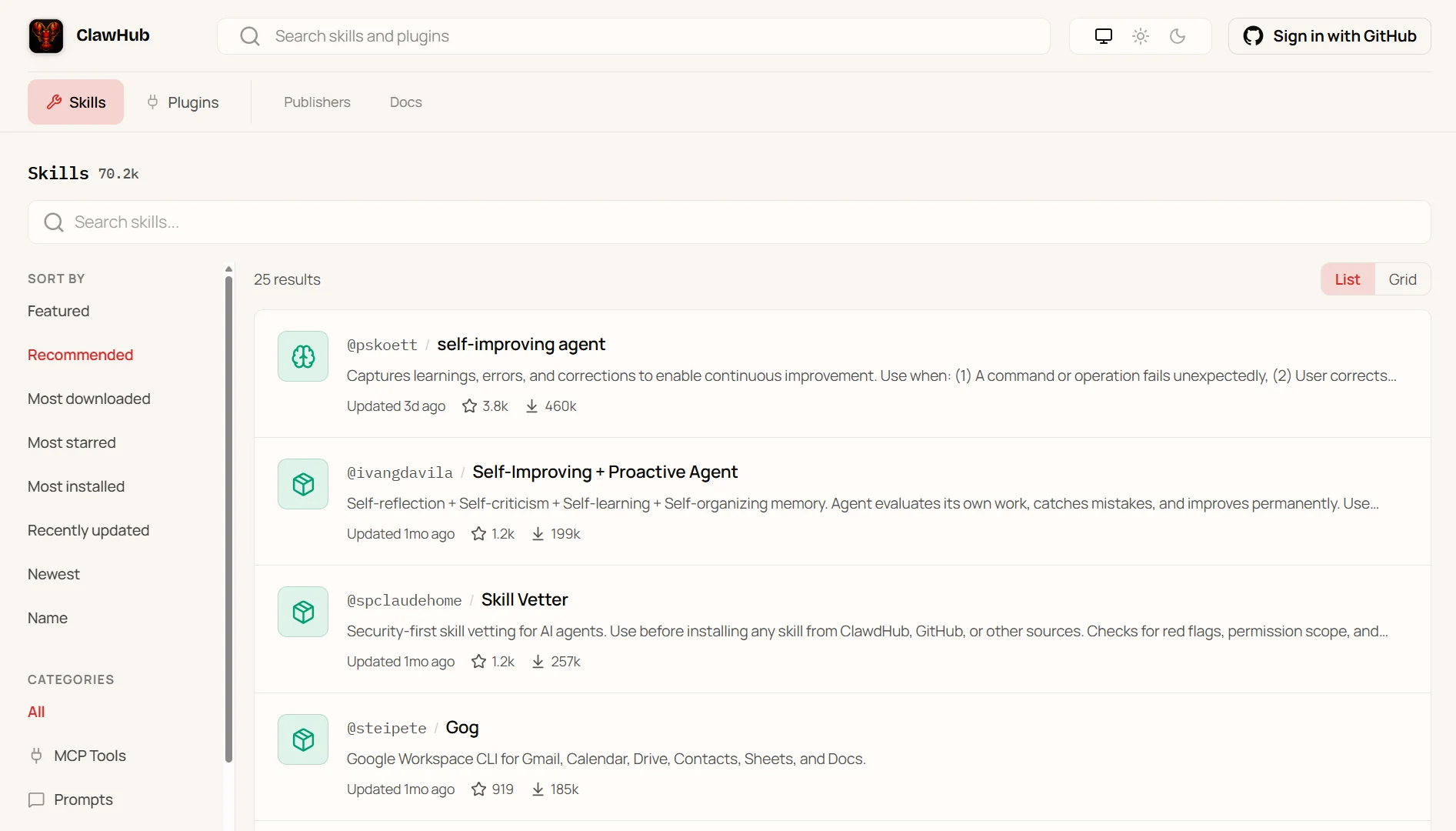
Over 700 community‑built skills are available via ClawHub, the official skill registry.
To search for coding‑specific skills:
bash
openclaw skills search code
And to install a skill:
bash
openclaw skills install @namespace/skill-name
Skills can add persistent memory, file operation handlers, code review patterns, and more.
For example, a code generator skill can produce production‑ready code with proper error handling, type safety, and test accompaniment.
Step 7: Run OpenClaw as a Background Service (Optional)
To keep your coding assistant available 24/7, you need OpenClaw running all the time. This is how to set up a service on different platforms.
macOS using launchd
Create a plist file at ~/Library/LaunchAgents/com.openclaw.gateway.plist:
xml
<?xml version="1.0" encoding="UTF-8"?>
<!DOCTYPE plist PUBLIC "-//Apple//DTD PLIST 1.0//EN" "http://www.apple.com/DTDs/PropertyList-1.0.dtd">
<plist version="1.0">
<dict>
    <key>Label</key>
    <string>com.openclaw.gateway</string>
    <key>ProgramArguments</key>
    <array>
        <string>/usr/local/bin/openclaw</string>
        <string>gateway</string>
    </array>
    <key>RunAtLoad</key>
    <true/>
    <key>KeepAlive</key>
    <true/>
</dict>
</plist>
Then load it:
bash
launchctl load ~/Library/LaunchAgents/com.openclaw.gateway.plist
Linux using systemd
Create a service file at /etc/systemd/system/openclaw.service:
ini
[Unit]
Description=OpenClaw AI Gateway
After=network.target

[Service]
Type=simple
User=YOUR_USERNAME
ExecStart=/usr/local/bin/openclaw gateway
Restart=always

[Install]
WantedBy=multi-user.target
Then enable and start:
bash
sudo systemctl enable openclaw
sudo systemctl start openclaw
Windows using Windows Service
Use NSSM (Non‑Sucking Service Manager):
powershell
nssm install OpenClawGateway
# Set Path: C:\Program Files\OpenClaw\openclaw.exe
# Set Arguments: gateway
nssm start OpenClawGateway
Troubleshooting Common Issues
| Issue | Fix |
| command not found: openclaw | Re‑run the install script, or add /usr/local/bin to your PATH |
| Gateway fails to start | Run openclaw check to validate your openclaw.json configuration |
| Model responses are truncated | Increase context length in your config: openclaw config set model.contextLength 128000 |
| Messaging channel doesn’t respond | Verify tokens and secrets, then run openclaw restart |
| Skills aren’t loading | Check openclaw skills list to confirm installation; run openclaw skills reload to refresh |
How to Use Openclaw as Your Coding Assistant FAQs
Yes, the core OpenClaw agent is open‑source and free. You only pay if you choose to use cloud API models that require API keys.
Some basic coding knowledge helps, especially when reviewing the code OpenClaw generates. But you can use natural language for most tasks.
They serve different purposes. Claude Code lives inside Anthropic’s environment while OpenClaw runs locally and connects to your own messaging channels. Some developers use both.
OpenClaw is very popular, with 346k GitHub stars as of April 2026. It is one of the fastest‑growing open‑source AI tools for developers.
If you run OpenClaw with local models through Ollama, your code never leaves your machine. If you use cloud APIs, your code is sent to that provider.
Not completely. OpenClaw is excellent at catching syntax errors, suggesting improvements, and automating repetitive reviews. But complex architectural decisions still benefit from human judgment.
Get Your Coding Assistant Running 24/7 with Truehost VPS
OpenClaw runs well on your local machine. But keeping it available at all times requires a stable home.
You need a place where it stays on while you sleep, travel, or switch devices. That is where a VPS comes in.
A VPS in the cloud runs OpenClaw 24/7 with data center uptime. You always have access to your coding assistant from any device, anywhere.
You no longer have to worry about closing your laptop lid or losing your home internet connection.
At Truehost, we offer affordable VPS hosting that works perfectly for OpenClaw deployment.
Our Kenya Cloud VPS plans start at Ksh 1400 per month for 1 core, 1 GB RAM, and 25 GB SSD storage.
For heavier workloads, the VPS 3 plan gives you 2 cores, 4 GB RAM, and 100 GB SSD at Ksh 5600 per month. These prices are valid when you choose a 3-year billing period.
We also offer managed VPS plans if you prefer someone else to handle updates and security.