Domain SearchInstantly check and register your preferred domain name
 Web Hosting
 cPanel HostingHosting powered by cPanel (Most user friendly)
 WordPress HostingHost your WordPress website with fast, secure, and affordable WordPress hosting in Kenya.
 KE Domains
 Reseller HostingStart your own hosting business without tech hustles
 Windows HostingOptimized for Windows-based applications and sites.
 Free Domain
 Affiliate ProgramEarn commissions by referring customers to our platforms
 Free HostingTest our SSD Hosting for free, for life (1GB storage)
 Domain TransferMove your domain to us with zero downtime and full control
 All DomainsBrowse and register domain extensions from around the world
 .Com Domain
 WhoisLook up domain ownership, expiry dates, and registrar information
 VPS Hosting
 Managed VPSNon techy? Opt for fully managed VPS server
 Dedicated ServersEnjoy unmatched power and control with your own physical server.
 Website Builder
 Online Store BuilderLaunch a professional e-commerce store without writing code.
 Web Design ServiceGet a custom-designed website tailored to your brand and goals. From just KES 15,600
 BlogRead our guides on web hosting, online business, digital marketing, and more
 SupportOur support guides cover everything you need to know about our services
 ContactContact us via chat or email
There are thousands of Openclaw skills available as of early 2026, but less than 30 percent have been updated in the past six months.
The platform has grown fast, and that means a lot of outdated, broken, or just poorly built skills are floating around.
Not all OpenClaw skills are worth installing. Some haven’t seen updates in over a year.
Others request permissions they don’t need, and a few are outright abandoned by their developers.
So let me save you the trouble. I’ve tested and reviewed dozens of skills to find the ones that actually work, stay maintained, and deliver real value.
Below is a quick comparison to help you see what’s available. Then we’ll get into the detailed reviews.
| Skill | Usecase | Best for | Paid/free |
| Gog | Gmail, Calendar, Drive, Sheets, Docs via CLI | Anyone who lives in Google Workspace and wants terminal control | Free |
| Agent browser | Headless browser automation with accessibility trees | AI agents and developers who need deterministic browser control | Free |
| Marketing mode | Complete marketing strategy and tactics library | Marketers, founders, and growth people who need frameworks | Free |
| Telegram | Bot API workflows with command-driven conversations | Developers building command-first Telegram bots | Free |
| Humanizer | Remove AI writing patterns from text | Writers, editors, and anyone cleaning up AI-generated content | Free |
| Automation Workflows | No-code automation across tools | Solopreneurs looking to save time without hiring | Paid |
| CalDAV Calendar | Sync and query CalDAV calendars | Linux users who want calendar control from the terminal | Free |
| n8n Workflow | Robust workflow JSON with error handling | People building auditable automations that can’t fail silently | Free |
| GitHub Integrations | gh CLI for issues, PRs, CI runs | Developers managing repos from the command line | Free |
| Elevenlabs | Text-to-speech, sound effects, voice management | Anyone generating audio content | Free |
10 Best Openclaw Skills to Install in 2026
Now let’s go through each skill in detail.
1) Gog
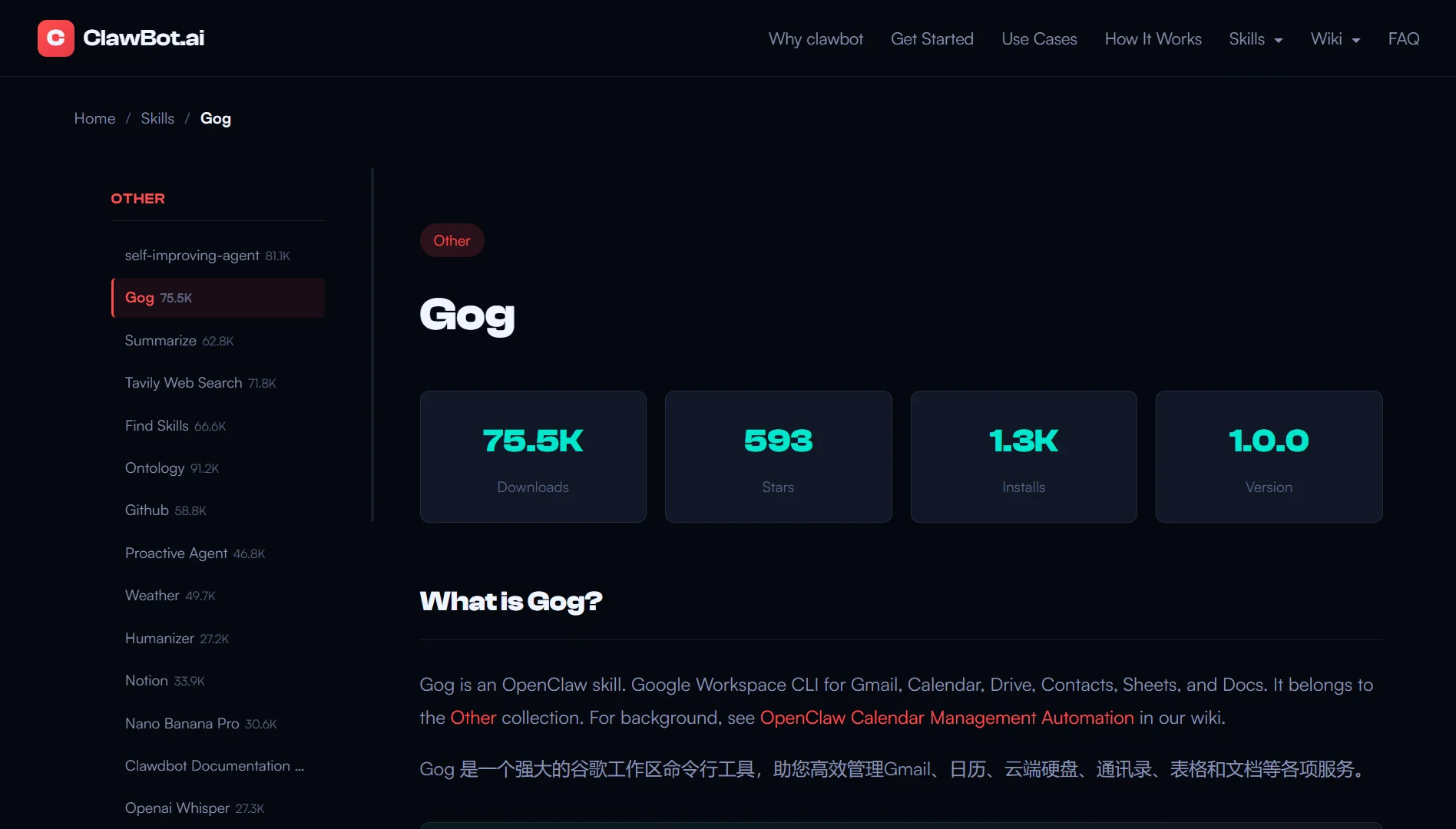
Gog is a command-line tool that gives you direct access to Google Workspace. We’re talking Gmail, Calendar, Drive, Contacts, Sheets, and Docs, all from your terminal.
You set it up once with OAuth authentication, point it to your client secret JSON file, add your email address, tell it which services you want access to, and you’re done.
After that, you can search Gmail for messages from the past week, send emails, list calendar events, search Drive files, pull contact lists, and even read or update Google Sheets.
The Sheets support is particularly strong.
You can get cell ranges as JSON, update values, append rows, clear ranges, and pull sheet metadata. Docs export works too. You can grab a document as plain text or just cat it to your terminal.
Gog is great for anyone who spends their day in Google Workspace and prefers working from the command line. Developers, writers, project managers, operations people.
If you already live in the terminal, this skill will save you a ton of switching costs.
Why it made our list:
Gog is actively maintained, well-documented, and solves a real problem. The Google Workspace web interface is slow for repetitive tasks.
Gog turns those tasks into one-line commands.
You can even set a default account environment variable so you don’t have to type your email every single time.
For scripting, the JSON output and no-input flag make it perfect for automation.
2) Agent Browser
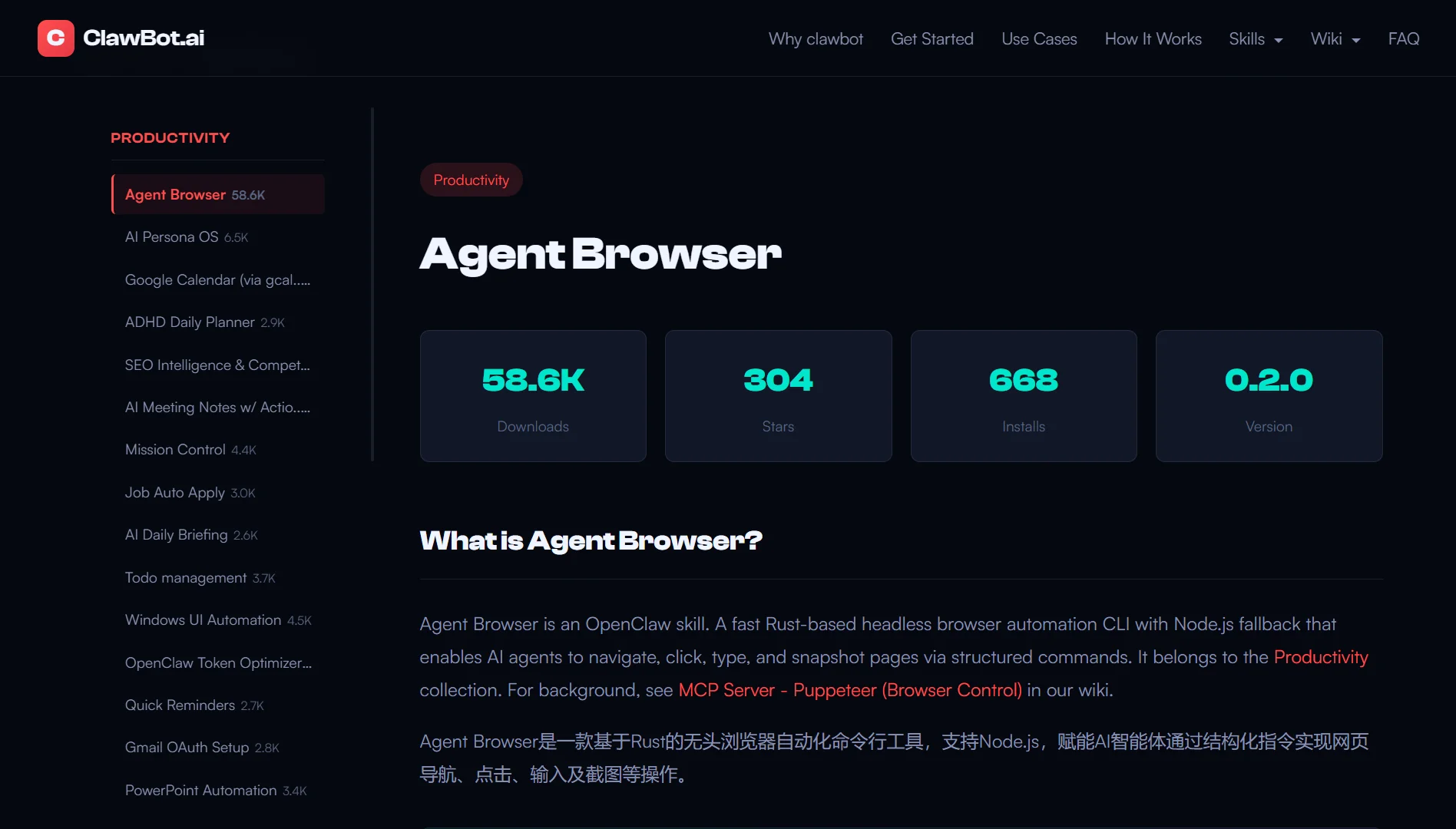
Agent Browser is a headless browser automation tool built specifically for AI agents. The key difference from regular browser automation is how it works.
Instead of relying on flaky CSS selectors or XPath expressions, it uses the accessibility tree.
That means you get deterministic element selection via reference IDs (refs).
The workflow:
- You navigate to a page
- You run a snapshot command that outputs the accessibility tree with interactive elements and their refs
- You parse that JSON, find the ref you need, and then interact
- Click a button using its ref. Fill a form field using its ref.
- When the page changes, you snap again. That’s it.
The documentation makes a clear distinction. Use Agent Browser when you need multi-step workflows, deterministic selection, high performance, complex single-page applications, or session isolation.
And use the built-in browser tool when you need screenshots, PDFs for analysis, visual inspection, or browser extension integration.
Who is this for?
AI agent developers, automation engineers, and anyone building browser-based workflows that need to be reliable.
Most browser automation tools are frustrating because they constantly break. Agent Browser solves that problem by using the accessibility tree.
It’s faster, more reliable, and designed with AI agents in mind. Plus, the skill is well-maintained, and the documentation is clear.
3) Marketing Mode
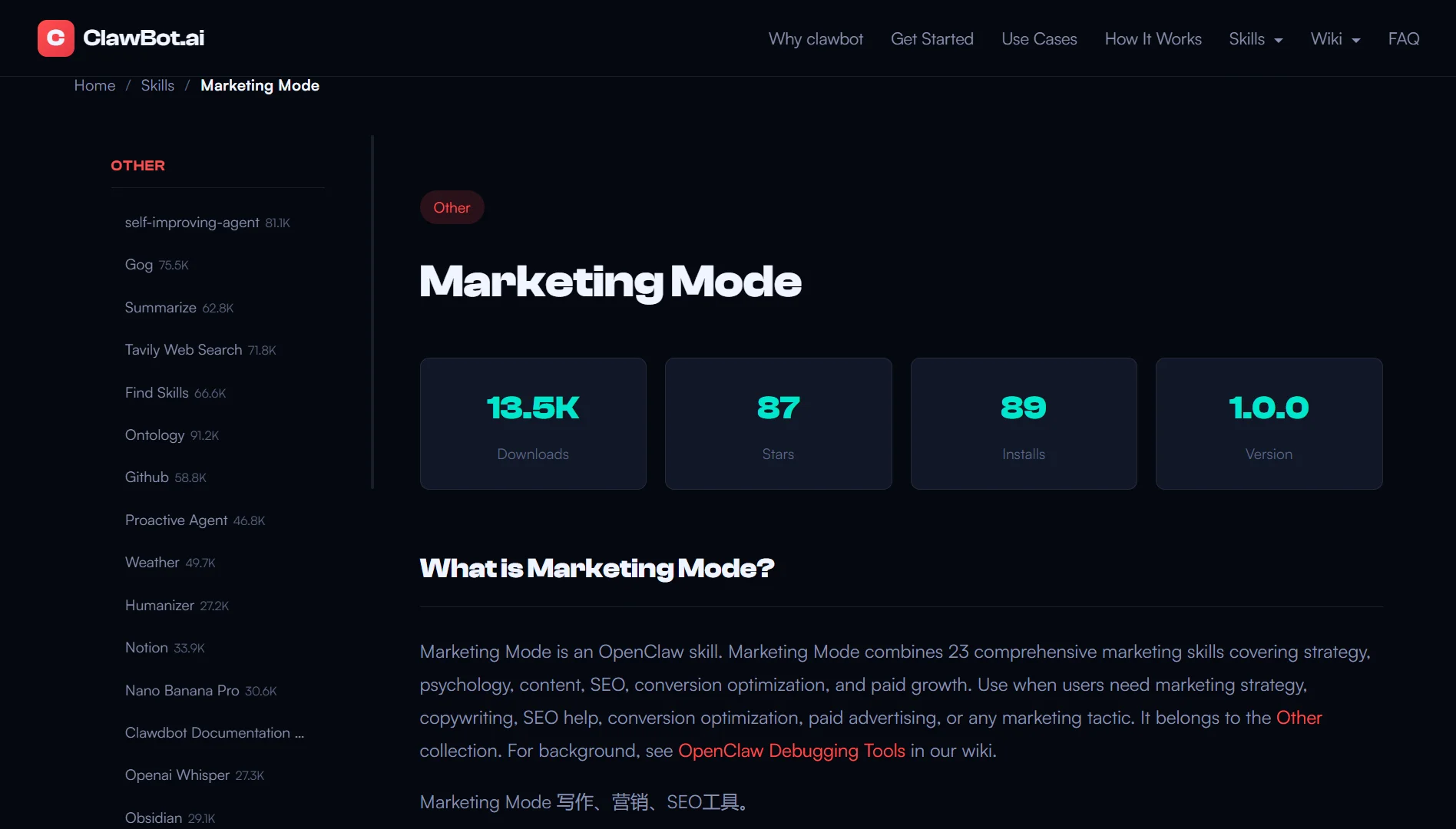
Marketing Mode is not a single tool. It’s a comprehensive knowledge base that combines 23 different marketing disciplines.
It is like having a marketing strategist sitting next to you, but instead of vague advice, you get specific frameworks, tactics, and playbooks.
The skill activates when you ask for marketing help. It asks clarifying questions about your product, audience, stage, budget, and goals.
Then it recommends specific skills and tactics from its knowledge base, and the content is massive.
It features over 140 marketing ideas, SEO audit frameworks, programmatic SEO playbooks, conversion optimization checklists, and paid advertising channel strategies.
It also has email marketing sequence templates, and marketing psychology principles.
Some specific things you’ll find include the 5-phase launch framework for product releases, research methods for pricing strategy, copywriting frameworks such as AIDA and PAS, and a copy editing process with 7 distinct sweeps.
You’ll also find a quick reference table that maps marketing challenges to relevant frameworks.
It’s a great tool for:
- Marketers who need battle-tested frameworks
- Founders who are doing their own marketing
- Growth people who want to move beyond random tactics
- Anyone who has ever stared at a blank page and wondered what to do next
This skill made our list because it is incredibly thorough. The frameworks are practical, not theoretical. The psychology section alone is worth installing the skill.
It covers first-principles thinking, Jobs-to-Be-Done, inversion, Occam’s Razor, the Pareto Principle, Hick’s Law, and about 20 other mental models applied to marketing.
4) Telegram
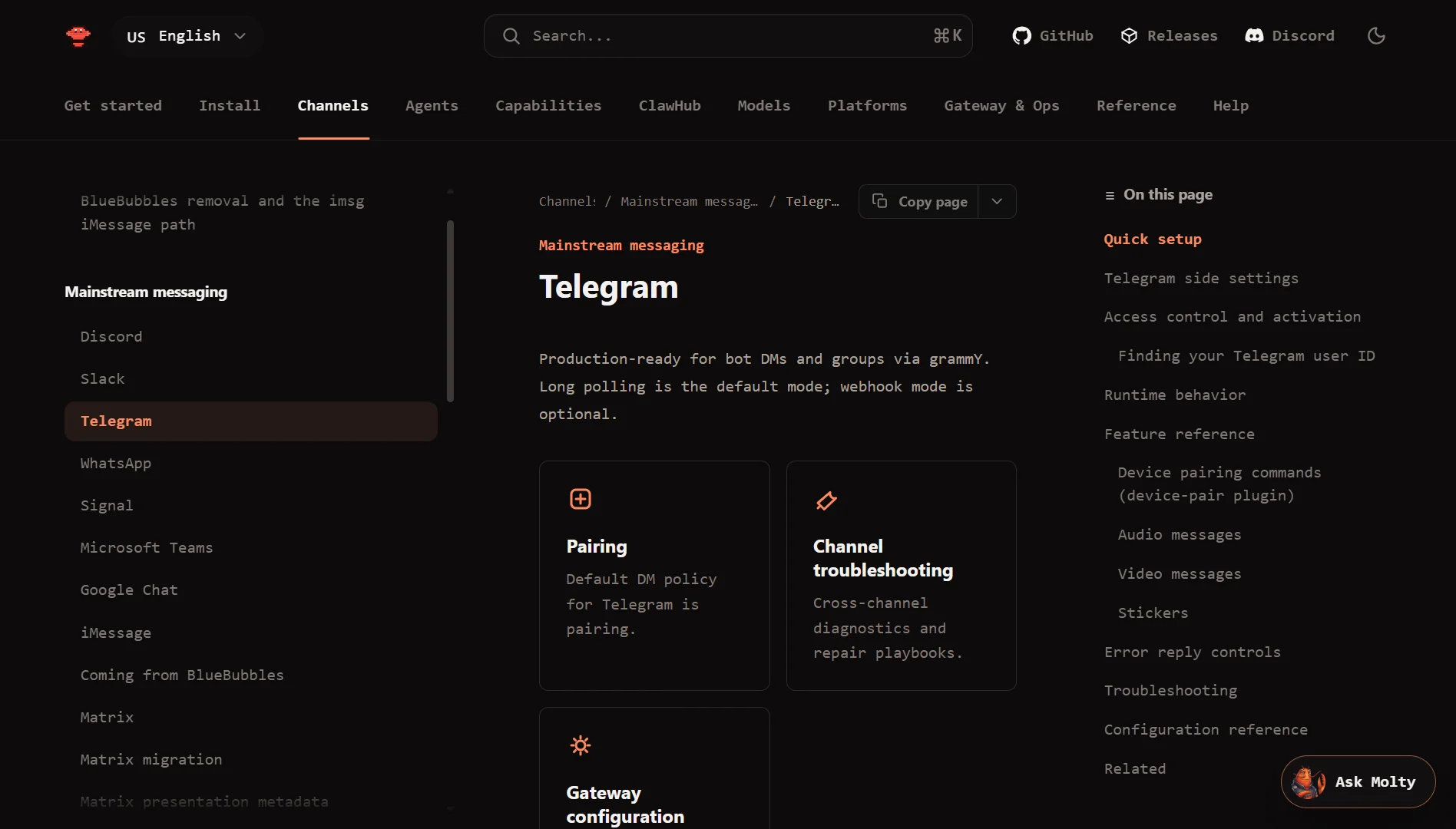
This skill is a production-oriented guide for building Telegram bots using the Bot API. The skill focuses on command-driven conversations with a clean UX.
The documentation is structured as references. You get a Telegram Bot API reference covering endpoints, update types, and request patterns.
You also get a commands playbook covering command UX and messaging style, an updated routing reference for normalizing incoming updates, and request templates with HTTP payload examples.
The approach is strict and opinionated:
- Prefer command routing with
/start,/help,/settings, and/status - Validate incoming update payloads and chat context
- Handle 429 rate limit errors with backoff
- Avoid message bursts
- Security notes are clear
- Never log tokens
- Use webhooks with a secret token header when possible.
This skill is for developers who want to build Telegram bots without relying on heavyweight SDKs, or for those who prefer direct API access and want to understand exactly what their bot is doing.
It’s a great catch because most Telegram bot tutorials start with an SDK and gloss over the details. This skill does the opposite. It teaches you how things work under the hood.
Also, the references are well-organized and practical.
If you need to build a bot that behaves professionally and handles errors correctly, this skill will get you there.
5) Humanizer
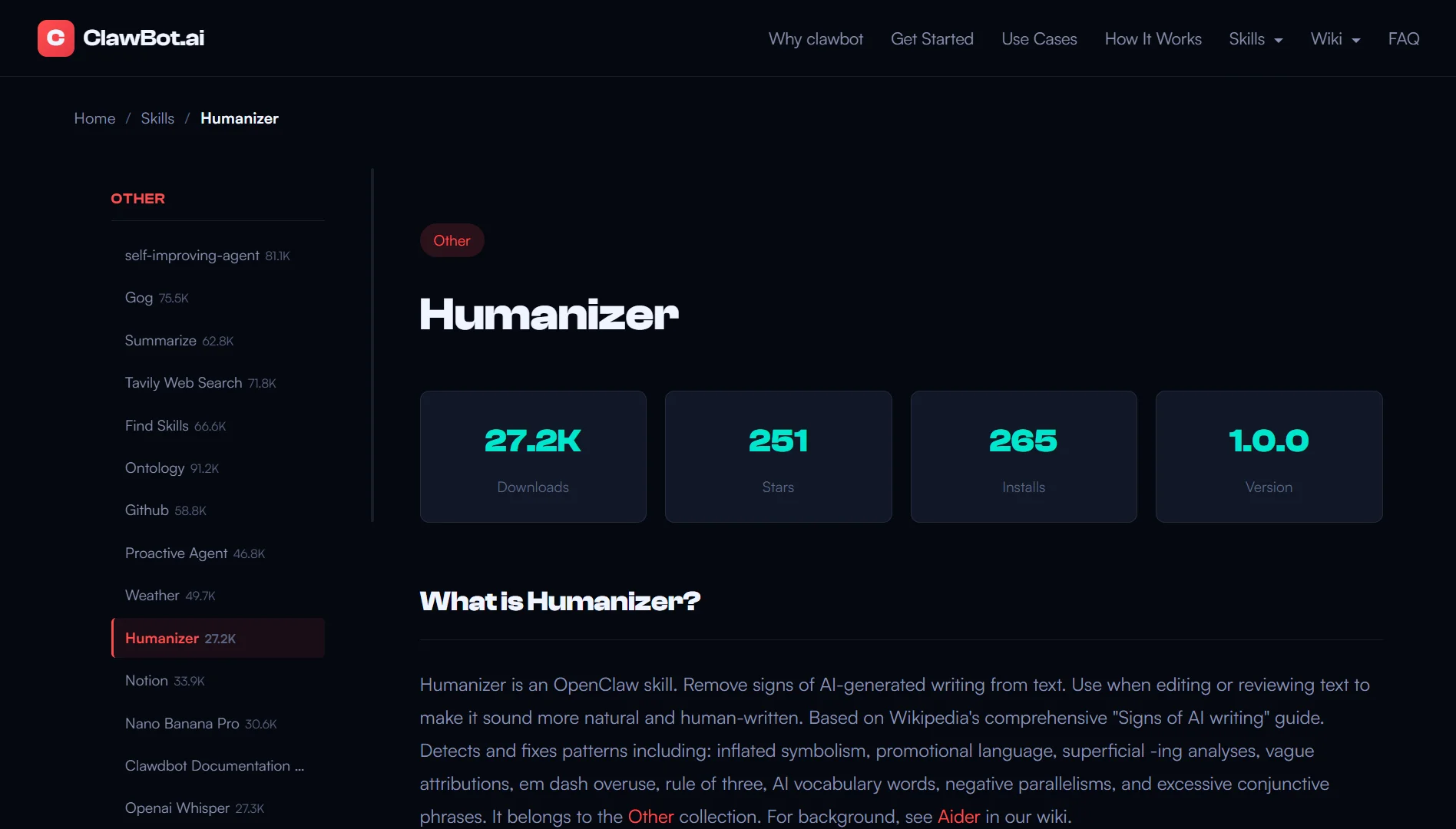
Humanizer detects and removes signs of AI-generated writing based on Wikipedia’s comprehensive Signs of AI Writing guide, maintained by WikiProject AI Cleanup.
It identifies specific patterns, including inflated symbolism, promotional language, superficial -ing analyses, vague attributions, overuse of em dashes, the rule of three, AI vocabulary, negative parallelisms, and excessive conjunctive phrases.
But what makes Humanizer unique…
Besides removing bad patterns, it also focuses on adding personality and soul. The documentation points out that sterile, voiceless writing is just as obvious as AI slop.
This skill is for writers, editors, content creators, and anyone who needs to clean up AI-generated text.
Also useful for people who want to learn what makes writing feel human versus robotic.
AI-generated text is everywhere now, and most of it reads the same way. Humanizer gives you a systematic way to fix that.
The personality and soul section offers genuinely useful advice that applies to any writing, not just AI-generated text.
6) Automation Workflows
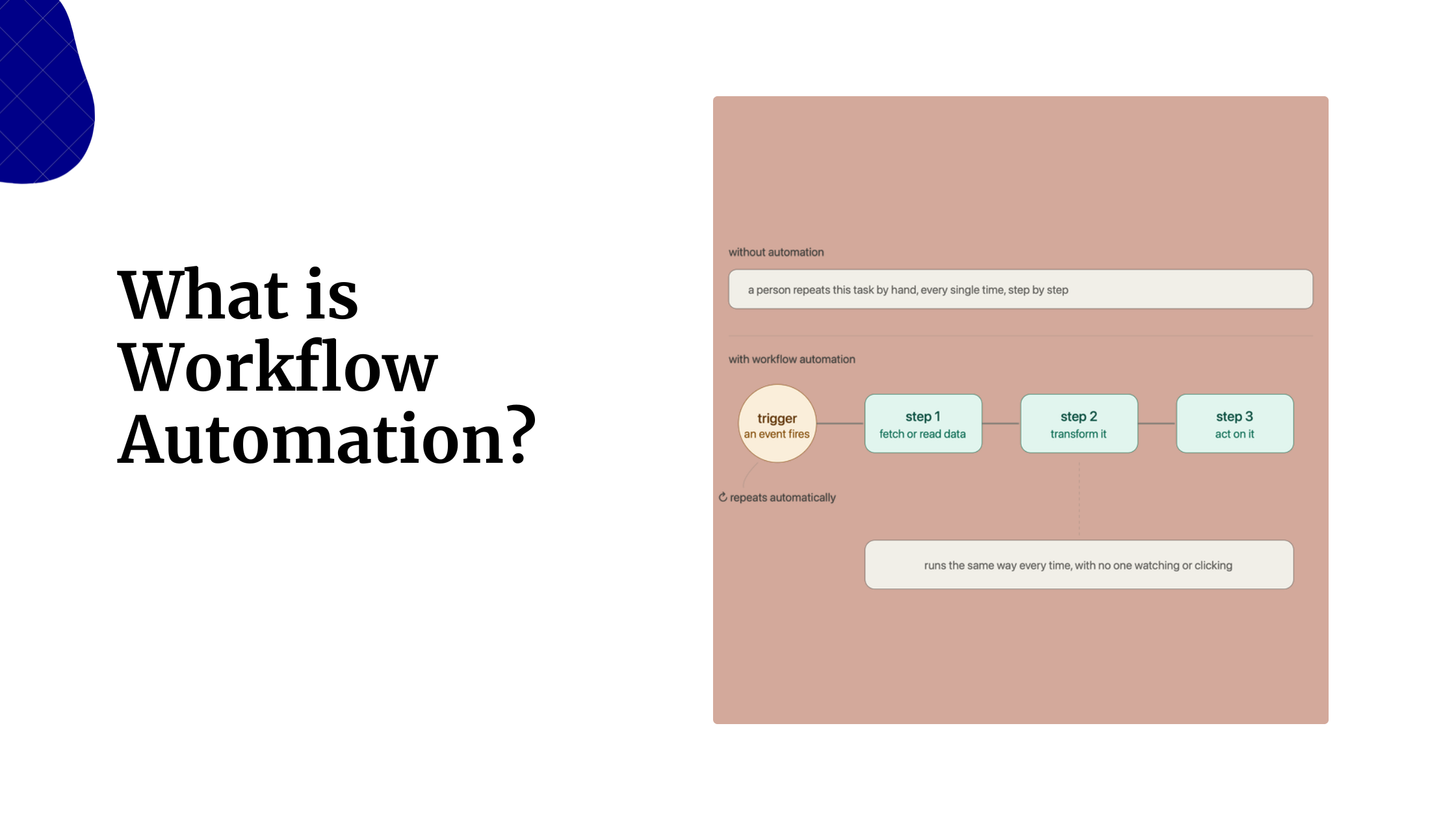
This skill is a complete playbook for designing and implementing automation workflows as a solopreneur.
You can automate anything you do more than twice a week that doesn’t require creative thinking.
The process has seven steps.
First, identify what to automate by tracking every task for a week, calculating time costs, and sorting them from highest to lowest.
Good candidates are repetitive, rule-based, high-frequency, and take ten or more minutes.
Second, choose your tool. Zapier for simple 2-3-step workflows, Make for visual multi-step workflows, and n8n for complex, developer-friendly workflows.
The skill gives you a comparison table with pricing, learning curve, and power level for each.
Third, design your workflow on paper before building. The template includes trigger, conditions, actions, and error handling.
Fourth, build and test. The testing checklist covers test data, each action, field mapping, edge cases, and error handling.
Fifth, monitor and maintain. Have weekly checks for logs and failures, monthly audits for active workflows, and documentation for each workflow.
Sixth, advanced automation ideas including client onboarding, content distribution, customer health monitoring, and invoice tracking.
Seventh, calculate ROI. The formula includes time saved, setup cost, tool cost, and payback period. Focus on automations with payback periods of under 3 months.
Solopreneurs, small business owners, and anyone who wants to scale without hiring can use Automation workflows.
This skill is practical and actionable.
The ROI formula alone prevents you from wasting time on automations that aren’t worth it, and the mistake section covers common pitfalls like automating before optimizing and not testing thoroughly.
7) Caldav Calendar
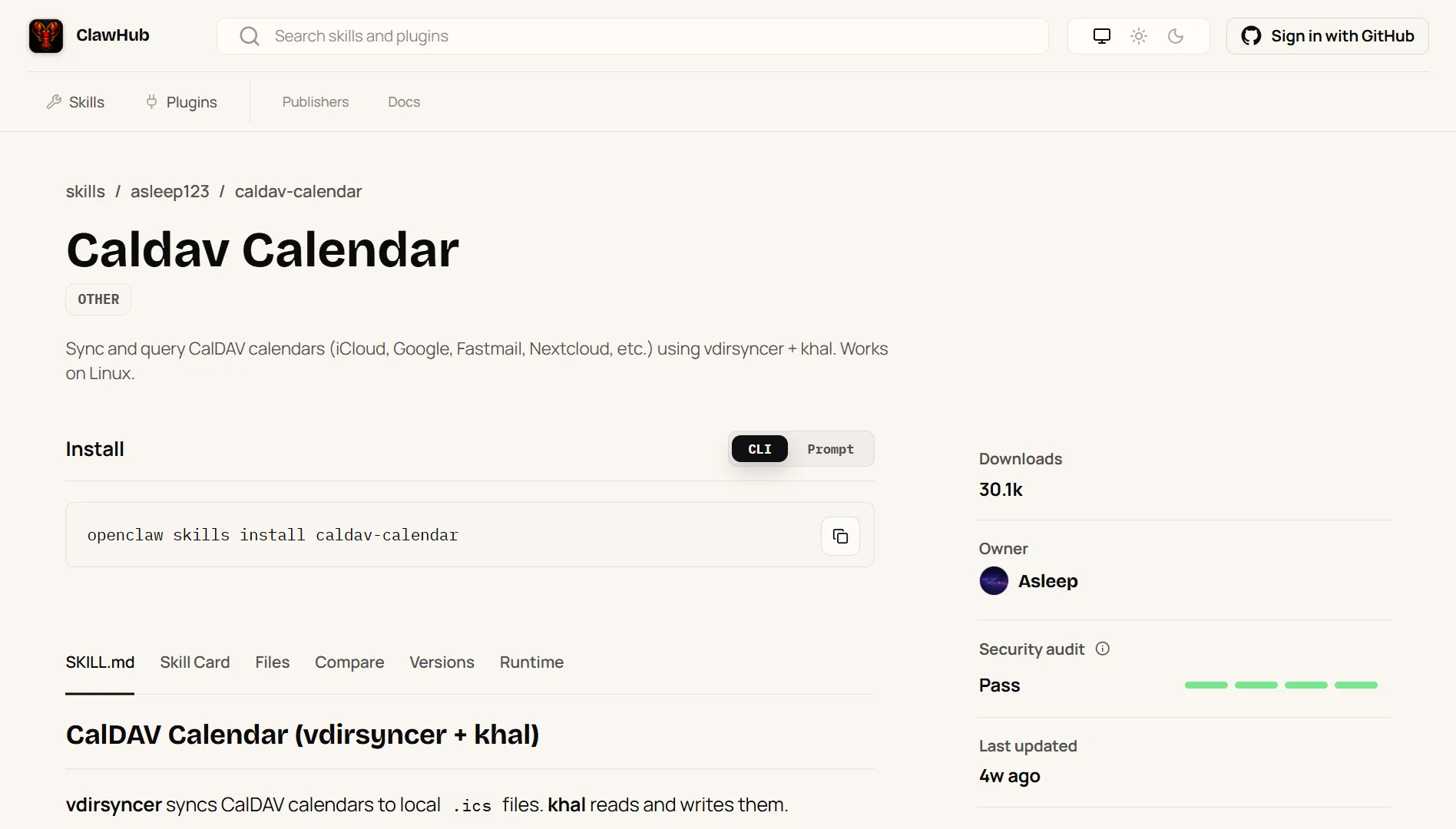
CalDAV Calendar uses two tools to sync and query calendars. vdirsyncer syncs CalDAV calendars to local .ics files. Khal reads and writes those files. It works on Linux.
The workflow is simple. Always sync first with vdirsyncer sync before querying or after making changes.
Then use khal commands to list events for today, the next seven days, tomorrow, or specific date ranges.
Search for events by keyword, and create new events with start and end times.
Then edit events interactively through a menu that lets you change summary, description, datetime range, location, or delete the event entirely.
For scripting, you can customize the output format with placeholders including title, description, start date, start time, end date, end time, location, calendar name, and unique ID.
The setup instructions include configuration examples for iCloud, Google, Fastmail, and Nextcloud. Provider URLs are listed for each.
The first-time process involves configuring vdirsyncer, configuring khal, running discover, and then syncing.
It’s a good skill for Linux users who want calendar control from the terminal, people who prefer local .ics files over web interfaces, or anyone using CalDAV providers like iCloud, Fastmail, or Nextcloud.
This skill is well-documented and solves a specific problem.
The vdirsyncer and khal combination is mature and reliable, and the caching note about removing the khal database if data looks stale is exactly the kind of practical detail that saves hours of frustration.
8) N8n Workflow
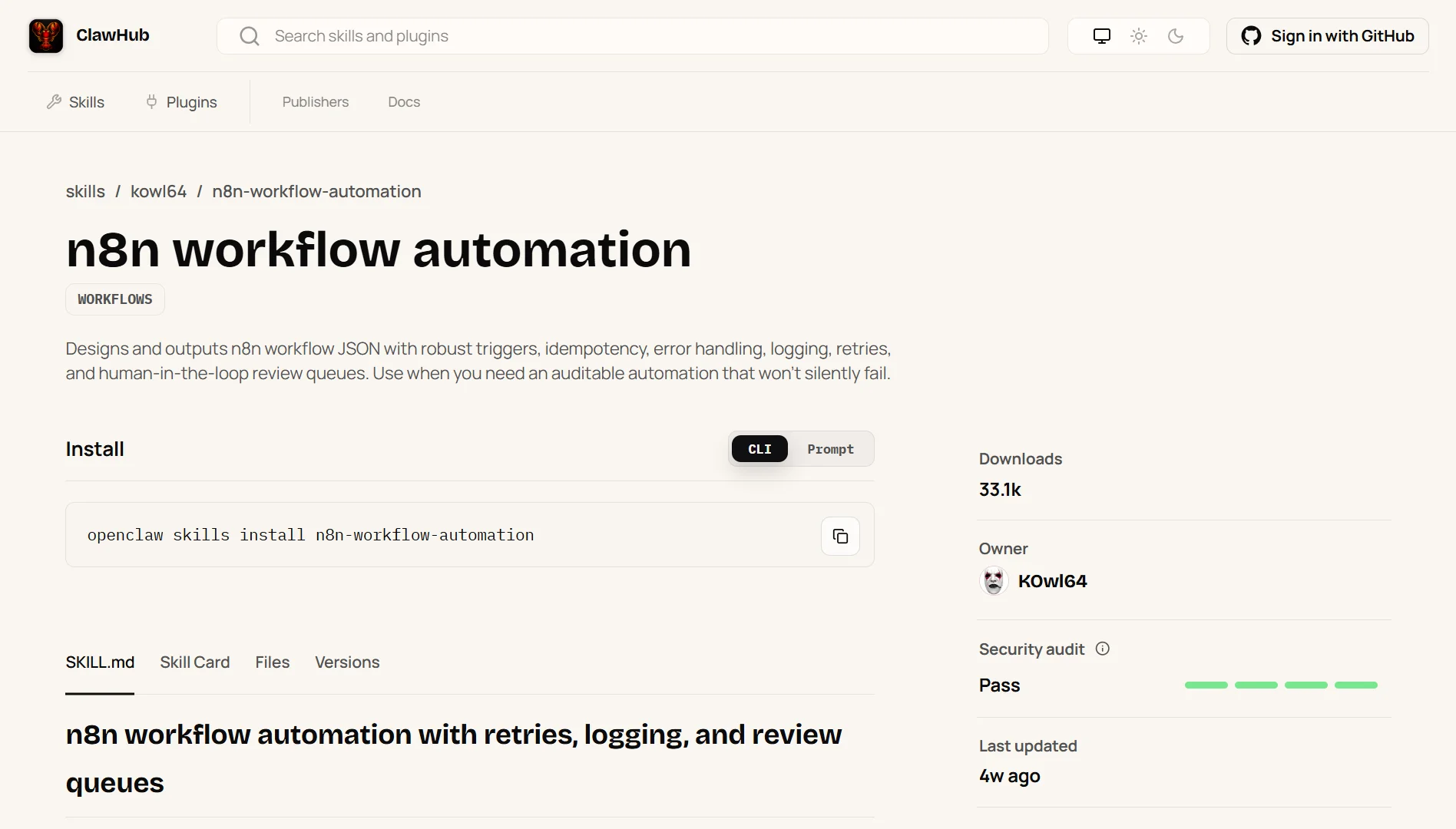
This skill designs and generates n8n workflow JSON files that meet specific requirements.
Robust triggers, idempotency, error handling, logging, retries, and human-in-the-loop review queues with the goal of auditable automation that won’t silently fail.
When you build an automation, you first decide what starts it (a schedule, an incoming signal, or you running it manually).
Then define exactly what data you expect and ensure it’s valid.
You build in a way that prevents duplicates if the automation runs twice by accident.
You add logging so you can see what happened, including a unique ID for each run and any errors that occur.
And you plan for failures by retrying a few times with longer waits between each try, then finally alerting someone if it still doesn’t work.
The human-in-the-loop component writes failed items to a queue and requires approval to reprocess. No silent failure gates stop the workflow and alert if counts or thresholds fail.
The skill outputs either a workflow design spec or, if explicitly requested, an importable workflow.json file plus a runbook.md using a template.
Security rules include: no secrets in JSON; reference env vars or credential names only; enable audit logging; send failure notifications; and enforce least privilege.
N8n is great for people building critical automations that cannot fail silently, teams that need audit trails and approval processes, or anyone using n8n for serious work.
It’s a must-have skill because most automation tutorials skip error handling and idempotency. This skill makes them mandatory.
The read-only default and explicit request requirements for JSON output show careful thought about safety.
If you need automations that work correctly and don’t lose data, install this skill.
9) GitHub Integrations
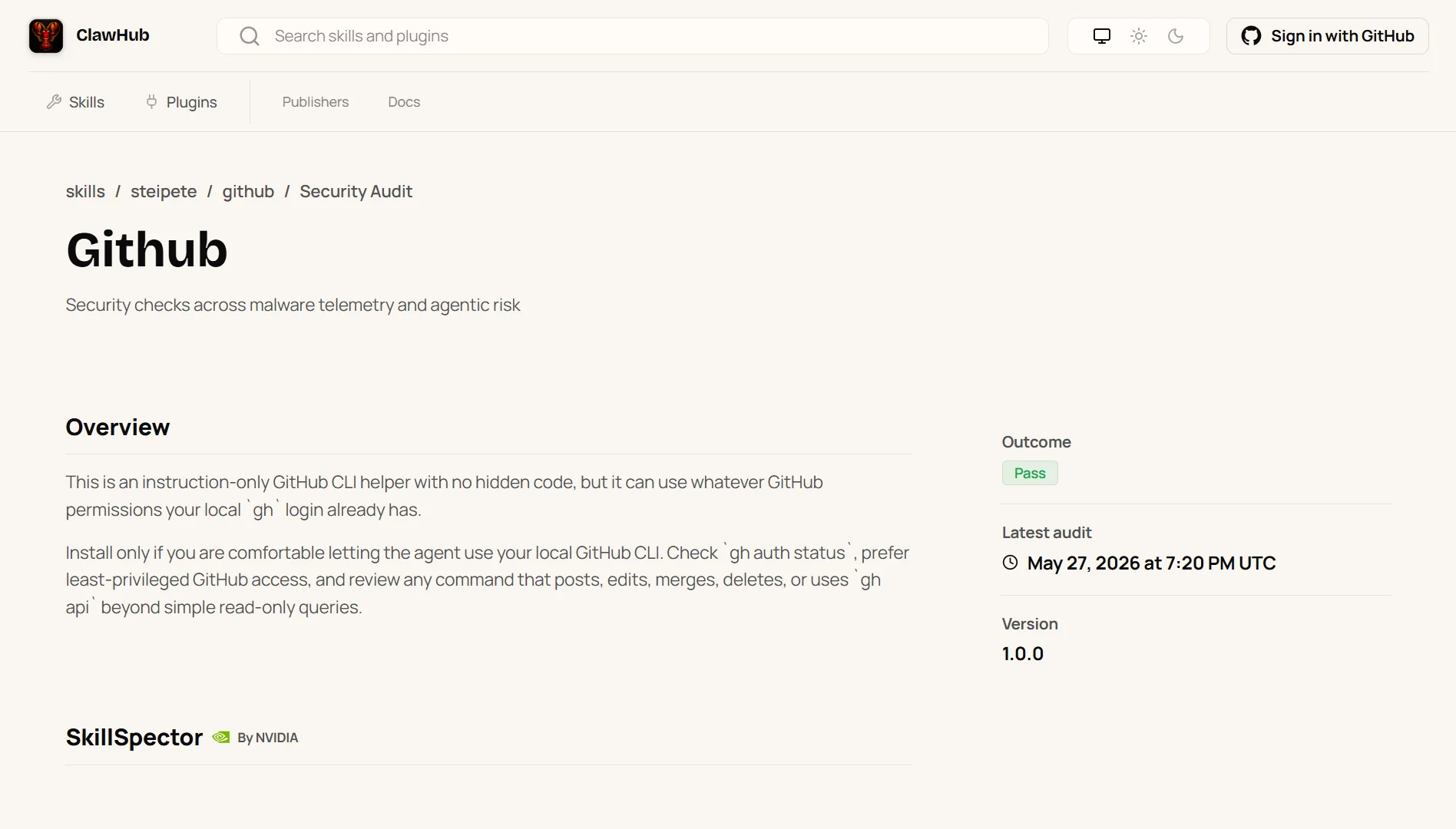
This skill provides guidance on using the gh CLI for GitHub interactions. Always specify the repository with owner and repo when not in a git directory, or use URLs directly.
Common operations include checking CI status on a pull request, listing recent workflow runs, viewing a specific run to see which steps failed, and viewing logs for only the failed steps.
The gh api command is useful for advanced queries not available through other subcommands.
You can get pull requests with specific fields using JSON and jq filters.
Most commands support JSON for structured output. You can pipe that to jq for filtering. For example, listing issues with the number and title fields, then formatting them.
It is ideal for developers who manage GitHub repositories from the command line, people who want to check CI status without opening a browser, or anyone writing scripts that interact with GitHub.
Why it made the list:
The gh CLI is powerful but has a learning curve. This skill gives you the most useful commands in a clear format.
The focus on pull request CI checks and viewing failed logs solves the most common pain point for developers dealing with broken CI runs.
10) Elevenlabs Agent
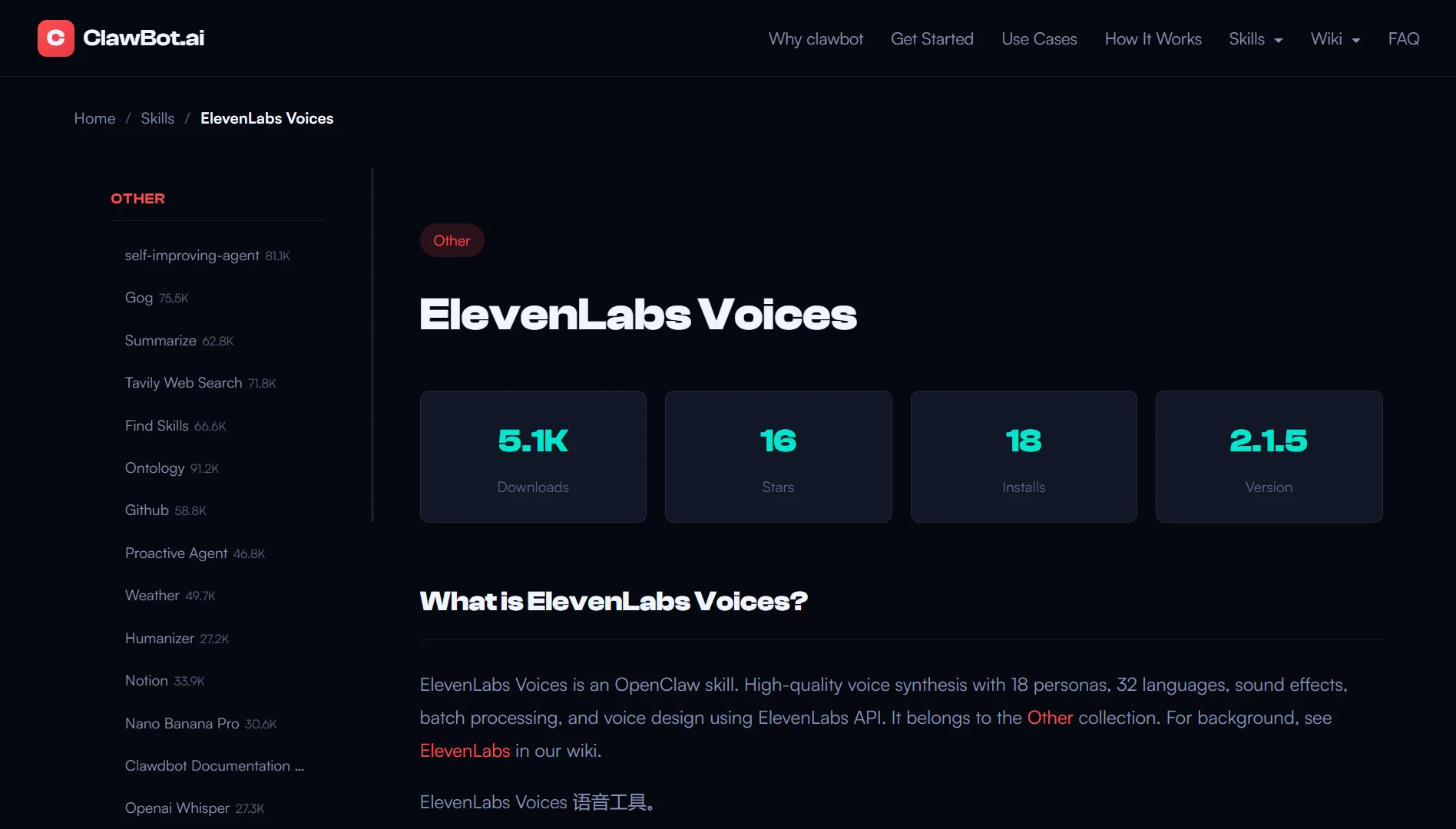
ElevenLabs provides core tools for text-to-speech, sound effects, music generation, voice management, and quota checks through the ElevenLabs API.
The skill includes a model comparison. Eleven v3 is best for expressive and creative audio.
It supports audio tags in square brackets, including laughs, sighs, whispers, excited voice, grumpy voice, and a clear throat. Use this for storytelling, characters, and demos.
Multilingual v2 is stable for multilingual use but has no audio tags. Good for straightforward narration. T
urbo v2.5 offers low latency and is required for real-time or conversational use. Good for non-English languages, including German. Flash v2.5 is the fastest and lowest cost.
Setup instructions are separate and cover prerequisites and setup steps.
Elevenlabs is a good skill for anyone generating audio content. Content creators, developers building voice interfaces, people creating demos or tutorials, and anyone who needs text-to-speech at scale.
It is the best text-to-speech option available right now. This skill gives you clean access to all its features.
The model comparison alone saves you from having to guess which model to use for your specific use case. If you need voice generation, install this skill.
How To Pick an Openclaw Skill
- Check the security badge and audit status first
- Verify the last update date. Anything older than three months is a red flag
- Review the permission scope and make sure it’s minimal viable access
- Check GitHub stars and recent community feedback
- Test in sandbox mode before full install
- Match the skill to your specific role
- Avoid bloated jack-of-all-trades skills that try to do everything
Best Openclaw Skills to Install in 2026 FAQs
You can browse the ClawHub directory, search GitHub for Openclaw skills, or check community recommendations. The openclaw skills search command also works from the CLI.
Use the install command with the skill name. The format is openclaw skills install skill-name. You’ll see the skill card, files, versions, and runtime info before confirming.
Most are safe, but you need to check. Look for security badges, recent updates, minimal permission requests, and positive community feedback. Always test in sandbox mode first.
Yes. Skills can be used independently or together. Just be aware of potential conflicts if two skills try to access the same resources.
Most skills are free. Some may require API keys with their own costs, like ElevenLabs, which uses its own API. The skills themselves are free to install.
It depends on the skill. Gog requires Google Workspace API access and an internet connection. Agent Browser works locally. CalDAV Calendar works offline after sync.
Check each skill’s documentation for specific requirements.
Final Take on Openclaw Skills
The Openclaw ecosystem has grown fast. That’s good and bad. Good because you have options. Bad because you have to filter through a lot of noise.
The ten skills in the article deliver value, are well-maintained and well-documented, and solve real problems.
Start with the skills that match your daily work. Install Marketing Mode if you do marketing.
Install Gog if you live in Google Workspace. Install Automation Workflows if you’re a solopreneur trying to scale.
Skip the skills that try to do everything. Look for recency in updates. Test before you trust. And when you find a skill that works, stick with it.