Domain SearchInstantly check and register your preferred domain name
 Web Hosting
 cPanel HostingHosting powered by cPanel (Most user friendly)
 WordPress HostingHost your WordPress website with fast, secure, and affordable WordPress hosting in Kenya.
 KE Domains
 Reseller HostingStart your own hosting business without tech hustles
 Windows HostingOptimized for Windows-based applications and sites.
 Free Domain
 Affiliate ProgramEarn commissions by referring customers to our platforms
 Free HostingTest our SSD Hosting for free, for life (1GB storage)
 Domain TransferMove your domain to us with zero downtime and full control
 All DomainsBrowse and register domain extensions from around the world
 .Com Domain
 WhoisLook up domain ownership, expiry dates, and registrar information
 VPS Hosting
 Managed VPSNon techy? Opt for fully managed VPS server
 Dedicated ServersEnjoy unmatched power and control with your own physical server.
 Website Builder
 Online Store BuilderLaunch a professional e-commerce store without writing code.
 Web Design ServiceGet a custom-designed website tailored to your brand and goals. From just KES 15,600
 BlogRead our guides on web hosting, online business, digital marketing, and more
 SupportOur support guides cover everything you need to know about our services
 ContactContact us via chat or email
You might think building an online store requires hiring a developer or learning how to code. That used to be true. But not anymore.
Reliable hosting services and website builders have made the process simple enough for anyone to handle. You do not need any technical skills.
If you can use a smartphone and type basic information, you can build a store that sells real products to real customers.
This guide walks you through everything you need to launch your online store in Kenya today.
It is the clear path from where you are now to making your first sale.
By the end, you’ll have all you need to successfully create an online store in Kenya and start selling regardless of your tech skill level.
Before You Build Anything
Pick your niche: do you want to sell physical products (clothes, electronics), digital products (ebooks, courses), or services (consulting, delivery)? Start with one category.
Register your business: use Kenya’s Business Registration Service (BRS). A registered business builds customer trust and is required for payment gateways.
Get a domain name for your website (e.g., yourstore.co.ke). Pick something short and easy to spell. A .co.ke gives local credibility; .com gives broader reach.
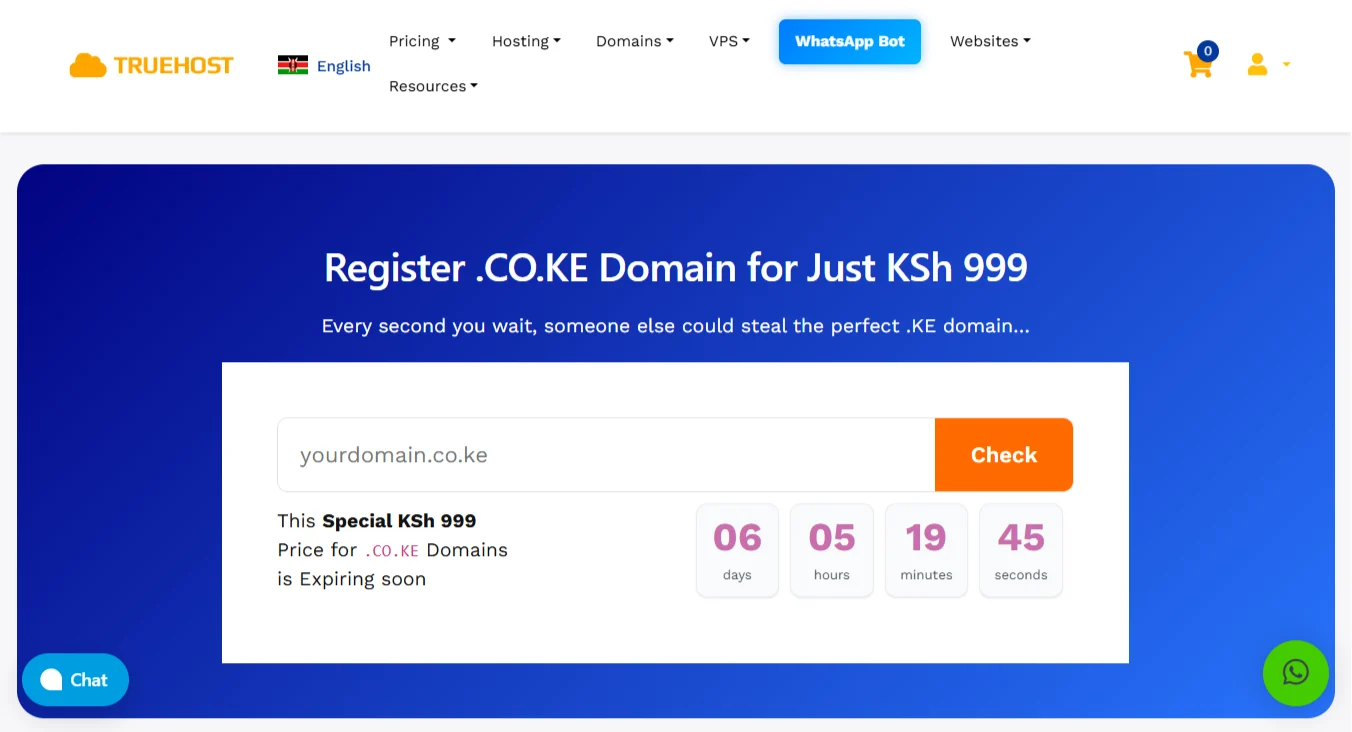
At Truehost, a .co.ke domain is only KSh. 999 and a .com goes for Ksh. 1200.
Create an Online Store
The best thing about building an online store now is that you have options on how to do it. So you can pick one that suits your resources and skill capacity.
PATH A: Using Online Store Builders
If you want your online store up quickly and don’t have any coding skills, online store builders are the way to go.
You pick a website builder like Truehost AI, Wix, Olitt, or Squarespace.
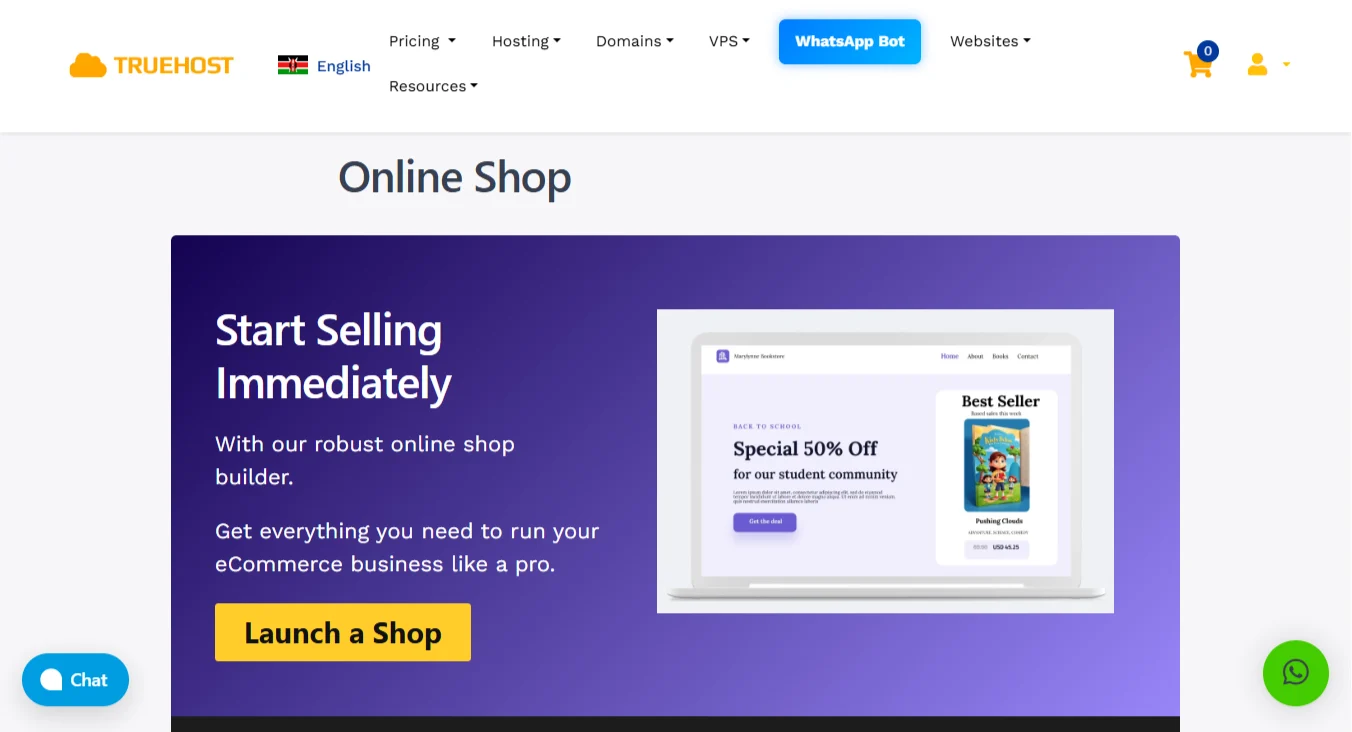
When you use the Truehost builder, you get a free domain and hosting. That means you can skip the step of buying a domain separately.
To create your store using the Truehost website builder, use these steps:
- Sign up for Truehost’s AI website builder. You can start with a free trial or pick a paid plan. The signup takes just a few minutes.
- Answer the AI prompts as needed. The builder will ask you questions about your business and what you want to sell. You just type your answers.
- Review what the AI built for you. Look through the layout and note any areas that need editing. The AI does a good job, but there could be areas you want to edit.
- Customize and edit your website. Change colors, rearrange sections, and add your product photos. It’s so easy, especially with the user-friendly editor.
- Set up payment options. Connect M-Pesa and card payments so customers can pay however they prefer.
- Review everything one last time, then hit publish. You are now selling online.
PATH B: Building with WooCommerce
This path gives you more control over every detail of your online store. WooCommerce runs on WordPress, so you will need a hosting account first.
Step 1: Get Hosting and Install WordPress Via Truehost

Go to Truehost and pick a web hosting plan. The Starter plan works great for new stores and costs KSh 2500/year.
After payment, log in to your cPanel account. Look for the 1-click WordPress installer. Click it and follow the prompts to install.
Step 2: Install and Activate WooCommerce
From your WordPress dashboard, go to Plugins, then Add New. Search for WooCommerce.
Click Install Now, then Activate. After activation, a setup wizard will walk you through basic settings.
Step 3: Choose a WooCommerce-compatible Theme
Your theme controls how your store looks. Good options include Storefront (free and built by WooCommerce), Astra, or Flatsome.
When picking a theme, look for two things:
First, it must be mobile-responsive so that it works on phones. Second, it must load fast because slow stores lose customers.
Step 4: Configure Your Store Settings
Go to WooCommerce, then Settings. Set your currency to Kenyan Shillings (KES). Set your location to Kenya. For tax settings, add 16% VAT where applicable.
The setup wizard can help you with this.
Step 5: Add your Products
Go to Products, then Add New. Give your product a title and description. Set the price. Upload photos.
For simple products, just add a price and stock quantity. For variable products like t-shirts that come in different sizes and colors, use the variable product option to create each variation.
If you sell digital downloads, such as ebooks, enable the downloadable option and upload your file.
Step 6: Set up Kenyan Payment Gateways
This step trips up more people than anything else. But it’s easy with correct guidance.
So, you need a payment gateway to accept money from customers. In Kenya, your options include Pesapal, IntaSend, DPO Pay, or direct M-Pesa via the Daraja API.
For example, if you choose Pesapal, which is the most common choice for Kenyan stores, this is how you’ll do it:
- First, go to the Pesapal website and register for a merchant account. They will ask for your business registration documents. Provide everything they request.
- Once approved, Pesapal gives you three keys: a consumer key, a consumer secret, and an API token. Keep these safe.
- Go back to your WordPress dashboard. Install the official Pesapal WooCommerce plugin. Activate it. Go to WooCommerce> Settings> Payments.
- Find Pesapal in the payment methods list. Click it to enable it. Paste your consumer key and consumer secret into the fields. Set the environment to live when you are ready to accept real payments.
- Save your settings. Then run a test transaction with a small amount to make sure everything works before you launch.
For direct M-Pesa via Daraja, you need a Safaricom developer account and more technical setup.
Unless you have coding experience, stick with Pesapal or IntaSend for a smoother start.
Step 7: Configure Shipping Zones
After setting up payment, you are now ready to set up shipping zones.
Go to WooCommerce> Settings> Shipping. Add shipping zones based on where you deliver.
Then, create a zone for Nairobi. Add another for the rest of Kenya.
If you deliver to East Africa, add a third zone for Uganda, Tanzania, and other neighboring countries.
For each zone, add shipping methods, such as flat rate or free shipping, for orders above a specified order amount.
Step 8: Install Essential Plugins
Finally, you need a few extra plugins to improve your store’s performance. Just to mention a few:
- Yoast SEO helps your store show up on Google.
- WooCommerce PDF Invoices automatically sends receipts to customers. A
- A security plugin like Wordfence protects your store from hackers.
- A caching plugin like LiteSpeed Cache speeds up your site.
Remember how we installed WooCommerce in step 2? That’s how you’ll install other plugins from the Plugins menu.
Additional Steps Before You Launch
Do this before you launch your online store:
- Mobile-first: Most Kenyan internet users use mobile devices. Your store must look and work perfectly on a phone before you even think about the desktop version. So test every button and text on your phone first.
- M-Pesa: test it repeatedly until you are certain it works every single time. Then test it again. Most payments in Kenya are through M-Pesa, so it has to work flawlessly.
- Delivery logistics: Be realistic about how you will get products to customers. Managing customer expectations on delivery time is critical. Tell customers exactly when to expect their order.
- Trust signals: Kenyan online shoppers remain cautious about unfamiliar stores. A new store without clear contact information looks suspicious. Add a visible phone number to your site and include a physical location.
- Social media: Promote your website across various channels. Facebook, Instagram, and TikTok all work well for Kenyan stores. Post your products regularly and share customer reviews when you get them.
Start Creating Your store today
You don’t need everything figured out to create an online store. You can always improve your store later.
But you cannot make a single sale from a store that does not exist yet.
So here is your next step. Go to Truehost Kenya right now. If you want the fastest route, use our AI website builder.
The Starter plan goes for just KSh 2546/year. That includes a free .co.ke domain, free hosting, a business email, and all the tools you need to start selling.
If you want more control with WordPress and WooCommerce, grab our WebHosting Starter plan. It is Ksh 2,500 for the whole year.
You get hosting for up to 10 websites, free SSL, unlimited email accounts, free daily backups, and a 1-click WordPress installer.
Whichever path you pick, you get local support from a Kenyan company that has helped over 100,000 businesses get online.
So get your domain and hosting from Truehost Kenya and launch this week.