Rank #1 on Google Maps
India English
Kenya English
United Kingdom English
South Africa English
Nigeria English
United States English
United States Español
Indonesia English
Bangladesh English
Egypt العربية
Tanzania English
Ethiopia English
Uganda English
Congo - Kinshasa English
Ghana English
Côte d’Ivoire English
Zambia English
Cameroon English
Rwanda English
Germany Deutsch
France Français
Spain Català
Spain Español
Italy Italiano
Russia Русский
Japan English
Brazil Português
Brazil Português
Mexico Español
Philippines English
Pakistan English
Türkiye Türkçe
Vietnam English
Thailand English
South Korea English
Australia English
China 中文
Somalia English
Canada English
Canada Français
Netherlands Nederlands

Openclaw hosting

OpenClaw Hosting in Kenya.Set Up a Workspace for Your Assistant.

An assistant needs somewhere to run and clear instructions about what it may do. Our OpenClaw hosting provides a pre-configured environment where you can connect the tools you choose and build a routine you can review.

Start with OpenClaw Starter

Kshs 788.25 / month

Billed every 3 years · Kshs 28,377 recurring total

  • 1 vCPUProcessor
  • 2 GB RAMMemory
  • 50 GBNVMe storage

OpenClaw Hosting Pricing

Billing cycle

Best value compares each plan's lowest monthly equivalent; contract lengths can differ.

Swipe sideways to compare all 3 plans

OpenClaw Starter

Kshs 877/moSave 10%

Kshs 788.25/mo

Kshs 28,377 billed every 3 yearsSave KES 3,195

Order Now

Renews at Kshs 788.25/month

  • 1 vCPU Core
  • 2 GB RAM
  • 50 GB NVMe Storage
  • 4 TB Bandwidth
  • Pre-configured OpenClaw

OpenClaw Business

Kshs 3,867/moSave 12%

Kshs 3,416.58/mo

Kshs 122,997 billed every 3 yearsSave KES 16,215

Order Now

Renews at Kshs 3,416.58/month

  • 4 vCPU Core
  • 8 GB RAM
  • 200 GB NVMe Storage
  • 8 TB Bandwidth
  • Pre-configured OpenClaw

A place for repeatable assistant work

Give the assistant a defined job and the access needed to complete it.

A separate working environment

Keep the hosted workspace distinct from the computer you use for everyday work. You can organise its configuration and connections without turning your personal machine into the deployment environment.

Tools chosen for the job

Start with the files or service the task actually requires. Add other connections when you have a reason to use them, and check what each connection allows the assistant to read or change.

A routine you can review

A useful task has a clear starting point and an expected result. Keep the first version small enough that you can inspect the output, spot an error and decide what to change.

Start with a bounded task

These are illustrative tasks you could configure, not promises of unattended results.

Prepare a review draft

Give the assistant approved notes and ask for a draft update. A person reviews the wording and facts before anything reaches a customer.

Organise an internal digest

Use an agreed set of documents to prepare a short list of changes or open questions. Define the source material and the period the digest covers.

Support a development task

Provide a test repository or a limited project folder. Review suggested changes and run the project’s checks before accepting work into the main codebase.

Make the first task easy to check

Build confidence in a small routine before widening its responsibilities.

Describe the result

Write down the input, expected output and situations that need a person. A task such as preparing a draft is easier to review than a broad instruction to manage the business.

Connect the selected tools

Configure your chosen model provider and the required services. Check account permissions and provider charges rather than assuming the hosting fee covers every connection.

Try representative examples

Run the routine with a few normal cases and a deliberately incomplete input. Check whether it asks for help, produces a useful result or makes an unsupported guess.

Keep a review point

Decide who checks failures and who can approve a wider task. Record configuration changes so you can trace a different result back to the change that caused it.

Choose capacity and operating responsibilities

Resources for the workload

Our plans list processor, memory, storage and bandwidth. Compare these with the software and simultaneous tasks you intend to run. A hosted assistant still consumes resources as its work grows.

Model access

OpenClaw can connect to model providers. Your provider account, model choice and usage charges follow that provider’s terms. Keep the access details in the appropriate configuration, not in public instructions.

Updates and a recovery copy

The plan includes one-click updates for the installed workspace. Before an update, keep a recovery copy and note the version you run. Repeat your trial tasks afterward so you can spot a changed result before it affects daily work.

Controlled actions

Reading a document and sending a message carry different consequences. Set permissions and review requirements that fit the task. Give the assistant a way to stop and ask when an input falls outside the agreed scope.

OpenClaw Hosting FAQs

Practical answers about choosing a plan, connecting your tools and running your first assistant.

What do I receive with an OpenClaw hosting plan?

You get the hosting resources shown beside your plan and a pre-configured OpenClaw workspace. Our Kenya catalogue also lists automatic installation, one-click updates and dedicated support.

OpenClaw brings your chosen AI model and connected tools into a working assistant. Once the workspace is available, you configure the model account, add the connections you need and give the assistant a clear task. For example, you could begin with a draft morning brief from approved notes, then review the result before adding more work.

Compare the plan resources and billing terms before choosing your workspace.

Which OpenClaw plan should I start with?

Choose around the work you want to run, rather than the number of people who may send the assistant a message. The current Kenya plans offer these resource levels:

  • Starter: 1 vCPU, 2 GB RAM and 50 GB SSD storage.
  • Pro: 2 vCPU, 4 GB RAM and 100 GB SSD storage.
  • Business: 4 vCPU, 8 GB RAM and 200 GB SSD storage.

A first routine that prepares short drafts has different demands from several tools running at once. Check the requirements of any extra software, try representative tasks and watch memory, processor and storage use before expanding the workload. The pricing cards show the available terms and the amount billed for each.

Are AI model charges part of the hosting price?

Hosting and model usage are separate parts of your budget. The hosting plan pays for the workspace and its listed resources. A connected model provider may charge for requests, require a subscription or offer its own account allowances.

Estimate the whole routine before committing:

  • Hosting: check the selected billing term and full upfront total.
  • Model usage: review your provider’s prices and any spending controls.
  • Connected services: include subscriptions needed for the tools you choose.

Test with a small set of tasks first. Frequent runs, long documents and repeated retries can change model usage even when the hosting plan stays the same.

Can I connect WhatsApp, Telegram or other messaging services?

Yes. OpenClaw supports messaging channels including WhatsApp, Telegram, Slack and Discord. Each connection has its own setup, account requirements and access controls; you choose which channel fits your routine.

A practical starting point is to connect one channel, limit who can use it and try a few ordinary requests. Check that the assistant receives the right message and returns the result to the intended conversation. Add other channels after that first connection works reliably in your tests.

For customer messages, keep a review step before sending quotes, promises or account changes. See the OpenClaw channel guides for the setup instructions for your chosen service.

Can the assistant run when my laptop is switched off?

Yes. The hosted OpenClaw workspace runs on the server, so it does not depend on leaving your laptop open. That makes it useful for a routine you want to access from another device or through a connected messaging service.

The routine still depends on its configuration, connected services and model account. For a morning brief, for example, you need to provide the relevant sources, arrange when it runs and choose where the result should appear. Test a complete run with your laptop off, then check both the result and any failed connection.

Keep a person responsible for reviewing errors and maintaining the setup as accounts or requirements change.

How do I get started after choosing a plan?

Our offer provides the pre-configured workspace. Your next step is to make it useful for one task:

  1. Connect your chosen model. Add the provider account or access details required by that integration.
  2. Add the necessary tools. Start with one channel or a limited folder of approved documents.
  3. Describe a clear result. For example, ask for a draft list of today’s meetings and outstanding replies.
  4. Try it and review. Check normal inputs, a missing detail and a failed connection before using it for daily work.

Keep the initial scope small. It is easier to improve one working routine than to diagnose a broad instruction involving several unfamiliar services.

Do I need coding experience to use OpenClaw hosting?

A pre-configured workspace reduces the installation work, but you still need to set up accounts, permissions and task instructions. A simple messaging connection is a different project from a custom integration with your company’s systems.

Start with the standard setup guide for the feature you need. Gather the relevant account access and decide who will maintain it. If your project needs custom code, several agents or an unusual tool, involve someone who can configure and test that part of the system.

Before ordering, describe any setup help you need and confirm that it falls within the support listed for your plan.

Can an assistant work with our business documents?

It can work with files and tools that you make available to the task. Begin with a defined set of documents, such as approved product notes or an internal project folder, rather than giving broad access to everything the business stores.

  • Choose the source: identify the documents needed for the requested result.
  • Limit access: use permissions appropriate to reading, drafting or changing files.
  • Review data handling: check the terms of the model and other services receiving the material.
  • Check the output: compare important facts with the source before sharing the result.

Try non-sensitive examples first. Self-hosting the workspace does not by itself determine how a connected external service handles data.

Will OpenClaw complete every request correctly?

Results depend on the model, instructions, source material and available tools. Treat the first version of a routine as something to test and improve, with checks suited to the outcome.

Make the review specific:

  • Compare a written draft with the original notes.
  • Validate totals or calculations against the underlying records.
  • Run the project’s tests before accepting a software change.
  • Ask for approval before sending a message or making a consequential change.

Include an incomplete input in your trial runs. Decide when the assistant should stop and ask a person, rather than continuing with an unsupported assumption.

Who looks after updates and the workspace?

The Kenya offer lists installation, one-click updates and dedicated support. Keep someone in your team responsible for the assistant’s instructions, connected accounts and everyday review routine.

Before updating, record the installed version and keep a recoverable copy of the relevant workspace data. Afterward, repeat a few tasks that worked before the change and check that the expected tools and channels still respond.

When asking for help, share the affected task, the time the issue started and the error shown. Use the appropriate protected support channel for access details, and confirm the support scope when the work involves custom integrations.

What should I keep for recovery or a later move?

Keep a protected recovery copy of the parts you would need to recreate the working setup:

  • Workspace files and instructions used by your routine.
  • Configuration and version notes for the installed application and tools.
  • Connection details stored securely, with a clear way to restore or replace access.
  • Test examples that show how a successful result should look.

A saved copy is more useful when you know how to restore it. Test recovery in an isolated environment and review access when a connection is removed or someone leaves the team. Arrange the recovery method and storage that suit your requirements.

How is this different from a standard VPS?

Our OpenClaw plans provide a workspace prepared for OpenClaw. A standard VPS provides a general server environment where you take responsibility for selecting and deploying the application.

Choose the OpenClaw route when you want to begin with the listed pre-configured workspace. Compare a standard VPS when you want to manage the application deployment yourself or run a different software stack. In either case, check the resources and the responsibilities that come with the specific offer.

Compare our VPS plans if you need a general server environment.

Guides

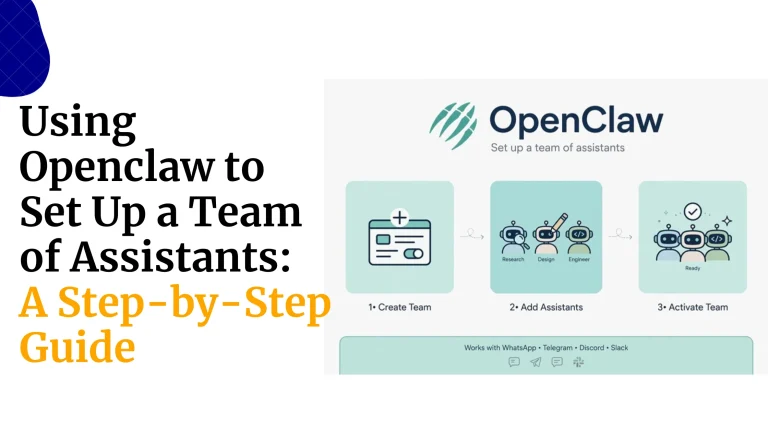
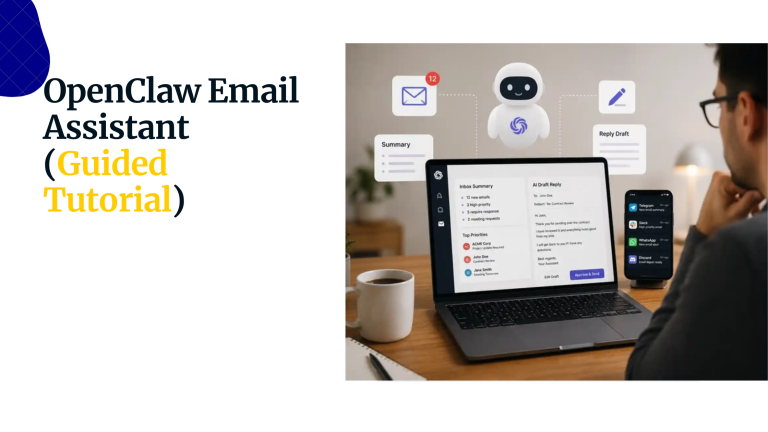
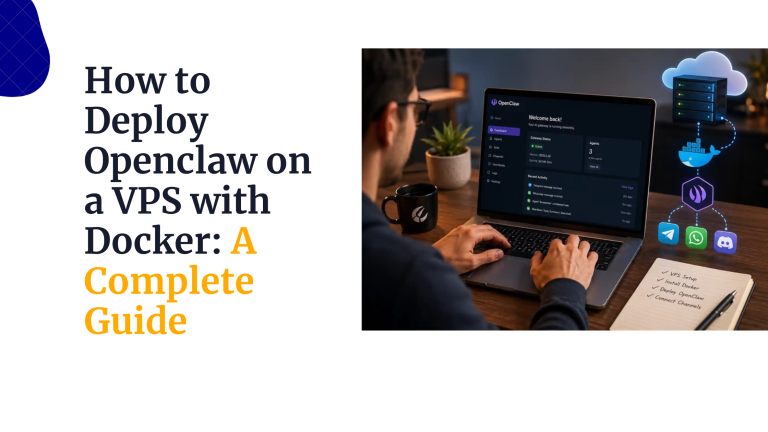
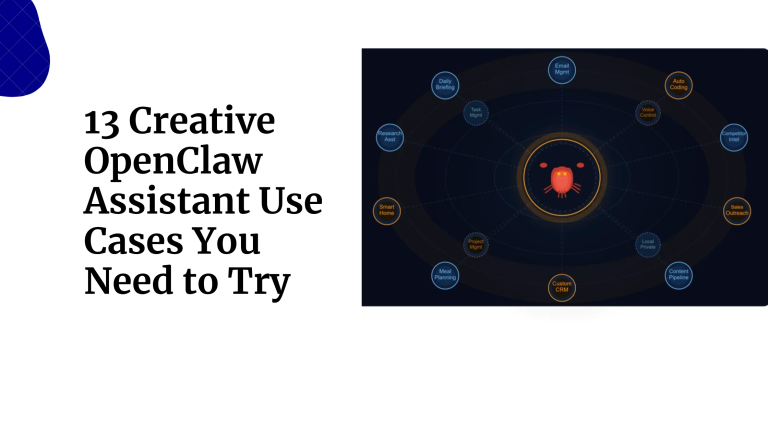
OpenClaw guides

Practical help for your next step.

Prefer to configure your own server?

Our VPS options provide a general server environment for the software you choose. Compare their resources and administration requirements.

Compare VPS plans →

Give your assistant one clear job.

Compare the plans, choose the resources you need and build a first routine you can review.