Domain SearchInstantly check and register your preferred domain name
 Web Hosting
 cPanel HostingHosting powered by cPanel (Most user friendly)
 WordPress HostingHost your WordPress website with fast, secure, and affordable WordPress hosting in Kenya.
 KE Domains
 Reseller HostingStart your own hosting business without tech hustles
 Windows HostingOptimized for Windows-based applications and sites.
 Free Domain
 Affiliate ProgramEarn commissions by referring customers to our platforms
 Free HostingTest our SSD Hosting for free, for life (1GB storage)
 Domain TransferMove your domain to us with zero downtime and full control
 All DomainsBrowse and register domain extensions from around the world
 .Com Domain
 WhoisLook up domain ownership, expiry dates, and registrar information
 VPS Hosting
 Managed VPSNon techy? Opt for fully managed VPS server
 Dedicated ServersEnjoy unmatched power and control with your own physical server.
 Website Builder
 Online Store BuilderLaunch a professional e-commerce store without writing code.
 Web Design ServiceGet a custom-designed website tailored to your brand and goals. From just KES 15,600
 BlogRead our guides on web hosting, online business, digital marketing, and more
 SupportOur support guides cover everything you need to know about our services
 ContactContact us via chat or email
You have the skill. Maybe you are really good at building websites, writing clean copy, designing logos, or keeping busy executives organized.
You have done work for people, made some money, and you know you can do more.
But there is one thing holding you back. You still look like everyone else.
Right now, your profile is sitting on some freelance marketplace next to a thousand other people offering the same thing.
You are competing on price. You are waiting for clients to notice you. And honestly, it is exhausting.
So here is a question for you. What if clients came to you directly? What if they saw your name, trusted your work, and reached out because they already knew you were the real deal?
That is what having your own freelance website does. It elevates your game completely.
Now you might be thinking, “But I don’t know how to start a freelance website. I am not a tech person. Won’t it be expensive and complicated?”
Relax. It is not. We will walk through the process together in this guide, in simple, practical steps, to get you online and start making money from your skills.
What Is a Freelance Website?
First, let’s get one thing clear. A freelance website is not an online CV. It is not a PDF of your resume that you post online.
It’s the place you send potential clients to see what you can do for them.
While other freelancers are fighting for attention on Upwork or Fiverr, you have your own space where you can optimize to be visible to potential clients.
A good freelance website does three things:
- It shows your work: This is your portfolio, the proof that you deliver quality.
- It tells who you are: People want to know who they are hiring. Your “About” page is where you connect with them.
- It makes it easy to hire you: A clear call to action, a contact form, and a way for people to pay you.
Examples of freelancers who need a website include:
| Freelance work | Why get a website |
| Graphic designer | Shows your portfolio so clients can see your style. |
| Writer | Hosts your samples and proves you can deliver quality. |
| Web developer | Displays the sites you have built and your skills. |
| Virtual assistant | List your services and make it easy for clients to hire you. |
| Consultant | Builds trust and clearly explains what you offer. |
How to Start a Freelance Website
You can build a freelance website without advanced technical skills. You just need to follow these steps:
Step 1: Nail Down Your Niche
Be specific about what you do. For example, instead of saying you are a writer, try something like “I write blog posts for fintech companies.”
Being specific makes you more professional and proficient in that particular field.
Step 2: Your Name
You need a domain name that will serve as your identity. Ideally, you can use your name, for example, if you are a freelance graphics designer, you can use a name like pendographics.co.ke.
Ensure your domain name is easy to spell and pronounce over the phone to improve memorability during client interviews.
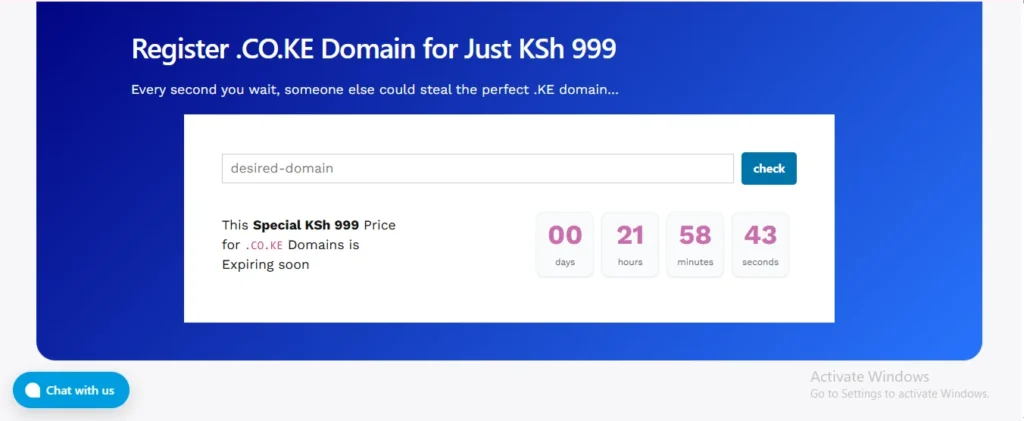
For a Kenyan audience, a .co.ke domain is perfect. It signals to clients that you are local and accessible.
At Truehost, we offer competitive pricing for popular Kenyan, African, and international domain extensions.
For example, a new .CO.KE registration is just KSh 999.
Step 3: Choose a Building Tool
To build a freelance website, you can either choose an AI website builder or build on WordPress.
Either way, both mean you don’t have to learn code to build a website.
If you want something stunning, fast, and you don’t want to deal with any technical headaches, use an AI website builder.
Our Olitt website builder is a game-changer. It’s a drag-and-drop tool, meaning you simply select elements and move them where you want on the page. No coding required.
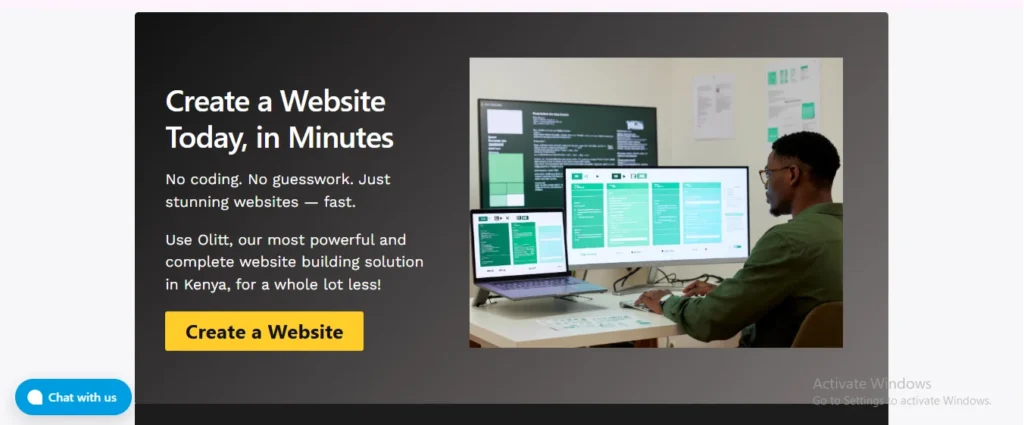
You simply create a website in minutes. You select a template, customize it with your information and images, and click publish. It’s that fast.
Olitt is perfect for freelancers because it includes everything:
- Free hosting
- Free SSL
- Free business emails
- Powerful marketing tools to help you get found on Google.
You can even start with a free subdomain like mybusiness.olitt.com to test the waters before connecting your fancy new .co.ke domain.
If you want more control and plan to scale up to a huge site with lots of features, WordPress is the way to go. It’s slightly more powerful but still very user-friendly.
You will need two things: a domain name and hosting. Hosting is where your freelance website files live.
At Truehost, we offer freelance web hosting services in Kenya and understand the needs of Kenyan websites.
Our servers are fast and local, meaning your site loads quickly for your clients here.
Our plans start from as low as KSh 188 per month (when billed triennially).
With our Web Hosting Unlimited plan, you even get a free .CO.KE domain (with the annual plan), unmetered SSD storage, and can host unlimited websites.
Plus, all our plans include a free control panel (cPanel) and a 1-click installer for WordPress, so you can set it up instantly.
Step 4: Build Your Pages
Your freelance website needs these pages:
Home: explain who you are and what you do in a few sentences. Example: “I help small businesses in Nairobi build brands that people remember.”
Portfolio/Work: Display your best work. If you are new and have no client work, create sample projects for imaginary companies.
Services: List what you offer and your prices. Use package pricing, such as the Website Design Package at Ksh 25,000.
About: Tell your story. Explain where you learned your skills and why you do what you do.
Contact: Make it easy for people to reach you. Use a simple form, include your email, and link your WhatsApp for quick conversations.
How to Make Money from a Freelance Website
Okay, your website is live. It looks great. Now, how does the money come in?
You can’t simply build it and expect people to magically find you. You need a strategy.
a) Use Your Site to Get Better Clients
Your website is your salesperson. When a potential client lands on it, you want them to feel confident hiring you. This allows you to charge more.
If you wrote blog content, show how its traffic increased. Discuss the outcome you delivered for them.
In Kenya, word of mouth is everything. Get written testimonials from your happy clients and put them on your site.
Even better, record a short voice note from them on WhatsApp and ask if you can use it. Nothing builds trust like a good review from a previous client.
b) Turn One-Off Projects into Monthly Retainers
Wanna make a consistent income? Instead of always hunting for the next big project, offer ongoing services.
- For web designers: offer a Website Maintenance package. For Ksh 5,000 per month, you will keep their site updated, back it up, and ensure it’s secure.
- For a social media manager: Offer a monthly retainer to handle their posts and engagement.
- For a writer: Offer a monthly blog post package.
This is recurring revenue. It pays your rent while you look for the bigger, one-off projects.
c) Sell Digital Products from Your Site
You have skills and knowledge. Package it and sell it while you sleep.
You can sell:
Templates: Are you a web developer? Sell a simple HTML template. A graphic designer? Sell Canva templates for Instagram stories or resumes. A copywriter? Sell email swipe files.
E-books/Guides: Turn your expertise into a guide. You can sell this directly on your website.
With our Olitt website builder, you get eCommerce features, so setting up a shop to sell these digital products is a breeze.
You can also integrate M-Pesa to make it easy for local buyers to pay.
d) Use Your Network and LinkedIn
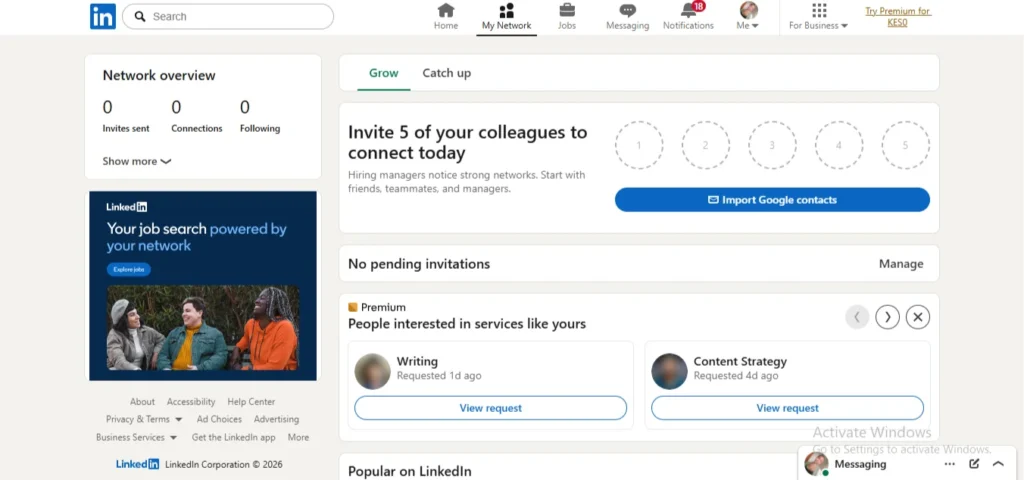
Your website is your home base, but you need to drive traffic to it.
Update your LinkedIn profile to point to your website. Post content regularly that demonstrates your expertise. Share a tip, a case study, or a client win.
Also, tell your friends, family, and former colleagues what you do. You will be surprised by who needs your services.
Join local business WhatsApp groups and share your website link when appropriate. However, don’t spam; be helpful and let people know you are available.
e) Work with Other Freelancers
You can’t do everything. If you are a web developer, partner with a copywriter and a graphic designer.
When a client comes to you for a website, you can bring in your partners to handle the text and the logo.
You become a one-stop shop, can charge more for the complete package, and get referrals from your partners when they need a developer for their clients.
Final Take
Building your own freelance website is one of the best moves you can make for your career.
It moves you from being just another name on a job board to a professional with your own online presence.
You control how people perceive you, what you charge, and how you work with clients.
You don’t need outstanding tech skills to do this. You don’t need a big budget. You just need a plan, a domain name, and the right tools to bring it all together.
And we are here to help you with every step.
You can start by getting your .co.ke domain for just KSh 999 to establish your local presence. Then choose a suitable building path.
If you want something fast and simple, use our Olitt website builder to create your site in minutes with no coding required.
If you want more control and room to grow, pick one of our web hosting plans starting from KSh 188 per month.