Domain SearchInstantly check and register your preferred domain name
 Web Hosting
 cPanel HostingHosting powered by cPanel (Most user friendly)
 WordPress HostingHost your WordPress website with fast, secure, and affordable WordPress hosting in Kenya.
 KE Domains
 Reseller HostingStart your own hosting business without tech hustles
 Windows HostingOptimized for Windows-based applications and sites.
 Free Domain
 Affiliate ProgramEarn commissions by referring customers to our platforms
 Free HostingTest our SSD Hosting for free, for life (1GB storage)
 Domain TransferMove your domain to us with zero downtime and full control
 All DomainsBrowse and register domain extensions from around the world
 .Com Domain
 WhoisLook up domain ownership, expiry dates, and registrar information
 VPS Hosting
 Managed VPSNon techy? Opt for fully managed VPS server
 Dedicated ServersEnjoy unmatched power and control with your own physical server.
 Website Builder
 Online Store BuilderLaunch a professional e-commerce store without writing code.
 Web Design ServiceGet a custom-designed website tailored to your brand and goals. From just KES 15,600
 BlogRead our guides on web hosting, online business, digital marketing, and more
 SupportOur support guides cover everything you need to know about our services
 ContactContact us via chat or email
Not too long ago, building a website meant hiring a developer, learning to code, or spending weeks figuring things out. And for a beginner, you’d find it complicated, expensive, and honestly a bit scary. But things have changed a lot.
Today, you can build a beautiful, working website in a single afternoon with no coding skills or technical background. That’s the magic of no code website builders.
In 2026, these no code website builder tools come with:
-
AI features that can generate an entire website in seconds
-
Drag-and-drop editors that let you design pages like you’re rearranging furniture
-
Built-in tools to help your site show up on Google
They are perfect for starting a blog, setting up a shop, or launching a business. There’s a no code website builder that fits exactly what you need.
So, we have put this guide together to help you pick the right one. But first, here’s a full comparison of the best options available right now.
No Code Website Builders Quick Comparison
The table below gives you a side-by-side look at all the no code website builders that will cover in the article. Use it to quickly spot which one matches your needs before reading the full details.
| Builder | Starting Price | Free Plan | AI Builder | Ecommerce | Ease of Use | SEO | Best For |
| Truehost | From ~$0/mo | Yes | Yes | Yes | Very Easy | Basic–Good | Beginners, small biz |
| Wix | ~$17/mo | Yes | Yes | Yes | Very Easy | Strong | Beginners, business |
| Shopify | ~$39/mo | No | Yes | Advanced | Easy | E-commerce SEO | Online stores |
| Squarespace | ~$16/mo | No | Limited | Yes | Easy | Good | Portfolios, creatives |
| Webflow | ~$14/mo | Yes | Limited | Yes | Medium | Advanced | Designers, agencies |
| Framer | ~$10/mo | Yes | Yes | Limited | Easy | Performance SEO | Landing pages, startups |
| WordPress.com | ~$4/mo | Yes | Limited | Yes | Medium | Strong blogging | Bloggers, publishers |
| Olitt Builder | ~$0/mo | Yes | Yes | Yes | Very Easy | Basic–Good | Beginners, small biz |
Let’s now get into the details.
1) Truehost
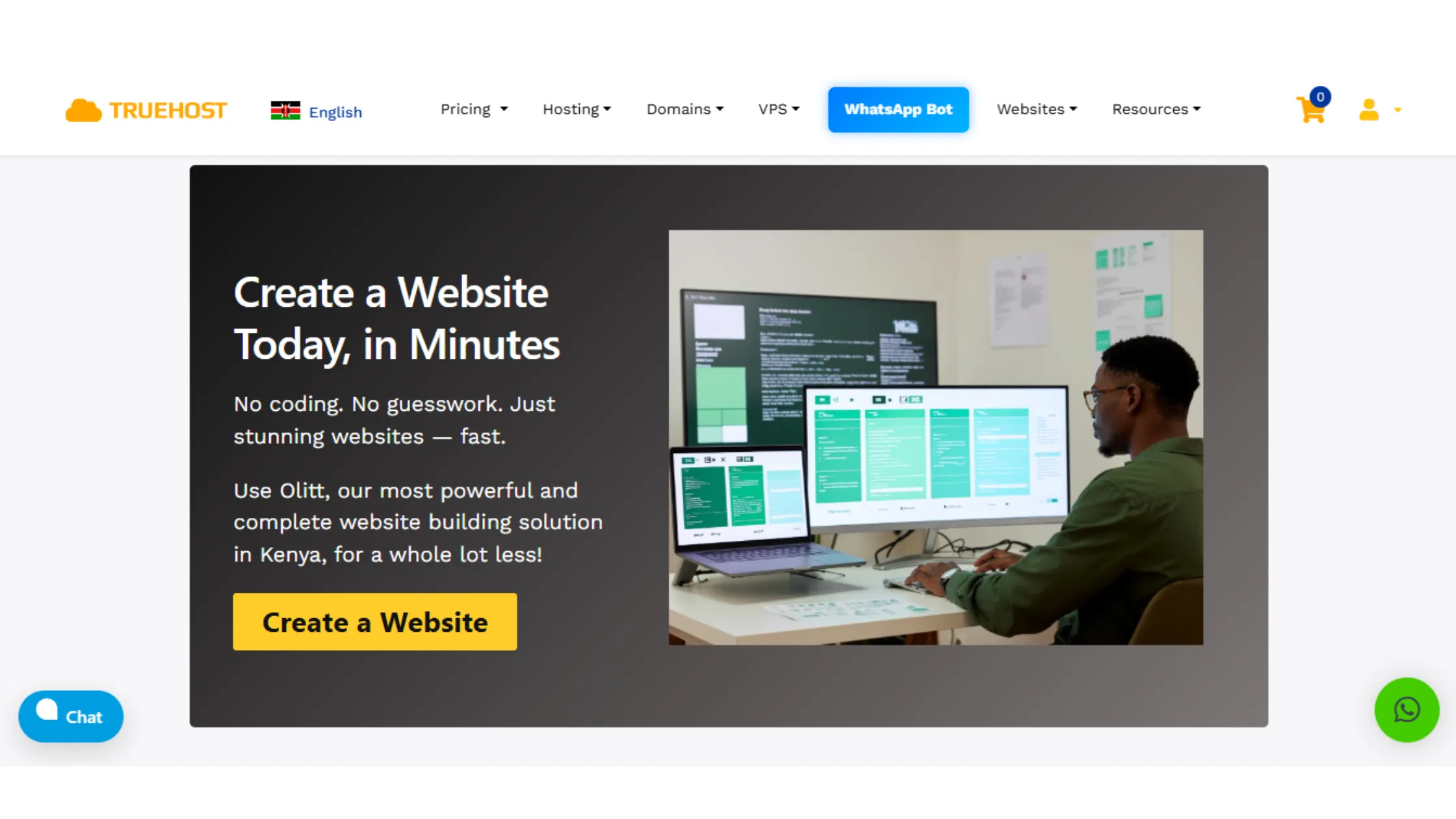
If you’re just getting started with building a website, Truehost no code website builder makes the whole process feel less scary. It’s a well-known hosting platform across Africa and beyond, and it’s built with regular people in mind.
Truehost comes with a built-in AI website builder that does the heavy lifting for you at the start.
Here is what you do starting off.
You describe
-
What your website is about
-
Your business name
-
What you do
-
What pages you need
The AI puts together a starting design for you. From there, you can click and edit things to make the site feel like yours.
The Truehost no code website builder includes these features;
a) Drag-and-Drop Website Editing
Once your site is generated, editing is done through a simple drag-and-drop editor. That means you can click on any part of your page, a heading, an image, a button — and move it, resize it, or change the text without writing a single line of code.
What you see on screen is exactly what your visitors will see.
b) E-commerce and Online Store Features
Truehost supports online stores, so if you’re selling products or services, you can set that up right from the same platform. Add your products, set your prices, connect a payment method, and your shop is ready to go.
c) Mobile Responsiveness and Template Options
All templates on Truehost are mobile-ready, which means your website automatically adjusts to look good on phones, tablets, and computers. Most people today browse the internet on their phones. A site that looks bad on mobile will push visitors away quickly.
Truehost No Code Website Builder Pricing
| Plan | Price | What’s Included |
| Starter | Under KSh 217/month | 1GB Storage & Unlimited Bandwidth, Free .co.ke domain, SSL, business email |
| Pro | ~KSh547/month | 10GB Storage & 500 Contacts,3 Business Emails & 25 Forms |
| Business | ~KSh2200/month | 50GB Storage & 2000 Contacts , 7 Business Emails & Unlimited Forms |
Truehost Website Builder Pros
- AI website builder included
- Very beginner-friendly, no coding needed
- Free SSL certificate and professional business email included
- E-commerce and online store features built in
- M-Pesa payment support for easy local billing
- Very affordable, one of the lowest-priced options
- All-in-one: hosting, domain, email, and builder in one place
Truehost Cons
- Template library is smaller than some bigger platforms
- Advanced customization options are more limited
- Support response can slow down during peak hours
2) Wix
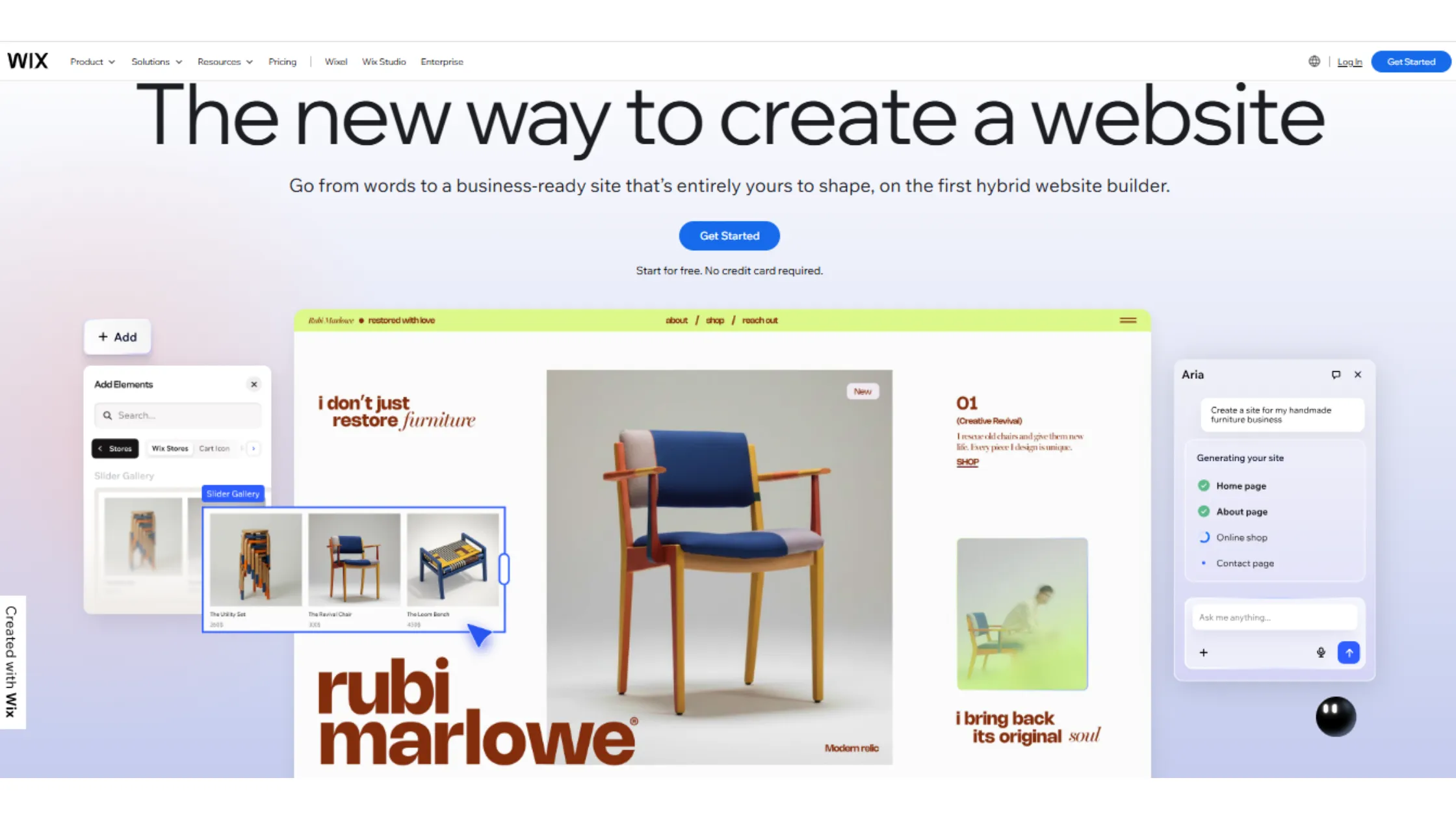
Wix is probably the most well-known name in the no code website builder world, and for good reason. It’s packed with features, easy to use, and flexible enough for almost any type of website.
a) AI-Powered Website Creation Tools
Wix has a feature called Wix ADI (short for Artificial Design Intelligence). You answer some basic questions about your website:
- What it’s for
- What style you like
- What kind of content you’ll have
Wix builds a website for you based on those answers. It’s great when you’re not sure where to start. Then, if you want to make changes, you jump into the regular editor and adjust things yourself.
b) Template Customization and Flexibility
Wix gives you access to hundreds of professionally designed templates. You can pick one that matches your industry, restaurant, photographer, coach, or online store, and then customize every part of it. Change fonts, colors, layouts, add sections, and remove what you don’t need.
c) Business and E-commerce Features
Wix works well for business websites. You can add contact forms, booking systems, appointment schedulers, and online shops. Their ecommerce tools let you sell physical products, digital downloads, or services.
You can manage orders, accept payments, and track your inventory all within the Wix dashboard.
d) App Market and Integrations
One of Wix’s standout features is the Wix App Market. Think of it like a phone’s app store, but for your website. You can add things like live chat, email marketing, social media feeds, loyalty programs, and more, all with a few clicks.
Wix Pricing
| Plan | Price | What’s Included |
| Free | $0/month | Wix-branded domain, limited features |
| Light | ~$17/month | Custom domain, no ads |
| Core | ~$29/month | E-commerce basics |
| Business | ~$36/month | Full business features |
Wix Pros
- Huge template library with lots of variety
- An AI website builder saves time at the start
- The drag-and-drop editor is very easy to use
- App Market expands what your website can do
- Built-in SEO tools to help Google find your site
- Free plan available to test things out
Wix Cons
- Paid plans are pricier compared to some alternatives
- You can’t switch templates after you’ve published
- Can get slow with lots of heavy content
- Some advanced features are locked behind higher plans
3) Shopify
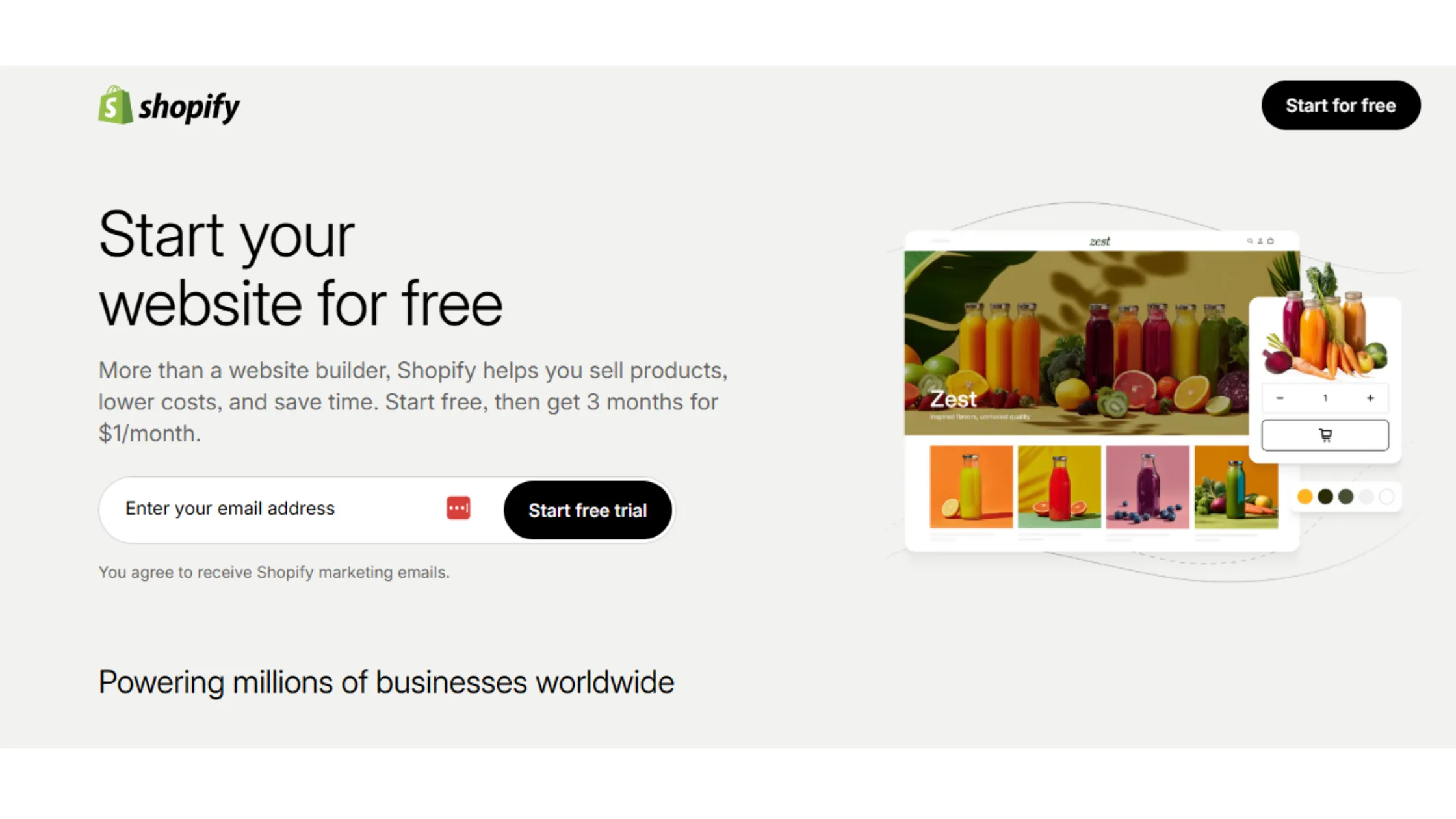
If your main goal is to build an online store and sell products, Shopify is in a class of its own. It was built from the ground up to handle e-commerce, and it shows.
Here are Shopify features you’ll enjoy.
a) E-commerce-Focused Website Building
Every part of Shopify is designed around selling. Your homepage, product pages, checkout process, and thank-you pages all work together smoothly. You don’t have to hack a blog platform into a shop. It’s already built for that purpose.
b) Inventory and Payment Management
Shopify makes it easy to manage your products, track how much stock you have, and get notified when things are running low. Payments are handled through Shopify Payments or third-party gateways, and the checkout experience is smooth for customers on any device.
c) Shopify App Ecosystem
Similar to Wix, Shopify has a huge App Store with tools for email marketing, shipping management, loyalty programs, product reviews, and much more. There are thousands of apps, and many are built specifically to increase sales and improve the shopping experience.
d) AI Tools and Automation Features
Shopify has been adding more AI features over time. These include automatic product descriptions, AI-powered chatbots for customer service, and smart suggestions to help you run your store more efficiently.
Shopify Pricing
| Plan | Price | What’s Included |
| Basic | ~KSh3,800-5,100 /month | 1 store, 2 staff accounts |
| Shopify | ~KSh10,300-13,700 /month | 5 staff accounts, better reports |
| Advanced | ~KSh39,000- 52,000 /month | 15 accounts, advanced analytics |
Shopify Pros
- The most powerful ecommerce tools available
- Handles large product catalogs easily
- Huge app store for extra functionality
- Smooth, professional checkout experience
- Good SEO tools focused on product pages
Shopify Cons
- No free plan, costs add up quickly
- Monthly fees plus transaction fees if not using Shopify Payments
- Overkill for websites that don’t focus on selling
- Customization requires learning the Liquid template language for big changes
4) Squarespace

If you care deeply about how your website looks, Squarespace no code website builder is for you. It’s known for having some of the most polished, visually stunning templates available on any website builder.
Squarespace offers you;
a) Professional Templates and Visual Design
Every Squarespace template looks like it was designed by a professional design agency. Clean layouts, beautiful typography, smooth spacing, it all just looks right. And while customization options are slightly more limited than Wix, the templates are so good that you don’t need to change much.
b) Portfolio and Blogging Tools
Squarespace is a favorite among photographers, artists, writers, and creatives because their portfolio and blogging tools are excellent. You can showcase your work in galleries, write blog posts with clean formatting, and create a professional online presence that actually reflects your style.
c) E-commerce Features
Squarespace’s ecommerce tools work well for small to medium-sized shops. You can sell physical products, digital downloads, and even subscriptions. It’s not as advanced as Shopify, but for most small businesses, it does everything needed.
d) Built-In Marketing Tools
Squarespace includes email marketing tools, social media integrations, and basic analytics right out of the box. You don’t need to install extra plugins to get these — they’re already there waiting for you.
Squarespace Pricing
| Plan | Price | What’s Included |
| Personal | ~KSh 2,160- 3,375 / month | Basic website, no ecommerce |
| Business | ~KSh 3,105-4,860 /month | E-commerce with transaction fees |
| Commerce Basic | ~KSh 5,265-7,560 /month | Full ecommerce, no transaction fees |
| Commerce Advanced | ~KSh 13,365-18,765 /month | Subscriptions, advanced tools |
Squarespace Pros
- Stunning templates that look professional instantly
- Great for portfolios, photography, and creative work
- Built-in marketing and email tools
- Clean and simple dashboard
- Good SEO features included
Squarespace Cons
- No free plan, you have to pay to publish
- Less flexible customization than Wix
- Limited AI tools compared to competitors
- App ecosystem is smaller
5) Webflow
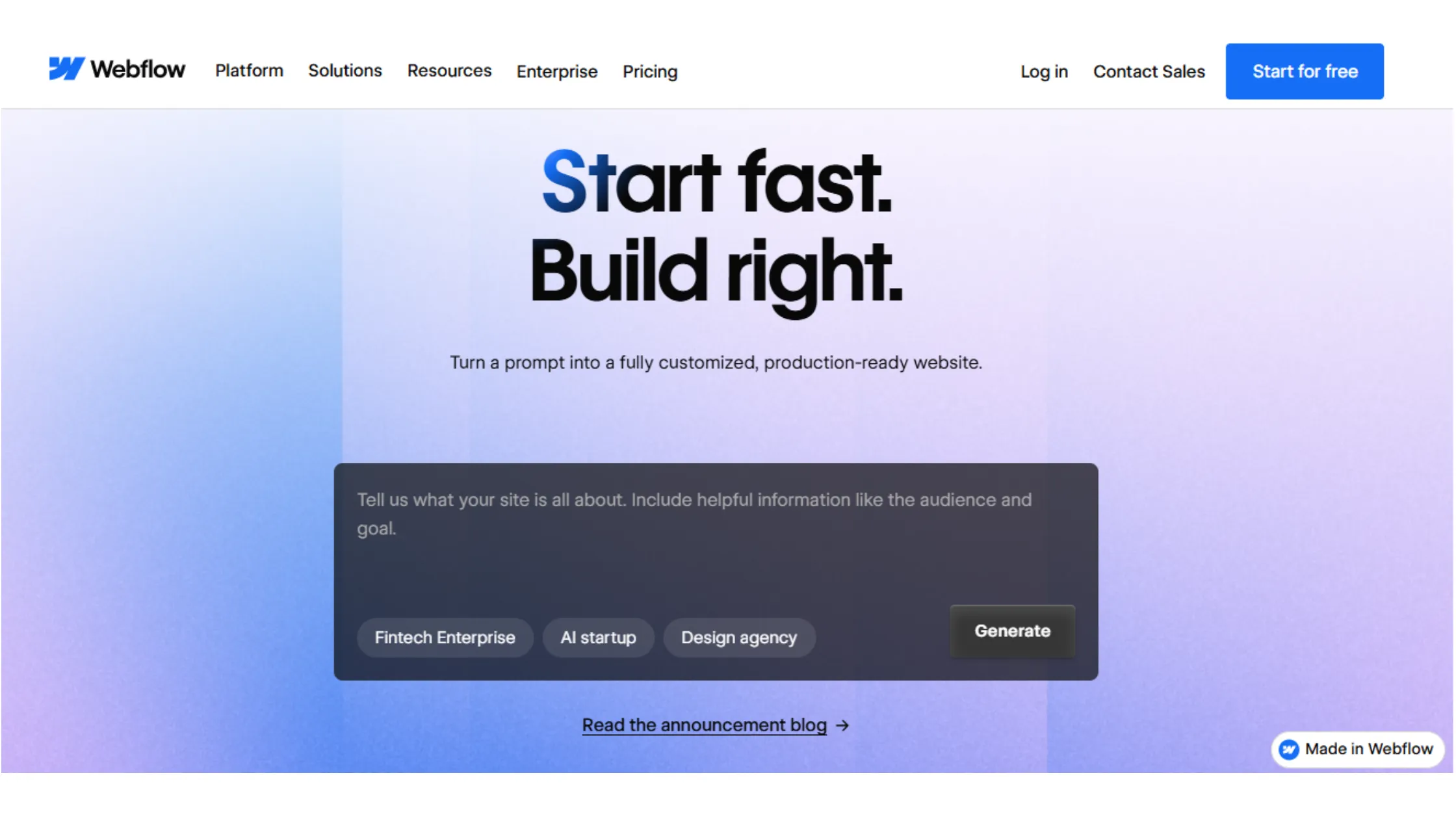
Webflow sits in an interesting spot. It’s technically a no code builder, but it gives you so much control that designers and developers love it too.
If you want to build something truly custom without writing code, Webflow is very powerful.
Webflow offers you:
a) Visual Website Development Tools
Webflow uses a design system based on CSS (the language that controls how websites look). You don’t have to write CSS yourself, but the way the editor is set up reflects how real web design works.
That means if you ever learn to code later, everything in Webflow will make sense. For now, though, it’s still drag-and-drop.
b) Advanced Customization Flexibility
Unlike most website builders, where you’re working within templates, Webflow lets you design every element with precision. You can control spacing, sizing, animations, and layout in ways that most other no code tools simply don’t allow.
c) CMS and Animation Features
Webflow has a built-in CMS. That stands for Content Management System, which is basically a system for organizing and updating your content. It’s great for blogs, news sites, or any website that updates regularly.
Their animation tools are also industry-leading, letting you create scroll effects and transitions that look like they took a developer months to build.
d) E-commerce Capabilities
Webflow’s ecommerce features are solid for custom online stores. If you want a shop that looks unique and doesn’t feel like it was built on a template, Webflow can deliver that.
Webflow Pricing
| Plan | Price | What’s Included |
| Free | Ksh0/month | 2 pages, Webflow subdomain |
| Basic | ~Ksh 1,810/month | Custom domain, no CMS |
| CMS | ~Ksh 2,975month | Blog and content management |
| Business | ~Ksh 5,045/month | Higher traffic and features |
Webflow Pros
- Highly detailed design control
- Powerful CMS for content-heavy websites
- Impressive animation and interaction features
- Clean, fast-loading websites
- Advanced SEO controls
Webflow Cons
- Steeper learning curve than other builders
- Not ideal for complete beginners
- Can feel overwhelming at first
- E-commerce features cost extra
6) Framer
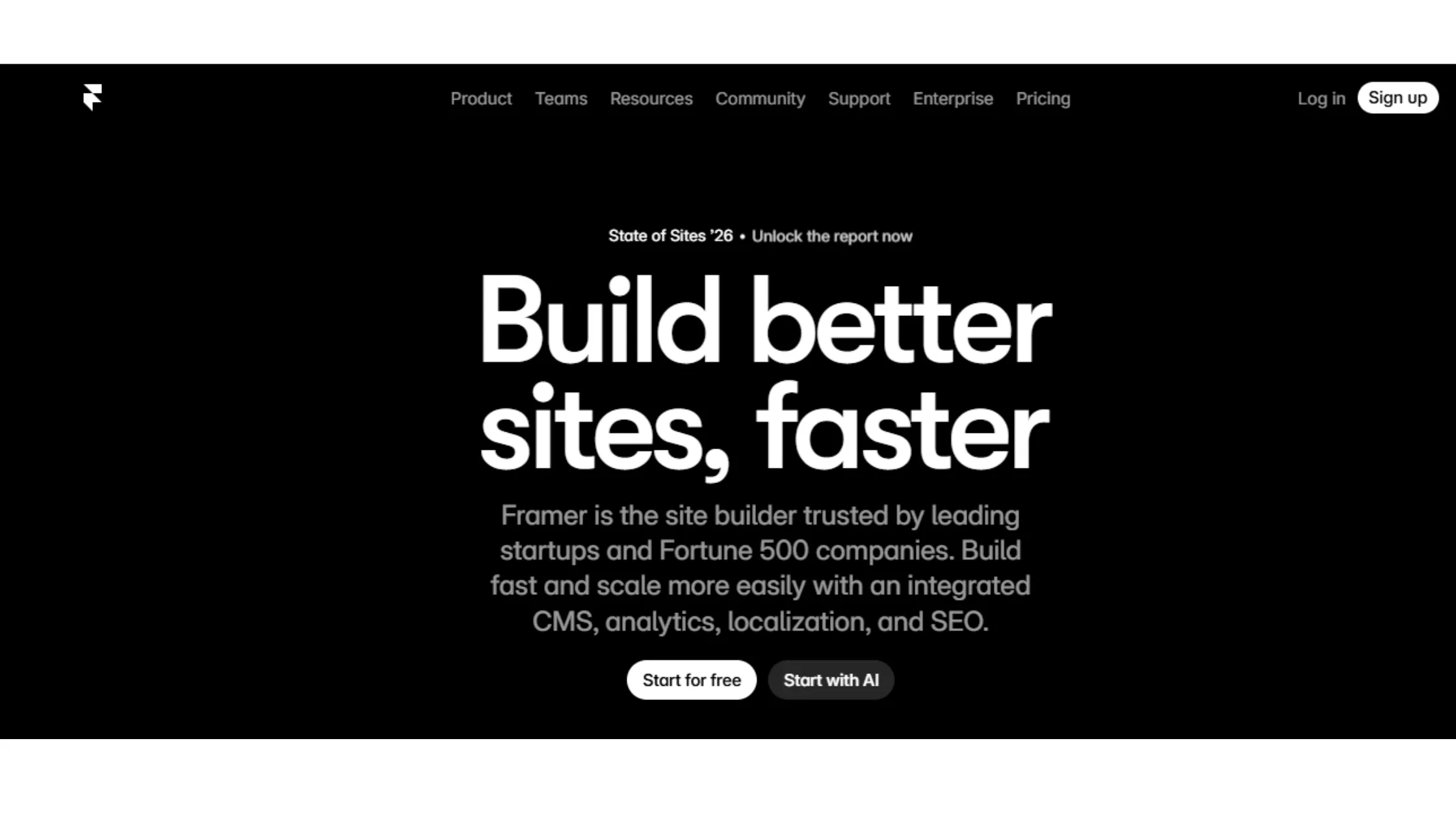
Framer started as a design prototyping tool, and that background shows in how smooth and polished everything looks. In recent years, it’s become a full website builder, and it’s become especially popular with startups and tech companies.
Framer, no code website builder, offers you;
a) AI Website Building Features
Framer has some of the most impressive AI features of any builder on this list. You can literally type a sentence describing your website, and Framer will generate a starting design.
From there, you customize everything. But the fact that you start with a custom-looking design instead of a generic template is a real time-saver.
b)Interactive Website Design Tools
Framer’s editing experience feels more like using a professional design tool than a typical website builder. Everything feels smooth and responsive, and you have a lot of control over how elements look and animate.
c) Landing Page Creation Features
A landing page is a single-purpose web page usually designed to get someone to sign up, buy something, or take a specific action. Framer is especially good at this.
The layouts look clean and modern, and the pages load fast, which helps conversion rates (that means how many visitors actually do what you want them to do).
d) SEO and Performance Tools
Framer-built websites are known for loading quickly, which Google rewards with better search rankings. They also include good meta tag controls, which are the hidden labels that tell Google what your page is about.
Framer Pricing
| Plan | Price | What’s Included |
| Free | Ksh0/month | Framer subdomain, limited pages |
| Basic | ~Ksh1,295/month | Custom domain, more pages |
| Pro | ~Ksh3,880/month | More bandwidth, CMS |
| Scale | ~KSh12,935/month | Full features, CMS, analytics |
Framer Pros
- Strong AI website generation
- Very modern, design-forward look
- Great for landing pages and startup websites
- Fast loading speeds out of the box
- Good SEO and performance tools
Framer Cons
- Limited ecommerce features
- Not ideal for large, content-heavy websites
- Smaller community and fewer tutorials for beginners
- CMS needs improvement for complex content
7) WordPress.com
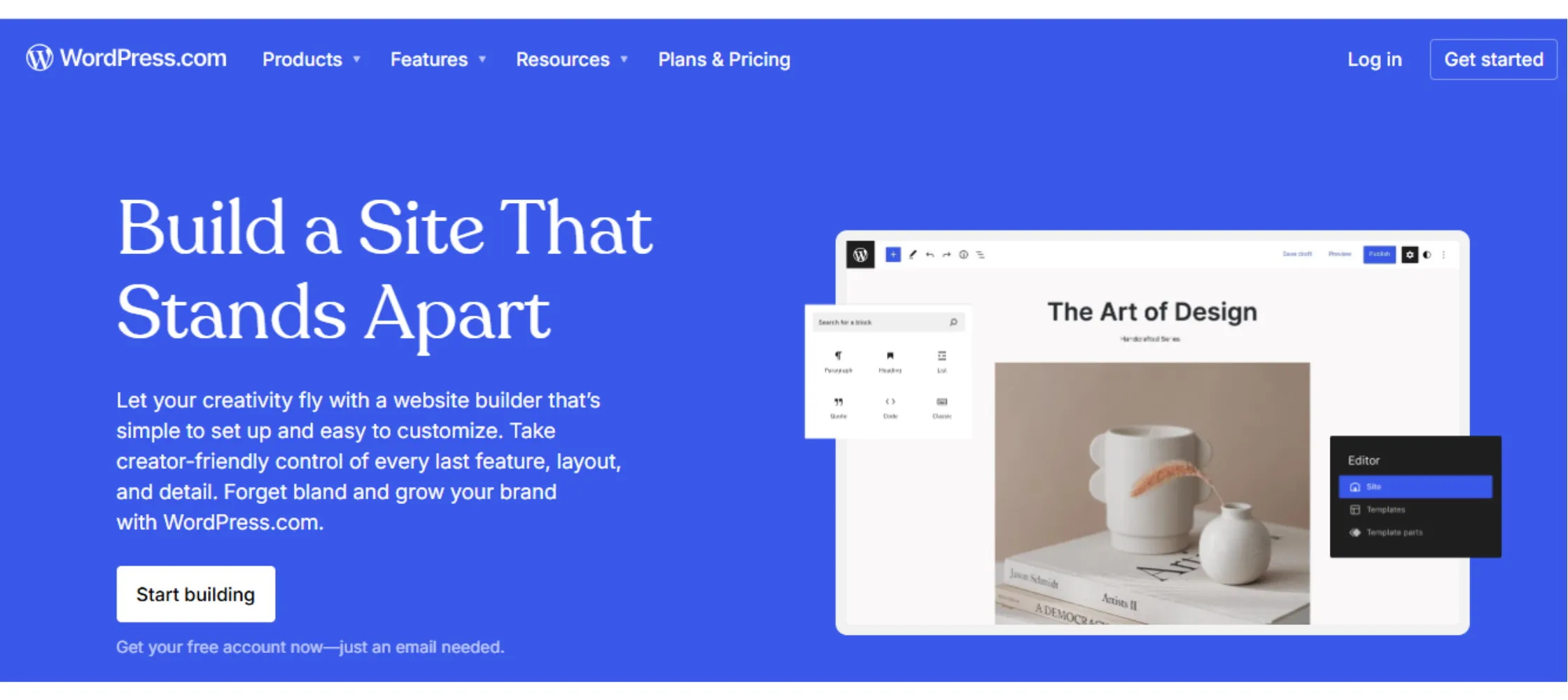
Before we go further, it’s important to clear up some confusion.
WordPress.com and WordPress.org are two different things.
WordPress.org is the open-source software you self-host on a server, like through Truehost.
WordPress.com is a hosted platform where WordPress manages the technical side for you.
We’re talking about WordPress.com here, and here are the features their no code website builder offers you:
a) Blogging and Publishing Features
WordPress.com was literally built for blogging, and it’s still one of the best tools for writing and publishing content online. The editor is clean, organizing posts into categories and tags is easy, and scheduling posts in advance works smoothly.
c) Theme and Design Customization
There are thousands of themes available on WordPress.com, both free and premium. You can switch themes without losing your content, which gives you flexibility to refresh your site’s look over time.
d) Plugin and Extension Support
On higher WordPress.com plans, you get access to plugins, which are small software add-ons that give your site new features. Want a contact form? There’s a plugin. Want to add a membership area? There’s a plugin for that, too.
This is where WordPress.com’s flexibility really opens up.
e) E-commerce Support
WordPress.com does support e-commerce, but it requires the higher-tier plans. Once unlocked, you can sell products through WooCommerce, the most popular e-commerce plugin in the world.
WordPress.com Pricing
| Plan | Price | What’s Included |
| Free | $0/month | WordPress subdomain, limited features |
| Personal | ~Ksh 520/month | Custom domain, no ads |
| Premium | ~Ksh1,035/month | More themes, monetization |
| Business | ~Ksh3,235/month | Plugins, advanced customization |
| Commerce | ~Ksh5,820 / month | Full ecommerce with WooCommerce |
WordPress.com Pros
- Excellent blogging and content publishing tools
- Huge theme library
- SEO tools strong for content-driven websites
- Free plan to start
- Large community with lots of help and tutorials
WordPress.com Cons
- Plugins are only available on Business plan and above
- Free and lower plans show ads on your site
- Less design freedom than Wix or Webflow
- Can be confusing for total beginners
8) Olitt
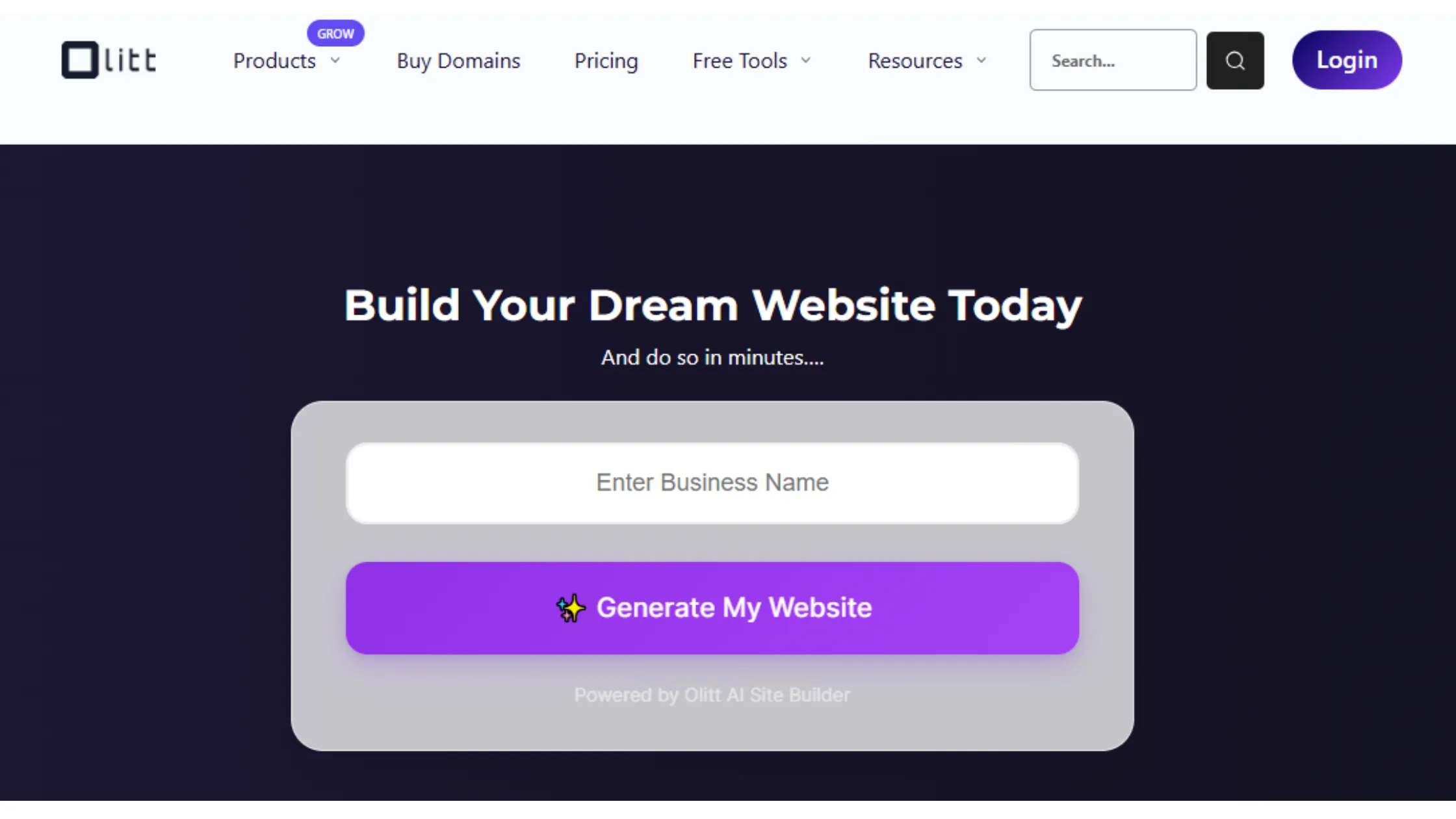
If you’re working with a tight budget but still want a website that looks professional and works properly, Olitt is one of the most affordable options you’ll find anywhere.
It punches well above its price point, and it’s a great fit for small businesses, freelancers, and anyone who just needs a clean, functional site without spending a lot.
a) AI-Powered Website Setup
Olitt uses AI to generate your website from a short description. You type in what your business does, what tone you want, and what pages you need, and the tool builds a starting design for you. For someone who has no idea where to begin with website design, this is incredibly helpful.
b) Drag-and-Drop Website Editing
Once your AI-generated site is ready, you take over with the drag-and-drop editor. Every section, block, image, and button can be moved and customized visually. You see exactly what the final result will look like as you edit.
c) E-commerce and Booking Features
Olitt supports product listings, an online checkout, and booking systems for service-based businesses. So whether you’re selling handmade goods or running a salon, the tools are there to accept money and manage appointments online.
d) SEO and Marketing Tools
Olitt includes basic SEO tools. Things like;
- Editable page titles
- Meta descriptions (those short summaries that show up under your website name in Google)
- Image alt text (descriptions that help Google understand your images).
Nothing super advanced, but enough to get your site noticed and indexed properly.
Olitt Pricing
| Plan | Price | What’s Included |
| Hobby | KSh 0 | Test the AI generator, drag-and-drop templates, no credit card required. |
| Starter Websites | ~Ksh905/month | 1GB Storage, connect 1 custom domain, built-in SEO tools, 1 business email. |
| Starter Websites | ~Ksh4,655 / year | 50k visitors/mo, 1 free domain name for the first year, and manage 3 social media accounts. |
| Pro Websites | ~Ksh 7,340 / year | Sell unlimited products, accept payments online, 10GB storage, and 3 business emails. |
| Business Websites | ~Ksh 20,565 / year | Full features and support |
Olitt Pros
- One of the most affordable website builders available
- AI builder removes the blank-page anxiety
- Fully automated post automation
- Live search rank tracker
- Hands-free post automation
- Five-star review management
- Drag-and-drop editor is easy for anyone
- E-commerce and booking features built in
- Mobile-ready templates included
- M-Pesa and local payment support
Olitt Cons
- Template selection is more limited than Wix or Squarespace
- Fewer third-party integrations
- SEO tools are basic, not advanced
No Code Website Builders FAQs
For pure beginner-friendliness, Wix Truehost and Olitt are both excellent no code website builder choices. Wix has a huge library of guides and templates, while Truehost and Olitt are simpler and more affordable.
The best no code website builder is Shopify. It’s built specifically for selling online and handles everything from product listings to shipping to payment processing better than any other platform on this list. If you just want a simple shop as part of a broader website, Wix or Squarespace works fine too.
Yes, you can build a professional website without coding, and in 2026, it’s easier than ever. Every builder on this list lets you create a fully functional, professional-looking website without touching a single line of code. The AI features on tools like Framer, Wix, and Olitt make the process even faster.
Yes, most modern no code builders include solid SEO tools. Search Engine Optimization (SEO) is basically the process of making your website show up on Google when people search for things related to your business.
Olitt is one of the most affordable options, with a free plan and its plan starting at just 200 Ksh. WordPress.com also has very low entry pricing. If you’re on a tight budget and need a working website without spending much, these two are your best starting points.
Choose the Right No-Code Website Builder
The best no code website builder isn’t the one with the most features or the flashiest AI tools. It’s the one that works for you.
- Your budget
- Your skill level
- What you actually need your website to do.
If you’re just starting and you want something affordable that handles everything in one place, Truehost and Olitt are a strong combination. You get hosting, a domain, email, and a builder, all without switching between platforms or dealing with confusing technical setups.
If you want maximum design freedom, Wix or Webflow gives you that. If you’re building a shop, go with Shopify. If your website is all about content and writing, WordPress.com is your best bet. And if you want something that looks cutting-edge without a big price tag, Framer is worth a serious look.
In 2026, there’s no excuse not to have a website. These no code website builder tools are easy, the prices are reasonable, and you don’t need to know anything about code. Pick a no code website builder that fits your situation, take the first step, and go build something.