Domain SearchInstantly check and register your preferred domain name
 Web Hosting
 cPanel HostingHosting powered by cPanel (Most user friendly)
 WordPress HostingHost your WordPress website with fast, secure, and affordable WordPress hosting in Kenya.
 KE Domains
 Reseller HostingStart your own hosting business without tech hustles
 Windows HostingOptimized for Windows-based applications and sites.
 Free Domain
 Affiliate ProgramEarn commissions by referring customers to our platforms
 Free HostingTest our SSD Hosting for free, for life (1GB storage)
 Domain TransferMove your domain to us with zero downtime and full control
 All DomainsBrowse and register domain extensions from around the world
 .Com Domain
 WhoisLook up domain ownership, expiry dates, and registrar information
 VPS Hosting
 Managed VPSNon techy? Opt for fully managed VPS server
 Dedicated ServersEnjoy unmatched power and control with your own physical server.
 Website Builder
 Online Store BuilderLaunch a professional e-commerce store without writing code.
 Web Design ServiceGet a custom-designed website tailored to your brand and goals. From just KES 15,600
 BlogRead our guides on web hosting, online business, digital marketing, and more
 SupportOur support guides cover everything you need to know about our services
 ContactContact us via chat or email
What if your team could reclaim hours every week by eliminating repetitive work?
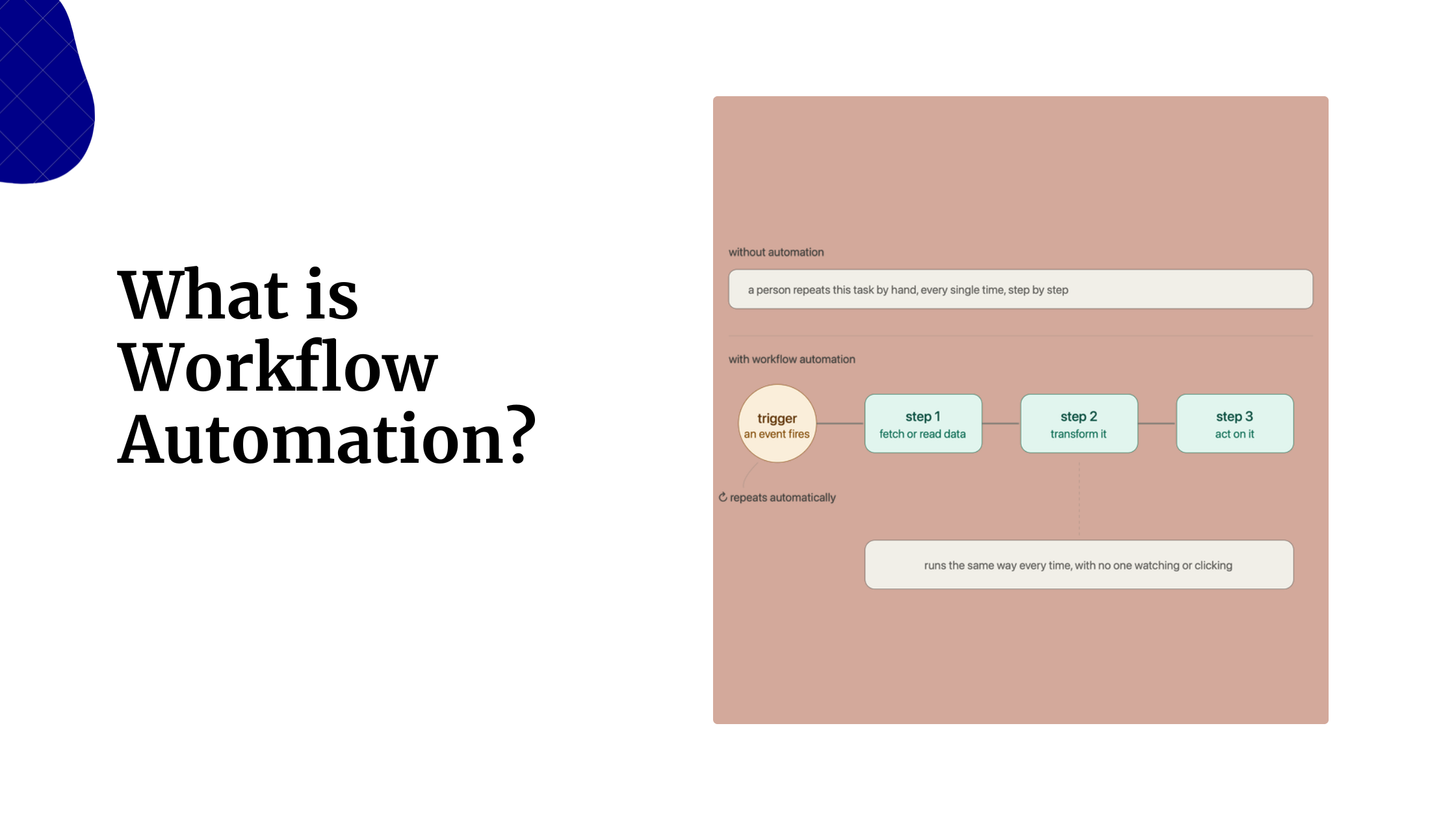
Every day, employees lose valuable time switching between apps, copying data, responding to routine requests, and handling other manual tasks that add little business value. These repetitive processes slow productivity, increase the risk of errors, and leave less time for the work that actually drives growth.
That’s why workflow automation has become a priority for businesses of all sizes. By automating repetitive tasks, teams can streamline operations, improve accuracy, and focus on higher-impact work.
One of the most powerful tools for this is n8n. Its visual workflow builder, extensive integrations, self-hosting flexibility, and support for custom code make it easy to automate everything from customer support and lead management to reporting, AI-powered workflows, and internal operations.
Here, we’ll look at practical n8n automation examples that can help your team save time, reduce manual work, and boost productivity across your business.
Team Communication & Collaboration
1) Daily Team Update Workflow
Ten people in a 15-minute standup cost 2.5 hours of collective time daily, 600+ hours a year. This workflow replaces it entirely.
Workflow: Scheduled trigger → Collect updates from Slack / Teams/form → AI summarizes into a digest → Send via email or Slack
Benefits:
- Eliminates recurring meetings without losing team alignment
- Written submissions produce clearer, more considered updates
- Everyone gets the summary in a format they can scan in under a minute
2) Automated Meeting Notes and Action Items
No designated note-taker usually means no notes, or notes that capture conversation but not decisions and next steps.
Workflow: Meeting ends → Fireflies / Otter.ai / Zoom transcript received → AI extracts decisions, action items, and owners → Structured summary sent to all participants
Benefits:
- Eliminates the need for a volunteer note-taker on every call
- Action items arrive attributable and formatted, not buried in prose
- Reduces the “wait, what did we agree to?” follow-up thread
3) Instant Team Notifications for Critical Events
The gap between when something important happens and when the right people know about it is where problems grow.
Workflow: Webhook or event trigger (Stripe, Datadog, CRM, security tool) → Filter by severity → Route to relevant team via Slack / SMS/email with context included
Benefits:
- Faster awareness leads directly to faster response
- Eliminates dependency on someone checking a dashboard
- Notifications include enough context to act without going hunting for more
Project Management
4) Automatic Task Creation from Forms
Every form submission that requires a manual task creation is a small daily tax, one that quietly adds up to hours each week.
Workflow: Form submitted (Typeform / Google Forms / Jotform) → Parse fields → Create a fully populated task in Asana / Trello / Jira / ClickUp / Monday.com with the correct assignee, labels, and priority
Benefits:
- Eliminates copy-paste between the form and the project tool
- Tasks are created immediately, with no delay, while someone processes submissions
- Consistent formatting every time, regardless of who submitted the form
5) Smart Task Assignment Workflow
Work that lands in a generic queue waits for a manager to decide who picks it up, often without visibility into who is already at capacity.
Workflow: New task created → Check assignee availability and workload → Match to skill set and department rules → Auto-assign and notify the right person
Benefits:
- Workloads are distributed more evenly across the team
- Managers still have visibility, but are no longer a bottleneck
- Nothing sits idle waiting for an assignment decision
6) Project Status Reporting Automation
Chasing status updates every Friday afternoon is one of the most consistently dreaded manager tasks. This workflow makes it unnecessary.
Workflow: Scheduled trigger → Pull progress data from project management tools → Compile into a formatted report → Distribute to stakeholders automatically
Benefits:
- Managers stop spending hours gathering updates manually
- Leadership always has an accurate, current view of project health
- Reports go out on schedule regardless of how busy the team is
7) Deadline Reminder and Escalation Workflow
Missed deadlines are rarely a surprise; the signals are visible days earlier. This workflow catches them before they become problems.
Workflow: Monitor task due dates → Send reminder to owner 24–48 hours before deadline → If deadline passes without completion → Escalate to manager and increase task priority
Benefits:
- Overdue work is caught early, not at the next status meeting
- Accountability burden doesn’t fall entirely on one person to track
- Configurable escalation paths match your team’s actual processes
Sales Team
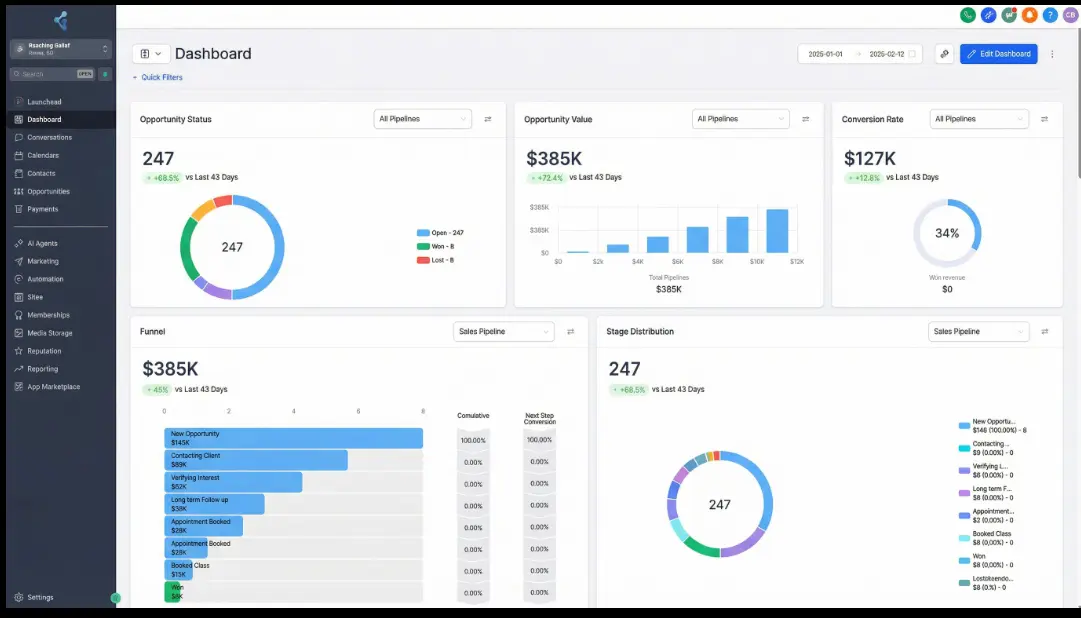
8) Lead Capture and CRM Enrichment
Sales reps walking into a first conversation with no context is a solvable problem.
Workflow: New form submission/landing page engagement/chat interaction → Enrich via Clearbit or Apollo (company size, industry, tech stack, LinkedIn) → Create fully populated CRM contact record
Benefits:
- Reps start every conversation with context, not a blank record
- 15 minutes of manual research per lead is eliminated
- CRM data quality improves across the board
9) Automated Lead Qualification Workflow
Not every inquiry deserves a sales call. This workflow scores leads automatically, so reps spend time where it counts.
Workflow: New lead arrives → Score against fit criteria (company size, title, industry, engagement) → Route qualified leads to the right rep → Flag or deprioritize low-quality submissions
Benefits:
- Qualified leads are followed up on faster
- Reps spend time on conversations with genuine conversion potential
- Strong leads never sit in a queue waiting to be reviewed
10) Sales Activity Digest
Sales teams often have less visibility into their own pipeline than they should, not because the data doesn’t exist, but because pulling it is manual effort no one prioritizes.
Workflow: Scheduled trigger → Pull deal activity and pipeline data from CRM → Flag stale deals, close date risks, and fast-moving opportunities → Send formatted digest to the team
Benefits:
- Reps and managers start each week knowing exactly where to focus
- At-risk deals are surfaced proactively, not in a post-mortem
- No separate reporting meeting required to share pipeline status
11) Automated Proposal and Contract Workflow
The administrative work at the end of a sales cycle is where deals stall unnecessarily.
Workflow: Deal reaches target CRM stage → Pull contract terms → Generate proposal from template → Route for internal approval (if required) → Send via DocuSign / PandaDoc for e-signature
Benefits:
- Time between “deal ready” and “proposal sent” shrinks from days to minutes
- Sales reps spend less time on paperwork and more time selling
- The approval chain is enforced automatically without manual follow-up
Marketing
12) Social Media Content Distribution Workflow
Publishing consistently across multiple platforms is a logistics task, not a creative one. Automation handles the logistics.
Workflow: Content approved → Format for each channel → Schedule and publish to LinkedIn, X, Instagram, Facebook, and others at set times
Benefits:
- Consistent publishing happens without manual platform logins
- Formatting is tailored per channel automatically
- Content never goes out late because someone was in a meeting
13) AI-Powered Content Repurposing
A single well-researched piece of content can fuel an entire week of publishing. Most teams don’t extract that value because repurposing is tedious by hand.
Workflow: Source content input (blog post/podcast transcript/newsletter) → AI generates platform-specific formats → Output LinkedIn posts, tweet threads, email snippets, and short-form summaries
Benefits:
- More reach from the same creative effort, without starting from scratch
- Content formats are tailored to each channel’s audience and conventions
- Frees the content team to produce quality originals rather than derivatives
14) Marketing Campaign Reporting Automation
Performance data sitting in four different platforms is the norm. Pulling it all together every Monday morning is the task.
Workflow: Scheduled trigger → Pull data from Google Ads, Meta, email platform, and analytics → Normalize and compile → Populate unified report or dashboard
Benefits:
- One report replaces an hour of cross-platform data collection
- Reports go out on schedule without depending on anyone’s availability
- Consistent structure makes week-over-week comparisons easy
15) Competitor Monitoring Workflow
Competitor intelligence tends to be either inconsistent or nonexistent. This workflow makes it systematic.
Workflow: Scheduled trigger → Monitor competitor websites, product pages, pricing, and blog activity → Detect changes → Alert relevant team members with a summary of what changed
Benefits:
- Team stays informed without anyone doing manual monitoring
- Intelligence reaches decision-makers before it goes stale
- Price changes, new product launches, and messaging shifts are caught immediately
Customer Support
16) Automated Ticket Routing System
In high-volume support operations, triage alone, reading a ticket, and deciding who gets it, can consume hours of agent time daily.
Workflow: Ticket arrives → AI reads content and categorizes by type and urgency → Assign to the correct agent or team → Notify assigned agent with ticket summary
Benefits:
- First response times improve because the right person gets the ticket immediately
- No ticket sits in a general queue waiting to be triaged
- Workloads are distributed more evenly across the support team
17) AI-Powered FAQ Response Workflow
30–40% of support tickets in most organizations ask the same small set of questions. This workflow handles them without involving a human agent.
Workflow: Ticket arrives → AI matches against common question patterns → If confident match: respond instantly with an accurate answer from the knowledge base → If uncertain or complex: escalate to a human agent with context summary
Benefits:
- Ticket volume reaching live agents drops significantly
- Customers get faster answers to common questions
- Support staff focus their time on cases that genuinely need human judgment
18) Customer Feedback Collection and Analysis
Teams that only surface feedback when something goes catastrophically wrong are always reacting. Continuous feedback loops change that.
Workflow: Ticket resolved / order completed / onboarding milestone hit → Automated feedback request sent → Responses collected → AI analyzes sentiment and themes → Summary report generated on schedule
Benefits:
- Product and support teams receive actionable insight continuously
- Recurring themes are surfaced before they become systemic problems
- No waiting for quarterly reviews that reflect what customers felt months ago
HR and People Operations
19) Employee Onboarding Workflow
Manual onboarding produces inconsistent first-week experiences that vary based on how busy HR happens to be.
Workflow: New hire record created in HR system → Auto-provision accounts across all tools → Assign onboarding training modules → Send welcome documentation → Schedule introduction meetings based on calendar availability
Benefits:
- Every new hire gets the same complete onboarding experience
- Accounts and access are ready before the first day
- HR time spent on checklist administration is eliminated entirely
20) Employee Leave Request Automation
A leave request that isn’t properly tracked creates scheduling conflicts, payroll errors, and leaves employees uncertain whether their request was actually approved.
Workflow: Employee submits leave request → Route to manager for approval → On approval: update team calendar + sync HR system + notify employee and payroll
Benefits:
- Approvals happen faster with a clear, automated routing chain
- The calendar and HR system are always in sync
- No step in the process is forgotten because it depends on manual follow-through
21) Recruitment Pipeline Automation
Recruiting involves a high volume of coordination work, most of which requires no human judgment but consumes significant recruiter time.
Workflow: Application received → Track movement through pipeline stages → Check interviewer availability and schedule interviews → Send candidate status updates at each stage → Alert hiring team when a decision or action is needed
Benefits:
- Recruiters spend their time evaluating candidates, not managing logistics
- Candidates receive timely updates rather than falling into communication silence
- Interview scheduling threads and calendar back-and-forth are eliminated
IT and Operations
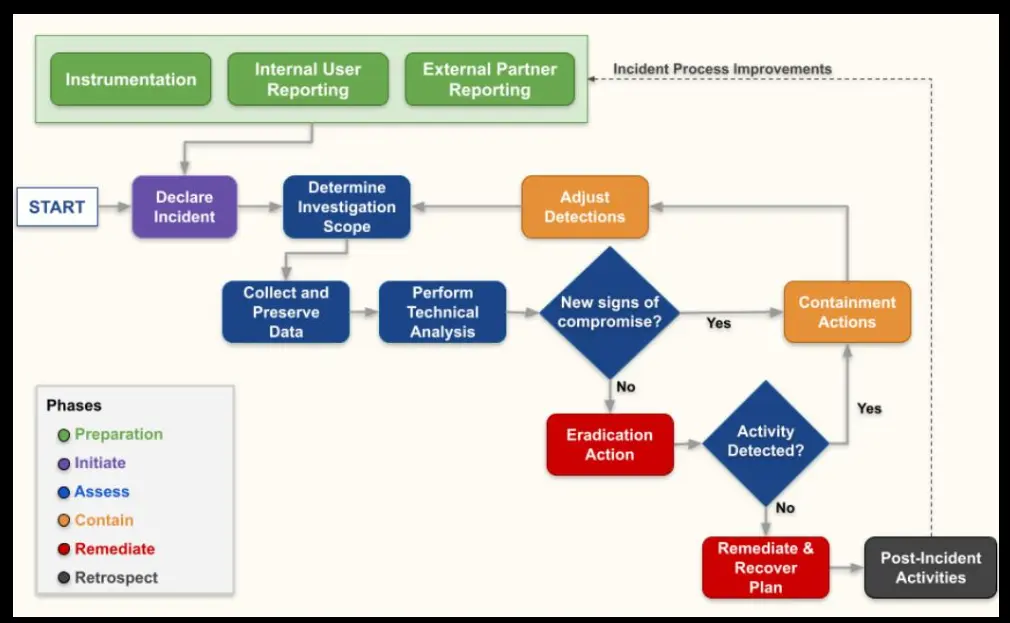
22) Automated Incident Alert Workflow
Every minute between when an incident begins and when the right people know about it costs user trust and, in many businesses, measurable revenue.
Workflow: Monitoring tool detects threshold breach (Datadog / Grafana / Prometheus) → Alert fires to the responsible team via Slack / PagerDuty / email → Notification includes error logs, affected services, and initial diagnostics
Benefits:
- Detection-to-response time is minimized
- The alert includes enough context to start investigating immediately
- No incident goes undetected because someone didn’t check a dashboard
23) User Access Management Workflow
Access management is easy to let drift. Accounts get left active after employees depart. New hires wait days for access that should have been ready on day one.
Workflow: HR system event (new hire/role change/departure) → Provision or revoke appropriate system access → Sync identity provider → Confirm changes and log for audit
Benefits:
- New hires have all accounts provisioned before their first day
- Access is revoked immediately when employees leave, with no exceptions
- Security posture stays consistent without depending on a checklist being followed correctly
24) Automated Data Backup Monitoring
A failed backup that goes unnoticed is a serious risk that may only surface when recovery becomes necessary, the worst possible moment to discover the problem.
Workflow: Scheduled trigger → Check backup job completion status → Validate output size against expected ranges → Send alert if any job failed or produced anomalous results
Benefits:
- IT teams have ongoing confidence that backups are completing successfully
- Failed backups are caught and flagged before they become a crisis
- Recovery is verified as possible before it’s ever needed
AI-Powered Automations
25) Company Knowledge Assistant
Employees spend significant time hunting for internal information, searching shared drives, asking colleagues, and re-reading outdated documents. This workflow gives them a faster path to answers.
Workflow: Employee submits question via Slack/chat widget/web interface → AI agent queries internal knowledge base using RAG architecture (Notion / Confluence / Google Drive / SharePoint) → Returns accurate, source-attributed answer
Benefits:
- Information reaches people faster than any manual search process
- “Where can I find X?” Interruptions to senior team members decrease significantly
- Knowledge base gaps become visible when the AI can’t answer a question
26) AI Workflow for Executive Briefings
Leadership teams need a clear picture of organizational health without spending hours compiling it or waiting for department heads to submit reports of uneven quality.
Workflow: Scheduled trigger → Pull signals from project tools, CRM pipeline, support metrics, financial dashboards, and HR systems → AI synthesizes into structured briefing → Surface exceptions, trends, and risks → Deliver to leadership
Benefits:
- Leaders get the context they need in minutes, not after hours of compilation
- Briefing quality is consistent regardless of who submitted what
- Risks and exceptions are surfaced automatically rather than buried in status updates
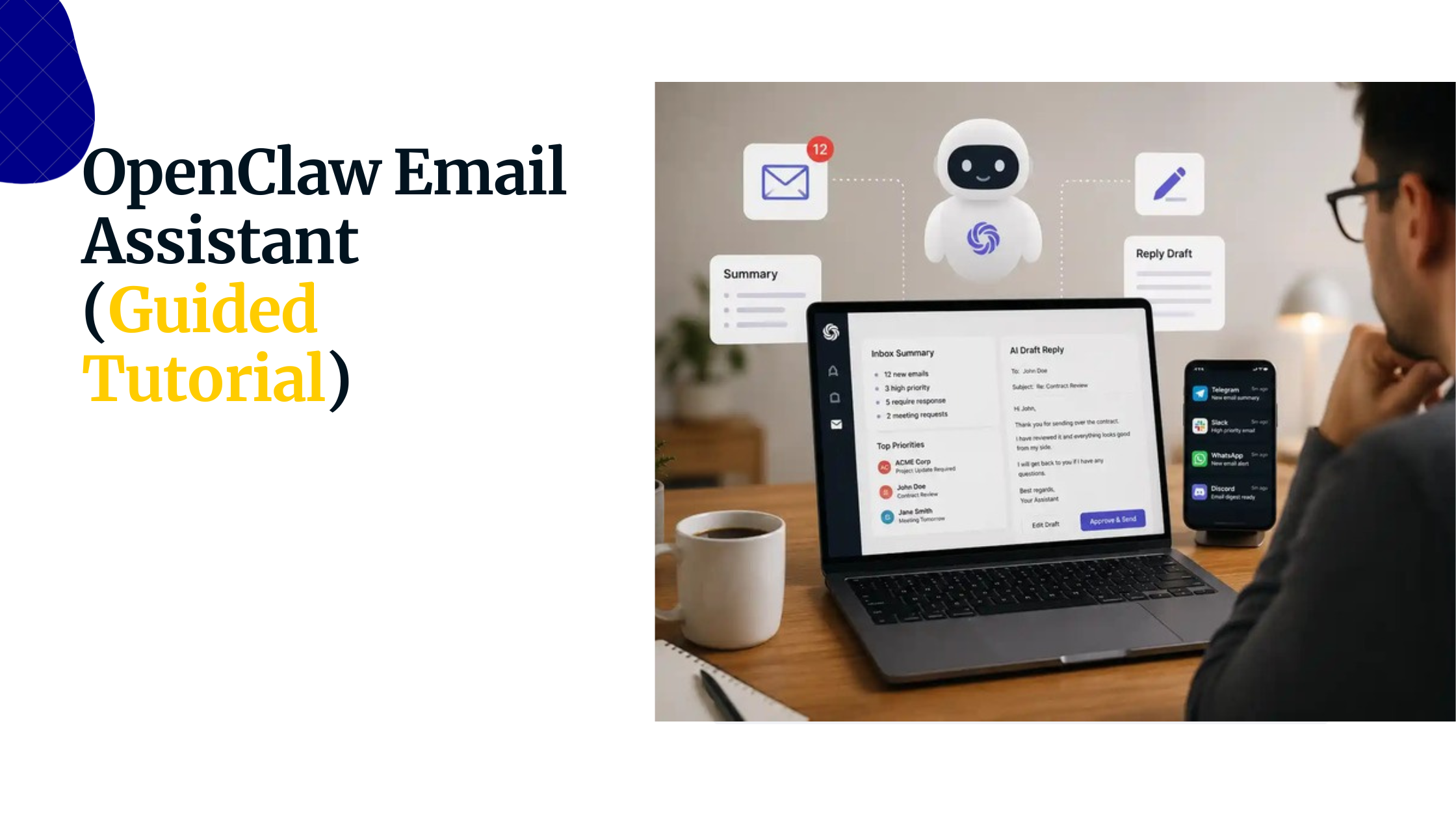
27) AI Email Prioritization and Response Drafting
High-volume inboxes slow down exactly the people in an organization who most need to move quickly.
Workflow: Incoming email received → AI categorizes by urgency and topic → Draft suggested response for common message types → Flag urgent items with a one-line summary → Human reviews, edits if needed, and sends
Benefits:
- Time spent in email drops significantly
- Response times improve without increasing the cognitive load on the sender
- Genuinely urgent messages don’t get buried under routine correspondence
Getting Started with n8n
The most effective automation projects don’t begin with massive transformations; they begin by solving one repetitive task that’s slowing your team down.
Start with a single workflow, test it thoroughly, and improve it over time. As you automate more processes, you’ll create a system that saves time, reduces errors, and helps your team focus on higher-value work.
If you’re ready to self-host n8n for greater control, performance, and scalability, Truehost’s n8n Self-Hosting provides a simple, reliable way to deploy and manage your workflows without the infrastructure headaches.
Get started with Truehost n8n Self-Hosting today.