Domain SearchInstantly check and register your preferred domain name
 Web Hosting
 cPanel HostingHosting powered by cPanel (Most user friendly)
 WordPress HostingHost your WordPress website with fast, secure, and affordable WordPress hosting in Kenya.
 KE Domains
 Reseller HostingStart your own hosting business without tech hustles
 Windows HostingOptimized for Windows-based applications and sites.
 Free Domain
 Affiliate ProgramEarn commissions by referring customers to our platforms
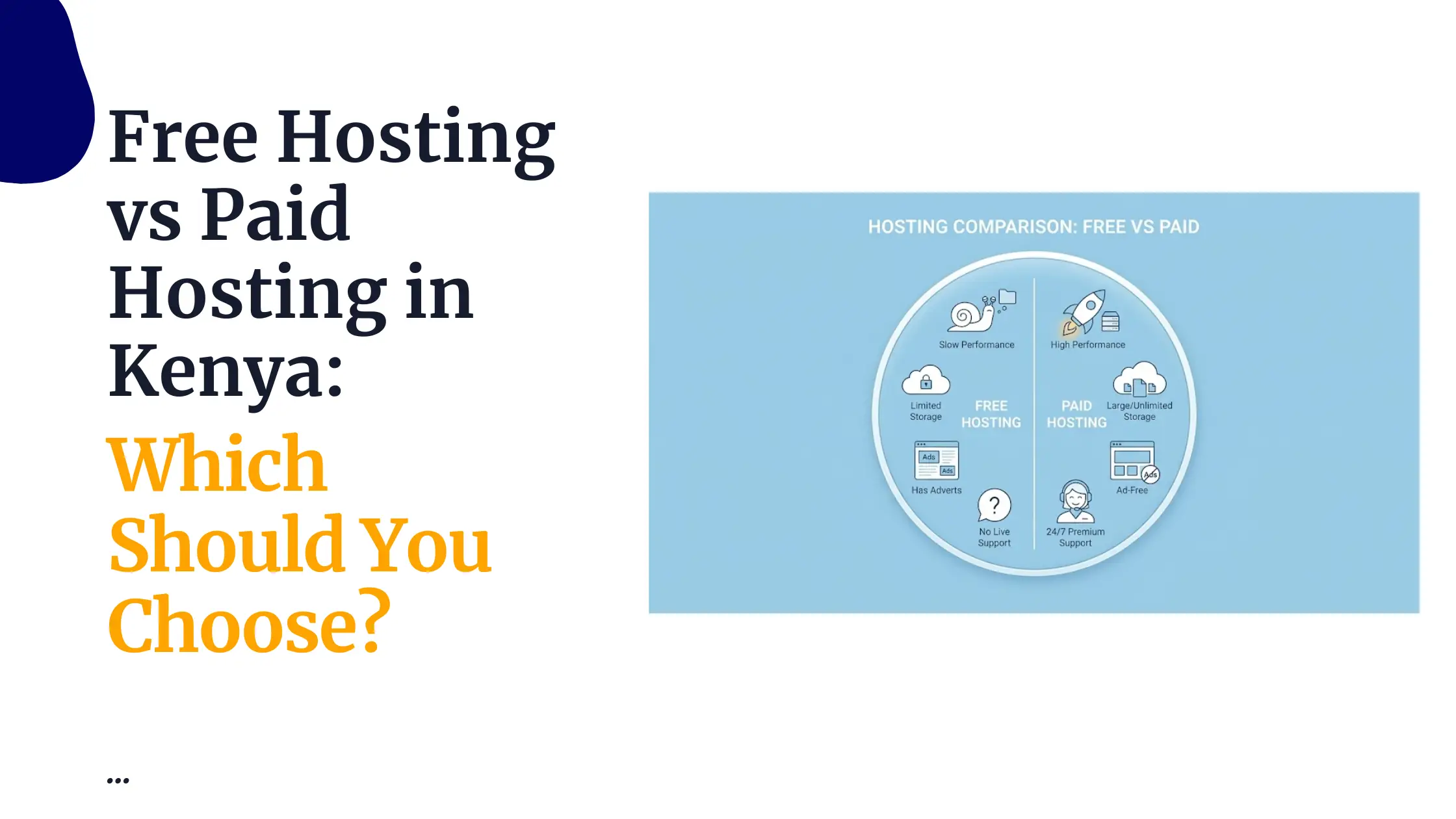
 Free HostingTest our SSD Hosting for free, for life (1GB storage)
 Domain TransferMove your domain to us with zero downtime and full control
 All DomainsBrowse and register domain extensions from around the world
 .Com Domain
 WhoisLook up domain ownership, expiry dates, and registrar information
 VPS Hosting
 Managed VPSNon techy? Opt for fully managed VPS server
 Dedicated ServersEnjoy unmatched power and control with your own physical server.
 Website Builder
 Online Store BuilderLaunch a professional e-commerce store without writing code.
 Web Design ServiceGet a custom-designed website tailored to your brand and goals. From just KES 15,600
 BlogRead our guides on web hosting, online business, digital marketing, and more
 SupportOur support guides cover everything you need to know about our services
 ContactContact us via chat or email
You have a server. Now you need to pick a control panel. So which one wins in the CyberPanel vs aaPanel comparison?
CyberPanel and aaPanel both let you manage your server from a clean dashboard instead of typing commands all day. But they take very different approaches.
CyberPanel is built to keep things fast and simple from the start. aaPanel is built to give you more control as your setup grows.
Below is the full CyberPanel vs aaPanel breakdown to help you pick the right one for your setup.
Let’s dive in!
CyberPanel vs aaPanel: Key Differences at a Glance
| Comparison Area | CyberPanel | aaPanel |
| Main focus | Speed and WordPress performance. It uses the LiteSpeed web server, which delivers website traffic much faster than Apache. | Flexibility and control. You can run websites, apps, and different types of coding projects all from one panel. |
| Ease of use | Clean dashboard, but some settings need technical knowledge. Better if you already understand basic server management. | Easier for beginners. Labels are clear, the layout is well organised, and you can find your way around without a technical background. |
| Performance | Fast from day one. LiteSpeed and built-in page caching mean your site loads quickly without you having to change any settings after installation. | Performance depends on your setup. You need to configure Nginx or Apache yourself and add caching separately to get the best results. |
| WordPress support | Very strong. One-click WordPress install, LiteSpeed Cache plugin built in, and automatic caching that speeds up WordPress pages significantly. | Good, but needs more steps.WordPress installs fine, but you have to add and configure caching plugins yourself to match CyberPanel’s speed. |
| App support | Focused on websites. Works great for PHP sites and WordPress. Not ideal if you need to run Node.js or Python apps alongside your websites. | Better for mixed apps. You can run PHP websites, Node.js applications, Python projects, and Java apps all from the same panel. |
| Customisation | Limited to website and hosting tasks. You cannot add third-party modules or build custom environments outside of what the panel supports by default. | Very flexible. You can add modules, build custom server environments, install different software stacks, and configure things to match your exact project needs. |
| Plugins | Free version for lifePaid version: From KES 1,430 per month for LiteSpeed Enterprise, which adds; A faster commercial web server, better performance under heavy traffic, and priority support | Large plugin system with tools for monitoring, security, databases, coding environments, and mail servers. Lots of room to add more as your needs grow. |
| Beginner comfort | Medium. Manageable once you learn the layout, but some tasks still require SSH knowledge and manual steps in the terminal. | High. Someone new to server management can install software, manage sites, and set up databases without needing terminal commands at all. |
| Cost | WordPress sites, Blogs, Business websites, High-traffic sites where loading speed is the number one priority. | Free version for lifePaid version: aaPanel Pro costs KES 17,940 per year, roughly KES 1,495 per month. This unlocks over 20 extra features, including WP Toolkit, Mail marketing, File protection, and the mobile app. |
| Best use | Developers, SaaS projects, and agencies managing different workloads. Anyone running a combination of websites and apps on one server. | Developers, SaaS projects, and agencies are managing different workloads. Anyone running a combination of websites and apps on one server. |
| Main weakness | You cannot easily add tools outside its focused scope. If you need Node.js or Python projects alongside your websites, CyberPanel will feel too narrow. | Speed is not automatic. Without proper caching and server configuration, an aaPanel site can load slower than a CyberPanel site that has had zero configuration done to it. |
From this table, the CyberPanel vs aaPanel picture becomes very clear.
If you want something fast and focused, CyberPanel makes more sense. If you want freedom to build different things, aaPanel makes more sense.
When to Choose CyberPanel

Choose CyberPanel when speed is your main goal.
It is a good choice if you run:
- WordPress
- Blogs
- Business websites
- High-traffic sites
Pick CyberPanel if you want:
- Fast website loading without any extra configuration after installation
- Strong WordPress performance with automatic server-level caching
- Fewer setup decisions so you can focus on your site instead of your server
- Built-in caching that runs without you touching a plugin or config file
- Simple and focused website management that does not overwhelm you
When to Choose aaPanel
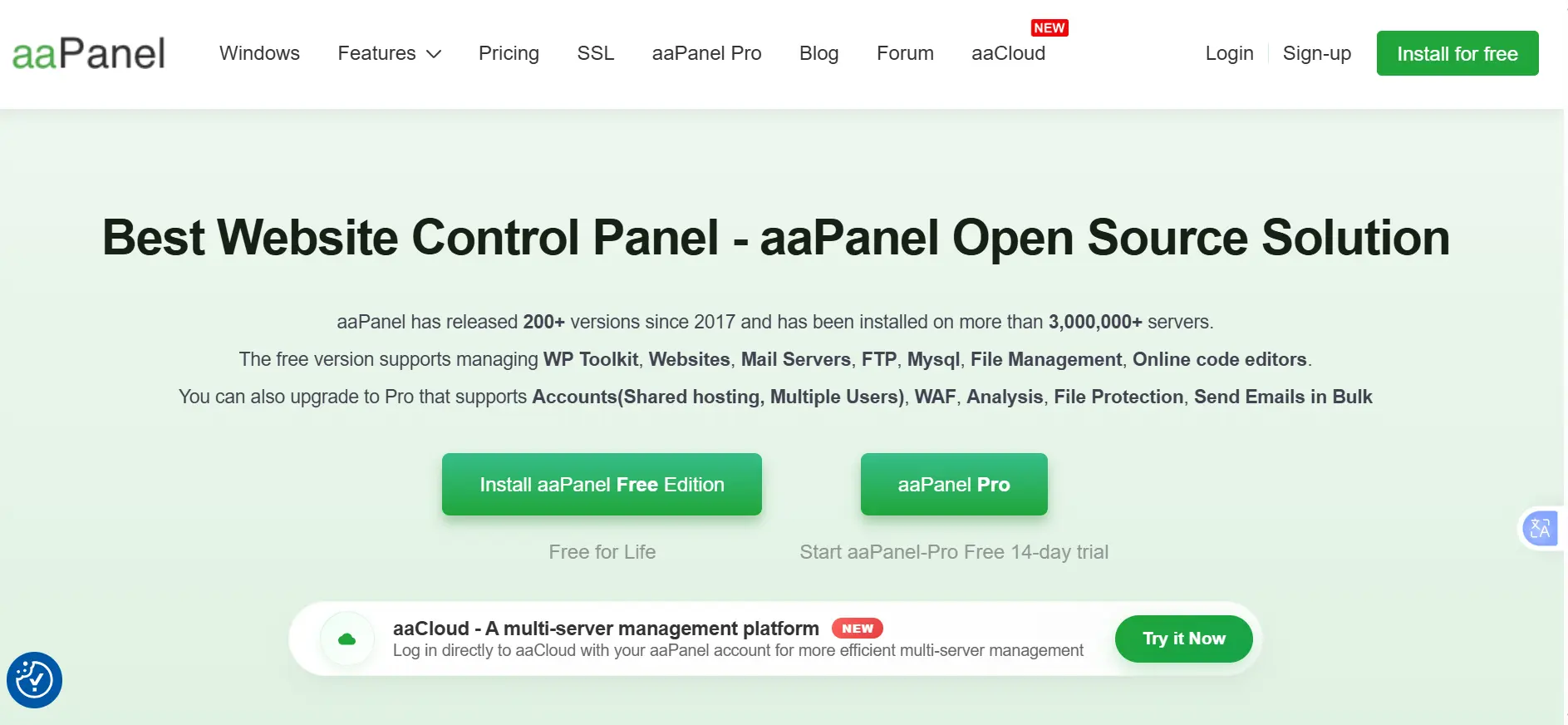
Choose aaPanel when you want flexibility.
In the CyberPanel vs aaPanel debate, aaPanel pulls clearly ahead the moment your project goes beyond a standard website. It is a good choice if you run different types of apps, use different programming languages, or want more control over your setup.
Pick aaPanel if you want:
- A beginner-friendly dashboard where labels and menus are easy to understand
- More control over how your server environment is set up and configured
- Support for PHP, Node.js, and Python all from one place
- A plugin system with tools for monitoring, security, mail, and more
- Freedom to build and test different types of projects on the same server
aaPanel is also better if you are learning and want to see how different server tools work. The dashboard is designed to be readable, so you can understand what each setting does rather than just clicking through blind. It gives you more room to experiment without needing to drop into the terminal for basic tasks.
The plugin system makes a real difference here, too. With aaPanel, you can add a monitoring tool, a mail server, a specific database setup, or a new programming environment, all from the same panel.
With CyberPanel, your options for extending the server are much narrower.
CyberPanel vs aaPanel: Final Verdict
Choosing between CyberPanel vs aaPanel really comes down to how you plan to use your server. Both are useful, but they are not built for the same person.
CyberPanel is the better choice if your main goal is to launch a fast website, especially WordPress, without spending time configuring everything. It gives you a ready-made fast environment and saves you time. You do not have to think about optimisation because it is already handled.
aaPanel is the better choice if your main goal is:
- Flexibility
- Control
- Running different types of apps
- Testing setups
- Managing multiple projects
It gives you more choices, but you also take on more responsibility for setup and performance. Speed is not free on aaPanel. You earn it through configuration.
So the final CyberPanel vs aaPanel answer is simple:
Choose CyberPanel if you want speed and simplicity. Choose aaPanel if you want flexibility and control.
Once you have chosen your panel, the next step is getting a server that runs it well.
With Truehost, you can deploy your VPS and install either CyberPanel or aaPanel in minutes. You get SSD storage, reliable uptime, and the performance needed to handle real traffic.
CyberPanel vs aaPanel FAQs
CyberPanel is better than aaPanel for speed and WordPress. aaPanel is better for flexibility and mixed apps. The better choice depends on what you are building.
aaPanel is easier for beginners compared to CyberPanel. Its dashboard is simpler, labels are clearer, and you can handle basic server tasks without needing terminal knowledge. CyberPanel is clean but leans more technical in some areas.
Yes. aaPanel can run WordPress without a problem. The difference is that you need to set up caching and optimize yourself if you want a strong loading speed. CyberPanel handles that automatically through LiteSpeed Cache.
Both panels are free, and the free versions cover most needs. CyberPanel’s paid version starts at KES 1,430 per month for LiteSpeed Enterprise. aaPanel Pro costs KES 17,940 per year, roughly KES 1,495 per month.