Domain SearchInstantly check and register your preferred domain name
 Web Hosting
 cPanel HostingHosting powered by cPanel (Most user friendly)
 WordPress HostingHost your WordPress website with fast, secure, and affordable WordPress hosting in Kenya.
 KE Domains
 Reseller HostingStart your own hosting business without tech hustles
 Windows HostingOptimized for Windows-based applications and sites.
 Free Domain
 Affiliate ProgramEarn commissions by referring customers to our platforms
 Free HostingTest our SSD Hosting for free, for life (1GB storage)
 Domain TransferMove your domain to us with zero downtime and full control
 All DomainsBrowse and register domain extensions from around the world
 .Com Domain
 WhoisLook up domain ownership, expiry dates, and registrar information
 VPS Hosting
 Managed VPSNon techy? Opt for fully managed VPS server
 Dedicated ServersEnjoy unmatched power and control with your own physical server.
 Website Builder
 Online Store BuilderLaunch a professional e-commerce store without writing code.
 Web Design ServiceGet a custom-designed website tailored to your brand and goals. From just KES 15,600
 BlogRead our guides on web hosting, online business, digital marketing, and more
 SupportOur support guides cover everything you need to know about our services
 ContactContact us via chat or email
Is your website slowing down, crashing during traffic spikes, or hitting resource limits more often than before? That is usually not a random issue. It is a sign that your hosting plan is no longer enough for what your site is doing right now.
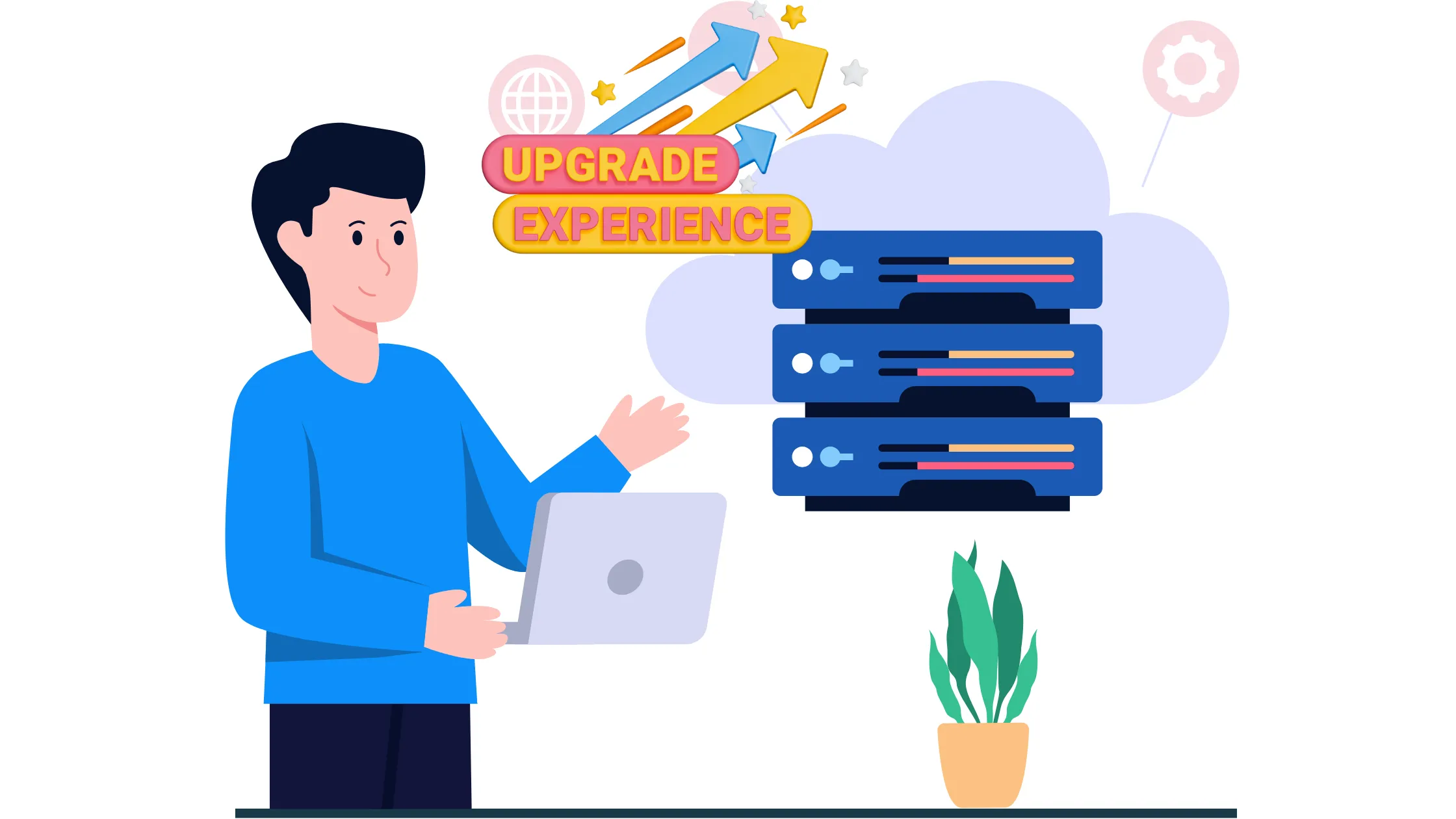
Think of your hosting plan like the engine in a car. When you first bought it, it handled everything perfectly. However, as your website grows, you start adding more pages, more visitors, more plugins. Soon, that engine is struggling to keep up. That is exactly when it is time to upgrade hosting package.
Upgrading your hosting package simply means moving to a plan with more power, more storage, and more stability so your website can handle growth without breaking. The good news is that with the right hosting provider, this process does not cause any downtime at all.
Your site stays live while the move happens in the background.
So, how do you know when to upgrade to a hosting package? Let us walk through each sign, one by one.
When You Should Upgrade Your Hosting Package
1) Your Website Is Getting Slower
If your website pages are taking longer to load than before, your current plan may be under pressure. Research by Portent found that a website loading in one second has a conversion rate nearly three times higher than a site loading in five seconds.
For a business running an online store, that gap in speed translates directly into lost sales.
When your website is getting slower, here is what it means.
- CPU or RAM limits are being reached
- Too many users are accessing your site at once
- Your resources cannot keep up
These are clear signals to upgrade hosting package before your visitors give up and leave.
2) You Keep Hitting Resource Limits
Most hosting plans have caps on CPU, memory, or entry processes. Entry processes, in simple terms, are the number of tasks your server can run at the same time.
When too many people visit your site at once, those tasks pile up. If your plan has a low cap, your server throws its hands up and starts rejecting requests.
Here are the signs that your website is hitting resource limits.
- “Resource limit reached” errors appear on your site
- Temporary downtime in the middle of the day
- Your admin dashboard is taking forever to load
3) Your Traffic Has Increased
More visitors are a good thing. However, it changes your hosting needs fast.
When you first launched, maybe 50 people visited your site per day. Now you are getting 500 or 5,000. Those extra visitors all need the server to respond to them at the same time. A basic shared hosting plan was not built for that kind of demand.
Here are signs that traffic has increased, and it’s time to upgrade the hosting package
- Higher daily visits than six months ago
- More page requests hitting your server
- Bounce rate is going up because the site loads slowly
4) You Are Hosting Multiple Websites
Running several sites on one plan is like putting five people in a car built for two. Everyone fits, but nobody is comfortable, and the car is burning way more fuel than it should. Each website you add eats into the same pool of resources. So, when one site gets a traffic spike, the others slow down as a result.
So, if you see these signs and you’re hosting multiple sites, it’s time for an upgrade.
- Sites load more slowly when running together
- One busy site affects the performance of another
- Storage fills up quickly across your sites
When you upgrade hosting package, each site gets the breathing room it needs to perform without pulling the others down.
5) You Need Better Security or Control
Basic hosting plans often come with very limited control over your server environment. You cannot install certain software, configure security rules, or access your server at a deep level.
For a personal blog, that is fine. However, for a growing business website that handles customer data, payments, or confidential information, that level of restriction becomes a risk.
Signs you need to upgrade hosting for better security and control.
- Limited backup options or no daily backups
- No advanced security tools on your current plan
- Restricted server access is blocking what you need to do
6) Frequent Downtime
Does your website constantly go offline? Frequent downtime frustrates visitors and harms your search engine rankings. If your hosting provider cannot guarantee dependable uptime, it is time to move on and relocate your website.
Frequent crashes often result from insufficient server resources, such as limited bandwidth or inadequate storage. These issues become more pronounced during peak traffic periods, like sales events or viral campaigns.
To put this in perspective, research from ITIC found that over 90% of mid-size businesses say one hour of downtime costs them more than $300,000. For a small website owner, even a fraction of that loss is painful.
7) You Need Features Your Current Plan Does Not Offer
Sometimes the problem is not about resources at all. It is about features. Perhaps you want to set up a staging environment, which is a private copy of your website where you can test changes before pushing them live. Or maybe you need SSH access, which lets you connect directly to your server through a command line for faster management.
If your current plan does not offer what your site needs to grow, that alone is a good reason to upgrade to a hosting package that does.
Why You Should Upgrade Your Hosting Package
a) Better Performance
Higher plans give you more CPU, RAM, and storage. The CPU is the brain of your server. RAM is the short-term memory that it uses to juggle tasks. More of both means your server handles requests faster and without breaking a sweat.
b) More Stability
When you upgrade hosting package, you reduce the chances of random crashes and unexpected downtime. On a basic shared plan, you are one of potentially hundreds of websites all fighting over the same resources.
One site hogging the CPU can bring everyone else down. Upgraded hosting gives you a better buffer against that.
c) Room to Grow
Growth is a good problem to have. However, growth without the right infrastructure behind it causes chaos. When you upgrade hosting package ahead of time, rather than waiting for things to break, you give your website the space it needs to expand on its own terms.
d) Improved SEO Performance

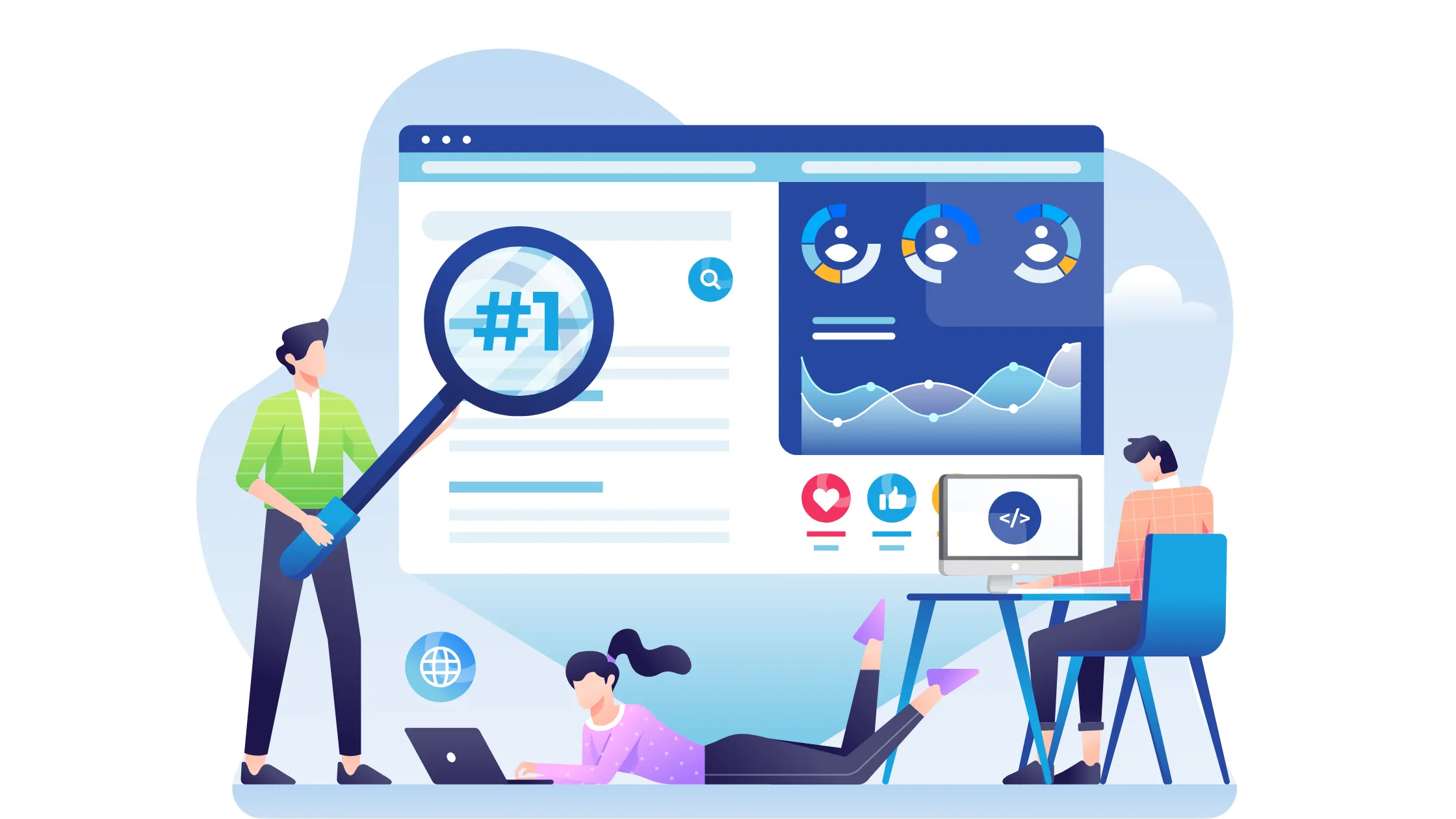
SEO stands for Search Engine Optimization. It is the process of making your website show up higher on Google. Speed is one of the factors Google uses to rank websites.
A slow, unstable site gets pushed further down in search results. In addition, when visitors bounce off your site because it loads too slowly, Google takes that as a sign your site is not worth recommending.
Upgrading helps:
- Improve page speed to meet Google’s preferred load times
- Reduce bounce rate so fewer visitors leave without clicking around
- Keep your site consistently online so Google keeps indexing it
e) Upgrading Is Cheaper Than the Cost of Extended Downtime
According to a 2025 New Relic study, unplanned downtime costs businesses a median of $76 million every single year. Even for a small website owner losing sales for just a few hours during a busy period, the math works out clearly.
The cost of not upgrading is almost always higher than the cost of upgrading. When you look at it that way, the decision to upgrade the hosting package is not an expense. It is a protection against a much bigger loss.
What to Do Before Upgrading
Before you upgrade hosting package, take a few simple steps to make sure the move goes smoothly.
- Check your current resource usage through your hosting dashboard. Most providers show you how much CPU and RAM your site uses on average. That information tells you how far up you need to go.
- Compare the plan differences side by side. Do not just look at the price. Look at what changes between tiers, such as the number of websites allowed, storage space, RAM, and backup frequency.
- Back up your website completely before making any move. Even though upgrading with a reputable provider does not cause downtime, having a fresh backup gives you peace of mind.
- Review your traffic patterns. If your site spikes every weekend or at the start of each month, time your upgrade before that period, not after it hits. This helps you choose the right upgrade level without overspending on resources you do not yet need.
Where to Upgrade Your Hosting
Upgrading your hosting package is not about fixing a problem after it breaks. It is about preparing your website for growth before it slows down or crashes. If your site is expanding, your hosting should grow with it, not hold it back. As covered throughout this article, the performance, security, and SEO benefits of upgrading far outweigh the cost of staying on a plan that has already maxed out.
If you want a simple upgrade path with flexible plans and room to scale, move to Truehost.
At Truehost, we offer shared hosting and VPS options, so you can upgrade smoothly without moving your entire setup somewhere else. The process takes no downtime, your site stays live, and your new resources kick in right away.
Head over to Truehost today and pick the plan that fits where your site is going next.