Domain SearchInstantly check and register your preferred domain name
 Web Hosting
 cPanel HostingHosting powered by cPanel (Most user friendly)
 WordPress HostingHost your WordPress website with fast, secure, and affordable WordPress hosting in Kenya.
 KE Domains
 Reseller HostingStart your own hosting business without tech hustles
 Windows HostingOptimized for Windows-based applications and sites.
 Free Domain
 Affiliate ProgramEarn commissions by referring customers to our platforms
 Free HostingTest our SSD Hosting for free, for life (1GB storage)
 Domain TransferMove your domain to us with zero downtime and full control
 All DomainsBrowse and register domain extensions from around the world
 .Com Domain
 WhoisLook up domain ownership, expiry dates, and registrar information
 VPS Hosting
 Managed VPSNon techy? Opt for fully managed VPS server
 Dedicated ServersEnjoy unmatched power and control with your own physical server.
 Website Builder
 Online Store BuilderLaunch a professional e-commerce store without writing code.
 Web Design ServiceGet a custom-designed website tailored to your brand and goals. From just KES 15,600
 BlogRead our guides on web hosting, online business, digital marketing, and more
 SupportOur support guides cover everything you need to know about our services
 ContactContact us via chat or email
Wanna create a website for a conference, music festival, workshop, or local meetup? The process is simpler than you might think.
So basically, you define what you want the site to achieve. Then you pick a platform, like WordPress paired with the Kadence theme, or a specialized event builder.
Next, you get a domain name. After that, you design the site using a mobile-friendly template.
In this article, we will go through the entire process from start to finish. You will learn what to prepare before you even touch a computer.
You will see two different ways to build your site, depending on how much control you want. And you will get a checklist of things to check before you launch.
By the end, you will have a working event website that people can use to find information and buy tickets.
Do This Before You Create
First, know your event type. Is it free, paid, or donation-based?
The type of event tells you which payment options you need to set up. A charity run needs different payment handling than a paid webinar.
Next, get your documents in order. You will need your tax documents and business registration information.
Payment processors ask for these to verify your identity. Have them ready so you can connect a payment gateway like M-Pesa or a credit card processor without delays.
Finally, register a domain. This is your website’s address, like youreventname.co.ke.
Keep it short, easy to spell, and related to your event. Do this step before you build anything so you’re not scrambling for a name later.
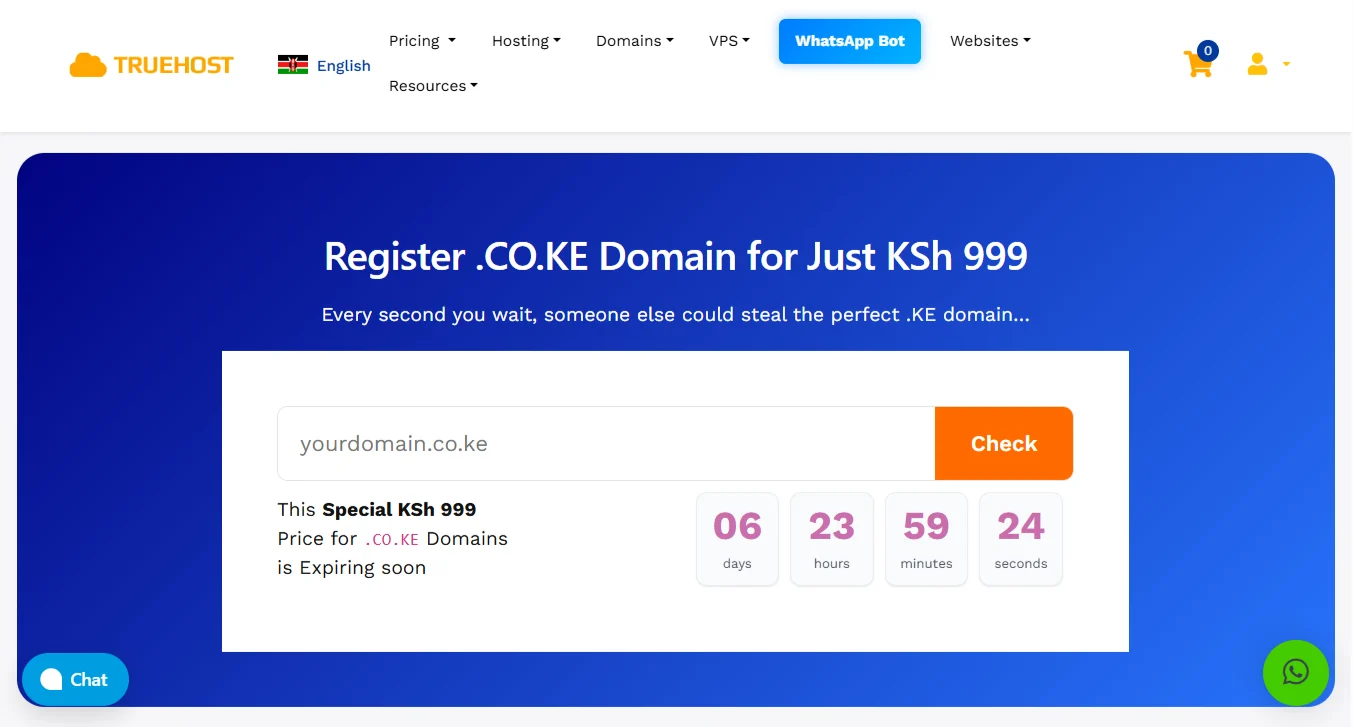
Truehost has so many TLDs that you can register for an events website.
If you want a Kenyan domain name for your website, you can register your preferred events domain name at Truehost for only KSh 999.
How to Create an Event Website
Now, when building an event’s website, you have two ways: either use an AI website builder or build with WordPress and the events plugins.
Path A: Using AI Event Website Builders
If you want to get online fast without coding, an AI website builder is the best option for you. You answer questions, and the AI builds the site for you.
Good options include Wix, Squarespace, and Olitt. But the Truehost website builder is perfect because it is so good for local events.
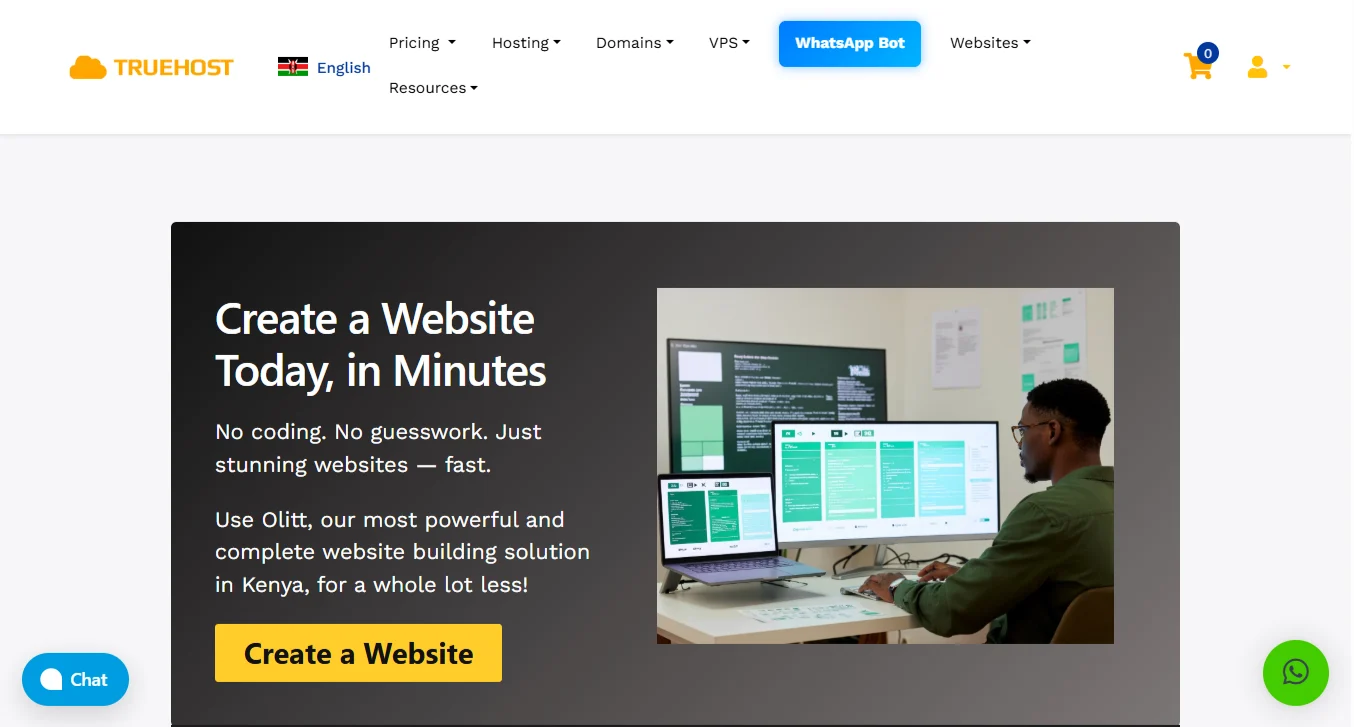
These are the steps to build with Truehost:
- Sign up for Truehost’s AI website builder. You can start with a free trial or pick a paid plan. The process takes two minutes.
- Answer the AI prompts as you go. The builder will ask you questions. You just type your answers. The AI uses your responses to build the layout.
- Review what the AI built for you. Look specifically at the event schedule and the RSVP buttons. Ensure the dates are correct, and the buttons work.
- Customize your site. You can add speaker photos, paste a venue map, or put in a countdown timer. You can do these edits manually or give the AI new instructions to edit.
- Set up payment options. Connect M-Pesa, card payments, or both.
- Review everything one last time. Then hit publish. Your site is live, and you can start selling tickets immediately.
Path B: Building with WordPress + Event Plugins
Building with WordPress is ideal if you want more control over every detail.
WordPress takes a bit more time to set up, but it gives you ownership of your data and design.
Step 1: Get Hosting and Install WordPress Via Truehost
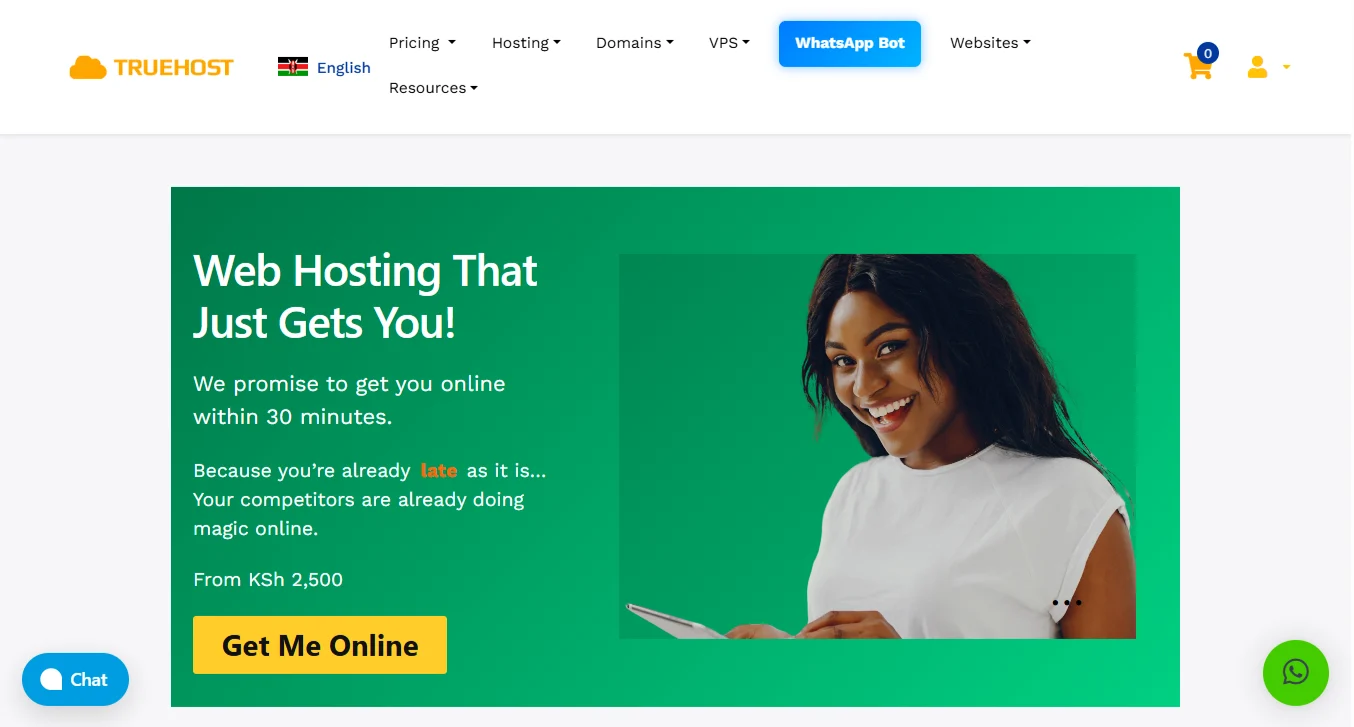
Go to Truehost and pick a web hosting plan. The Starter plan (KSh 2500/year) works fine for most events, especially if you are just starting out.
After you pay, log in to your control panel using the provided credentials. Look for the 1-click installer. Click it, choose WordPress, and follow the prompts.
The system will install WordPress for you in a few minutes. Then you can start building your events website.
Step 2: Install an Event Plugin
The good thing about building with WordPress is that you get to install plugins that help your website become great.
- Go to your WordPress dashboard.
- Click plugins, then add new.
- Search for a plugin like The Events Calendar, Event Tickets, or WP Event Manager.
- Click install now and then activate.
You can also add other management plugins you feel would improve your website.
Step 3: Choose a Compatible Theme
Pick a WordPress theme that works well with your event plugin. Look for themes with event in the title or those labeled as compatible with your chosen plugin.
Free options like Kadence or Astra work great. Install and activate your theme just like you did the plugin.
You can experiment and see which theme you like better. You can always uninstall, install another theme, and revert to the one you like best.
Step 4: Configure Your Event Settings: Time, Currency, Location
Go to your event plugin’s settings page. Set your timezone so all times show correctly.
Also, choose your currency, such as Kenyan Shillings or whatever you prefer.
Set your default location. These small settings prevent confusion for your attendees. They make it clear even for visitors on your website.
Step 5: Add your Event Details
In this step, it’s important to be direct and clear with the information. Ensure you:
- Create a new event in your plugin
- Fill in the title, date, time, and location
- Write a description that answers all basic questions
- Upload a featured image for the event
- Add a map if the venue is hard to find.
Doing this ensures that every website visitor is properly guided and does not have to scroll through your website’s pages to find the event details.
Step 6: Set Up Payment Gateways for Tickets
After adding the event details, you need to get customers to pay when they are most interested. Add several payment methods for convenience.
Go to the payment settings in your event plugin. Add M-Pesa as a payment method. Also, add card payments through a gateway like Stripe or PayPal.
Enter the API keys from your payment account. Remember to test the system by buying a ticket yourself to make sure it works.
Step 7: Configure Ticket Types
Create different ticket options. For example, early bird, regular, and VIP.
Then, set different prices for each type. Set a limit for how many of each ticket you want to sell.
Also set a sales end date, like “Tickets close 2 days before the event.”
Pre-launch Tips
Before you launch your event website, run through this checklist.
Customize for mobile efficiency
Look at your site on your phone. More than half of your visitors will do the same. Make sure buttons are large enough to tap.
Make sure text is readable without zooming in. Fix anything that looks broken on a small screen.
Ensure the payment gateway supports a mobile pop-up
When someone clicks buy the payment screen should pop up smoothly on their phone. A payment box that gets cut off or won’t scroll will lose you sales.
Post your refund and cancellation policy
Put this on the ticket page and in the confirmation email. Tell people exactly what happens if they cancel or if you cancel the event.
This protects you and builds trust.
Optimize through social media
Create one post for each ticket type. Make a short video walking through your site. Share behind-the-scenes photos of your planning.
Link every post directly to your ticket page, not just your homepage.
Start Your Event’s Website Today
You do not need to be a tech pro or spend a fortune. We built Truehost to give you everything you need in one place.
You can register your domain, set up hosting, and use our AI website builder without jumping between different companies.
Our website builder is made for Kenyan business owners and creators. You pick a template, drag and drop your content, and publish instantly.
It comes with free hosting, a free SSL certificate, and built-in SEO tools to help people find your event on Google.
Plans start at just KSh 2546/year, and you get a free .co.ke domain and a business email.
For those who want WordPress, our web hosting plans include a 1-click installer, free automated SSL, unlimited email accounts, and free daily backups.
You can start with the WebHosting Starter plan, then upgrade whenever you want.