Domain SearchInstantly check and register your preferred domain name
 Web Hosting
 cPanel HostingHosting powered by cPanel (Most user friendly)
 WordPress HostingHost your WordPress website with fast, secure, and affordable WordPress hosting in Kenya.
 KE Domains
 Reseller HostingStart your own hosting business without tech hustles
 Windows HostingOptimized for Windows-based applications and sites.
 Free Domain
 Affiliate ProgramEarn commissions by referring customers to our platforms
 Free HostingTest our SSD Hosting for free, for life (1GB storage)
 Domain TransferMove your domain to us with zero downtime and full control
 All DomainsBrowse and register domain extensions from around the world
 .Com Domain
 WhoisLook up domain ownership, expiry dates, and registrar information
 VPS Hosting
 Managed VPSNon techy? Opt for fully managed VPS server
 Dedicated ServersEnjoy unmatched power and control with your own physical server.
 Website Builder
 Online Store BuilderLaunch a professional e-commerce store without writing code.
 Web Design ServiceGet a custom-designed website tailored to your brand and goals. From just KES 15,600
 BlogRead our guides on web hosting, online business, digital marketing, and more
 SupportOur support guides cover everything you need to know about our services
 ContactContact us via chat or email
Choosing between CyberPanel and Plesk usually comes down to a straightforward but important trade-off:
Do you go for raw performance and cost efficiency (CyberPanel), or ease of use, stability, and enterprise-level features (Plesk)?
CyberPanel is a lightweight, free control panel built around LiteSpeed technology, making it a strong choice for performance-focused hosting setups where speed and resource efficiency matter most.
It is especially attractive to users running VPS environments who want to squeeze maximum performance without paying for the control panel itself.
Plesk, in contrast, is a long-established commercial platform designed for reliability and convenience. It offers a polished graphical interface, extensive automation tools, and built-in features that simplify everything from website management to email hosting and security configuration.
It is widely used in professional hosting environments where ease of management and long-term stability are more important than minimizing cost.
Both tools are powerful in their own right, but they are built with different priorities, and ultimately, they cater to different types of users and hosting needs.
Key Differences Between CyberPanel and Plesk
At a high level, the distinction is clear:
CyberPanel: Performance-first, developer-friendly, cost-efficient
Plesk: Feature-rich, beginner-friendly, enterprise-ready
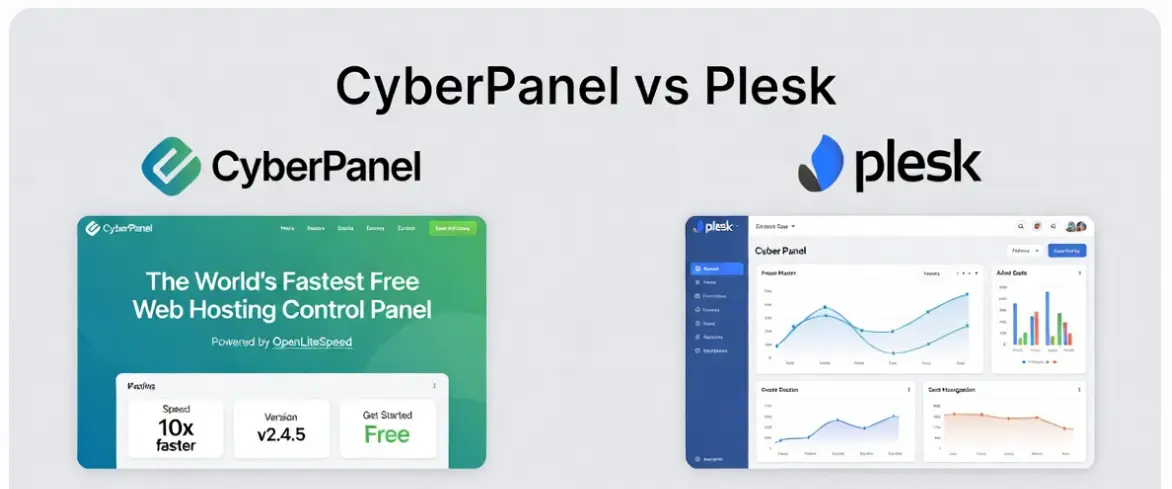
CyberPanel appeals to users comfortable with Linux environments and optimization. Plesk appeals to agencies, businesses, and users who want everything managed through a clean GUI with minimal technical friction.
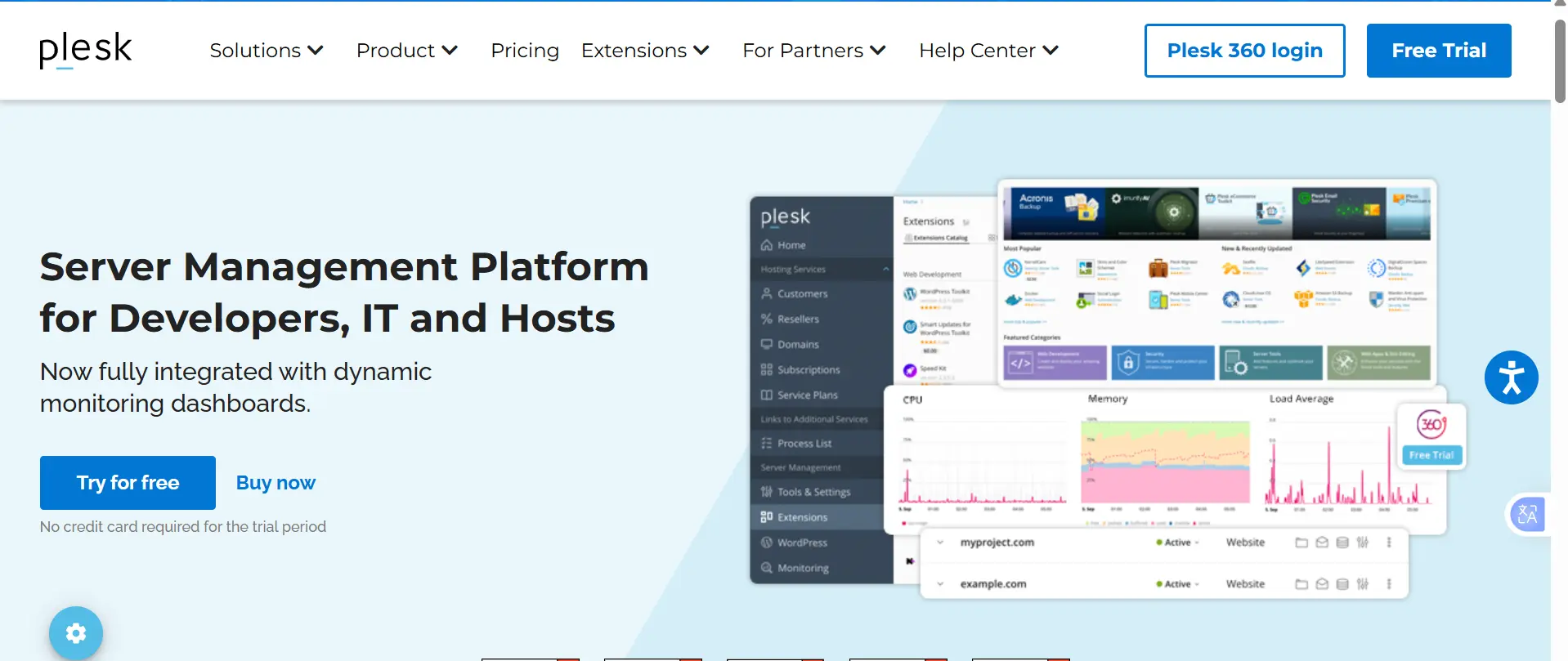
CyberPanel vs Plesk: Side-by-Side Comparison
| Feature | CyberPanel | Plesk |
| Core Technology | OpenLiteSpeed / LiteSpeed Enterprise | Apache / Nginx / LiteSpeed support |
| License | Free (Open Source + paid enterprise options) | Commercial (subscription-based) |
| Target Users | Developers, VPS users, performance-focused setups | Agencies, businesses, beginners, and hosting companies |
| OS Support | Linux only | Linux + Windows |
| UI Complexity | Simple but technical | Polished and beginner-friendly |
| Email Hosting | Available but basic | Advanced email stack included |
| Extensions | Limited ecosystem | Large marketplace of extensions |
| Automation Tools | Basic | Advanced (backup, staging, cloning, etc.) |
1) Ease of Use and User Interface
CyberPanel has a clean and fairly simple interface, but it still leans slightly technical. It feels straightforward for users familiar with hosting and basic Linux server management.
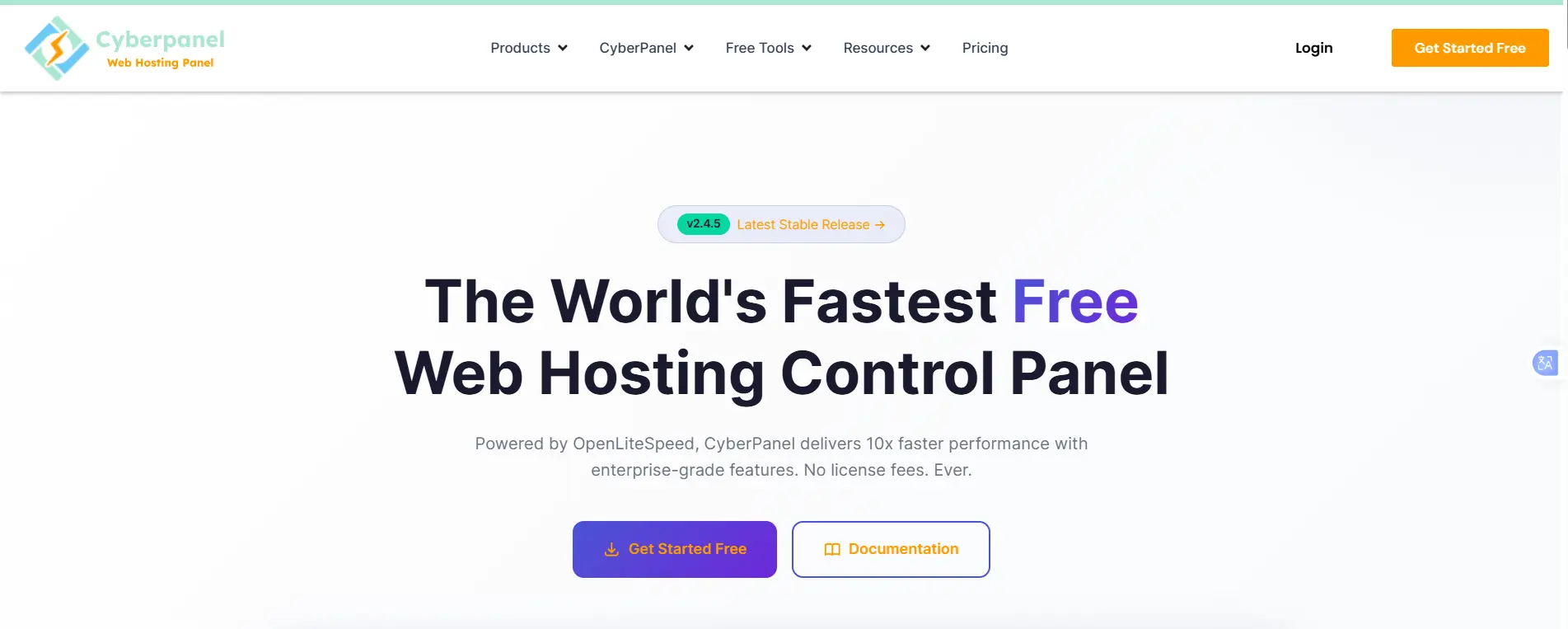
However, it doesn’t heavily guide you step by step, so tasks like SSL setup, DNS configuration, or server tuning may require a bit of confidence when handling them.
On the other hand, Plesk is built with usability at its core. The interface is highly structured, with clear menus and guided workflows that make common tasks feel effortless.
Things like setting up email accounts, installing WordPress, managing backups, or securing a site can often be done in just a few clicks. It feels less like a traditional server tool and more like a modern web dashboard.
Verdict:
- Beginners or non-technical users → Plesk is easier and more intuitive
- Developers or users comfortable with servers → CyberPanel is lighter and still efficient
2) Performance and Speed
This is where CyberPanel clearly pulls ahead in many use cases.
CyberPanel is tightly optimized for the LiteSpeed Web Server, which is known for delivering strong performance, especially under heavy traffic.
It also comes with built-in LSCache, which significantly improves WordPress and PHP application speed without needing extra plugins or complex setup. In many cases, it feels fast right after installation.
Plesk, however, doesn’t define performance on its own. Instead, it acts as a management layer for web servers like Apache, Nginx, or even LiteSpeed.
This means performance is not fixed; it depends heavily on how the stack is configured and optimized by the user or hosting provider.
In practical terms:
- CyberPanel often delivers strong performance out of the box, especially for WordPress sites
- Plesk delivers consistent performance, but results vary depending on server setup and optimization
Verdict:
- Performance-first setups and WordPress hosting → CyberPanel
- Managed hosting environments and enterprise stability → Plesk
3) Pricing (Cost Comparison)
CyberPanel is widely known for being free at its core, while Plesk operates on a subscription model.
Cost Comparison Table (Typical Market Pricing)
| Cost Factor | CyberPanel | Plesk |
| Core Software | Free (open-source) | Paid only (no free version) |
| Starting Price | $0 | ~ $15/month (Web Admin Edition) |
| Mid-Tier Price | ~ $59/year (enterprise add-ons vary) | ~ $27/month (Web Pro Edition) |
| Top-Tier Price | ~ $169 lifetime or enterprise plans vary | ~ $56/month (Web Host Edition) |
| Website Limits | Unlimited (depends on server resources) | Tier-based limits (or unlimited on higher plans) |
| Add-ons Cost | Mostly included or minimal | Many extensions are paid separately |
Note: Pricing may vary depending on region, promotions, and licensing model changes.
Verdict
- CyberPanel minimizes software cost entirely
- Plesk shifts costs into predictable subscription tiers with added features
4) Security and Features
CyberPanel
CyberPanel includes essential security features:
- Free SSL (Let’s Encrypt integration)
- Firewall integration (CSF support)
- ModSecurity (WAF support)
- Automated backups (varies by setup)
However, advanced enterprise security tools often require manual configuration or external services.
Plesk
Plesk is more comprehensive out of the box:
- Built-in WAF and security advisor
- Advanced backup management (incremental backups)
- Fail2Ban integration
- Built-in malware scanning (with extensions)
- Multi-user role management (ideal for agencies)
Verdict:
- CyberPanel → Strong but more hands-on
- Plesk → Fully managed security ecosystem
When to Choose CyberPanel
CyberPanel is ideal if you:
- Want a free or low-cost hosting solution
- Run WordPress or PHP-based websites
- Prefer LiteSpeed performance optimization
- Manage your own VPS or cloud server
- Are comfortable with some technical setup
It’s especially popular among developers, freelancers, and users hosting websites on budget VPS providers.
When to Choose Plesk
Plesk is the better choice if you:
- Manage multiple client websites
- Want a plug-and-play control panel
- Prefer Windows server support
- Need built-in tools for email, backups, staging, and security
- Value stability and enterprise-grade support
It’s widely used by agencies, hosting companies, and businesses that want reliability over manual optimization.
Other Hosting Panels Worth Considering
While this comparison focuses on CyberPanel and Plesk, there are a few other control panels that are also worth exploring, depending on your setup and goals.
a) DirectAdmin
It is a lightweight and budget-friendly alternative that’s often chosen as a simpler replacement for cPanel. It keeps things minimal, which makes it fast and easy to run on low-resource servers.
b) CloudPanel
This is a modern, performance-focused control panel designed specifically for cloud environments. It’s popular among developers who want speed, clean design, and optimized stacks without unnecessary complexity.
c) Webmin
It is a highly flexible and powerful option built for advanced system administrators. It offers deep system-level control, making it ideal for users who prefer managing almost every part of the server manually.
Each of these panels has its own strengths, and the right choice usually depends on your hosting environment, available server resources, and how comfortable you are with technical server management.
Which Control Panel Should You Choose?
There’s no universal winner between CyberPanel and Plesk; the right choice really depends on how you want to run and manage your hosting setup.
If your focus is speed, lower costs, and full control over your server, CyberPanel is a strong option. It suits users who prefer a more hands-on approach in exchange for better performance and efficiency.
On the other hand, if you want a smoother experience, guided workflows, and tools that scale easily for business use, Plesk is often the more comfortable long-term choice.
In simple terms, CyberPanel leans toward performance and flexibility, while Plesk focuses on structure, convenience, and enterprise-ready management.
Ultimately, it comes down to your working style, whether you prefer fine-tuning everything yourself or using a more managed, all-in-one system.
If you’re setting up a website or planning to grow an online project, Truehost is a practical place to start. It offers flexible hosting options that support different control panels, giving you the freedom to choose what works best for you while keeping costs affordable and scaling as simply as your needs grow.