 Domain SearchInstantly check and register your preferred domain name
 Web Hosting
 cPanel HostingHosting powered by cPanel (Most user friendly)
 WordPress HostingHost your WordPress website with fast, secure, and affordable WordPress hosting in Kenya.
 KE Domains
 Reseller HostingStart your own hosting business without tech hustles
 Windows HostingOptimized for Windows-based applications and sites.
 Free Domain
 Affiliate ProgramEarn commissions by referring customers to our platforms
 Free HostingTest our SSD Hosting for free, for life (1GB storage)
 Domain TransferMove your domain to us with zero downtime and full control
 All DomainsBrowse and register domain extensions from around the world
 .Com Domain
 WhoisLook up domain ownership, expiry dates, and registrar information
 VPS Hosting
 Managed VPSNon techy? Opt for fully managed VPS server
 Dedicated ServersEnjoy unmatched power and control with your own physical server.
 Website Builder
 Online Store BuilderLaunch a professional e-commerce store without writing code.
 Web Design ServiceGet a custom-designed website tailored to your brand and goals. From just KES 15,600
 BlogRead our guides on web hosting, online business, digital marketing, and more
 SupportOur support guides cover everything you need to know about our services
 ContactContact us via chat or email
Every domain name has a public record attached to it. Anyone can look it up to see who owns it and how to contact them. That record lives in a system called WHOIS.
WHOIS stores the registration details for every domain name. If you own a website or plan to get one, you need to know what information is out there, who can see it, and how to keep your personal details private.
Many people don’t realize that when they register a domain, their name, address, phone number, and email become publicly accessible unless they take steps to hide them.
Sometimes, the publicity can lead to unwanted spam calls, sales emails, or even targeted scams.
Now, let’s get down to what a WHOIS record contains, who uses it and why, how privacy protections keep your personal details safe, and how to perform a WHOIS lookup yourself.
What Is Whois?
WHOIS is a public database that stores information about the owner of a domain name and how to contact them.
When you register a domain like biasharayangu.co.ke, your details are recorded and made available through this system.
WHOIS has been around since the early days of the internet in the 1980s.
Back then, it was a simple text-based directory used by network administrators to identify people and organizations on the ARPANET, the precursor to the modern internet.
Its main purpose remains to provide transparency and accountability online.
No single entity owns the WHOIS database. It is a distributed system managed by the Internet Corporation for Assigned Names and Numbers (ICANN).
ICANN sets the rules, and the responsibility for maintaining the data falls to registrars and registries that manage domain extensions such as .com, .ke, or .org.
The system is there for a few key reasons:
- First, it ensures transparency by letting anyone see who is behind a website
- Second, it provides accountability for domain owners
- Third, it provides a clear point of contact for technical issues, legal matters such as trademark disputes, and reporting abuse, such as spam or phishing.
What is a WHOIS Lookup?
A WHOIS lookup queries the database to retrieve the registration details for a specific domain name. It’s how you find out the information attached to that domain.
WHOIS lookups does have limitations. The biggest one is privacy protection.
Due to global privacy laws, the personal details of many domain owners are now hidden from public view.
Also, different domain extensions (TLDs) have different rules; some, like country-code TLDs, may have restricted or minimal data available compared to a .com.
What Information does WHOIS show?
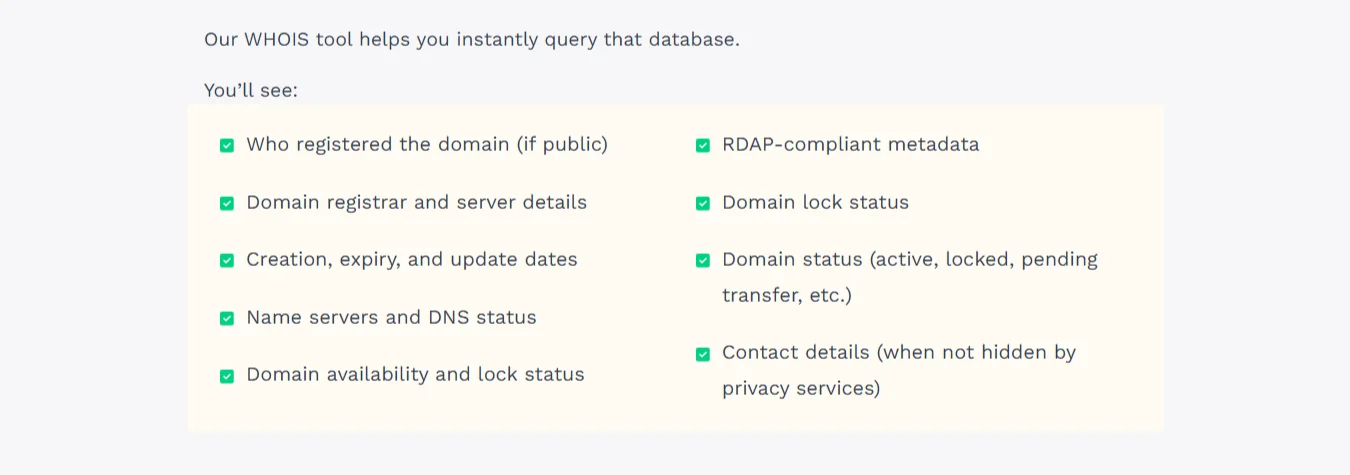
A standard WHOIS record contains technical and contact details. You can find:
- Domain Name and Registrar: The specific domain name you looked up and the company where it was registered.
- Registrant Information: The name, organization, address, phone number, and email address of the person or company that owns the domain.
- Administrative, Technical, and Billing Contacts: Sometimes separate contacts for managing the domain, handling technical issues, and receiving invoices. These are often the same as the registrant.
- Important Dates: The date the domain was registered, the date it was last updated, and most importantly, its expiration date.
- Name Servers (DNS): The servers that connect your domain name to the website’s hosting server. This is the technical information that makes your site work.
Who Uses Whois and Why?
Different people use WHOIS for very different reasons. For instance,
- Domain owners use it to verify their registration details are correct and to check their upcoming renewal dates so they don’t accidentally lose their domain.
- Buyers and investors use it to see if a desired domain name is available. If it’s available, they can use the WHOIS information (if it’s not hidden) to contact the owner and make an offer to buy it.
- Law enforcement and legal teams rely on WHOIS to investigate online fraud, track down the owners of sites involved in trademark infringement, or to get contact information for legal proceedings against a website.
- IT and security experts use WHOIS to diagnose technical issues such as misconfigured name servers. They also use it to track malicious domains used in phishing attacks, often to identify patterns or the hosting provider to shut them down.
Is WHOIS information public?
Historically, yes, all registrant contact details were publicly accessible.
That changed with the adoption of RDAP (Registration Data Access Protocol).
To improve data privacy and security, the domain industry moved away from the outdated WHOIS protocol to RDAP, which offers more granular control over who can access registrant information.
The consequence is that today, for most domain owners, personal data is redacted or masked in public WHOIS results.
The current standard is that instead of seeing a person’s private home address and phone number, you will see that the information is protected by a privacy service.
The contact details are replaced with a generic email address, such as [email protected], or the contact information for the domain registrar itself.
WHOIS Privacy Protection
WHOIS privacy protection is a service that hides a domain owner’s personal contact details from the public WHOIS database.
Instead of showing your name, address, and phone number, the registrar displays proxy contact details in the WHOIS record.
If someone tries to contact the domain owner through these proxy details, the privacy service forwards the message to your real email address. This protects you from spam, unsolicited sales calls, and sometimes harassment.
Today, many registrars include this protection for free with a domain registration. In other cases, it is offered as an optional add-on.
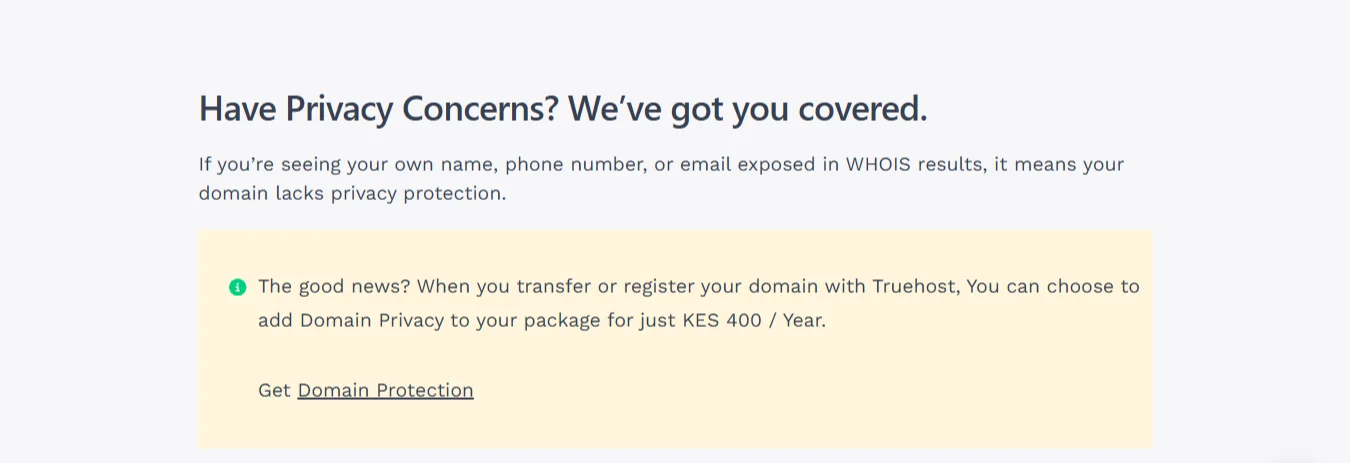
At Truehost, we offer WHOIS privacy protection for only KSh 400 per year to keep your personal information safe.
You can activate this protection by simply selecting the ID Protection add-on during checkout when you register a new domain.
If you already have a domain, you can also activate it at any time through your domain management panel in your Truehost account.
How to Look Up Whois Information
There are several easy ways to perform a WHOIS lookup:
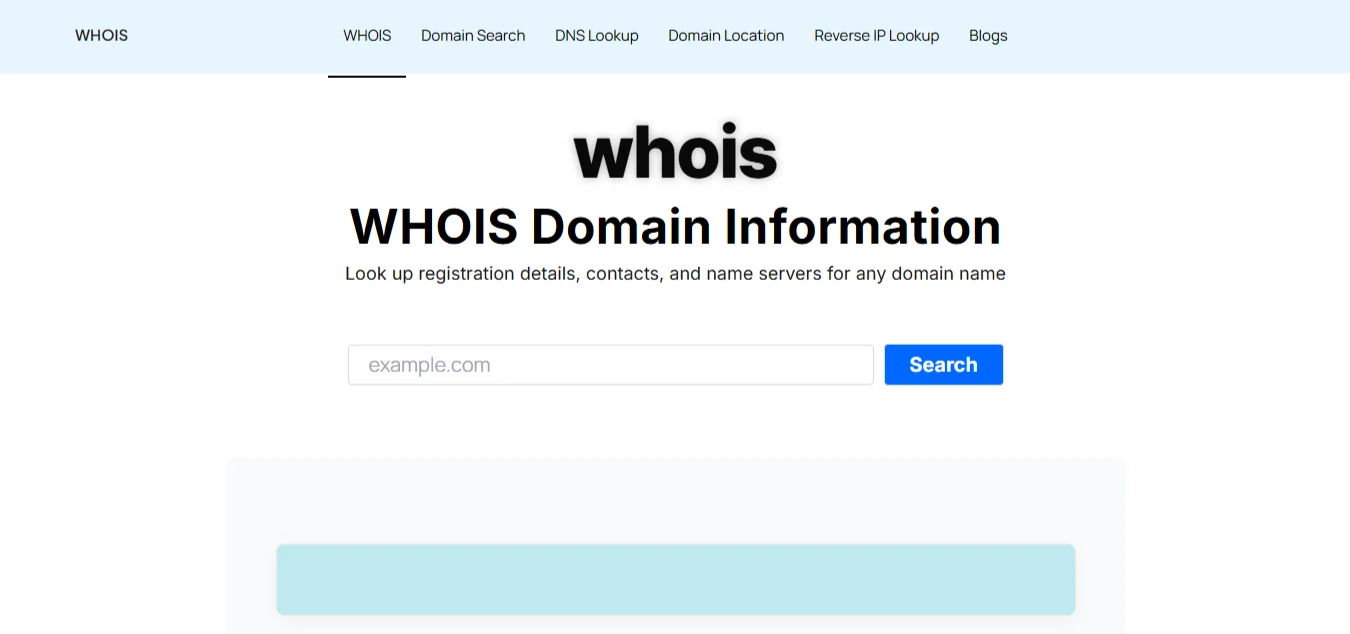
- Using online tools: Websites like ICANN Lookup, WhoIs.com, whois.is, or domain registrar tools such as Truehost WHOIS lookup offer a simple web form where you enter a domain name and get results.
- Command Line: If you’re on a Linux or macOS computer, you can open the terminal and type whois
example.com. This will return the raw WHOIS data directly in your terminal window.
What if information is redacted?
If you perform a lookup and see that the registrant details are hidden or that a privacy service is listed, there is no way to obtain the owner’s personal information through a public WHOIS lookup.
The only way to contact them is through the proxy email address shown or the registrar’s abuse contact.
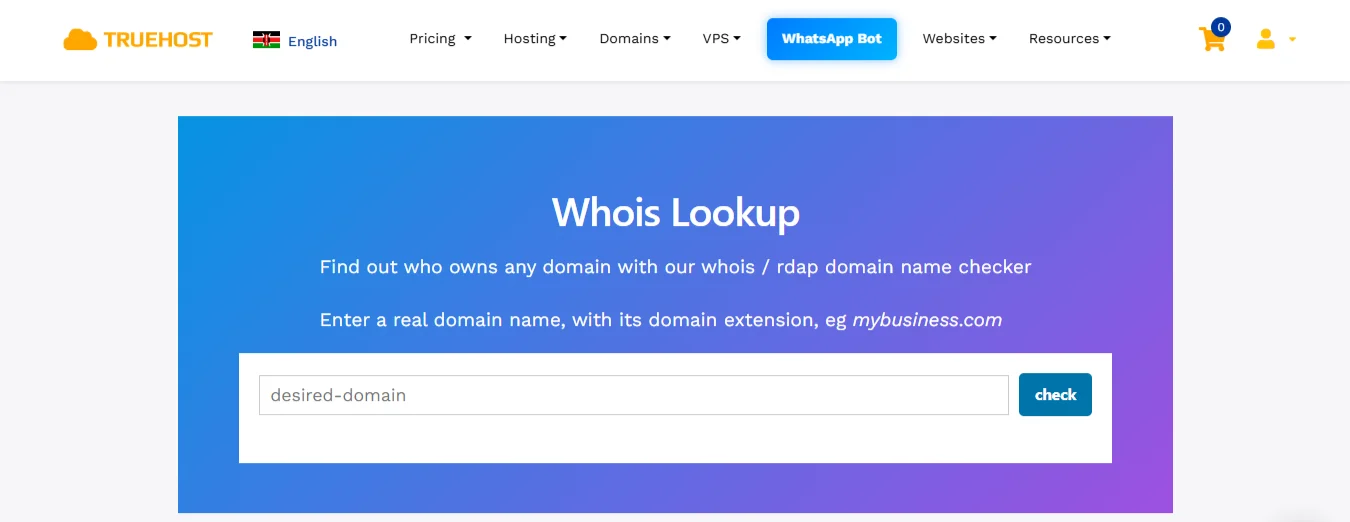
If you want to do a WHOIS lookup right now, Truehost has a free, simple lookup tool. This is how to use it:
- Go to the WHOIS lookup page on Truehost
- Enter the domain name you want to check (e.g., yourdomain.co.ke).
- Click the “Check” button.
- View the domain registration details that appear on the next page.
FAQs on What Is Whois
Can I hide my Whois information?
Yes. You can hide your personal information by purchasing WHOIS privacy protection. Truehost offers this service for KSh 400 per year.
Can I change my Whois details?
Yes. You can update your registrant, administrative, and technical contact details at any time by logging into your registrar account and editing the domain’s contact information.
How long does a Whois update take?
After you update your details with your registrar, the change usually propagates to the public WHOIS database within 24 to 72 hours. The exact time can vary depending on the registrar and the domain extension (TLD).
Can someone steal my domain through Whois?
No. No one can simply steal your domain just by seeing its WHOIS record. However, having outdated or publicly exposed personal details can make you a target for phishing scams, where someone might try to trick you into giving them access to your registrar account.
Conclusion
So that’s WHOIS. It’s the system that makes domain ownership information public. For anyone who runs a website, it’s good to know how it works.
The main thing is to pay attention to your own domain details. Log in to your account and confirm that your registration information is correct.
If your personal address and phone number appear in a public search, you might want to change them. Most people don’t want their home address available for public lookup.
Protecting your personal details is simple. You can add privacy protection to your domain and keep that information out of public view.
If you just want to check a domain’s status, use our free lookup tool.







