Domain SearchInstantly check and register your preferred domain name
 Web Hosting
 cPanel HostingHosting powered by cPanel (Most user friendly)
 WordPress HostingHost your WordPress website with fast, secure, and affordable WordPress hosting in Kenya.
 KE Domains
 Reseller HostingStart your own hosting business without tech hustles
 Windows HostingOptimized for Windows-based applications and sites.
 Free Domain
 Affiliate ProgramEarn commissions by referring customers to our platforms
 Free HostingTest our SSD Hosting for free, for life (1GB storage)
 Domain TransferMove your domain to us with zero downtime and full control
 All DomainsBrowse and register domain extensions from around the world
 .Com Domain
 WhoisLook up domain ownership, expiry dates, and registrar information
 VPS Hosting
 Managed VPSNon techy? Opt for fully managed VPS server
 Dedicated ServersEnjoy unmatched power and control with your own physical server.
 Website Builder
 Online Store BuilderLaunch a professional e-commerce store without writing code.
 Web Design ServiceGet a custom-designed website tailored to your brand and goals. From just KES 15,600
 BlogRead our guides on web hosting, online business, digital marketing, and more
 SupportOur support guides cover everything you need to know about our services
 ContactContact us via chat or email

Is your business outgrowing your current tech set-up? If yes, should you switch to an in-house server vs cloud hosting?
Your dilemma isn’t a technical debate for IT experts. It’s a practical business decision that affects your budget, your team’s productivity, and your ability to grow.
So, do you buy and maintain your own powerful computer (a server) at the office? Or do you rent space on the internet from a big provider?
Take a breather. I’ll help you figure it out.
At Truehost, we understand that the hosting choice you make will shape your day-to-day operations. One path offers total control, while the other provides incredible flexibility.
This article will walk you through the pros, cons, and key differences in simple terms, helping you decide which option is the actual engine for your business’s future.
Let’s get the right fit for you.
What is an In-House Server?
An in-house server is a physical computer that you own and house within your office or building.
It is responsible for storing your data, running your software, and managing network resources for your company. It is your company’s private, local brain and filing cabinet.
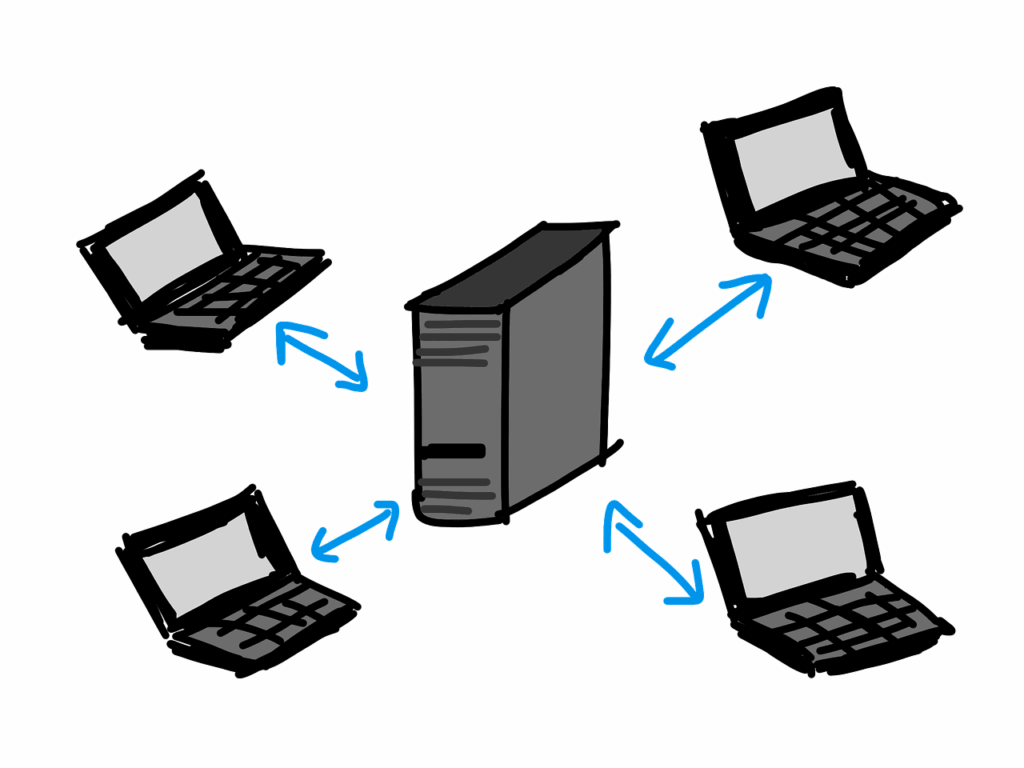
This server is a tangible piece of equipment that you can see and touch. When you have an In-House server, your IT team is directly responsible for the:
- Physical Setup: Unboxing it, mounting it in a rack, and connecting all the cables.
- Hardware Maintenance: Cleaning dust from fans, replacing failed hard drives, and upgrading components when they become outdated.
- Environmental Control: Ensuring the server room has adequate cooling and a stable, clean power supply, often requiring a dedicated air conditioning unit and an Uninterruptible Power Supply (UPS).
- Physical Security: Keeping the server room locked and accessible only to authorized personnel.
Pros of In-House Servers
Some of the advantages of having an In-House Server are:
Full Control and Customization
You have complete authority over the server’s hardware, operating system, and software. This allows for deep-level customization to meet particular needs.
If your business needs specialized hardware or unique software configurations that are not standard in the cloud, an in-house server can be tailored precisely to your specifications.
Direct Data Control and Perceived Security
For some businesses, especially those in highly regulated industries, knowing exactly where their data is and who has physical access to it is paramount.
With an in-house server, your data never leaves your building. This can provide a strong sense of security, as you are not relying on a third party to protect your most sensitive information.
Potentially Lower Long-Term Costs for Stable Workloads
If your business has predictable, consistent demands on the server, the one-time cost of purchasing the hardware can be cheaper over a long period than paying ongoing monthly subscription fees to a cloud provider.
Once the server is paid for, your primary costs are maintenance and electricity.
Performance for Local Network Tasks
When all your employees are in the same building, accessing data and applications on a local server can be extremely fast.
The data doesn’t have to travel over the internet, which means lower latency and quicker response times for internal operations.
Cons of In-House Servers
In-house servers come with some downsides. Some of those downsides are:
High Upfront Investment
The initial cost is significant.
You must purchase the server hardware itself, which can be expensive, along with necessary software licenses, networking equipment, and a robust cooling system. This requires a large amount of cash up front.
Responsibility for Maintenance and Repairs
Your company is solely responsible for everything.
If a hard drive fails, a power supply dies, or the server needs a software update, your IT staff must handle it.
This requires having a skilled, on-site IT team, which adds to personnel costs.
Limited Scalability
Scaling an in-house server is a slow and expensive process. If your business grows and you need more storage or processing power, you must buy, install, and configure new physical hardware.
This can take days or weeks. Conversely, if you overestimate your needs, you are left with expensive, underutilized equipment.
Vulnerability to Local Disasters
Your data is centralized in one physical location. A fire, flood, power outage, or theft at your office could lead to catastrophic data loss and extended downtime.
To mitigate this, you need to invest in a comprehensive backup solution, like a second, off-site server, which doubles the cost and complexity.
Requires Dedicated IT Expertise
Managing a server is not a simple task. You need to employ IT professionals who can manage network security, apply patches, troubleshoot hardware issues, and perform backups.
For small businesses without an IT person, this can be a significant burden.
What is Cloud Hosting?
Cloud hosting is like renting an apartment in a giant, high-tech building.
You get a space that is maintained, secured, and managed by the cloud provider, and you can easily rent a bigger apartment if your family grows.
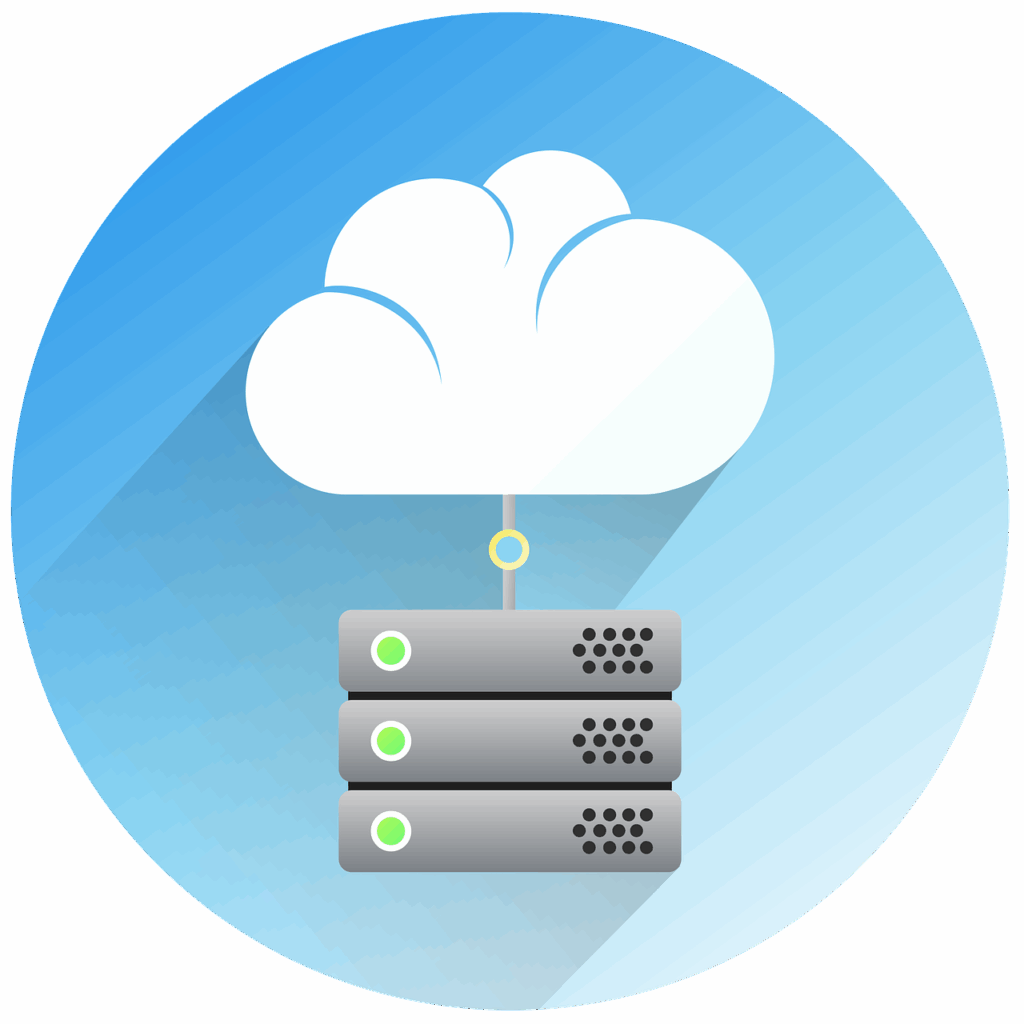
It uses a network of powerful, remote servers hosted on the internet to store, manage, and process your data.
So, instead of owning the hardware, you rent computing resources from a cloud provider like Amazon Web Services (AWS), Microsoft Azure, or Google Cloud.
Pros of Cloud Hosting
The upside of using cloud hosting is:
Exceptional Scalability and Flexibility
With cloud hosting, you can increase or decrease your computing resources like storage, memory, and processing power almost instantly with a few clicks.
This is perfect for businesses with fluctuating demands, such as an e-commerce site during the holiday season. You only pay for what you use.
Lower Upfront Costs (Operational Expenditure)
When you get cloud hosting, there is no need to buy expensive hardware.
You operate on a pay-as-you-go subscription model, turning a significant capital expense into a predictable monthly operating expense. This makes cloud hosting very accessible for startups and small businesses.
Automatic Maintenance and Updates
The cloud provider handles all the backend maintenance. This includes hardware repairs, security patches, and software updates.
Hence, your IT team is freed from routine maintenance tasks and can focus on more strategic projects.
Built-in Reliability and Disaster Recovery
Major cloud providers have data centres spread across the globe. Your data is automatically replicated across multiple locations.
If one data centre has an issue, your services can seamlessly switch to another, ensuring high availability and business continuity. This level of disaster recovery is challenging and expensive to achieve with in-house servers.
Remote Accessibility
Since your data and applications are hosted on the internet, they can be accessed from anywhere with an internet connection.
This naturally supports remote work and allows employees to be productive from any location.
Cons of Cloud Hosting
These are the disadvantages of using cloud hosting:
Ongoing and Potentially Unpredictable Costs
While the initial cost is low, the recurring subscription fees add up over time.
For a business with steady, high demand, the total cost of ownership over many years can eventually exceed the one-time price of an in-house server.
Costs can also become unpredictable if you do not carefully monitor your resource usage.
Less Direct Control
You are handing over control of your infrastructure to a third party. You cannot physically access the servers hosting your data.
While providers offer extensive control panels, you are ultimately subject to their policies, security practices, and infrastructure limitations.
Dependent on Internet Connectivity
Your access to data and applications is entirely tied to the quality and reliability of your internet connection.
If your internet goes down, your business operations can grind to a halt until it is restored.
Potential Security and Compliance Concerns
While cloud providers invest heavily in security, storing data on shared, public infrastructure can be a concern for some.
You must ensure that the provider’s security settings are configured correctly and that they comply with industry-specific regulations like HIPAA for healthcare or GDPR for data privacy.
A misconfiguration on your end, not the provider’s, is a common cause of cloud data breaches.
In-House Server vs Cloud Hosting: Key Differences
Now that we have covered the pros and cons of in-house server and cloud hosting, here are the differences:
| Features | In-House Server | Cloud Hosting |
| Cost model | High up-front cost | Ongoing subscription fee |
| Control | Full control over hardware and software | Control limited to provider’s platform |
| Scalability | Difficult, slow, and requires new hardware | Instant and effortless, done via software |
| Maintanance | Handled by your in-house IT team | Handled entirely by the cloud provider |
| Security | You are responsible for physical and digital security. | Provider handles physical security; you share digital security responsibility. |
| Disaster recovery | Your responsibility can be complex and expensive to set up. | Built-in; data is replicated across multiple geographic sites. |
| Accessibility | Typically limited to the local office network (unless complex remote access is set up). | Accessible from anywhere with an internet connection. |
An in-house server is like buying a house. It costs a lot of money upfront, but it’s yours to control completely.
You are responsible for all the repairs and maintenance. It’s challenging to make it bigger, and it’s usually only accessible from your office.
On the other hand, cloud hosting is like renting an apartment. You pay a monthly fee, and the landlord handles all the maintenance.
You can easily get a bigger unit if you need more space, and you can access it from anywhere. Also, your data is automatically backed up in multiple locations for safety.
Which One Should You Go For?
If you are still unsure of whether you should go for an in-house server or cloud hosting, I’ll simplify things for you.
An In-House Server might be the right fit if your situation matches the following:
- Strict Data Laws: Your business must comply with regulations that require data to be stored in a specific physical location and not on shared, public infrastructure.
- Predictable, Stable Needs: Your server demands are consistent and unlikely to grow significantly. This makes the one-time investment more cost-effective than endless monthly fees.
- Dedicated IT Staff: You have a skilled IT team on-site that can promptly handle hardware repairs, software updates, and security monitoring.
- Performance and Connectivity: Your operations depend on instant data access for local applications, or your area has poor internet service that makes cloud access unreliable.
- Available Capital: You have the budget for a large upfront purchase without straining your finances.
Cloud Hosting is likely the better option if these points describe your business:
- Limited Startup Capital: You are a new or small business that needs to conserve cash. The pay-as-you-go model avoids a significant financial hurdle.
- Growth or Fluctuation: Your business is expanding, or you experience busy seasons. The cloud allows you to scale resources up or down to match your exact needs at any time.
- Remote Workforce: You have employees who work from home, different offices, or on the go. The cloud is built for secure, remote accessibility.
- Small or No IT Team: You want to focus on your business, not IT management. The cloud provider handles all the underlying maintenance and hardware issues.
- Built-in Business Continuity: You want robust data backup and disaster recovery without the complexity and cost of building your own redundant system.
Factors to Consider When Choosing
Here are the key factors to consider when choosing between an in-house server and cloud hosting:
1) Budget
- In-House: Large upfront cost, potentially lower long-term costs for stable needs
- Cloud: Monthly subscription, lower startup cost
2) Control vs Convenience
- In-House: Full control over hardware and software
- Cloud: Less control, but the provider handles maintenance
3) Scalability
- In-House: Difficult and slow to scale, requires new hardware
- Cloud: Instant scaling, pay for what you use
4) IT Resources
- In-House: Requires a dedicated IT team for maintenance.
- Cloud: Minimal IT staff needed, provider manages infrastructure
5) Security & Compliance
- In-House: You handle all security, suitable for specific compliance needs
- Cloud: Provider handles physical security, you manage access settings
6) Accessibility
- In-House: Mainly local access, complex remote setup
- Cloud: Access from anywhere with internet
7) Disaster Recovery
- In-House: Your responsibility is to set up and maintain
- Cloud: Built-in backup across multiple locations
Conclusion
Choosing between an in-house server and cloud hosting isn’t about finding a one-size-fits-all solution but matching technology to your business.
Do you value complete control and have the resources to maintain your own digital fortress? Then an in-house server might be your legacy.
Or are you focused on growth, flexibility, and efficiency, preferring to let experts handle the technical details? In that case, the cloud is your launchpad to the future.
There is no better option; only the one that is better for you. Your decision will shape your company’s agility, security, and potential for years to come.
By carefully weighing your budget, growth plans, and IT capabilities, you can select the foundation that will truly power your success.
Have you tried our affordable hosting packages? If not, Truehost is ready to get you online in 30 minutes; stop waiting and get your website now.