Domain SearchInstantly check and register your preferred domain name
 Web Hosting
 cPanel HostingHosting powered by cPanel (Most user friendly)
 WordPress HostingHost your WordPress website with fast, secure, and affordable WordPress hosting in Kenya.
 KE Domains
 Reseller HostingStart your own hosting business without tech hustles
 Windows HostingOptimized for Windows-based applications and sites.
 Free Domain
 Affiliate ProgramEarn commissions by referring customers to our platforms
 Free HostingTest our SSD Hosting for free, for life (1GB storage)
 Domain TransferMove your domain to us with zero downtime and full control
 All DomainsBrowse and register domain extensions from around the world
 .Com Domain
 WhoisLook up domain ownership, expiry dates, and registrar information
 VPS Hosting
 Managed VPSNon techy? Opt for fully managed VPS server
 Dedicated ServersEnjoy unmatched power and control with your own physical server.
 Website Builder
 Online Store BuilderLaunch a professional e-commerce store without writing code.
 Web Design ServiceGet a custom-designed website tailored to your brand and goals. From just KES 15,600
 BlogRead our guides on web hosting, online business, digital marketing, and more
 SupportOur support guides cover everything you need to know about our services
 ContactContact us via chat or email
Does your shared hosting keep slowing down, or maybe your website is finally getting the traffic it deserves and needs more power to keep up? It’s time to move to a VPS.
But now comes the part that trips a lot of people up: figuring out how to choose your VPS provider that’s right for you.
Here’s the truth: there are a LOT of options out there. Different plans, different prices, different features with names that sound like they were invented to confuse you. It can feel overwhelming fast.
But here’s the thing: you don’t need to understand everything. You just need to know which factors actually matter day to day, and then match those to your situation.
That’s exactly what this guide does. Let’s walk through key factors to consider when choosing a VPS provider together, one step at a time.
1) Check Uptime and Reliability First
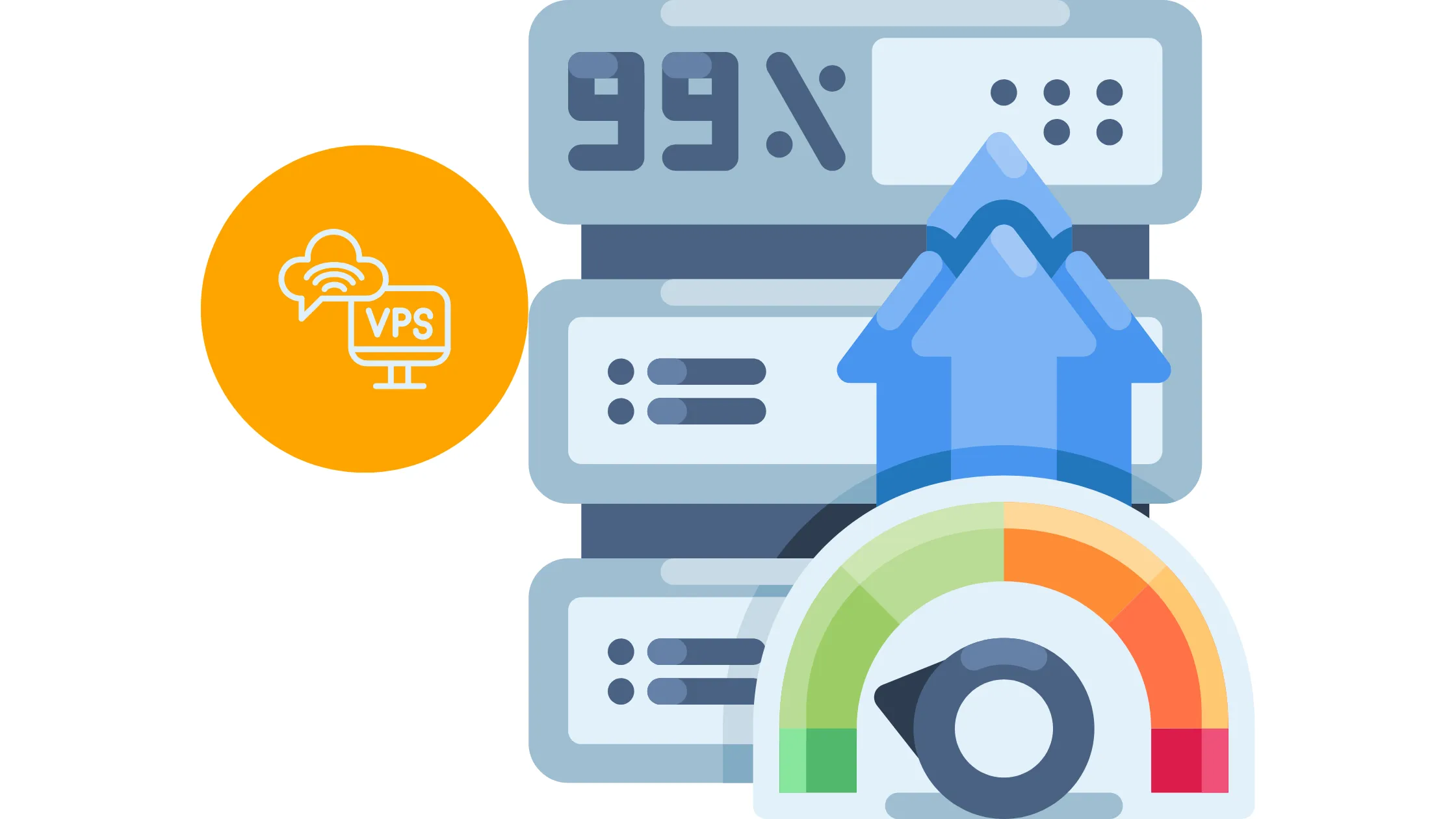
Before anything else, before speed, before price, before any fancy features, the first thing you need to look at when you choose your VPS provider is uptime.
Uptime is simply how often your server is online and working. Think of it like electricity in your house. You don’t notice it when it’s on, but the moment it goes off, everything stops.
If your VPS goes down, your website goes down with it. Your visitors see an error page. If you’re running a shop, you’re losing sales. If you’re running a blog, people bounce and might never come back.
Most good providers promise at least 99.9% uptime. That sounds almost perfect, and it mostly is. However, that percentage still allows for a tiny bit of downtime each year, but it’s manageable. Anything noticeably below that starts causing real problems.
This is your foundation. Everything else builds on top of it.
2) Evaluate Server Performance and Speed
Once you’re satisfied with uptime, the next thing to dig into is performance. Because even a server that’s always online isn’t worth much if it loads your pages at a snail’s pace.
When you choose you VPS provider, you’re essentially choosing how fast your website responds to visitors. And two things have the biggest impact on that: storage and CPU.
Storage is where all your website files, images, databases, and content live.
- Old-school hard drives (called HDDs) are slow, like searching through a filing cabinet by hand.
- Newer storage types, SSD and NVMe, are much faster, more like having a searchable digital folder that pulls up exactly what you need instantly.
- NVMe is the fastest of the bunch, by the way.
So when comparing plans, always look for SSD or NVMe storage.
CPU is the brain of the operation. Every time a visitor lands on your page, the CPU processes that request. A weak or overloaded CPU means it takes longer to handle those requests, especially when multiple people visit at the same time.
So to keep things simple: fast storage plus a strong CPU equals a fast website. When you choose your VPS provider, make sure both of those are solid.
3) Match Resources to Your Needs
Okay, so here’s where a first-time VPS user can go wrong. You either pick a plan that’s way too small and wonder why your site still lags, or you go way too big and end up paying for resources you never use. Neither of those is great.
When you choose your VPS provider, you’ll be picking a plan based on four main resources: RAM, CPU, storage, and bandwidth.
Let’s break those down quickly.
- RAM is your server’s short-term memory. It’s what allows your site to handle multiple visitors at once without losing track of what it’s doing.
- CPU processes all the tasks.
- Storage holds your actual website files.
- Bandwidth controls how much data can flow between your server and your visitors. Think of it like the width of a road. More bandwidth means more cars (visitors) can travel smoothly at the same time.
If any of these are too low, your site becomes slow or unstable. Too high and you’re just burning money. The sweet spot is finding a provider that offers flexible, scalable plans so you only pay for what you actually need right now, with the ability to upgrade later.
Matching your resources to your workload is one of the smartest moves you can make when you choose your VPS provider.
4) Choose Between Managed vs. Unmanaged VPS
This one is really important, especially if you’re not a super technical person. When you choose your VPS provider, you’ll almost always see two types of plans: managed and unmanaged. And the difference between them is huge.
A managed VPS is basically like renting a car with a driver. The provider handles the technical stuff, software updates, security patches, and server maintenance, so you don’t have to. If something breaks on the server side, they fix it.
This is a great option if you’re new to VPS hosting or simply don’t want to spend your time learning server administration.
An unmanaged VPS, on the other hand, is like renting just the car. You drive it yourself. You install everything, you manage security, you troubleshoot issues. It gives you total freedom and control, but it requires real technical knowledge to do well.
So before you choose your VPS provider, be honest with yourself about your skill level and how much time you want to spend managing server stuff. If the answer is “not much,” go managed. If you’re a developer who loves having full control, unmanaged might actually be more appealing.
5) Check Customer Support Quality
Here’s one you can often overlook until the moment you desperately need it, and by then, it’s too late to switch. Customer support matters a lot more than most people give it credit for.
- Servers can have issues.
- Websites can go down unexpectedly.
- Configurations can break.
When that happens at 2 am on a Sunday, you want to know that someone is available to help you fix it quickly. So when you choose a VPS provider, pay close attention to what kind of support they offer.
Look for 24/7 availability. Check whether they have live chat, because waiting hours for an email reply when your site is down is not fun. Read through some reviews and see what users say about response times and how helpful the support team actually is.
A provider with fast, knowledgeable support can save you hours of stress and lost revenue. Don’t skip this step.
6) Consider Server Location

This one surprises a lot of people, but where your server is physically located has a real impact on how fast your site loads for your visitors.
Here’s why.
When someone visits your website, their browser sends a request to your server, and the server sends data back. That data travels through cables and networks, and the farther it has to travel, the longer it takes. This delay is called latency.
So when you choose a VPS provider, try to pick one with data centers that are close to where most of your visitors live. If your audience is mainly in the US, a server based in the US will serve them faster than one based in Asia or Europe. If you’re targeting a global audience, look for providers with multiple data center locations so you can pick the best one.
Even a genuinely powerful server can feel slow to users if it’s sitting halfway around the world from them. Location is one of those small details that makes a noticeable difference.
7) Review Security Features
Let’s talk about security, because this is something you need to take seriously as a website owner, and not just the big businesses. Hackers don’t discriminate. Small websites get targeted all the time.
When you choose a VPS provider, look carefully at what security features are included in your plan. There are three big ones to look for.
- First, a firewall.
This is a digital barrier that monitors incoming and outgoing traffic and blocks anything suspicious before it reaches your server. Think of it like a security guard at the door.
- Second, backups.
These are automatic copies of your website saved regularly so that if something goes wrong, a hack, an accidental deletion, or a server issue, you can restore your site to a recent version instead of losing everything.
- Third, DDoS protection.
DDoS stands for Distributed Denial of Service, which is a type of attack where someone floods your server with fake traffic to overwhelm and crash it. Good providers have tools in place to detect and block these attacks automatically.
Security features are one of the most important things to check when you choose your VPS provider. Don’t assume they’re included. Always confirm.
8) Check Scalability Options
Here’s something worth thinking about even before you need it: growth. Hopefully, your website is going to get bigger, attract more visitors, and need more resources over time.
The question is whether your hosting can keep up.
When you choose your VPS provider, look at how easy it is to upgrade your plan. Ideally, you should be able to add more RAM, more CPU power, or more storage without having to migrate everything to a completely different server.
That kind of migration is time-consuming, stressful, and can cause downtime.
Scalability, which means the ability to grow your resources smoothly, is a feature that saves you a lot of headaches down the road. Even if your site is small right now, pick a provider that makes it easy to scale up when the time comes.
9) Compare Pricing with Actual Value
Alright, let’s talk money. Price absolutely counts big time, but it shouldn’t be the only thing driving your decision. This is one of the most common mistakes people make when they choose your VPS provider.
The cheapest plan on the list might look great until you notice that it has weak performance, limited support, or no security features. Then that “great deal” starts to cost you in other ways, slow load times, a hacked site, or hours spent troubleshooting issues that a better provider would have prevented.
On the flip side, the most expensive option isn’t automatically the best one either. Sometimes you’re just paying for a brand name.
The right approach is to think about value.
- What are you actually getting for the price you’re paying?
- Strong uptime?
- Good speed?
- Solid support?
- Security features?
- Flexible resources?
When you find a plan that checks all those boxes at a reasonable price, that’s your sweet spot.
10) Look at Control and Customization

Last but not least, think about how much control you want over your server environment.
Some providers give you full root access. Root access means you can go deep into the server’s settings and change just about anything: the software running on it, the configurations, the security rules. It’s powerful, and it’s great for developers or anyone who wants complete flexibility.
Other providers offer more of a guided experience with a control panel, a user-friendly dashboard where you can manage your website, files, and settings without needing to know any server commands. This is much more beginner-friendly.
Neither option is better or worse. It all depends on what you’re comfortable with. When you choose a VPS provider, just make sure you’re picking one that matches your preferred level of involvement.
Make the Right VPS Choice Without Guesswork
Let’s bring it all together. To choose your VPS provider confidently, you don’t need to be a server expert. You just need to go through these ten factors, match each one to your situation, and the right choice becomes pretty clear.
- Start with uptime
- Move to performance
- Match your resources to your workload
- Decide how much management you want
- Check support quality
- Think about server location and security.
- Plan ahead for scalability.
- Look at value over price.
- Figure out how much control you actually want.
When every one of those boxes is checked, you end up with a VPS that works quietly in the background, keeps your site fast and secure, and grows with you over time.
With Truehost, all of those boxes are already checked. You get reliable uptime, strong performance, scalable plans, solid security, and real support whenever you need it.
Start small, scale up as your traffic grows, and never deal with the stress of unreliable hosting again.
If you are ready to stop dealing with slow servers and unstable hosting, this is the point where you act. Get the best reliable VPS for your setup NOW!